Question

PDF created via PDF.co not printing via Ezeep returns "jobid"

  • August 31, 2023
  • 10 replies
  • 114 views

Fabian von Kannen

Hi, 


I try to create a pdf out of an asana task and print in our warehouse. 


I create the pdf via pdf.co and i can send it via mail but i am not able to get it printed. 
If i use the URL in ezeep it returns “ jobid” but nothing is printed. I tested the ezeep software via the website it the printer worked. Has anyone an advise how to print the pdf? 

The printer are connected to an window server. 

This post has been closed for comments. Please create a new post if you need help or have a question about this topic.

10 replies

Troy Tessalone
Zapier Orchestrator & Solution Partner
Forum|alt.badge.img+14
  • Zapier Orchestrator & Solution Partner
  • August 31, 2023

Hi @Fabian von Kannen 

Good question.

We would need to see detailed screenshots with how your Zap steps are configured.


Fabian von Kannen

Hi, 
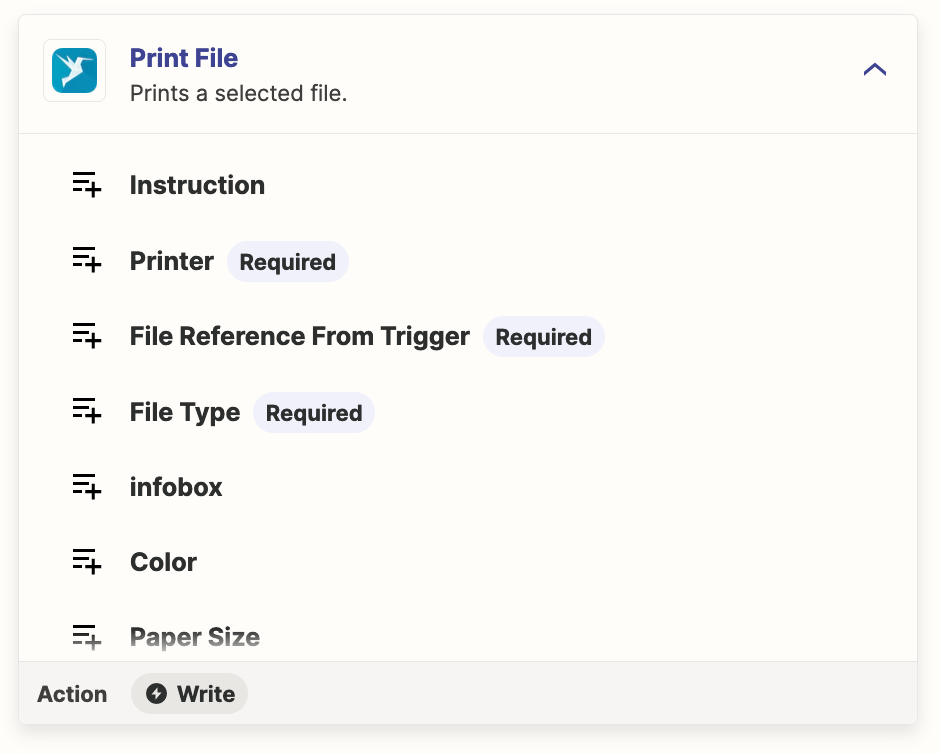
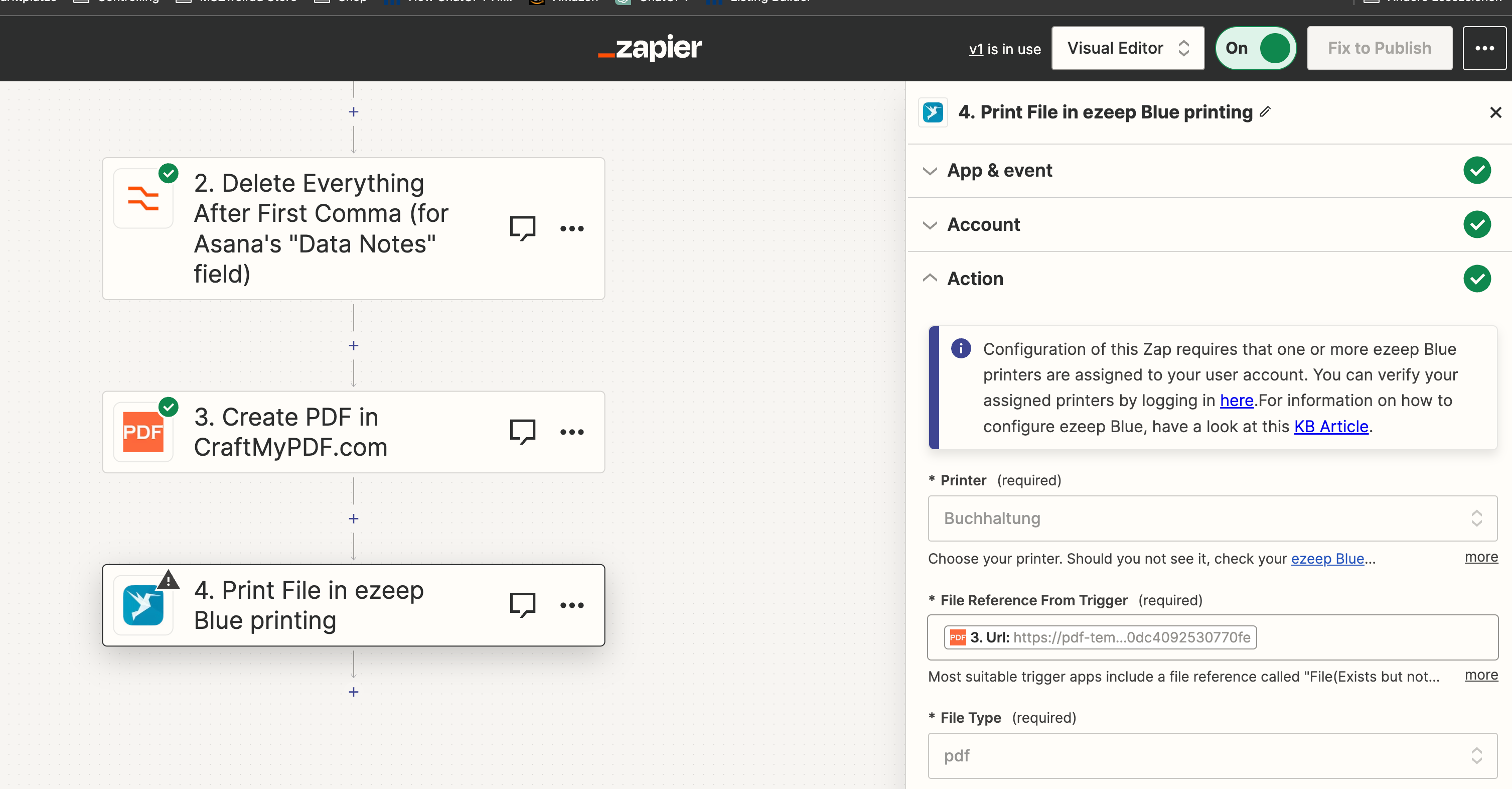
I think the problem is the “File Reference”


i attach a screenshot


Fabian von Kannen

r


Troy Tessalone
Zapier Orchestrator & Solution Partner
Forum|alt.badge.img+14
  • Zapier Orchestrator & Solution Partner
  • August 31, 2023

@Fabian von Kannen 

The URL needs to be a publicly accessible direct download link.

You can check by copy/paste into a browser to see if it starts a file download.

The URL may expire, so make sure to retest step 3 and then test step 4.


Fabian von Kannen

The url is public accessible and downloads a pdf file. 

Now i get 

Failed to create a file in ezeep Blue printing

The app returned "404".


Troy Tessalone
Zapier Orchestrator & Solution Partner
Forum|alt.badge.img+14
  • Zapier Orchestrator & Solution Partner
  • August 31, 2023

@Fabian von Kannen 

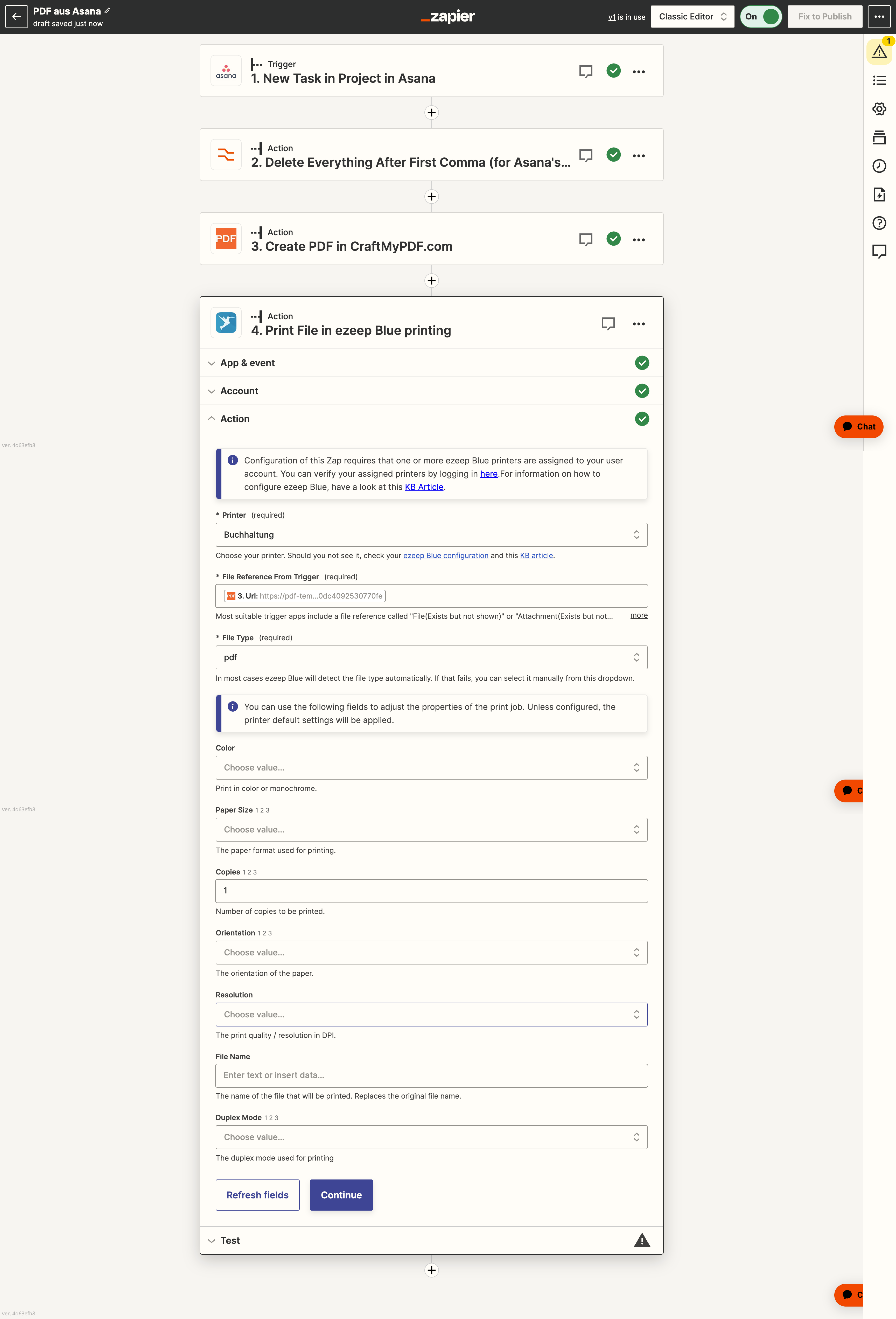
Can you post screenshots with how all the other fields of the Zap step 4 are configured?


Fabian von Kannen


Troy Tessalone
Zapier Orchestrator & Solution Partner
Forum|alt.badge.img+14
  • Zapier Orchestrator & Solution Partner
  • August 31, 2023

@Fabian von Kannen

You may need to try to reach out to ezeep Blue Support for help troubleshooting.


Error 404 is a client-side issue indicating the requested URL can't be found on the server.
It may occur because of several reasons, such as the domain is not pointed correctly, a broken .htaccess file, or misconfigured file permissions.


Fabian von Kannen

Ok I’ll try. Are there any other solutions you prefer for printing pdfs on a local printer?


Troy Tessalone
Zapier Orchestrator & Solution Partner
Forum|alt.badge.img+14
  • Zapier Orchestrator & Solution Partner
  • August 31, 2023

@Fabian von Kannen 

That’s the only one I know of with a Zap app.

You can check these other Printing Zap apps: https://zapier.com/apps/categories/printing