Best answer

Outlook “Cancelled Calendar Event” trigger doesn’t allow selecting a specific calendar

  • October 21, 2025
  • 11 replies
  • 79 views

Forum|alt.badge.img

Hi everyone! 👋

I’ve run into a strange issue while trying to set up an integration between Outlook and my CRM.
One of my use cases is handling meeting cancellations.

In Zapier, there’s a trigger called “Cancelled Calendar Event” — which is great — but unlike other Outlook triggers, it doesn’t have a calendar selection option in the setup.

This is a problem for me because I have multiple calendars connected, and I only need to track cancellations from a specific one. Right now, it seems the “Cancelled Calendar Event” trigger always watches the main calendar, which causes a bunch of errors and incorrect automation behavior.

In other Outlook triggers (like “New Event” or “Updated Event”), there’s a dropdown to choose which calendar to use. Is there any workaround or plan to make this consistent for the cancellation trigger too?

Thanks a lot in advance! 

Best answer by WaveMax

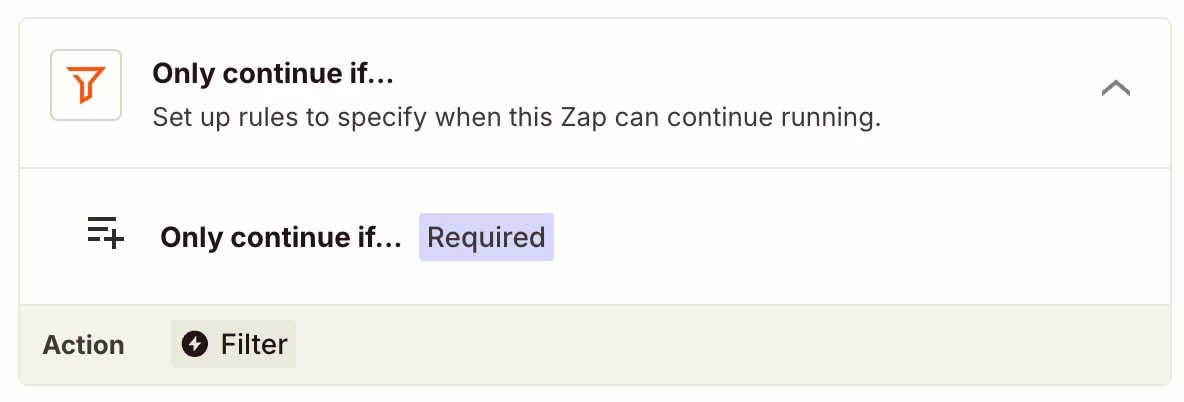
@KingJef  Thank you for joining the discussion! You’re absolutely right, there’s nothing more to add on that front. Cancellation simply doesn’t work natively. For my solution, I resolved the issue by using the Updated Calendar trigger, followed by a Filter, and then an update to the CRM.

11 replies

Sparsh from Automation Jinn
Forum|alt.badge.img+6

Hey ​@WaveMax,

Try using Filter action in Zapier to filter for specific calendars. See more about it here- https://help.zapier.com/hc/en-us/articles/8496276332557-Add-conditions-to-Zaps-with-filters


Hope it helps!


  • Beginner
  • October 23, 2025

okay but where are you supposed to get the calendar ID.  
There is no calendar ID in the response or the calendar name​@Sparsh from Automation Jinn 


Troy Tessalone
Zapier Orchestrator & Solution Partner
Forum|alt.badge.img+14
  • Zapier Orchestrator & Solution Partner
  • October 24, 2025

Hi ​@WaveMax 

Some options to explore:

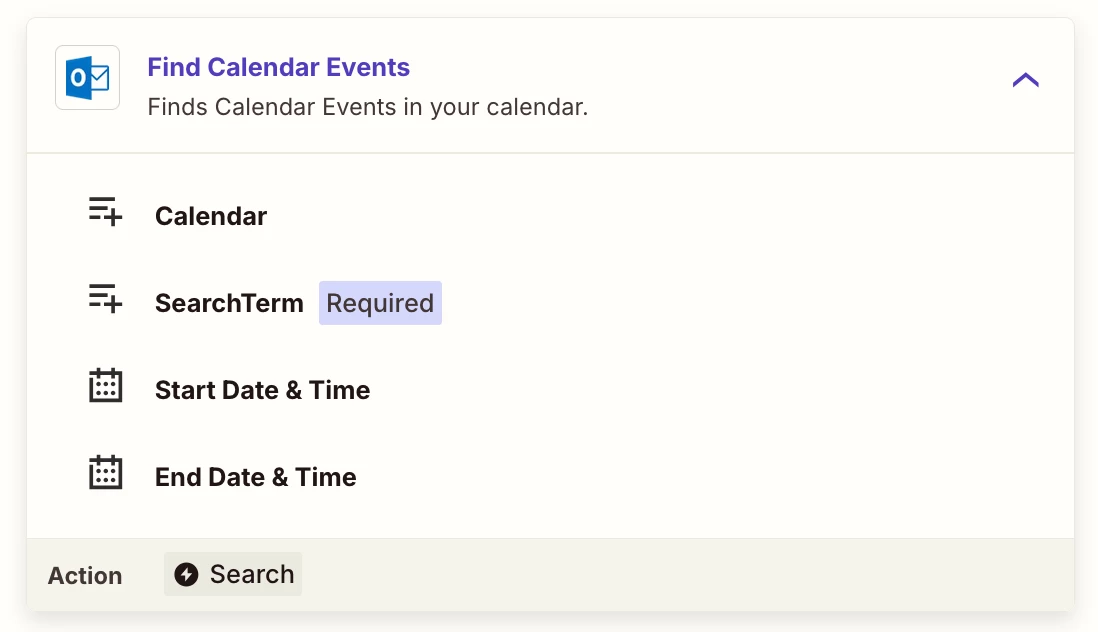
  • Add a Zap step to find the calendar event to by ID to see if that returns the Calendar to then filter by
  • Search for the event on a known calendar
    • if found, then you know it’s related to that Calendar
    • if not found, then you know it’s not related to that Calendar
  • Include a data point in the Event Title or Description to indicate the calendar, then filter by that


  • Beginner
  • October 24, 2025

The logic is still wrong and won’t work
The cancelled event will only reads the primary calendar

so if an event is cancelled outside your calendar or shared calendar, it will not trigger any action (the trigger is cancelled event of primary calendar since you cannot select the calendar)
so using find calendar is pointless since what we want to track is the event cancelled of a particular shared calendar

@Troy Tessalone 
@Sparsh from Automation Jinn 


Troy Tessalone
Zapier Orchestrator & Solution Partner
Forum|alt.badge.img+14
  • Zapier Orchestrator & Solution Partner
  • October 24, 2025

@KingJef 

Did you try this suggested approach?

  • Include a data point in the Event Title or Description to indicate the calendar, then filter by that

  • Beginner
  • October 24, 2025

Yes, remember that the outlook cancelled trigger only triggers  the primary calendar  not the shared calendar
so if Calendar B(shared)cancelled an event how will you trigger Find Calendar  if it only supports Calendar A is cancelled

@Troy Tessalone 
@Sparsh from Automation Jinn 


Troy Tessalone
Zapier Orchestrator & Solution Partner
Forum|alt.badge.img+14
  • Zapier Orchestrator & Solution Partner
  • October 24, 2025

@KingJef 

Have you tried connecting the Outlook accounts that own each Calendar instead of trying to rely on shared Calendars?
e.g. Outlook account A owns Calendar X
e.g. Outlook account B owns Calendar Y

2 Zaps can then be configured to trigger from each Calendar.


  • Beginner
  • October 24, 2025

@Troy Tessalone  that can be done but that's not the point the reason we used shared calendar is not to do that,  one account cleaner make it easier for integration. Let say we have 100 shared calendar, then we have to connect all of them. Did that make sense ?


Troy Tessalone
Zapier Orchestrator & Solution Partner
Forum|alt.badge.img+14
  • Zapier Orchestrator & Solution Partner
  • October 24, 2025

@KingJef

You can try opening a ticket with Zapier Support to see if they can offer any guidance or clarify if that’s a limitation of that Outlook trigger: https://zapier.com/app/get-help


Forum|alt.badge.img
  • Author
  • Beginner
  • Answer
  • October 29, 2025

@KingJef  Thank you for joining the discussion! You’re absolutely right, there’s nothing more to add on that front. Cancellation simply doesn’t work natively. For my solution, I resolved the issue by using the Updated Calendar trigger, followed by a Filter, and then an update to the CRM.


SamB
Community Manager
Forum|alt.badge.img+11
  • Community Manager
  • October 30, 2025

Thanks so much for sharing how you solved this ​@WaveMax! 🤗 

I looked into it and it seems the Updated Calendar Event trigger is a polling trigger rather than an instant (webhook-based) trigger. Unlike the Cancelled Calendar Event trigger which is an instant trigger. With webhook subscriptions (used by instant triggers) it seems Microsoft doesn’t allow subscriptions to change notifications on items in shared or delegated folders. So that’s potentially why the Cancelled Calendar Event trigger only fires for events on the main calendar of the connected account and you can’t select other accounts.

I’d suggest reaching out to our Support team to put in a feature request to get a polling trigger version of the Cancelled Calendar Event trigger added that would be able to allow you to limit it to trigger from certain calendars only. In the meantime, hopefully WaveMax’s approach will work for you as well ​@KingJef. 🤞