Answer

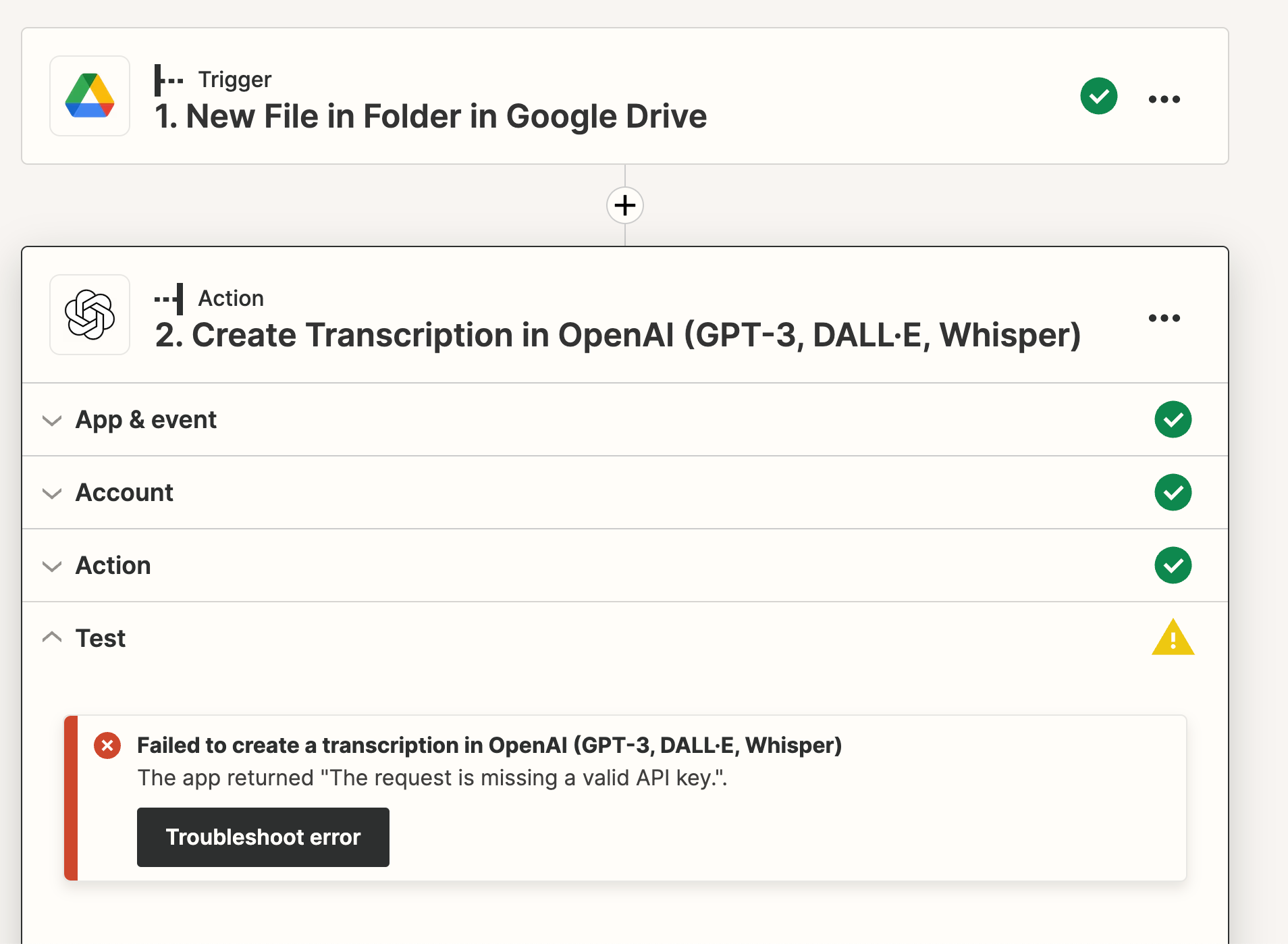
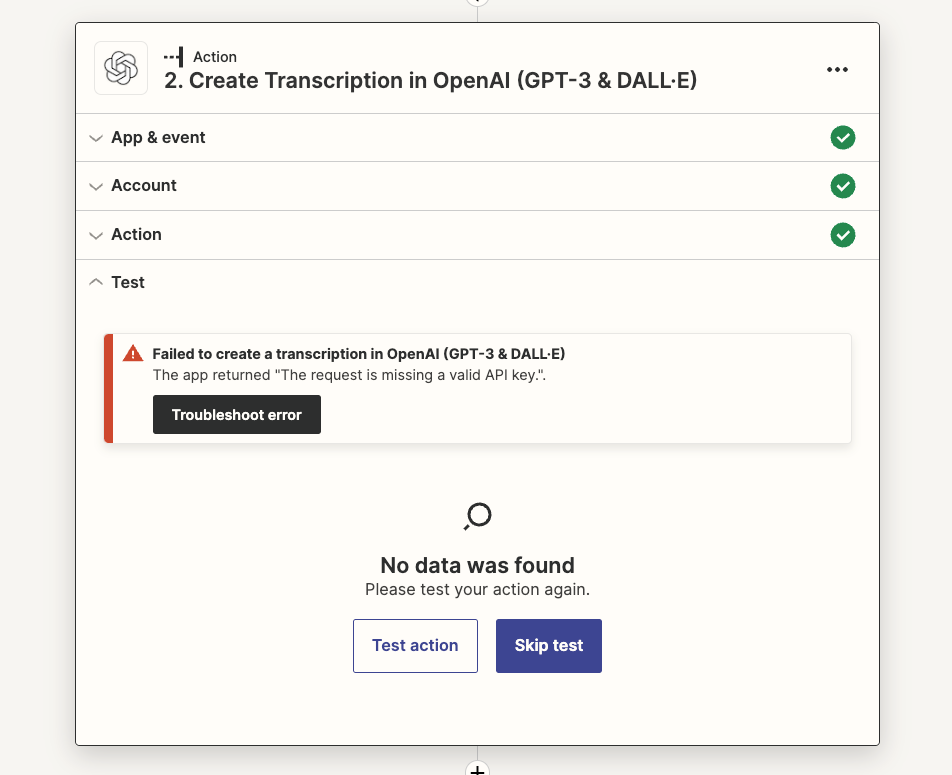
OpenAI The app returned "The request is missing a valid API key.".

  • April 27, 2023
  • 5 replies
  • 698 views

This post was split from topic: 


It is asking me to add my API key, which it already has…. Any ideas how to fix that issue?
 

Best answer by ken.a

Hi there @Teapot,

I did some digging into this, and it seems like the OpenAI “Create Transcription” action is quite picky on what kind of data is mapped on the “File” field. Are you currently using a URL in the "File" field? If that's the case, could you please try mapping the actual file object instead? It should be in this format:

e1e95af58e05611eec8ba8ea1217f439.png
(view larger)

Also, please ensure that the File on your Google Drive is publicly accessible. More about this here: https://help.zapier.com/hc/en-us/articles/8496288813453-Send-files-in-Zaps

Please give that a try, and keep us posted! 😊

This post has been closed for comments. Please create a new post if you need help or have a question about this topic.

5 replies

ken.a
Forum|alt.badge.img+6
  • Zapier Staff
  • April 28, 2023

Hey there @gorilla,

I have split your reply as a new post since you’re running into a different error. That said, before we dig deeper into this, could you please share a detailed screenshot with how your Zap is configured? Please don’t include/blur out any personal information in the screenshot.

Thanks! 😊


Teapot
  • New
  • June 9, 2023


Hey there @gorilla,

I have split your reply as a new post since you’re running into a different error. That said, before we dig deeper into this, could you please share a detailed screenshot with how your Zap is configured? Please don’t include/blur out any personal information in the screenshot.

Thanks! 😊


I am having the same issue. I set up a folder in Google drive. When I test it, the system sees the m4a file in google drive trigger. 


In the OpenAi Action (i want to use whisper for transcription) however I get stuck when the system check the API. 
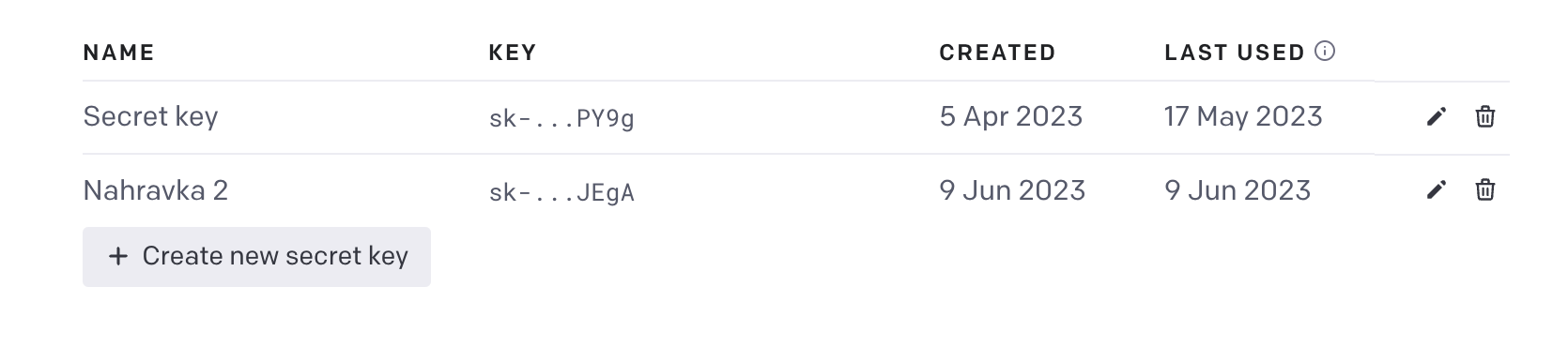
The API is correct because even OpenAI detects it was connected (Created 9 Jun, last used 9 Jun).

Where could be the issue?


ken.a
Forum|alt.badge.img+6
  • Zapier Staff
  • Answer
  • June 9, 2023

Hi there @Teapot,

I did some digging into this, and it seems like the OpenAI “Create Transcription” action is quite picky on what kind of data is mapped on the “File” field. Are you currently using a URL in the "File" field? If that's the case, could you please try mapping the actual file object instead? It should be in this format:

e1e95af58e05611eec8ba8ea1217f439.png
(view larger)

Also, please ensure that the File on your Google Drive is publicly accessible. More about this here: https://help.zapier.com/hc/en-us/articles/8496288813453-Send-files-in-Zaps

Please give that a try, and keep us posted! 😊


Teapot
  • New
  • June 9, 2023

Hi there @Teapot,

I did some digging into this, and it seems like the OpenAI “Create Transcription” action is quite picky on what kind of data is mapped on the “File” field. Are you currently using a URL in the "File" field? If that's the case, could you please try mapping the actual file object instead? It should be in this format:

e1e95af58e05611eec8ba8ea1217f439.png
(view larger)

Also, please ensure that the File on your Google Drive is publicly accessible. More about this here: https://help.zapier.com/hc/en-us/articles/8496288813453-Send-files-in-Zaps

Please give that a try, and keep us posted! 😊

It actually worked. I edited the access and change the data to File and it seemed to work. 

Thank you very much.


ken.a
Forum|alt.badge.img+6
  • Zapier Staff
  • June 9, 2023

Hi @Teapot,

Awesome! I’m glad that worked!

If you have any other questions, please don’t hesitate to ask in the Community. We’re always happy to help! 😊