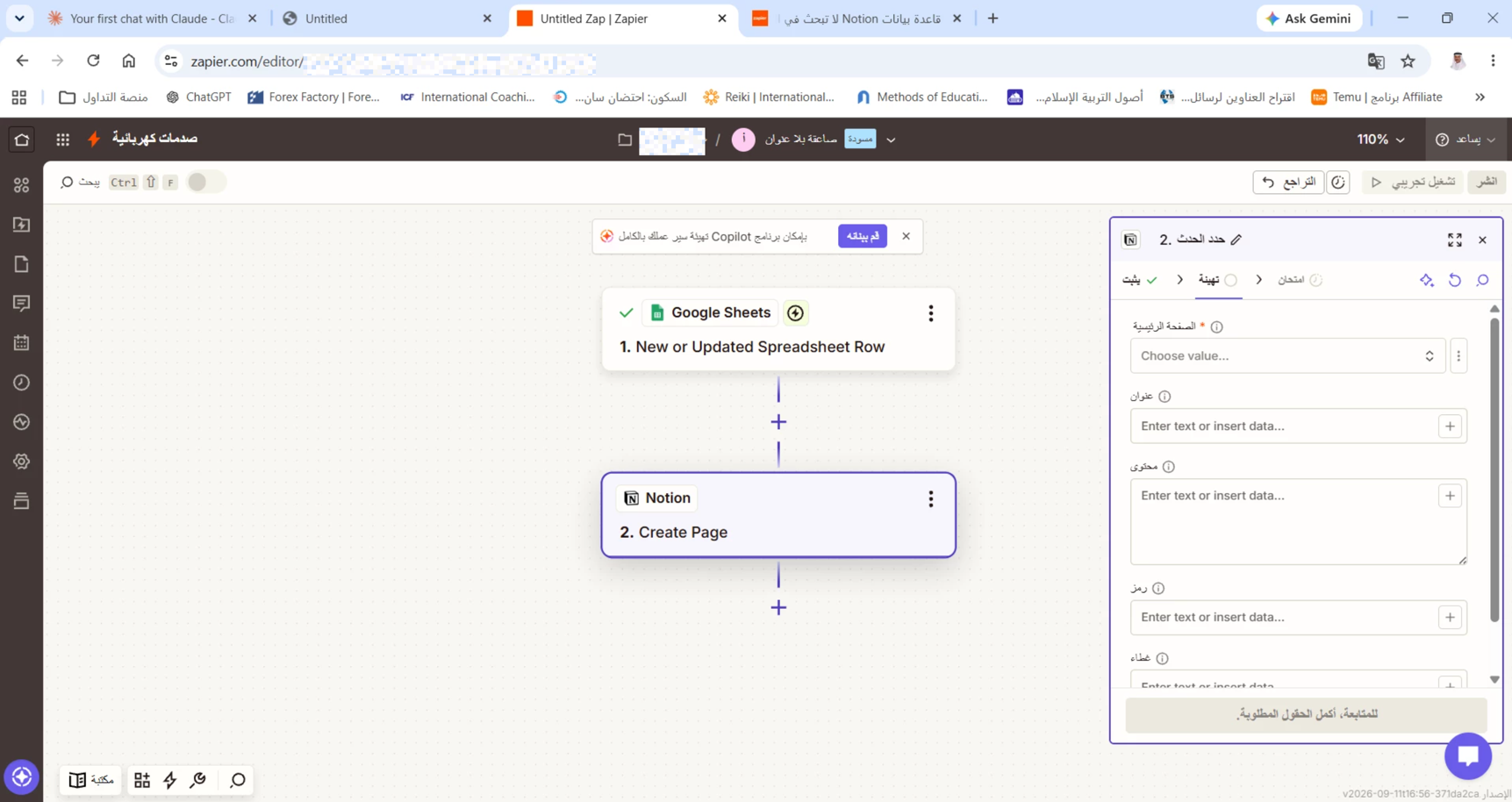
لدي Zap يربط Google Sheets بـ Notion (خطوة Create Page). قاعدة بيانات Notion المستهدفة مصرح بوصول Zapier إليها بوضوح حسب صفحة Connections في Notion نفسها (Settings → Connections → Zapier)، لكنها لا تظهر أبداً في حقل Parent Page عند إعداد الخطوة - يظهر "لا توجد خيارات متاحة (0 results)".
جربت: حذف الربط وإعادته عدة مرات (حسابات متعددة)، إلغاء ربط Zapier بالكامل من جانب Notion وإعادته، إنشاء Zap جديد بالكامل من الصفر. المشكلة مستمرة رغم كل المحاولات.
هل هذه مشكلة معروفة في تكامل Notion، وهل هناك حل بديل؟
Moderator edit to include translation of original message:
I have a Zap connecting Google Sheets to Notion (using the "Create Page" step). Zapier has explicit access to the target Notion database—confirmed on the "Connections" page within Notion (Settings → Connections → Zapier)—yet the database never appears in the "Parent Page" field during step setup; instead, it shows "No options available (0 results)."
I have tried: deleting and re-establishing the connection multiple times (across different accounts), completely disconnecting and reconnecting Zapier from the Notion side, and creating a brand-new Zap from scratch. The issue persists despite all these attempts.
Is this a known issue with the Notion integration, and is there a workaround?