Answer

Not extracting email address from Google Form

  • January 29, 2024
  • 9 replies
  • 70 views

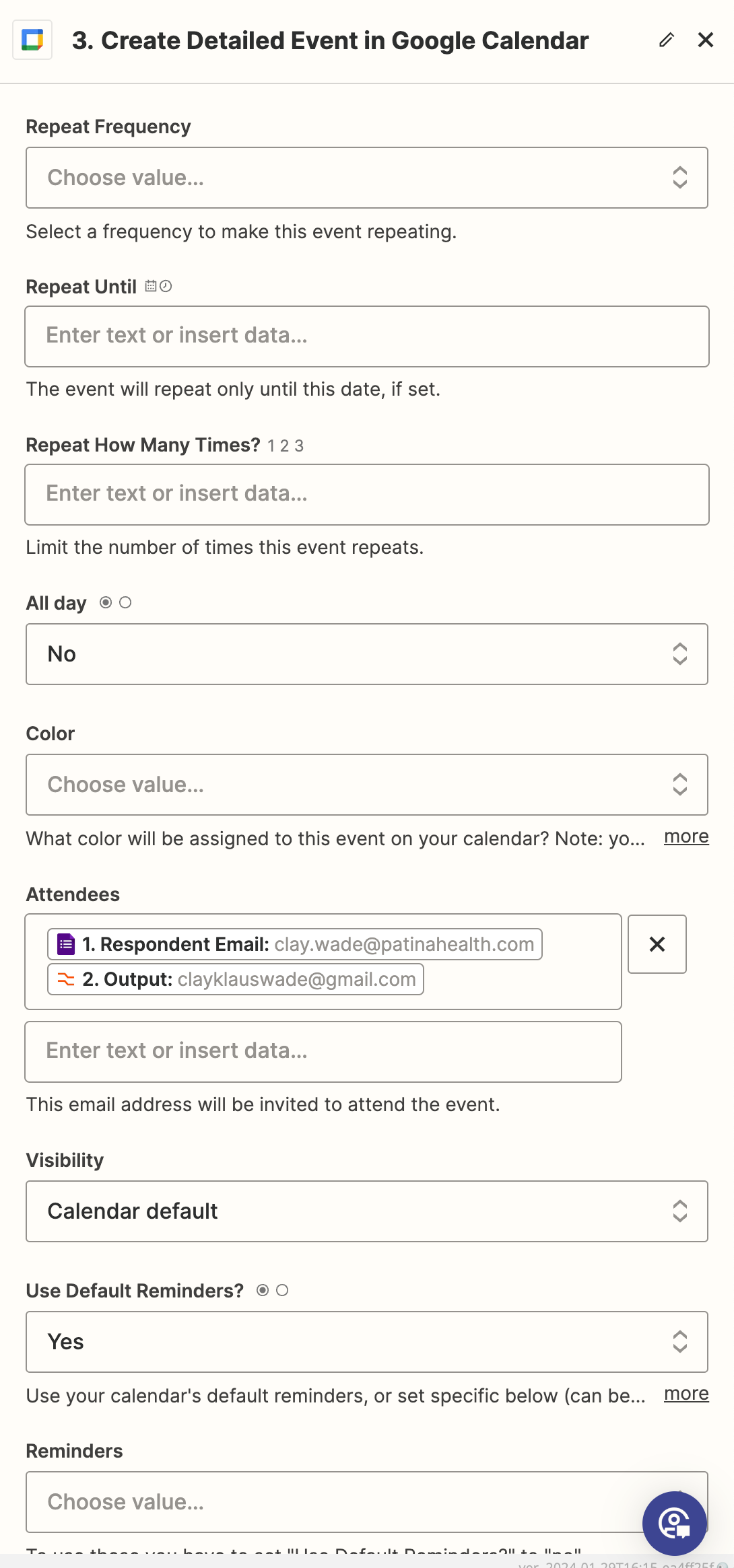
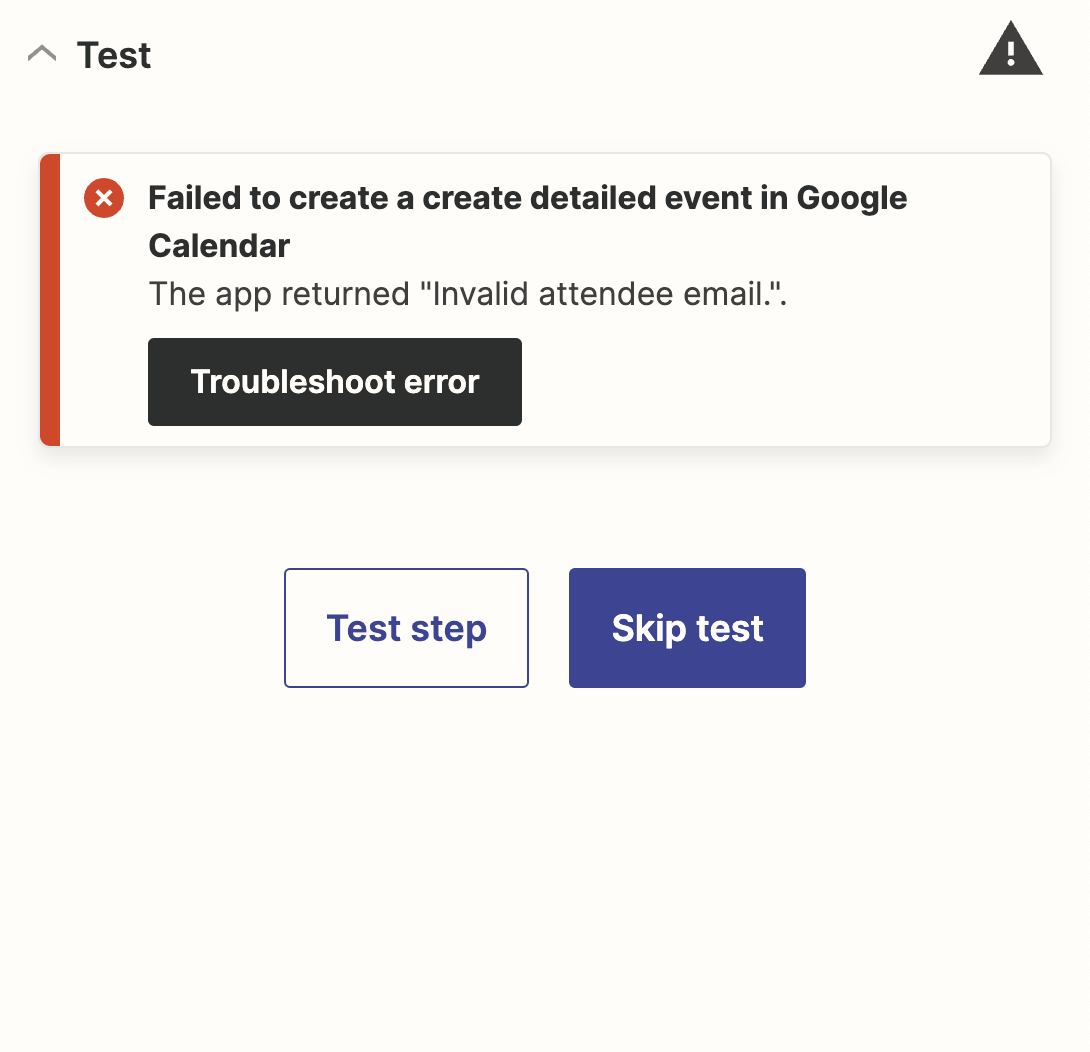
My zap connects data input into a Google Form and creates a Google Calendar event with it. I utilized the Beta AI tool to extract an email address from one of the Google Form fields to be added as an invited guest to the Google Calendar event that the zap is creating, but it keeps returning an error.

Best answer by Troy Tessalone

@ckw2790 

Couple issues…

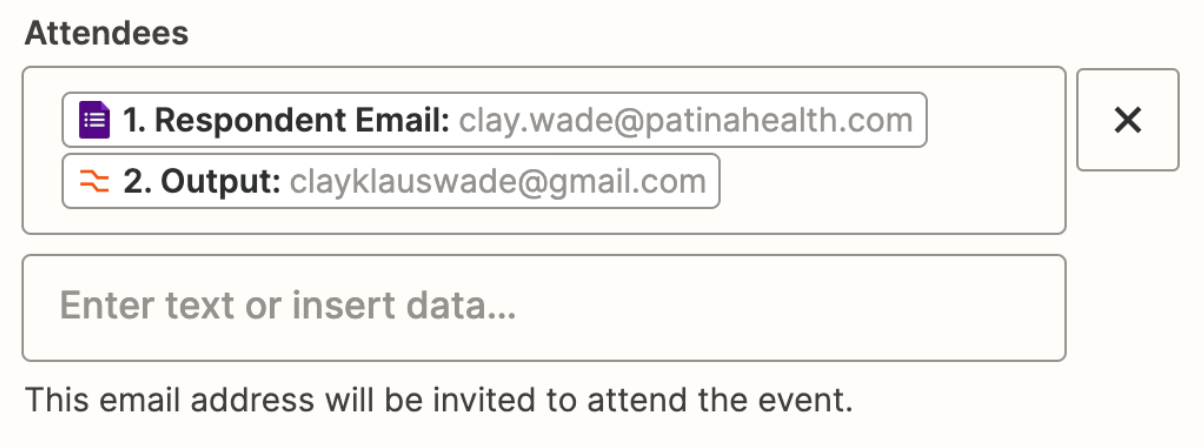
  1. Attendees need to be separated with commas OR in separate input fields
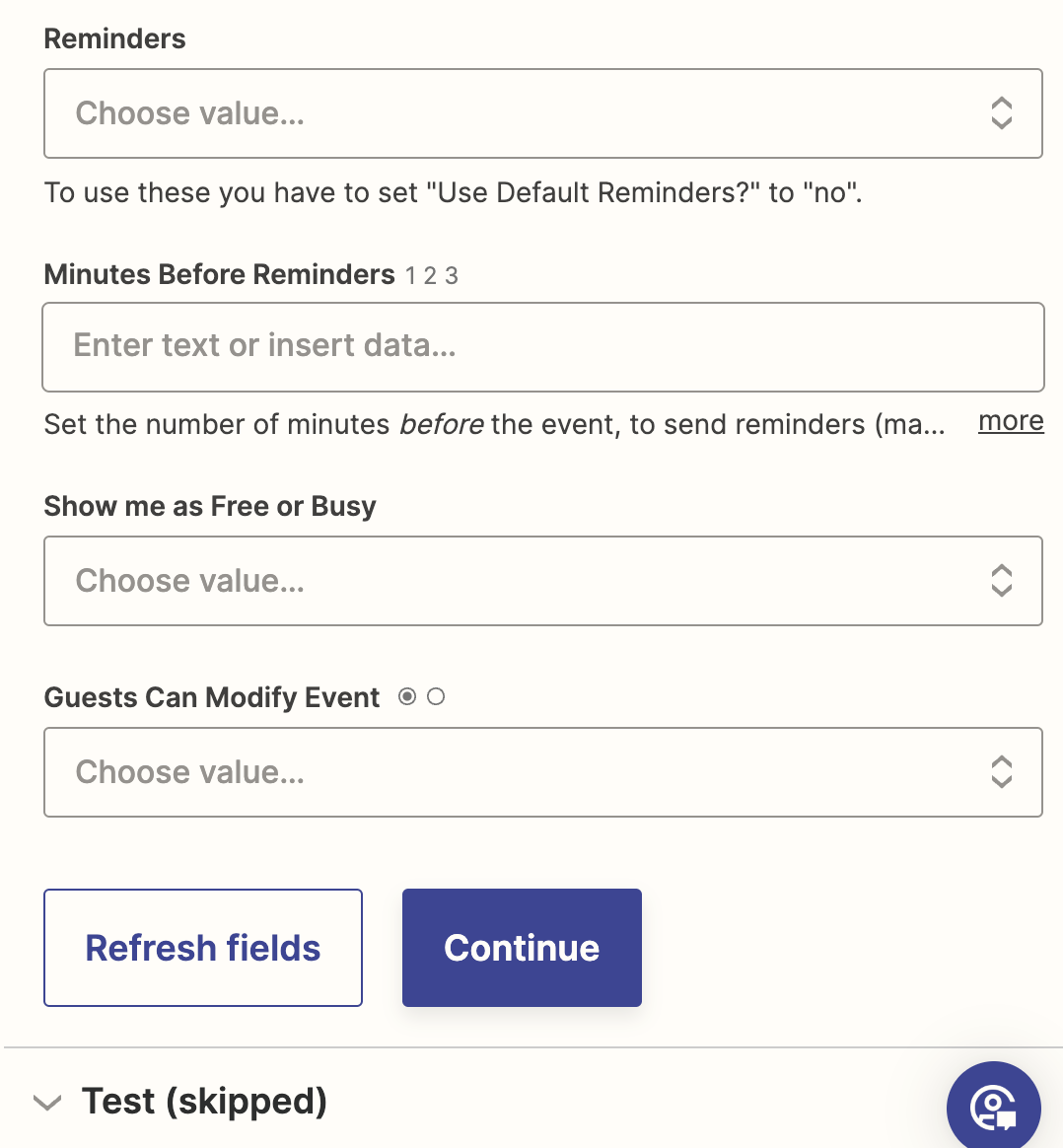
  2. The variables mapped for the Event Start/End will create a concatenated value that is not a valid timestamp.
    1. Check the field description for guidance


This post has been closed for comments. Please create a new post if you need help or have a question about this topic.

9 replies

Troy Tessalone
Zapier Orchestrator & Solution Partner
Forum|alt.badge.img+14
  • Zapier Orchestrator & Solution Partner
  • January 29, 2024

Hi @ckw2790 

For us to have full context, please post screenshots with how your Zap steps are configured.


Formatter > Text > Extract Email Address


  • Author
  • New
  • January 29, 2024

@Troy Tessalone 


I did end up doing the test - the results are in the next screenshot


Troy Tessalone
Zapier Orchestrator & Solution Partner
Forum|alt.badge.img+14
  • Zapier Orchestrator & Solution Partner
  • Answer
  • January 29, 2024

@ckw2790 

Couple issues…

  1. Attendees need to be separated with commas OR in separate input fields
  2. The variables mapped for the Event Start/End will create a concatenated value that is not a valid timestamp.
    1. Check the field description for guidance


  • Author
  • New
  • January 29, 2024

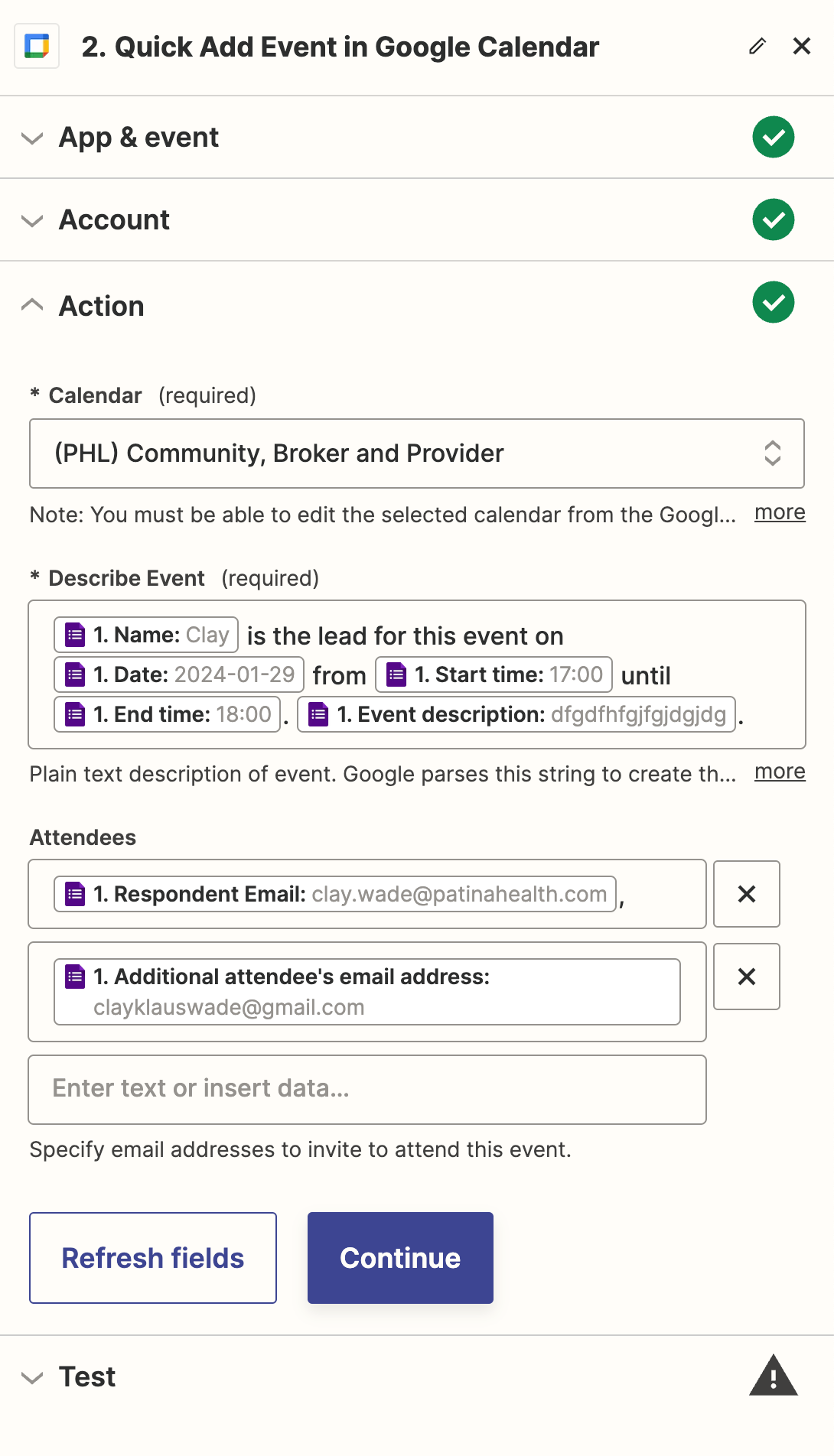
Thank you @Troy Tessalone and pardon my further questions - this is my first attempt at setting up a zap. I’ve deleted that “Output” and, in the box below that says “Enter text or insert data...” I selected the question on the form that asks for an additional email address. That didn’t work. I then tried inserting a comma after the “Respondent Email” field, and that also didn’t work.


Troy Tessalone
Zapier Orchestrator & Solution Partner
Forum|alt.badge.img+14
  • Zapier Orchestrator & Solution Partner
  • January 29, 2024

@ckw2790 

We would need to see updated screenshots with how your Zap steps are configured to have full context.


  • Author
  • New
  • January 29, 2024

@Troy Tessalone 


  • Author
  • New
  • January 29, 2024

It’s actually returning the error but then sending the emails correctly anyway.


Troy Tessalone
Zapier Orchestrator & Solution Partner
Forum|alt.badge.img+14
  • Zapier Orchestrator & Solution Partner
  • January 29, 2024

@ckw2790 

Remove the trailing comma.


Troy Tessalone
Zapier Orchestrator & Solution Partner
Forum|alt.badge.img+14
  • Zapier Orchestrator & Solution Partner
  • January 29, 2024

@ckw2790 

The updated screenshot doesn’t show the Start/End fields which could still be formatted incorrectly and causing an issue.