Answer

Not All Columns Showing from Monday Item

  • July 24, 2024
  • 7 replies
  • 242 views

When trying to create/update an item on a board it isn’t showing every single column. Seems to limit the amount being show after 15-20 columns already being shown.

Best answer by Troy Tessalone

@SLM 

Try clicking the [Refresh Fields] button at the top of the Zap step config section.


Are certain column types not showing?

Certain column types may not be supported.


This post has been closed for comments. Please create a new post if you need help or have a question about this topic.


7 replies

Troy Tessalone
Zapier Orchestrator & Solution Partner
Forum|alt.badge.img+14
  • Zapier Orchestrator & Solution Partner
  • July 24, 2024

Hi @SLM 

Make sure the returned Item in the Zap step has values populated in all the desired columns.


  • Author
  • Beginner
  • July 24, 2024

Hi @Troy Tessalone 


I’m not 100% sure what you mean. Should I have a test item that has every value populated in Monday?

I’m concerned about when creating a new item and not being able to populate columns when they aren’t appearing.


Thanks in advance!


Troy Tessalone
Zapier Orchestrator & Solution Partner
Forum|alt.badge.img+14
  • Zapier Orchestrator & Solution Partner
  • Answer
  • July 24, 2024

@SLM 

Try clicking the [Refresh Fields] button at the top of the Zap step config section.


Are certain column types not showing?

Certain column types may not be supported.


  • Author
  • Beginner
  • July 24, 2024

@Troy Tessalone 

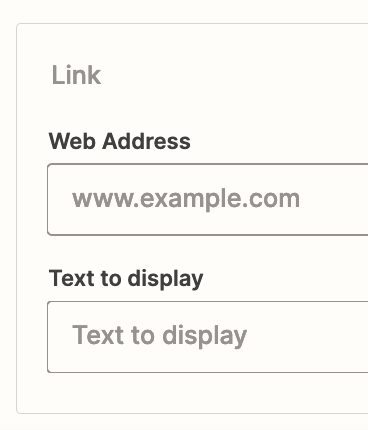
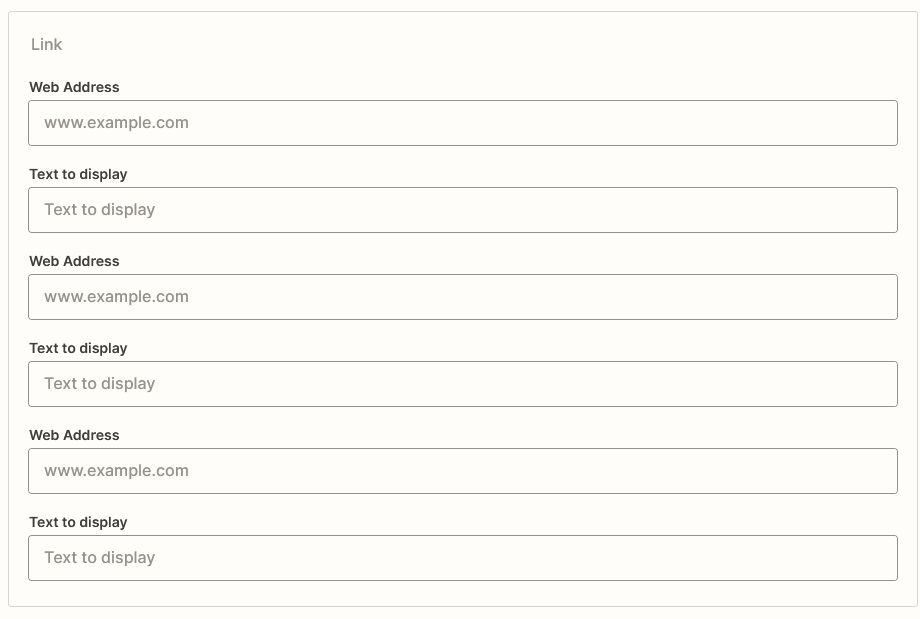
It does seem to be Link and File column types only. So if that’s the case that’s unfortunate, Monday returns the item in JSON format and their support team said that would specifically work for when creating a new item in Zapier.


Any idea of a possible work around?


Troy Tessalone
Zapier Orchestrator & Solution Partner
Forum|alt.badge.img+14
  • Zapier Orchestrator & Solution Partner
  • July 24, 2024

@SLM 

Monday Zap app triggers/actions: https://zapier.com/apps/monday/integrations#triggers-and-actions


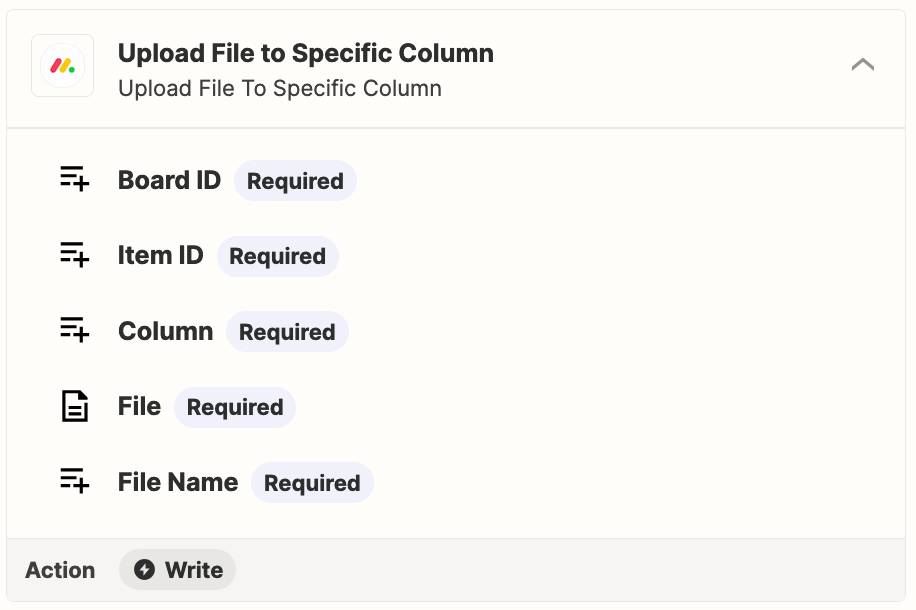
For files, use this Zap action: Monday - Upload File to Specific Column

Help for using files in Zaps: https://zapier.com/help/create/basics/send-files-in-zaps


Troy Tessalone
Zapier Orchestrator & Solution Partner
Forum|alt.badge.img+14
  • Zapier Orchestrator & Solution Partner
  • July 24, 2024

  • Author
  • Beginner
  • July 24, 2024

@Troy Tessalone That file upload might just do the trick, and it is a link column type. I’m seeing it now but because there was no label for exactly what column it was I took it to be one of those additional fields that could cause problems. I’ll play around with both and test which column is which.


Thank you, very much appreciate your help!