Best answer

Need help with linking NeverBounce to Salesforce

  • February 21, 2025
  • 4 replies
  • 39 views

Forum|alt.badge.img

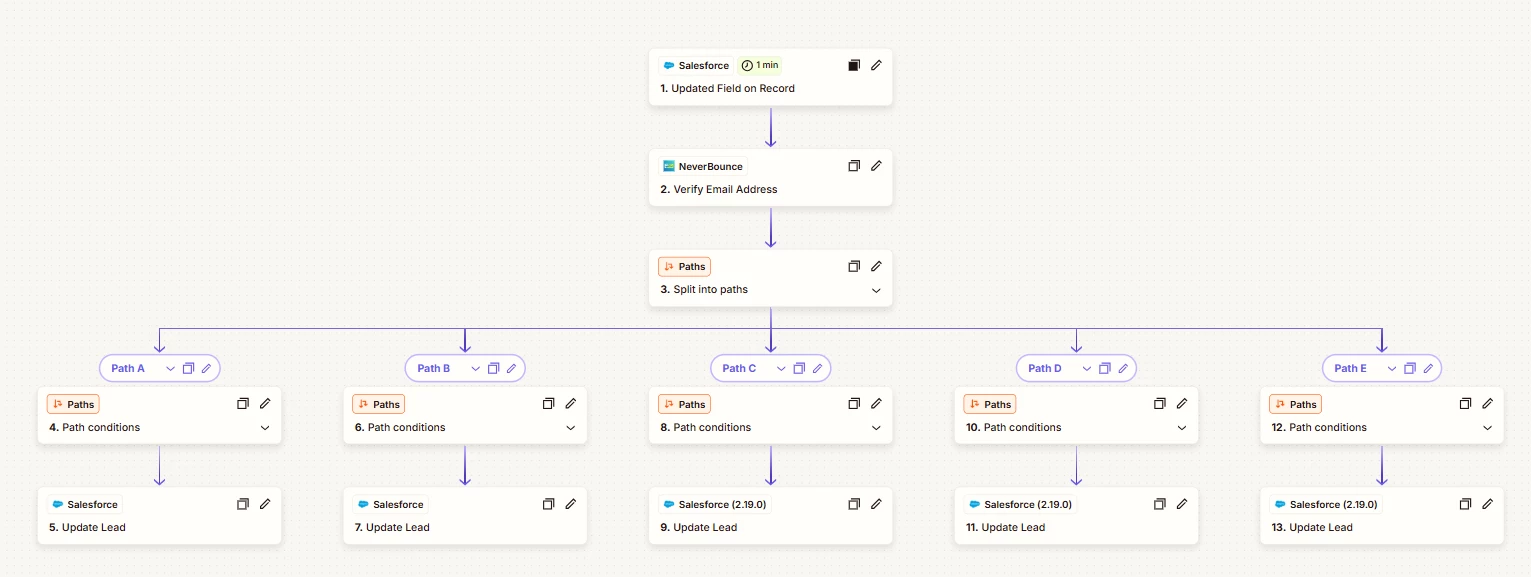
We have created a zap which is shown below

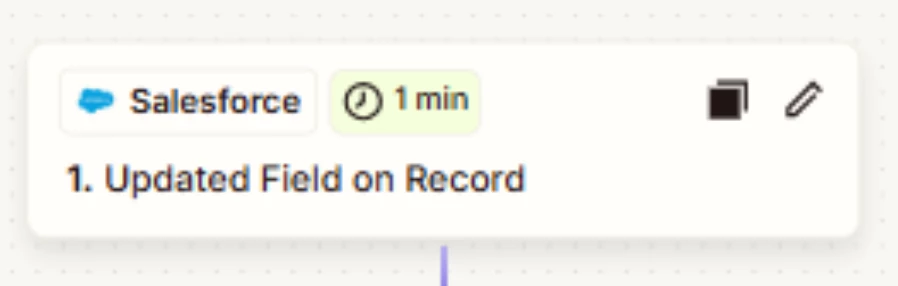
  1. this is connected to our Salesforce sandbox and looking at the Lead Object and a field
  2. Connected to neverbounce app with the event of Verify Email address

Then the paths are looking at the following rules

The text code indicating the verification result for this email - exactly matches - Invalid

The rules are all the same apart from the last value this changes

Step 5 is connected to Salesforce app, the event is Update Lead.

We have published the flow


Can anyone help me as to why this flow is not running and updating our leads in the sandbox with the value from the paths?



Best answer by BeckyH

Hi i did thank you, i ended up starting from scratch and used the flow that was a template and it now works thank you

This post has been closed for comments. Please create a new post if you need help or have a question about this topic.

4 replies

Troy Tessalone
Zapier Orchestrator & Solution Partner
Forum|alt.badge.img+14
  • Zapier Orchestrator & Solution Partner
  • February 21, 2025

Hi ​@BeckyH 

Check your Zap Runs history for activity and to see the DATA IN/OUT for each step to help you troubleshoot: https://zapier.com/app/history/


For us to have more context, post screenshots showing how your Zap steps are configured in EDIT mode with the field mappings visible.


SamB
Community Manager
Forum|alt.badge.img+11
  • Community Manager
  • March 20, 2025

Hi there ​@BeckyH, just checking in—were you able to get this sorted? If so, we’d love to hear what worked for you! Asking as it would really help out other folks that are having similar issues with their Salesforce Zaps. 🙏

And if you’re still stuck, can you share some screenshots as Troy mentioned (with any personal details blurred out) so we can better see its current set up? As well as any errors you might be seeing in the Zap history and we’ll go from there. Looking forward to hearing from you!


Forum|alt.badge.img
  • Author
  • Beginner
  • Answer
  • March 21, 2025

Hi i did thank you, i ended up starting from scratch and used the flow that was a template and it now works thank you


SamB
Community Manager
Forum|alt.badge.img+11
  • Community Manager
  • March 21, 2025

Thanks so much for getting back to me ​@BeckyH. I’m so pleased you were able to get things sorted using a template! 🙌

Feel free to reach back out if we can help with anything else. In the meantime, happy Zapping! ⚡