Question

My Zap is automatically turned off

  • February 25, 2026
  • 2 replies
  • 20 views

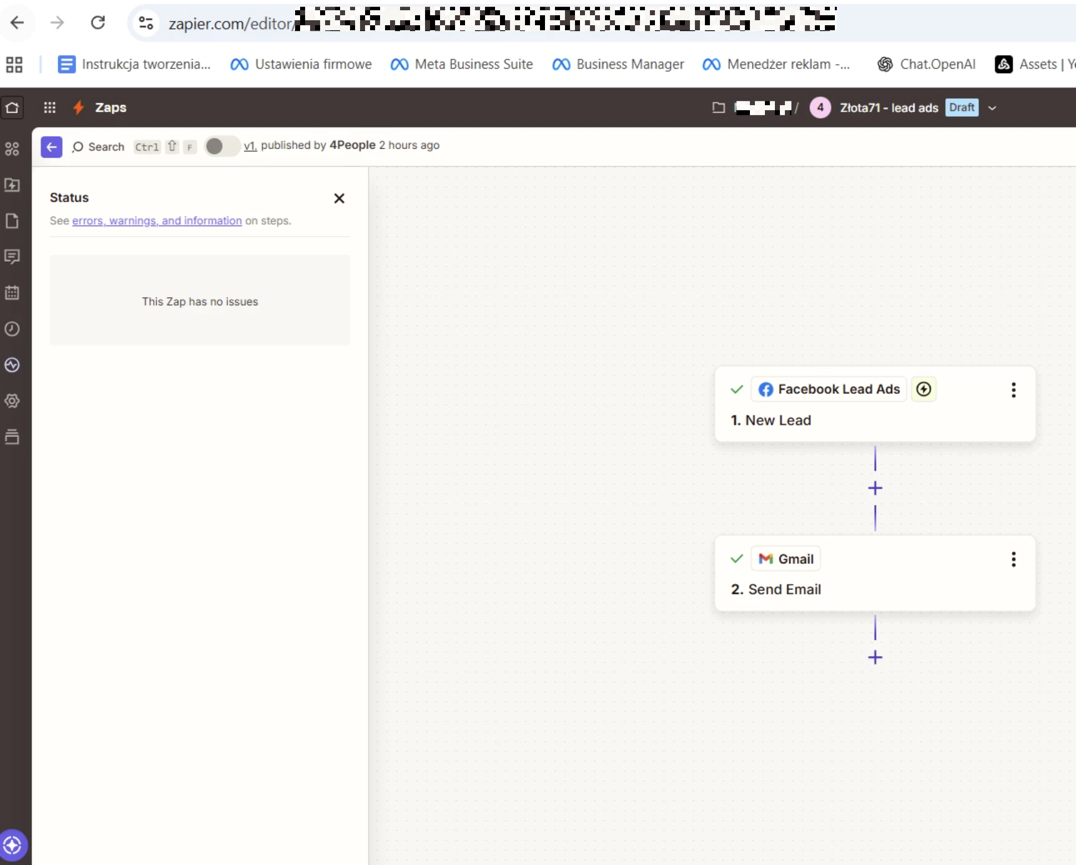
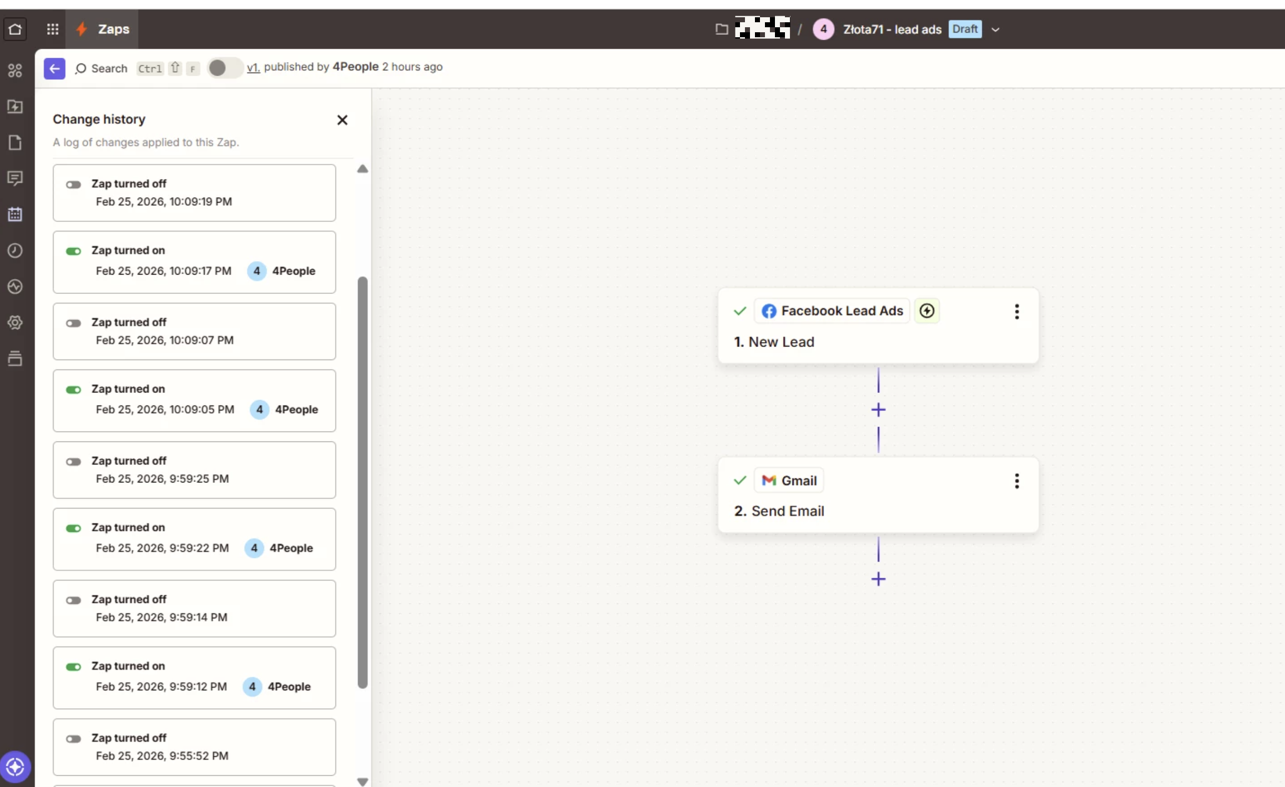
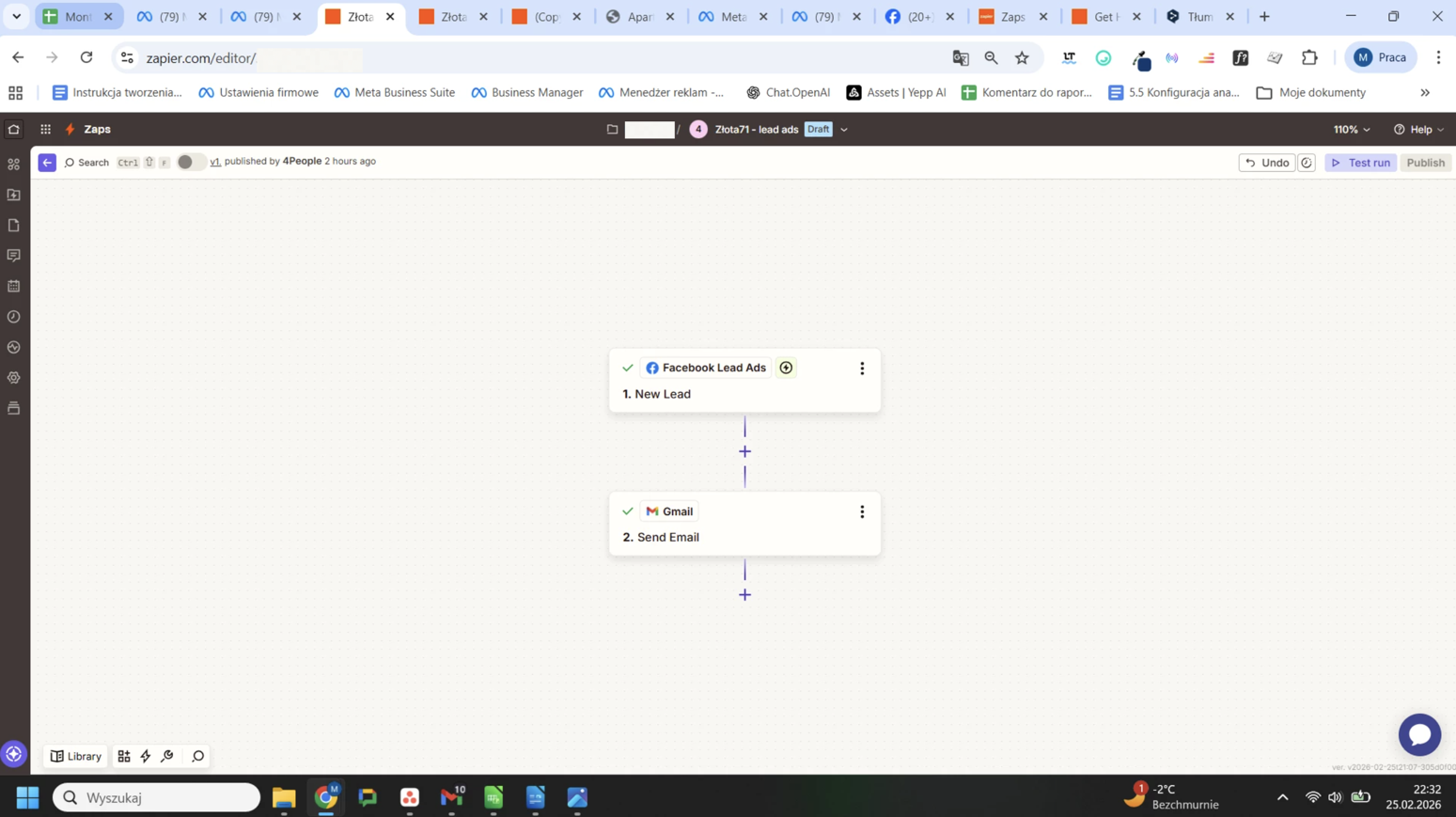
Hello! My Zap is automatically turned off. There is no notification anywhere that something is wrong with the settings. After it says ‘Publishing’ and lights up green, I refresh the page and it turns grey and appears as disabled. This is a Zap in which Facebook Lead ads are redirected to Gmail. What could have gone wrong? How can I publish this Zap?
This post has been edited by a moderator to remove sensitive and personally identifiable information (PII). Please remember that this is a public forum and avoid sharing personal or potentially sensitive details like Zap Links.


2 replies

Troy Tessalone
Zapier Orchestrator & Solution Partner
Forum|alt.badge.img+14
  • Zapier Orchestrator & Solution Partner
  • February 25, 2026

Hi ​@4People 

Help links to reference for how to troubleshoot: 


NOTES


SamB
Community Manager
Forum|alt.badge.img+11
  • Community Manager
  • March 19, 2026

Hey there ​@4People 👋

Seems you also reached out to our Support team and they were able to determine what was causing the Zap to turn off. Doesn’t look like they got a reply back so I’m not sure if their instructions got things solved but wanted to share them here just in case it’s helpful to you, or others that might have similar trouble:

“I checked the logs, and we're getting the following error message when trying to turn on the Zap.

{
  "error": {
    "message": "(#200) User does not have sufficient administrative permission for this action on this page. If the page business requires Two Factor Authentication, the user also needs to enable Two Factor Authentication.",
    "type": "OAuthException",
    "code": 200,
    "fbtrace_id": "XXXXXXXXX-XX-XXXXXXXXXX"
  }
}

Facebook permissions can be very granular, so we always start by double-checking that everything is set up correctly. When we're not getting the leads from Facebook it's often because the permissions are incorrect in either the Page Owner's Facebook Business Manager account or the Facebook Business Manager account connected to Zapier. 
 
Is the Facebook Account connected in Zapier the Owner of the Page? Alternatively, is there another Facebook Business Manager account that Owns the Page?
 
Does the connected user have 2FA enabled within their Facebook account?

Take a look at the step-by-step instructions on our community site to ensure that your Facebook account has the correct permissions to use Facebook lead ads. Here is a link to read about configuring the permissions settings so that Facebook Lead Ads will work with Zapier.
 
Facebook Lead Ads not triggering for new leads, pulling in sample or other issues?
 
Once you've checked these permissions settings, create a new connection to the Facebook Leads Ads app. 
 
https://zapier.com/app/connections/facebook-lead-ads
 
Next, please try creating a new lead using the Facebook Lead Ads Testing Tool. With the Zap turned on, can you go to the Facebook lead testing tool and submit a test lead?
 
Here's how to do it:

  1. Visit the Facebook Leads Ads testing tool.
  2. Select your Page & Form.
  3. Click 'Delete Lead' to clear the current sample. This won't delete any live leads, just the sample lead.
  4. Click 'Preview Form,' fill it out, and submit.


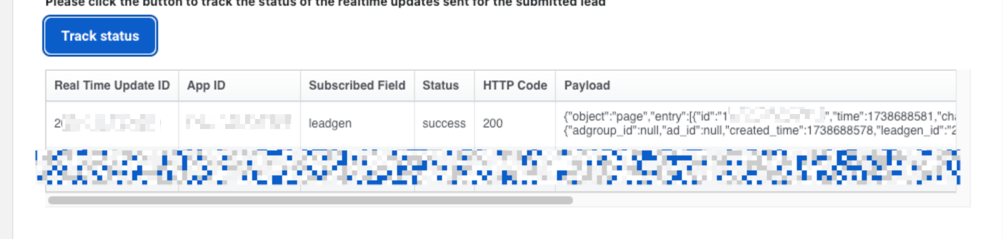
Then, click on 'Track Lead' and refresh a few times. You're looking for a 200 message, which indicates a successful connection and test submission.
 
4b642c1578daeb41998f1e7ae88583f7.png
(view larger)
 
If you see a 103 error, it means that CRM access has been revoked. In this case, you'll need to reset your Facebook Leads Access CRM permissions and establish a new connection for Facebook Lead Ads in Zapier.”


Let us know how it went, want to make sure this gets sorted! 🙂