Question

Monday.com error: Invalid value for undefined on undefined. Item not found

  • July 30, 2024
  • 13 replies
  • 154 views

Looking to get some assistance with a Zap that:


  1. Identified when an email has been opened and/or link has been clicked
  2. Locates that same contact (probably via the same email address) in Monday Sales CRM
  3. Changes the status of a column of that contacts to a new status
This post has been closed for comments. Please create a new post if you need help or have a question about this topic.

13 replies

  • Author
  • Beginner
  • July 30, 2024

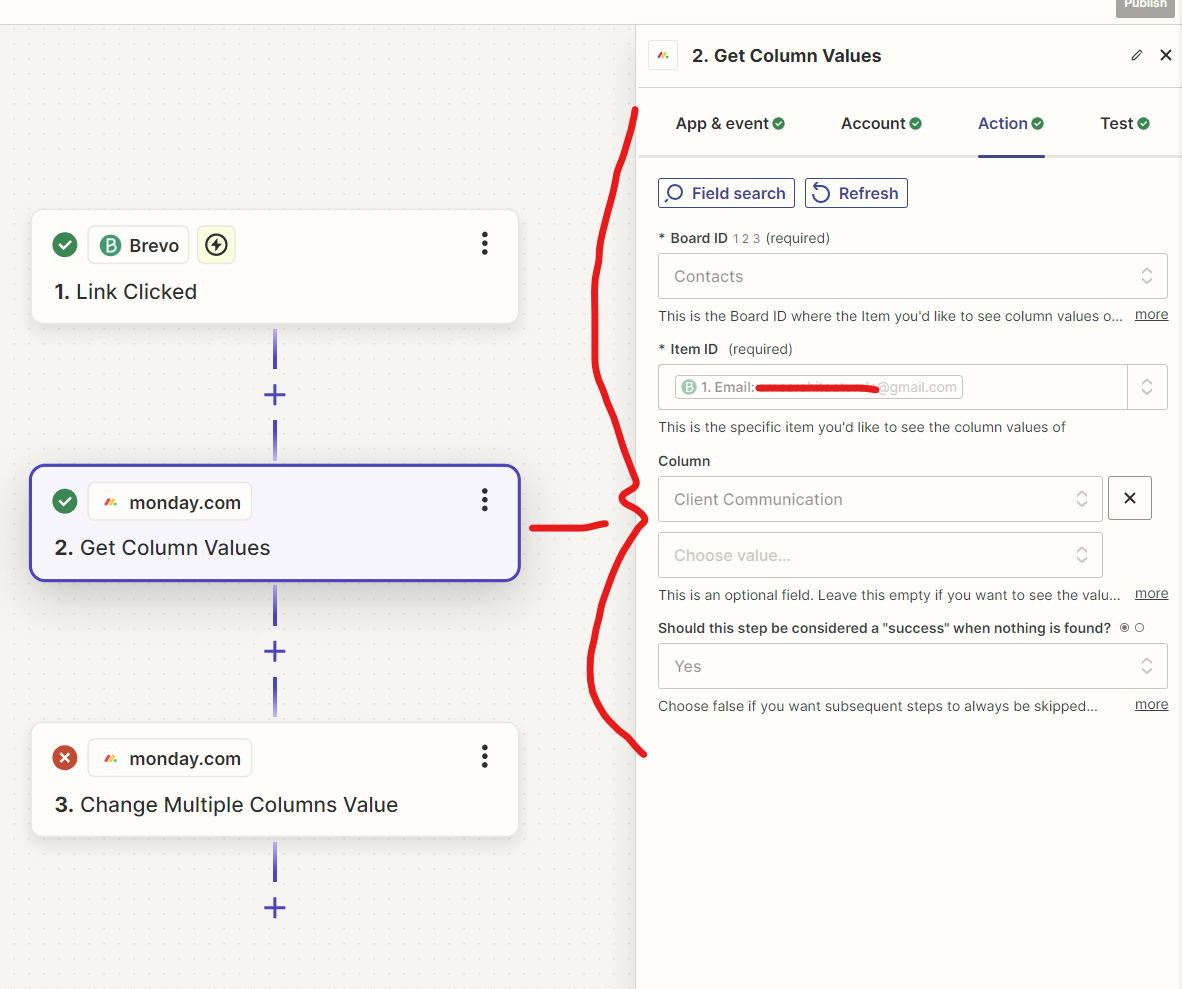
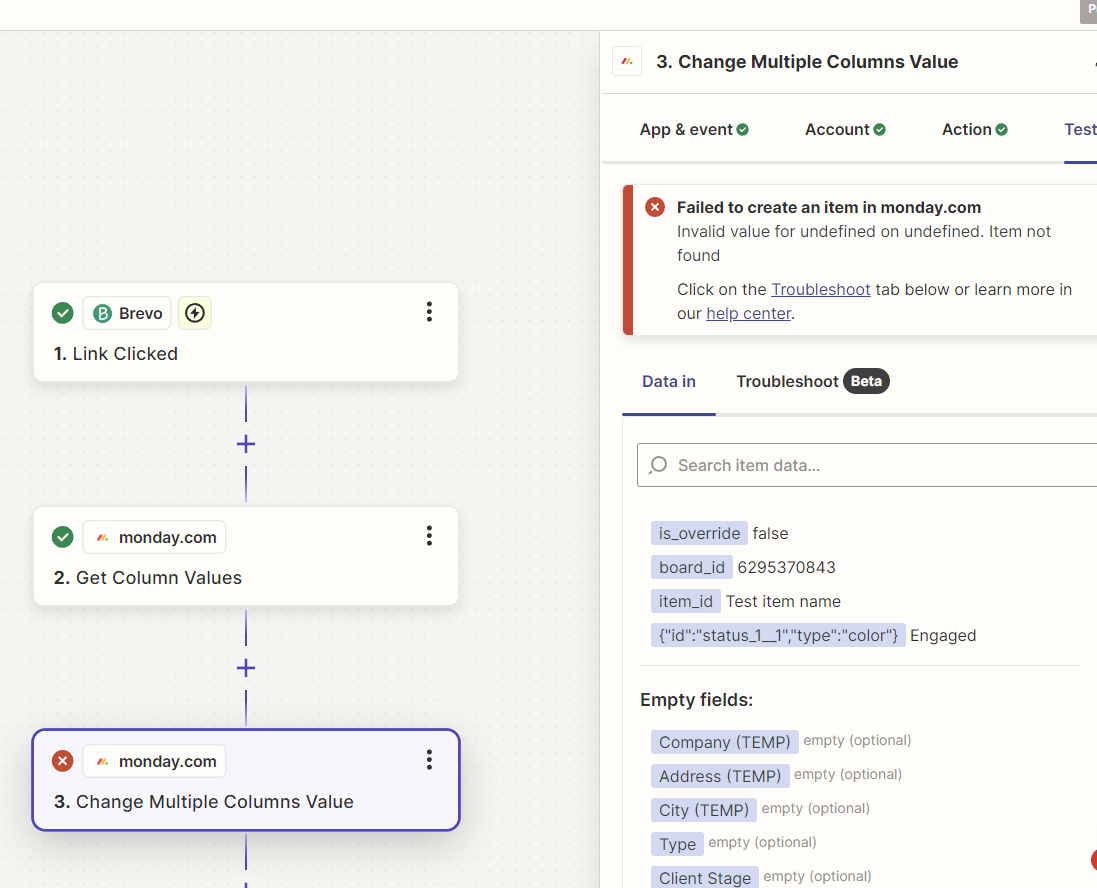
I think I’m close to figuring it out but as you can see by this screenshot I’m getting an error which I don’t know how to rectify:


Troy Tessalone
Zapier Orchestrator & Solution Partner
Forum|alt.badge.img+14
  • Zapier Orchestrator & Solution Partner
  • July 30, 2024

Hi @CAD COW 

For us to have context about the Zap step error, post screenshots with how the Zap step is configured in EDIT mode for the ‘Action’ tab section.


  • Author
  • Beginner
  • July 30, 2024

Hi @Troy Tessalone appreciate you jumping on this so quickly.


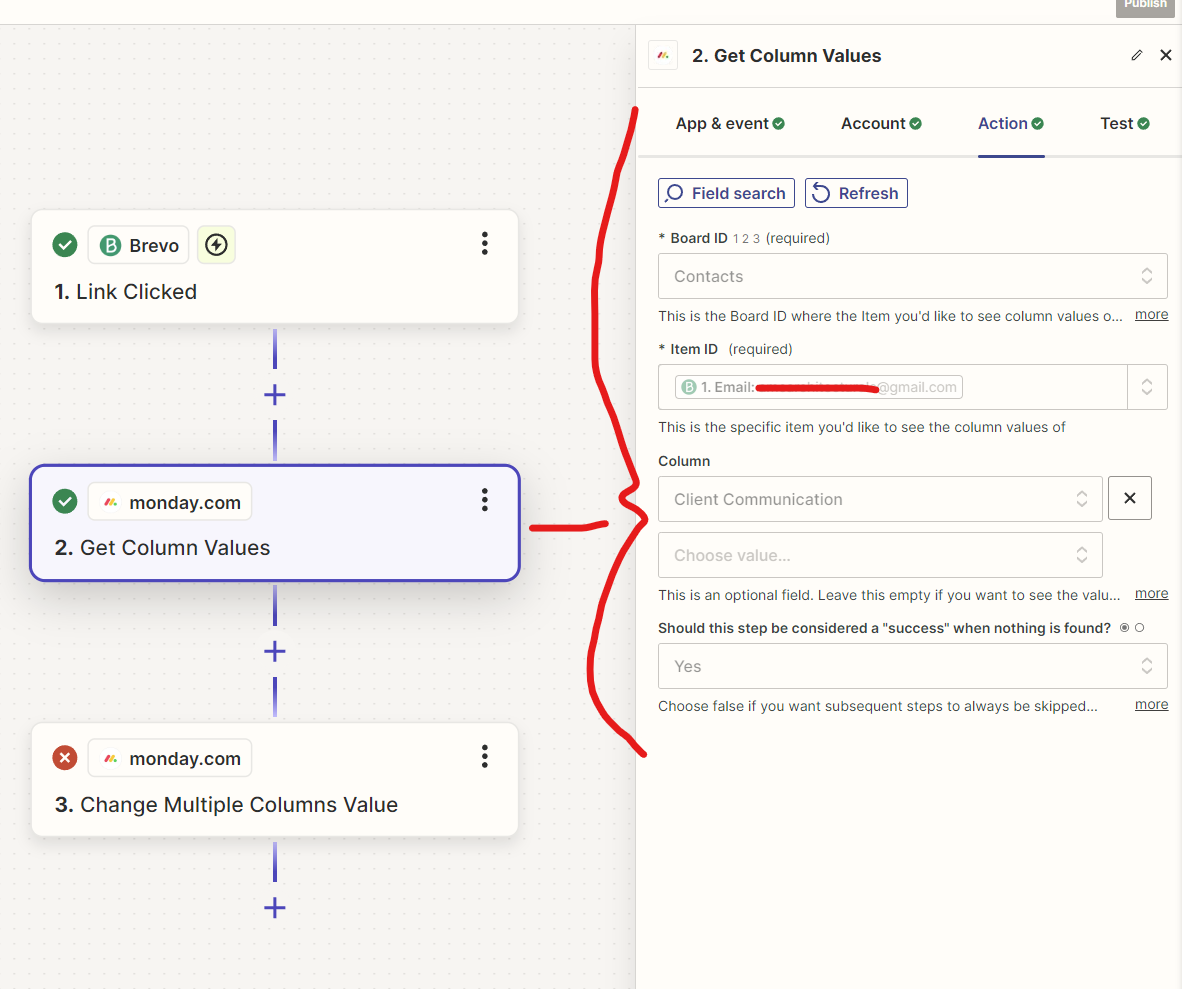
Ok, so for the second item I’ve got it going into monday, going to our “Contacts” board, then finding the contact with the same email address as the person that clicked on the link back in Brevo:


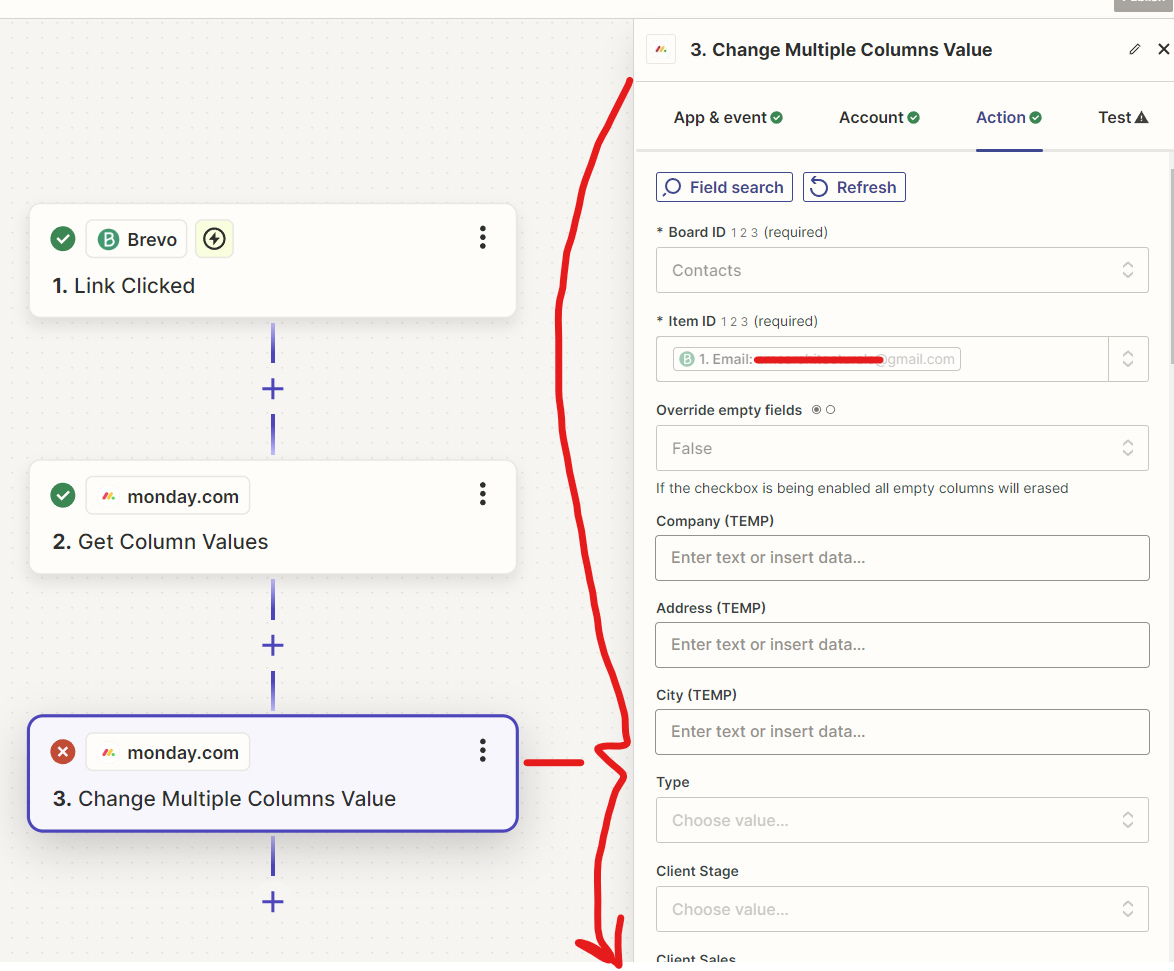
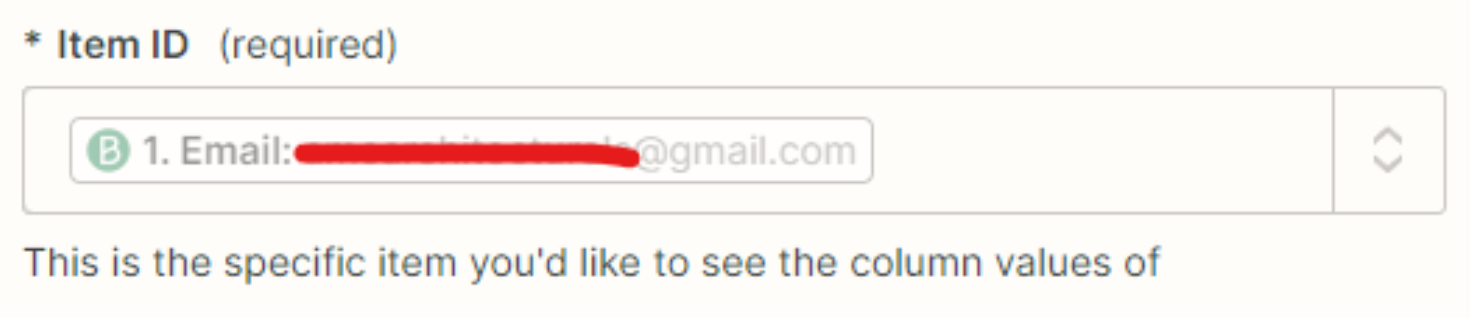
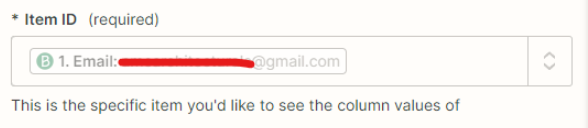
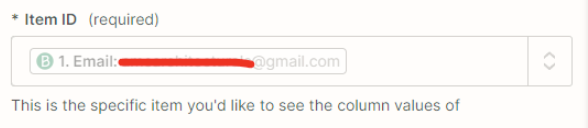
Then on the third item I sent it to the same board and the item ID as the same email identified by Brevo (which seems like a bit of a repeat..?):


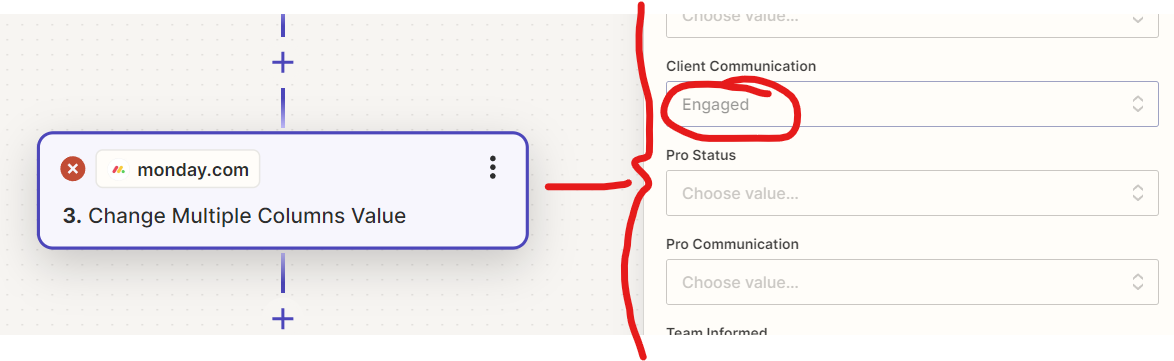
Then further down on this third item, I wanted it to change the “Client Communication” column to “Engaged”. 


Essentially what we’re trying to do is for Zapier to let Monday.com know when a client has “Engaged” (opened or clicked) on an email that has been sent out to them in Brevo. That way we can reach out to them to further the communication and keep a track of in in our Monday.com Sales CRM.


  • Author
  • Beginner
  • July 30, 2024

FYI I just blocked out the client email with a red line to keep their identity anonymous. 


Troy Tessalone
Zapier Orchestrator & Solution Partner
Forum|alt.badge.img+14
  • Zapier Orchestrator & Solution Partner
  • July 30, 2024

@CAD COW 

The Monday Item ID expects the ID of the Monday Item rather than an email value.

Help link to follow: https://help.zapier.com/hc/en-us/articles/8496241696141-Add-custom-values-to-dropdown-menu-fields-in-Zaps


  • Author
  • Beginner
  • July 30, 2024

@Troy Tessalone I see.


Ok, so how do I get Zapier to identify the same person in monday.com that opened/clicked in Brevo?


Troy Tessalone
Zapier Orchestrator & Solution Partner
Forum|alt.badge.img+14
  • Zapier Orchestrator & Solution Partner
  • July 30, 2024

@CAD COW 

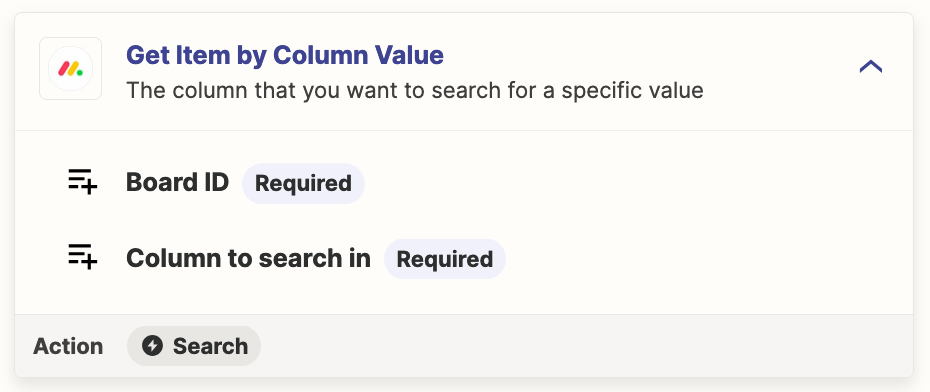
Add this Zap action: Monday - Get Item by Column Value

Search for email address

The matching Monday Item will return the Monday Item ID to map.


  • Author
  • Beginner
  • July 30, 2024

@Troy Tessalone that’s what I did do as step two...


But I’m not sure what you mean by “The matching Monday Item will return the Monday Item ID to map.” ?


Troy Tessalone
Zapier Orchestrator & Solution Partner
Forum|alt.badge.img+14
  • Zapier Orchestrator & Solution Partner
  • July 30, 2024

@CAD COW 

You need to map the Item ID from Step 2 to Step 3 for the Item ID field.


  • Author
  • Beginner
  • July 31, 2024

@Troy Tessalone so how do I do that? Sorry, this is my first time using Zapier.


Troy Tessalone
Zapier Orchestrator & Solution Partner
Forum|alt.badge.img+14
  • Zapier Orchestrator & Solution Partner
  • July 31, 2024

@CAD COW 

Help link for how to configure Zap action steps: https://help.zapier.com/hc/en-us/articles/8496257774221-Set-up-your-Zap-action


The same way you mapped the Email variable from Step 1, instead map the variable from Step 2 that represents the Item ID value.


  • Author
  • Beginner
  • July 31, 2024

@Troy Tessalone I ended up trying a different logic for step two. I used “Get Item by Column Value” instead. This then gave me the information of the item with that email address listed. I was then able to use the identified ID to identify that item in step 3. Which then led me onto being able to change the column status I was looking for.


Troy Tessalone
Zapier Orchestrator & Solution Partner
Forum|alt.badge.img+14
  • Zapier Orchestrator & Solution Partner
  • July 31, 2024

@CAD COW 

Correct that was the previous suggestion.

Add this Zap action: Monday - Get Item by Column Value

Search for email address

The matching Monday Item will return the Monday Item ID to map.