Question

Monday.com contacts with openphone

  • March 27, 2023
  • 10 replies
  • 81 views

Fili.Jo

Hi, I am trying my best but no idea how to do it.

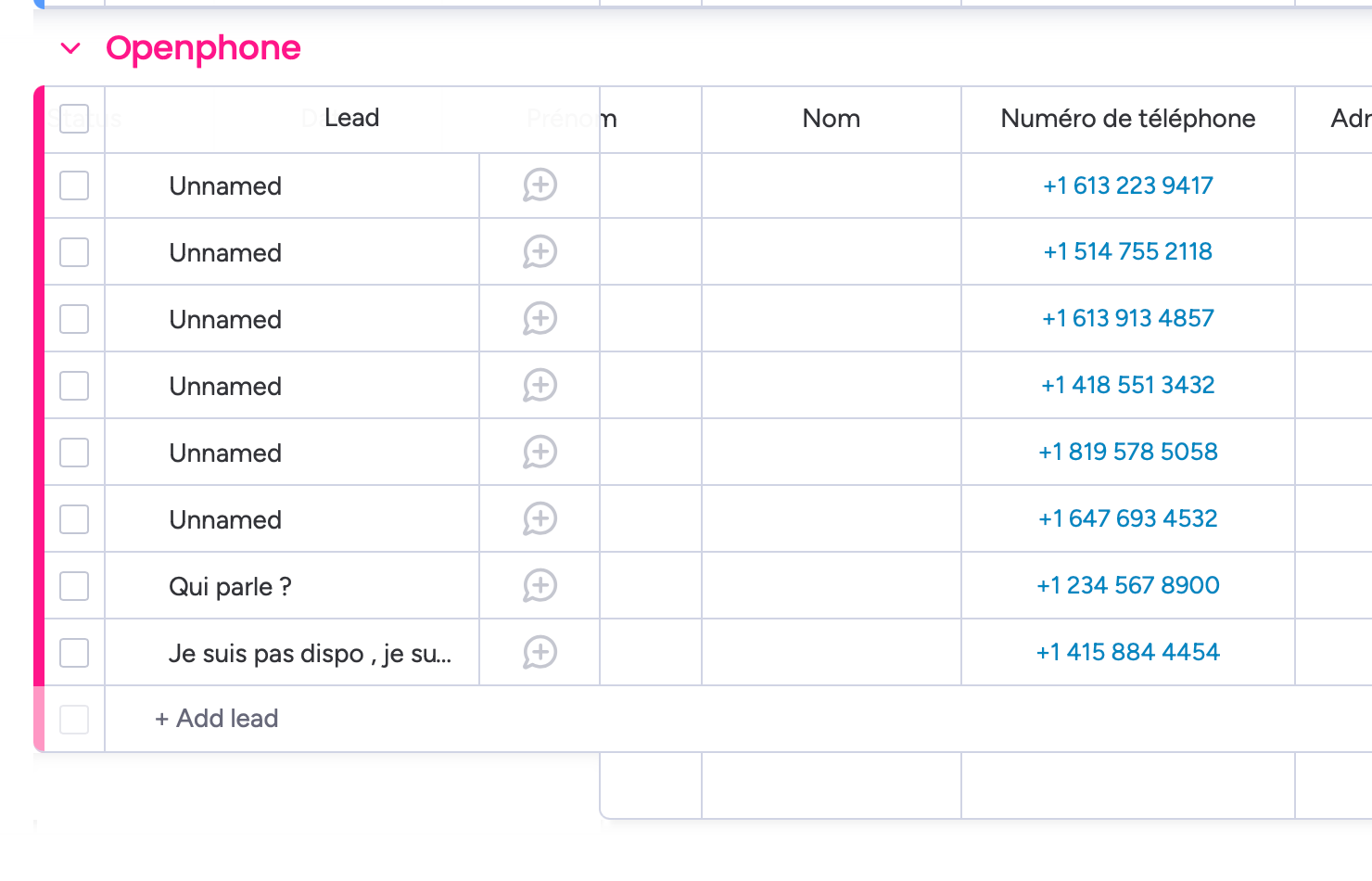
So we use Monday.com for the CRM and for the contact list. We also use open phone. We would like to create a lead in monday.com once we receive a call in Openphone. so the problem is that it So its to create it automatically in Monday.com when we receive the call, but it just creates duplicate every time. How do we stop it create duplicate and just update the one that is already created?

This post has been closed for comments. Please create a new post if you need help or have a question about this topic.


10 replies

Troy Tessalone
Zapier Orchestrator & Solution Partner
Forum|alt.badge.img+14
  • Zapier Orchestrator & Solution Partner
  • 34027 replies
  • March 27, 2023

Hi @Fili.Jo 

Good question.

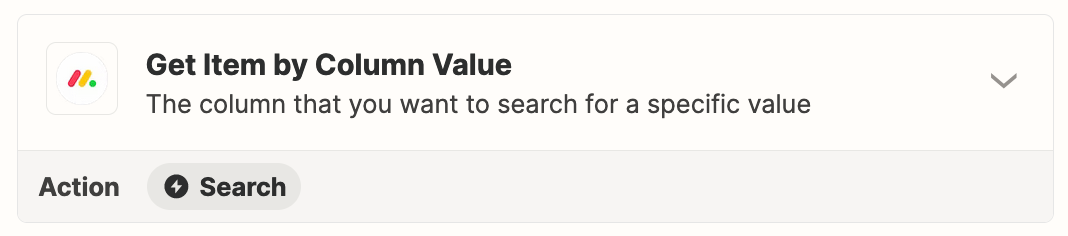
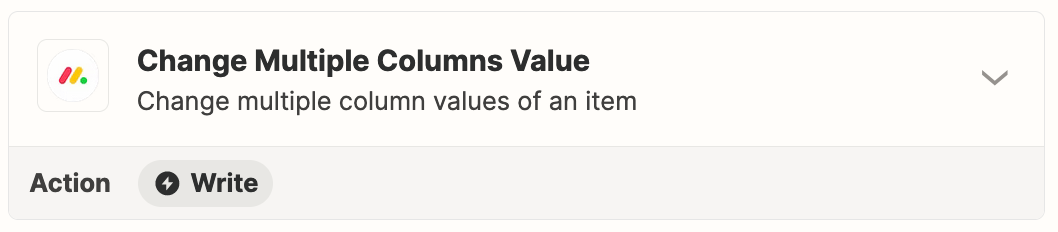
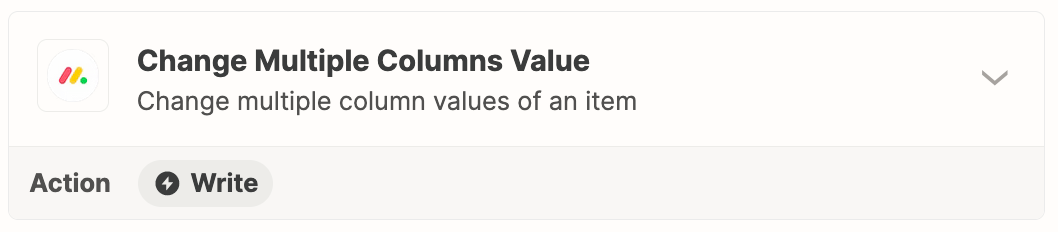
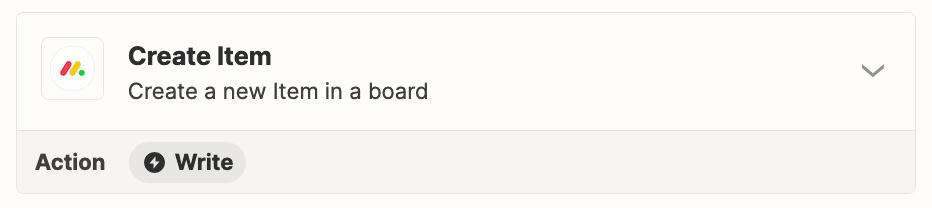
Try these Zap action steps for Monday.

Map the Item ID between Zap steps.


Fili.Jo
  • Author
  • Beginner
  • 9 replies
  • March 27, 2023

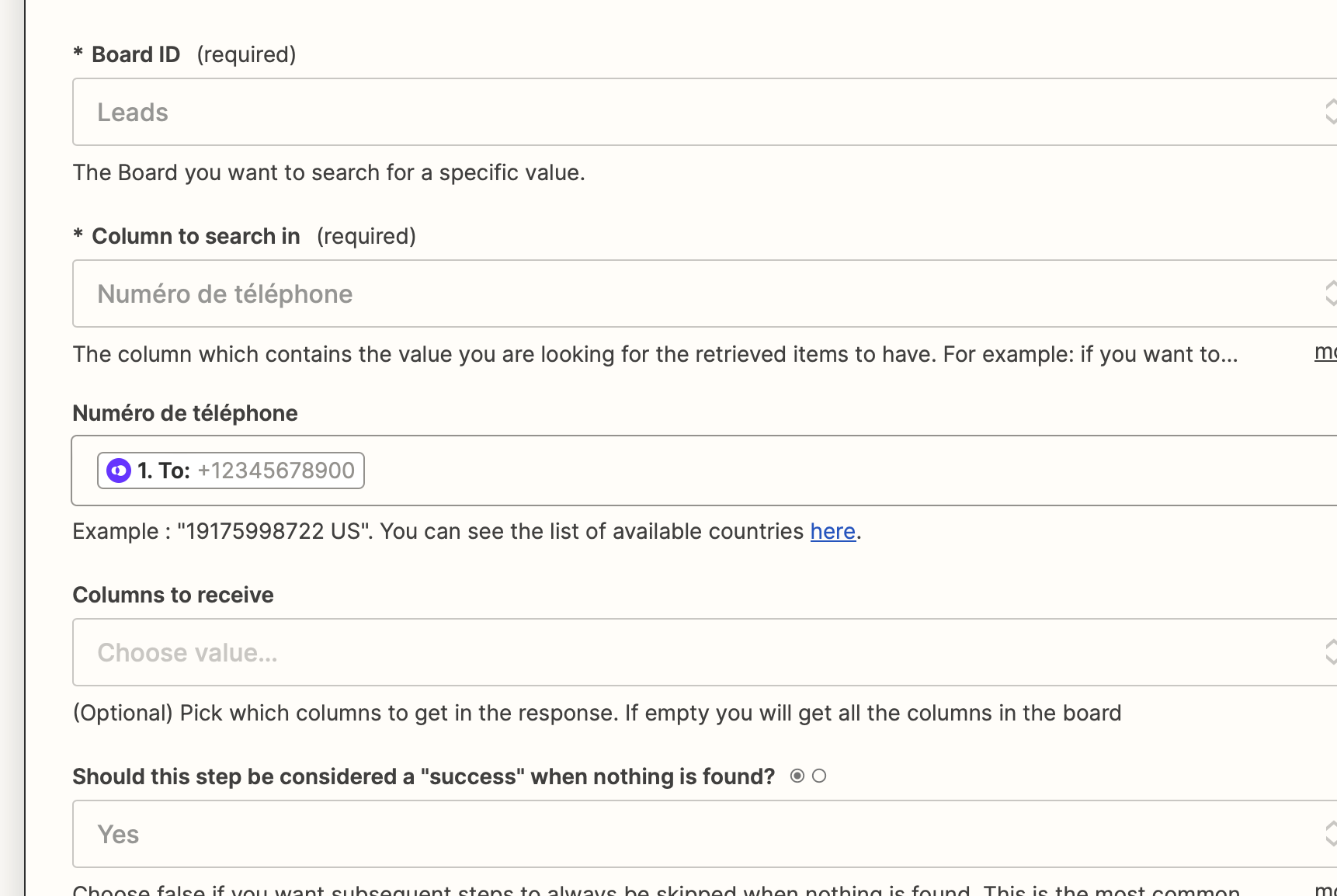
I try to do that but when I add the phone number to search for. I keep getting false return 


Troy Tessalone
Zapier Orchestrator & Solution Partner
Forum|alt.badge.img+14
  • Zapier Orchestrator & Solution Partner
  • 34027 replies
  • March 27, 2023

@Fili.Jo

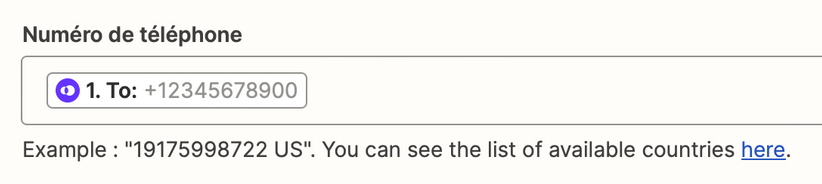
Take note of the field description and example.


You may have to use a Formatter > Numbers > Format Phone Number step to get the phone number into the expected format without the leading +.


Make sure to click the link to see the list of available countries.


Fili.Jo
  • Author
  • Beginner
  • 9 replies
  • March 28, 2023

Great that works! So now after that, how can I make a condition of updating a contact if it founds something OR create a contact if it doesn't find anything?


Troy Tessalone
Zapier Orchestrator & Solution Partner
Forum|alt.badge.img+14
  • Zapier Orchestrator & Solution Partner
  • 34027 replies
  • March 28, 2023

@Fili.Jo

If you have a Zapier Professional+ plan, then you can use Paths in a Zap.

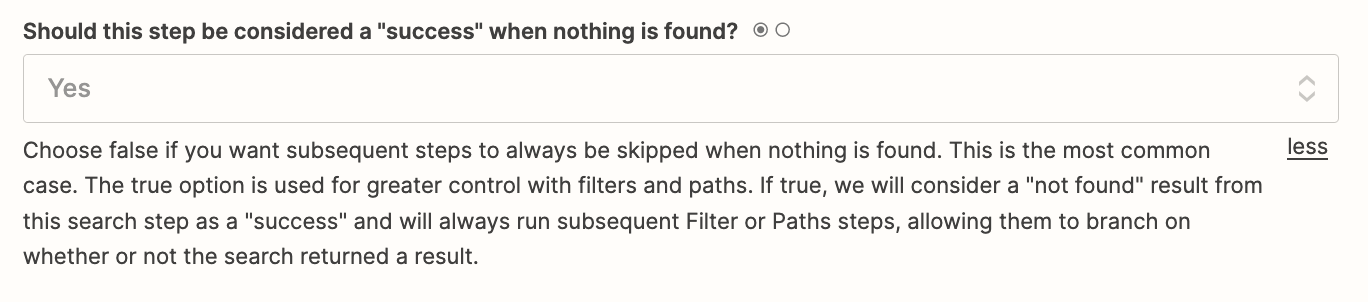
In the Zap action step for Monday Get Item by Column Value, make sure this field is set to “Yes”.


UPDATE


CREATE


Fili.Jo
  • Author
  • Beginner
  • 9 replies
  • April 1, 2023

Perfect so it works. How do I Stop the last process of created an item IF it already updated a column value? 


Troy Tessalone
Zapier Orchestrator & Solution Partner
Forum|alt.badge.img+14
  • Zapier Orchestrator & Solution Partner
  • 34027 replies
  • April 1, 2023

@Fili.Jo 

Depends how your Zap steps are configured.

We’d need to see updated screenshots.

If you are using Paths, and those Path Filters are configured correctly, then the CREATED path should only ever be used once.


Fili.Jo
  • Author
  • Beginner
  • 9 replies
  • April 1, 2023

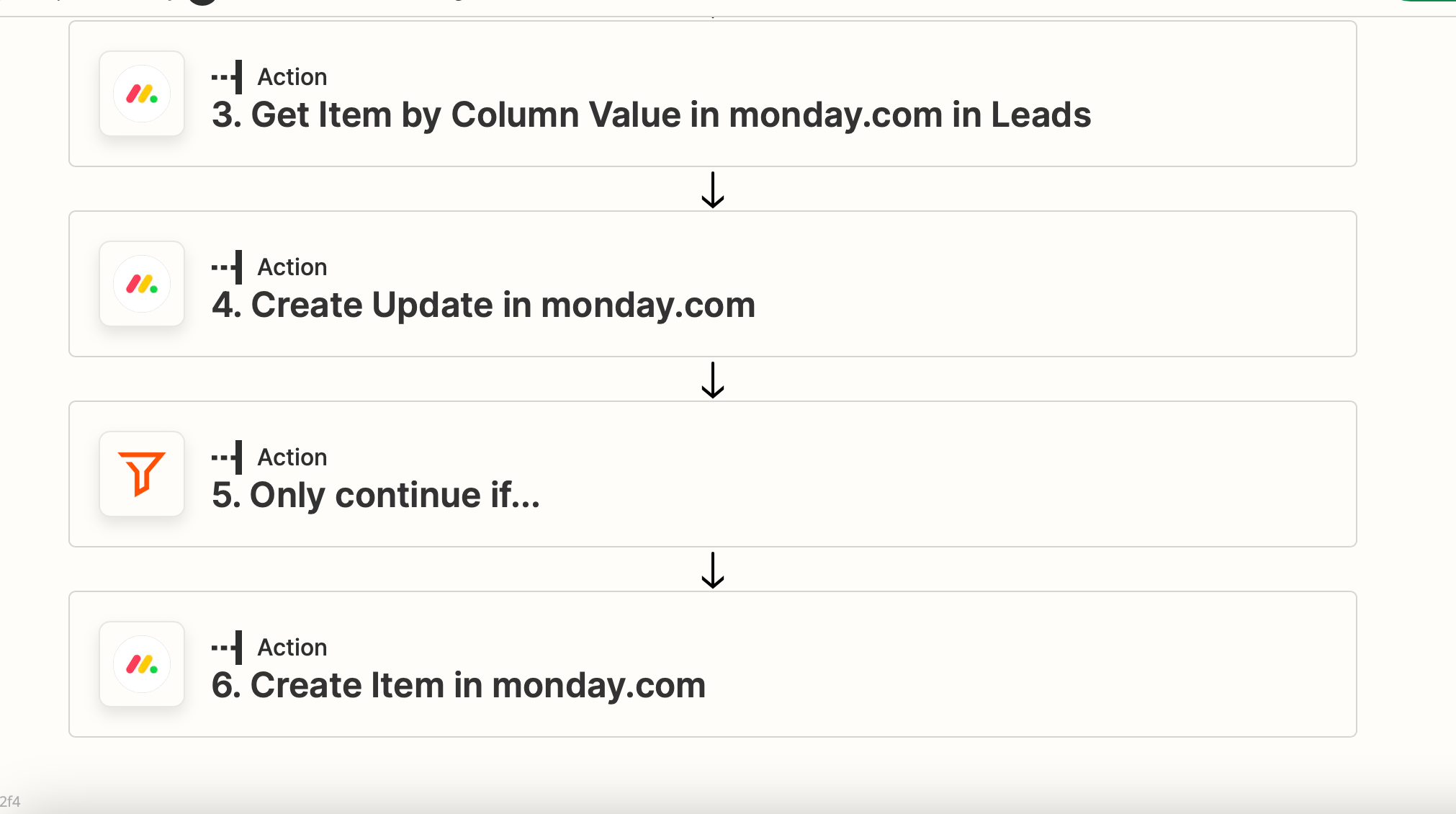
So here’s the full step. 

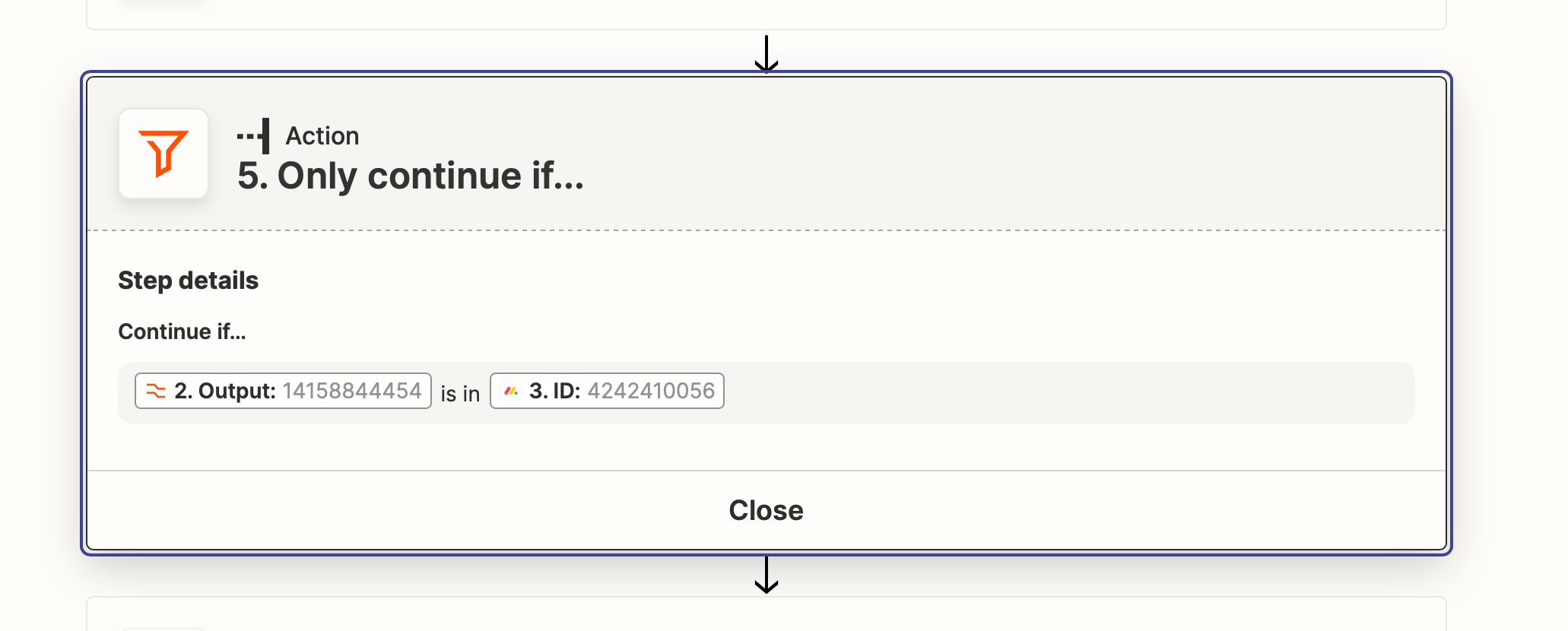
The only if


Troy Tessalone
Zapier Orchestrator & Solution Partner
Forum|alt.badge.img+14
  • Zapier Orchestrator & Solution Partner
  • 34027 replies
  • April 1, 2023

@Fili.Jo 

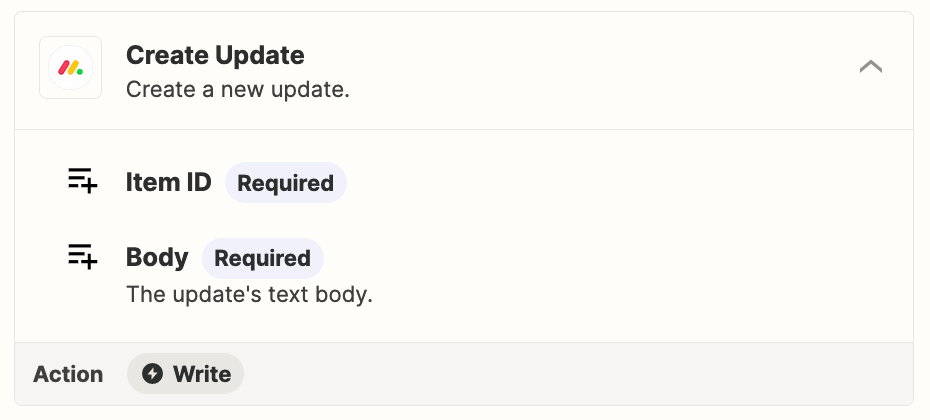
To clarify, the Monday Create Update action will only add a Note on the Item, not sure if that is what you intended.


Troy Tessalone
Zapier Orchestrator & Solution Partner
Forum|alt.badge.img+14
  • Zapier Orchestrator & Solution Partner
  • 34027 replies
  • April 1, 2023

@Fili.Jo 

We’d need to see a screenshot outline of all the Zap steps since it’s not clear what step 1 and step 2 are.