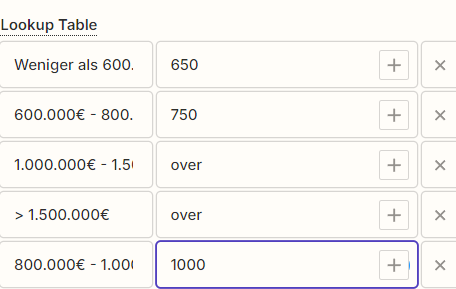
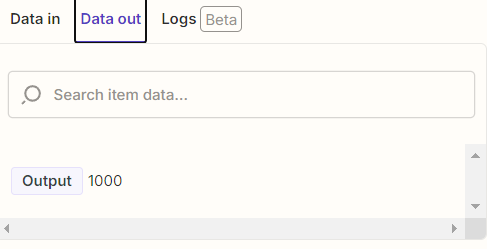
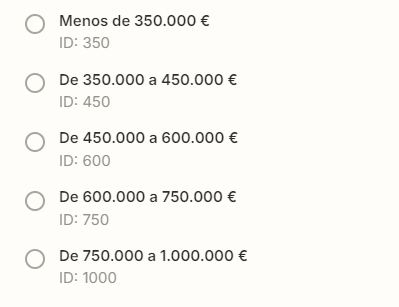
I’m using a Lookup Table, to chance different values, as you can see:
Everything works fine… but no the last value: 1000.
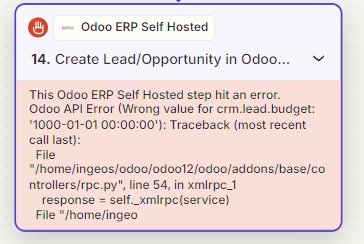
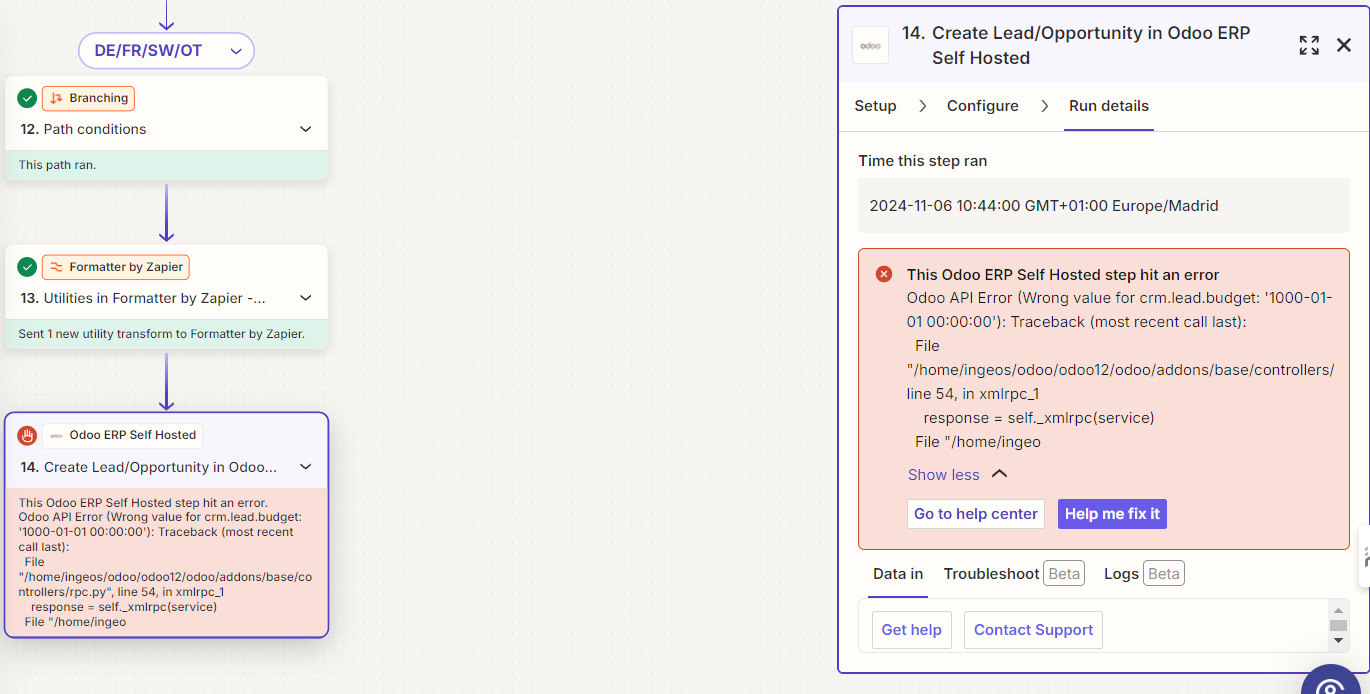
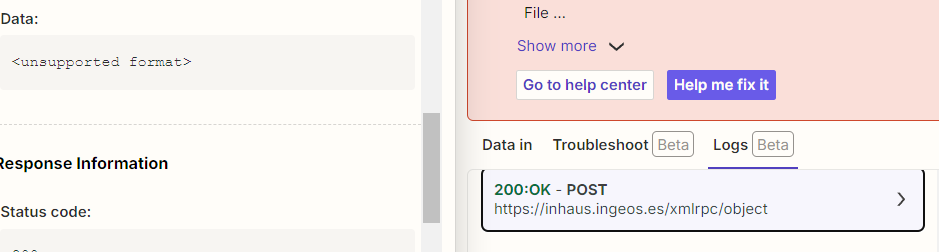
Everytime the zap tries to send to Odoo (last step from integration), it shows this message:
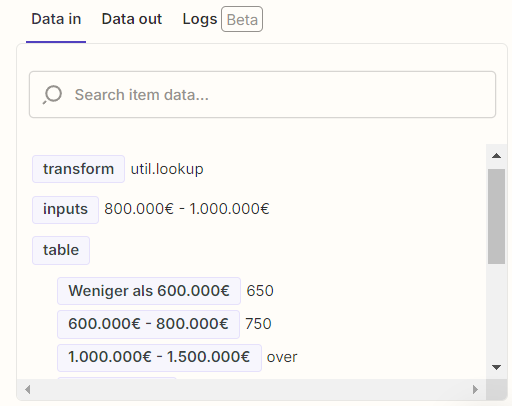
As you can see, it recognizes 1000 as a date format (not happens in other numbers). Everything else, works perfectly.
I tried putting 1.000, ‘1000’, “1000”, but it doesn’t work.
Can anyone give me a clue how can I solve this?
Thanks for your support!
Best answer by JammerS
Hi @rduran86,
Upon checking with this issue, and it seems like the issue you’re running into Odoo API error. Our team is aware of the issue and we're working with Odoo ERP Self Hosted on a fix. I've added your email address as another affected user. That does a few things:
Bring this to the attention of the integration developers
Help track and prioritize fixes
Allows us to notify you via email if/when this is fixed
Unfortunately, I do not have an ETA, but I’ve added you to the list of users affected by this issue so we can let you know as soon as we have any updates.
I appreciate your patience and understanding.
This post has been closed for comments. Please create a new post if you need help or have a question about this topic.
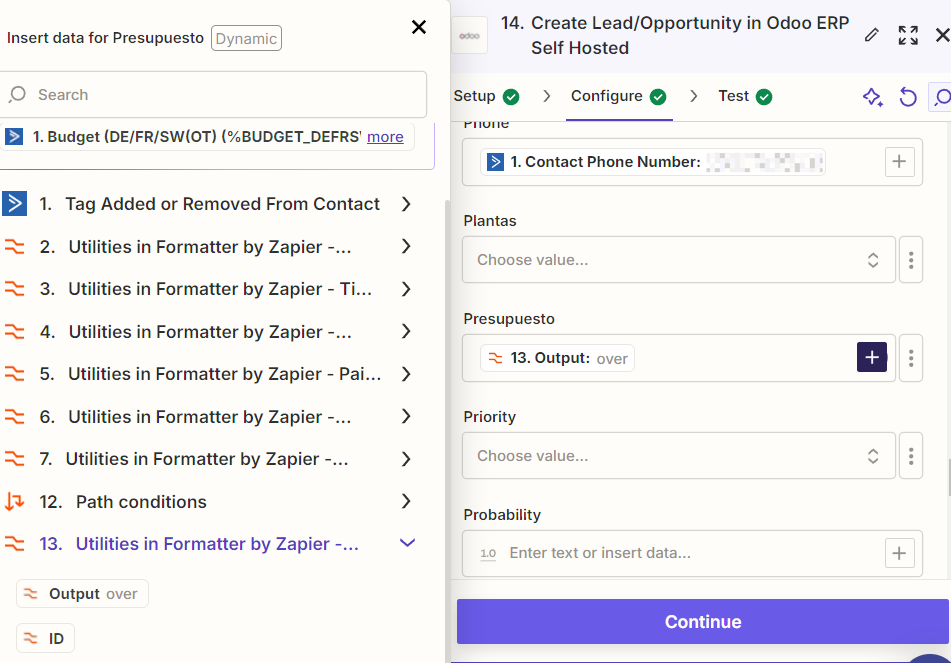
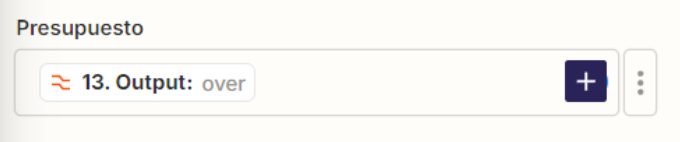
For us to have more info about the Odoo Zap step error, post screenshots showing how the Odoo Zap step is configured in EDIT mode showing the field type and field mapping.
This post has been edited by a moderator to remove personal information. Please remember that this is a public forum and to remove any sensitive information prior to posting.
Upon checking with this issue, and it seems like the issue you’re running into Odoo API error. Our team is aware of the issue and we're working with Odoo ERP Self Hosted on a fix. I've added your email address as another affected user. That does a few things:
Bring this to the attention of the integration developers
Help track and prioritize fixes
Allows us to notify you via email if/when this is fixed
Unfortunately, I do not have an ETA, but I’ve added you to the list of users affected by this issue so we can let you know as soon as we have any updates.
I appreciate your patience and understanding.
Early access
Next Gen Zaps
Build and deploy automations from AI tools you already use. With Agentic Management, if anything breaks, the agent diagnoses the issue and proposes a fix.