Hello!
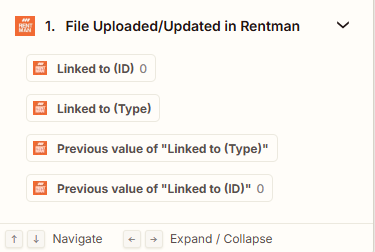
I’ve been using Zapier for a couple of months with the main goal being integration with Rentman. I’m curious about the “linked to” field in some of the Rentman actions I’ve seen. For example, when using “Search” in relation to “Files” there is a search term that pops up called “Linked to (ID)” and another called “Linked to (type)”. But, both of these seem to lack data no matter which sample I look at. What is this connected to? How can I link the files to make that connection?
Thanks for any help/information you can provide.