Question

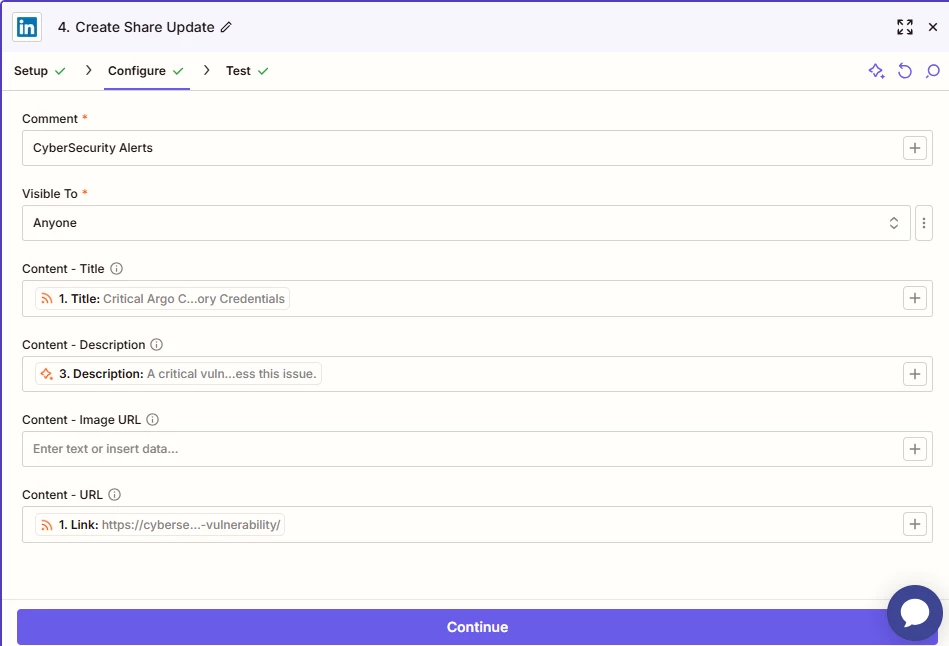
LinkedIn posts via Zapier RSS → LinkedIn only show small preview card (no image)

  • September 6, 2025
  • 5 replies
  • 40 views

Hi all,

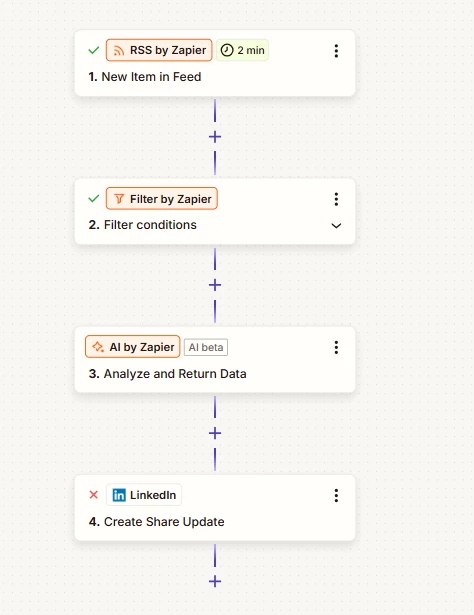
I set up a Zap that takes items from an RSS feed and posts them to LinkedIn. The posts are publishing, but the preview looks wrong.

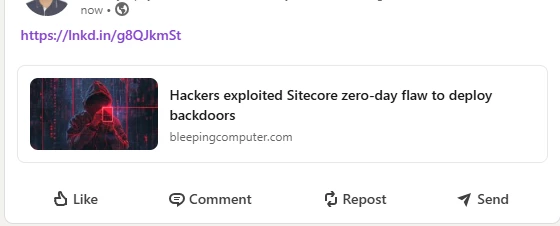
  • When Zapier creates the post → it only shows a small card (title + domain). (Screenshot 1)

  • When I post the same link manually on LinkedIn → it shows the large preview with thumbnail image + description. (Screenshot 2)

I’ve tried:

  • Posting with only the link in the Zapier “Text” field

  • Posting with Title + Link

  • Clearing LinkedIn’s cache in Post Inspector

But Zapier still only creates the small preview card.

Question:
Is this a limitation of Zapier’s LinkedIn integration (Simple Post action)? Or is there another LinkedIn action I should be using to force the full article preview with image?

Thanks in advance 🙏

(Screenshot 2)
 

This post has been closed for comments. Please create a new post if you need help or have a question about this topic.

5 replies

Troy Tessalone
Zapier Orchestrator & Solution Partner
Forum|alt.badge.img+14
  • Zapier Orchestrator & Solution Partner
  • September 6, 2025

Hi ​@cs6402 

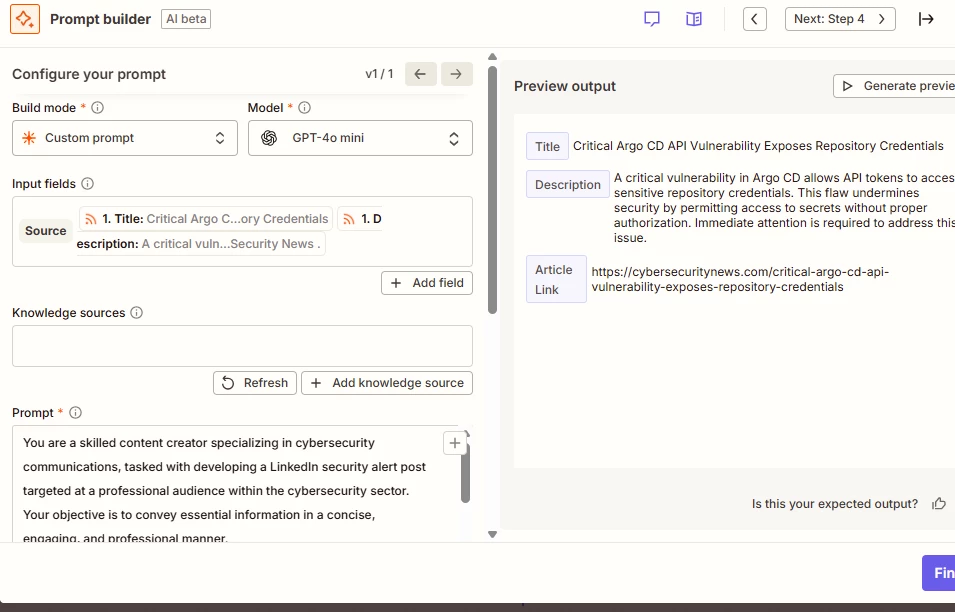
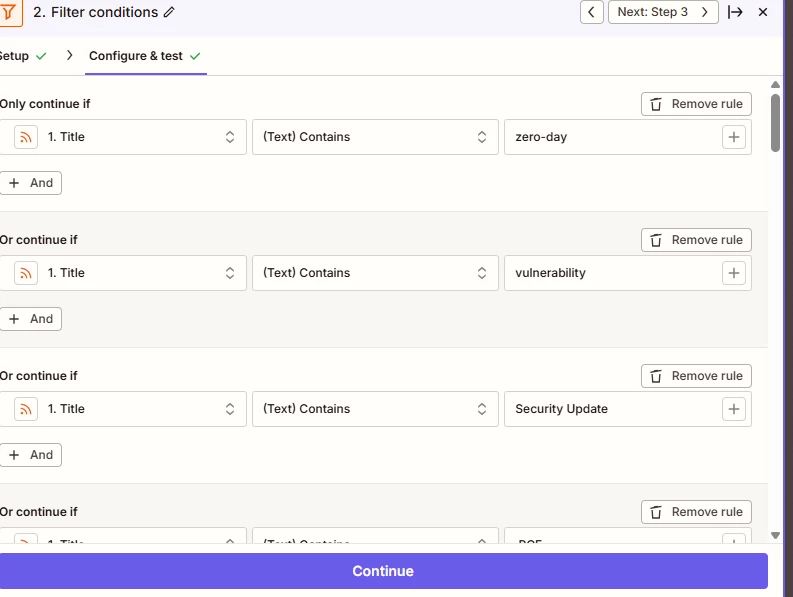
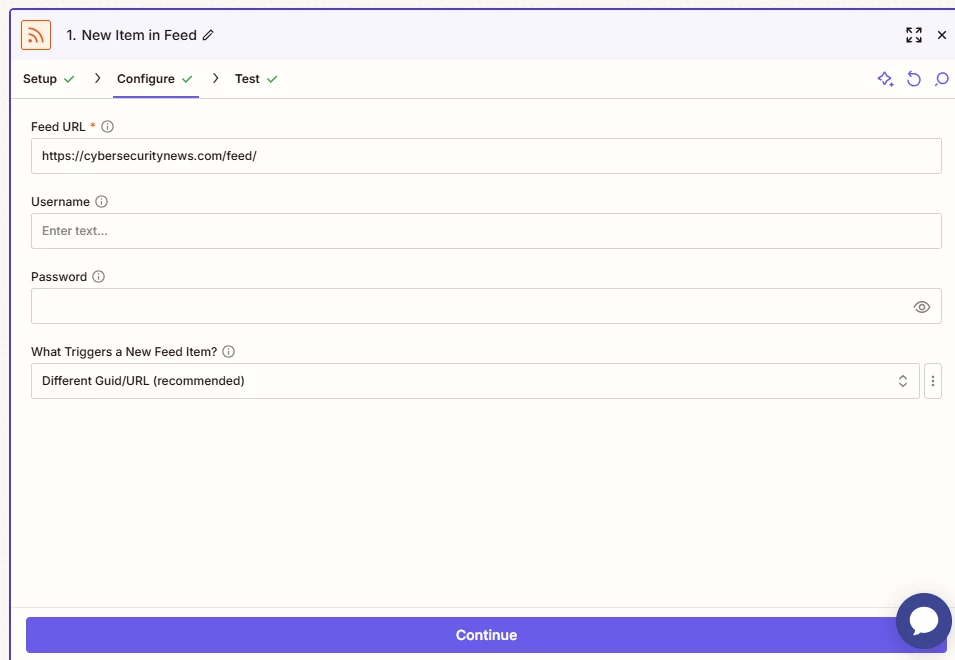
For us to have more info, post screenshots showing how your Zap steps are outlined and configured in EDIT mode with the field mappings visible.


  • Author
  • Beginner
  • September 7, 2025


Sparsh from Automation Jinn
Forum|alt.badge.img+6

Hey ​@cs6402,

It might not be possible through the native Zapier integration as Linkedin integration is a bit more limited. You may want to look into third party social media scheduler and connect them with Zapier to achieve your workflow. Hope it helps!


Troy Tessalone
Zapier Orchestrator & Solution Partner
Forum|alt.badge.img+14
  • Zapier Orchestrator & Solution Partner
  • September 8, 2025

@cs6402 

TIP: Click field labels to see tooltips with more info.

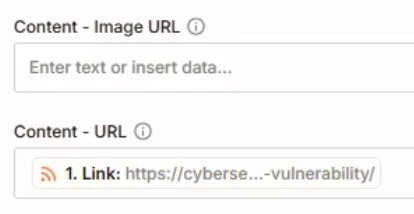
Try setting a value for the field: Content - Image URL


SamB
Community Manager
Forum|alt.badge.img+11
  • Community Manager
  • October 1, 2025

Hey ​@cs6402, just checking in 👋 Were you able to get it to display a larger preview image by adding an image URL into that Content - Image URL field like Troy suggested? 

Keep us posted on how it went, keen to make sure everything’s sorted!