Answer

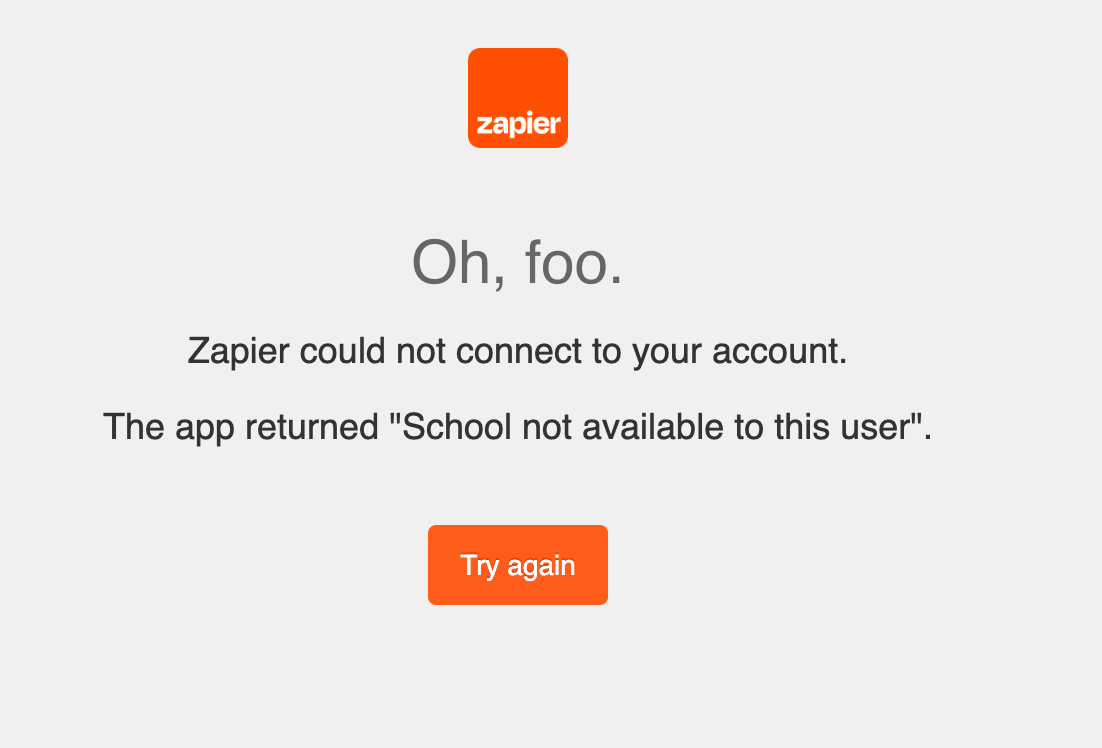
LearnWorlds error: The app returned "School not available to this user"

  • March 14, 2024
  • 3 replies
  • 204 views

I have a zap for each LearnWorlds account I am going to integrate with.   The first zap works perfectly.     The second zap is a carbon copy of the first zap.     When I’m updating the trigger of the second zap for the 2nd LearnWorlds account, it had the LearnWorks connection info from the 1st zap.   OK, probably doing this to help most people.    

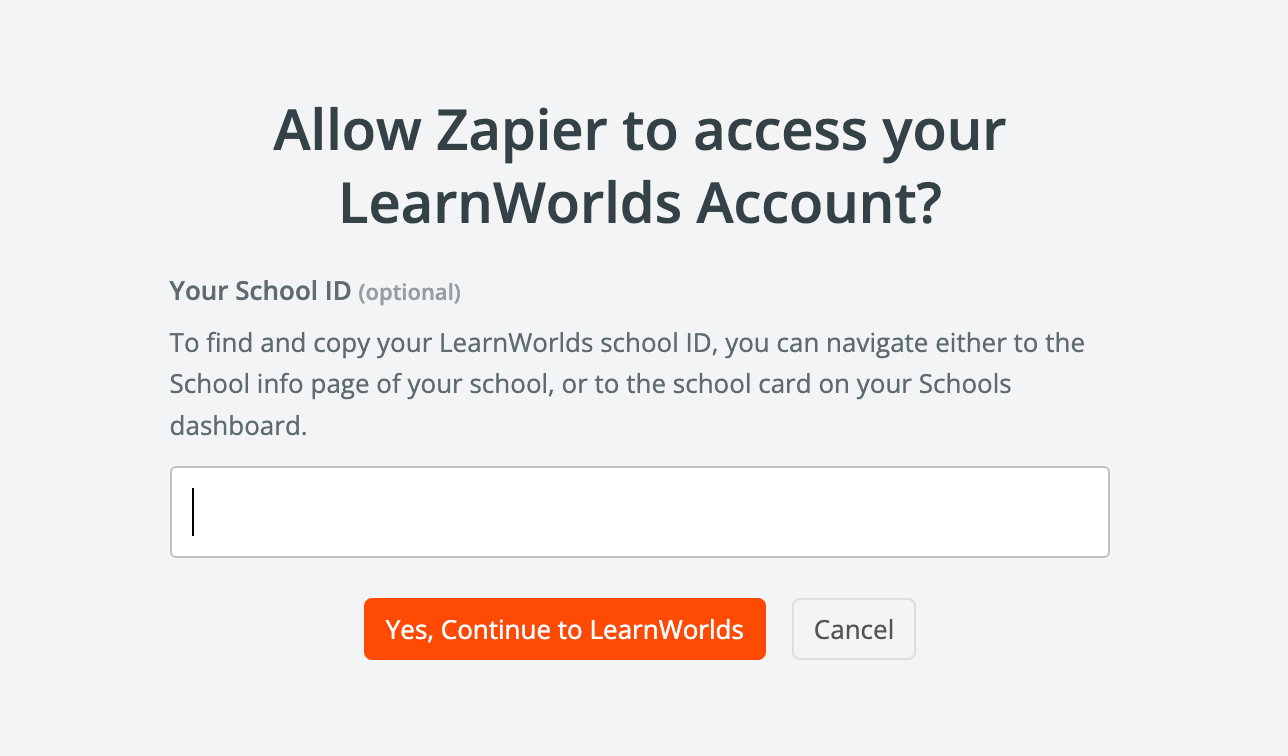
However, when I change the 2nd zap trigger and select “+ Connect a new account”, it requests the LearnWorlds school id (good), but fails without asking for username and password (the error is “School not available to this user").   It seems like it is using username/password from the 1st zap trigger.

Any thoughts?
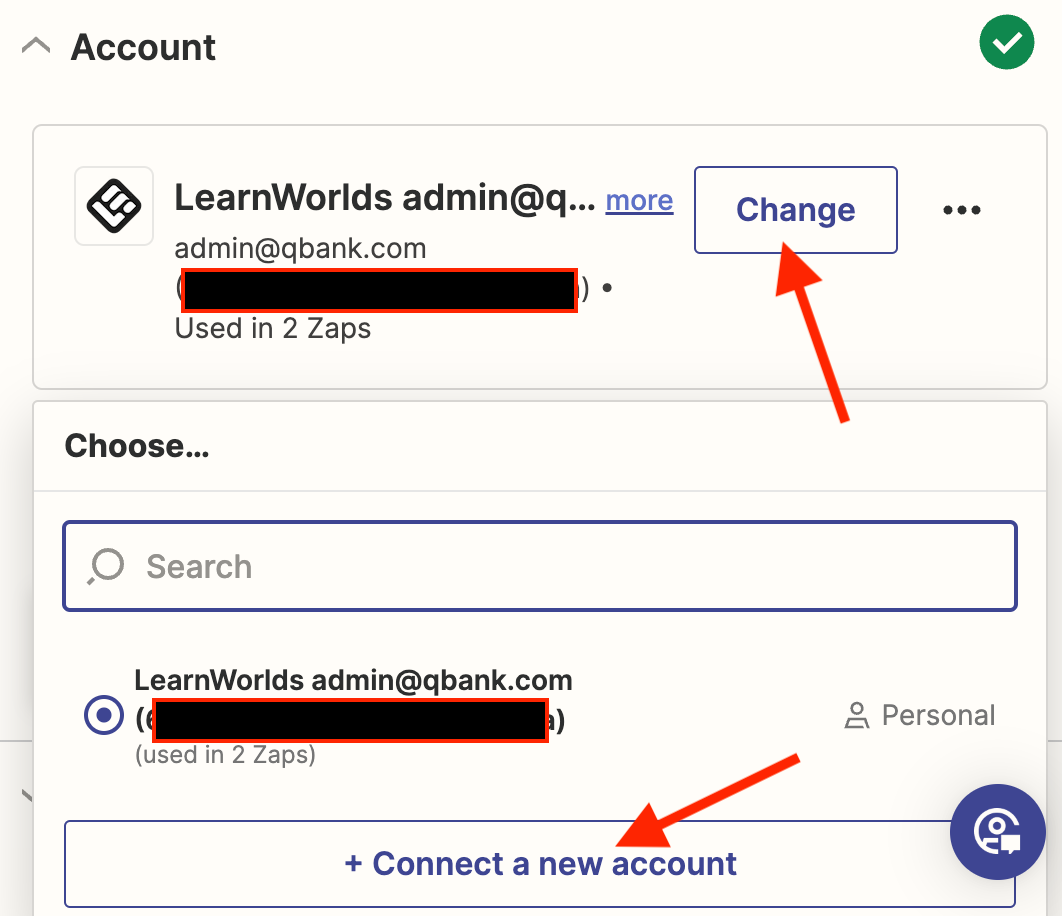
On this second zap trigger, want what to connect to a different LearnWorlds
After entering the second LearnWorlds School Id, normally I would have to enter a user and and ppassword.
But if fails without asking me for username and password.


Best answer by QBankAdmin

Problem Solved.   I cleared browser cache and it worked.   I bet private or incognito work have worked as well.

This post has been closed for comments. Please create a new post if you need help or have a question about this topic.

3 replies

Troy Tessalone
Zapier Orchestrator & Solution Partner
Forum|alt.badge.img+14
  • Zapier Orchestrator & Solution Partner
  • March 14, 2024

Hi @QBankAdmin 

Try this tip:


  • Author
  • New
  • Answer
  • March 15, 2024

Problem Solved.   I cleared browser cache and it worked.   I bet private or incognito work have worked as well.


ken.a
Forum|alt.badge.img+6
  • Zapier Staff
  • March 15, 2024

That’s an awesome news @QBankAdmin! We’re glad to hear that clearing the browser’s cache solved the issue here.

If you have any other questions, please don’t hesitate to reach out to the Community. We’re always happy to help! 🤗