
Best answer

Kartra list subscription fails despite successful Zap test.

  • Dec 5, 2023 11:59 PM UTC
  • 12 replies
  • 172 views

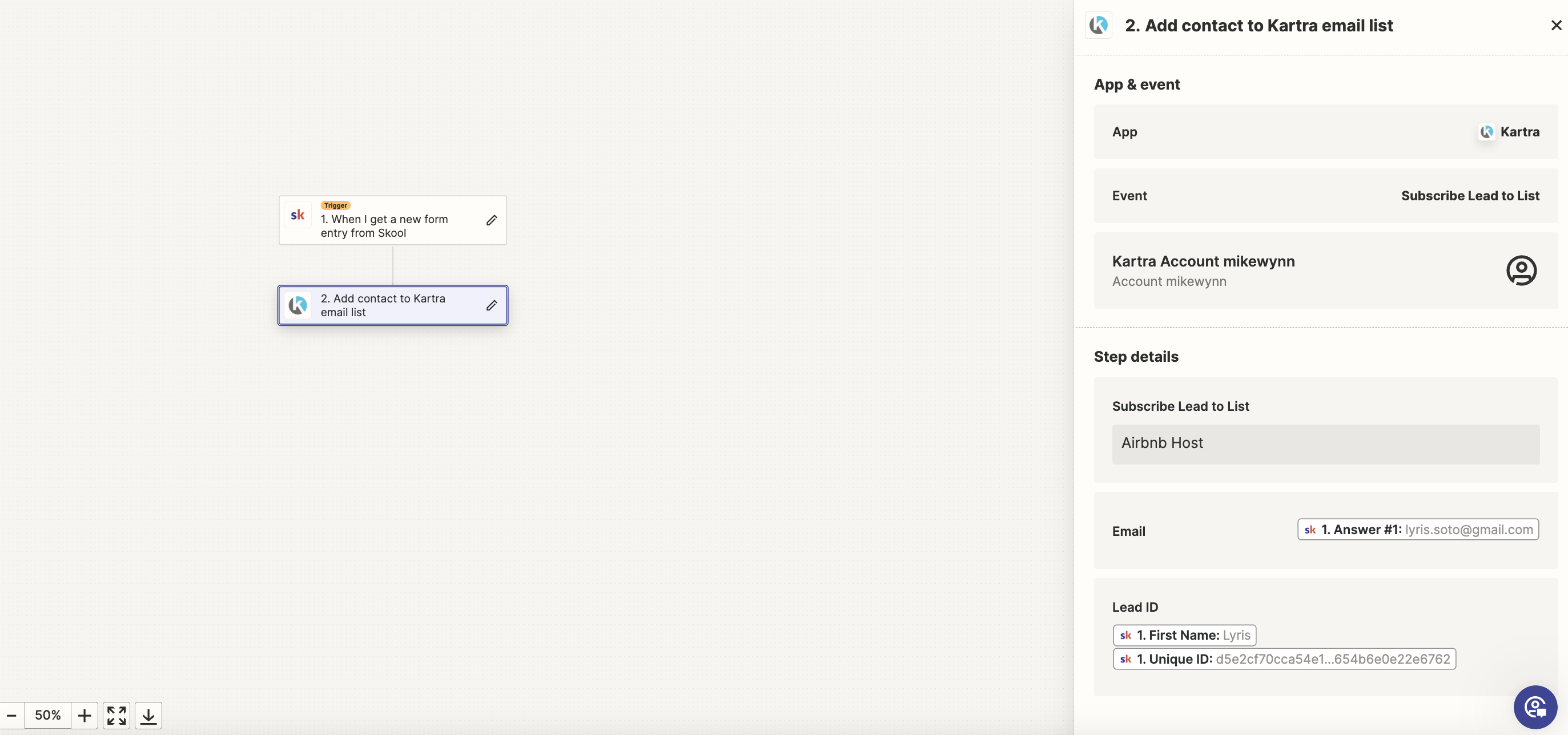
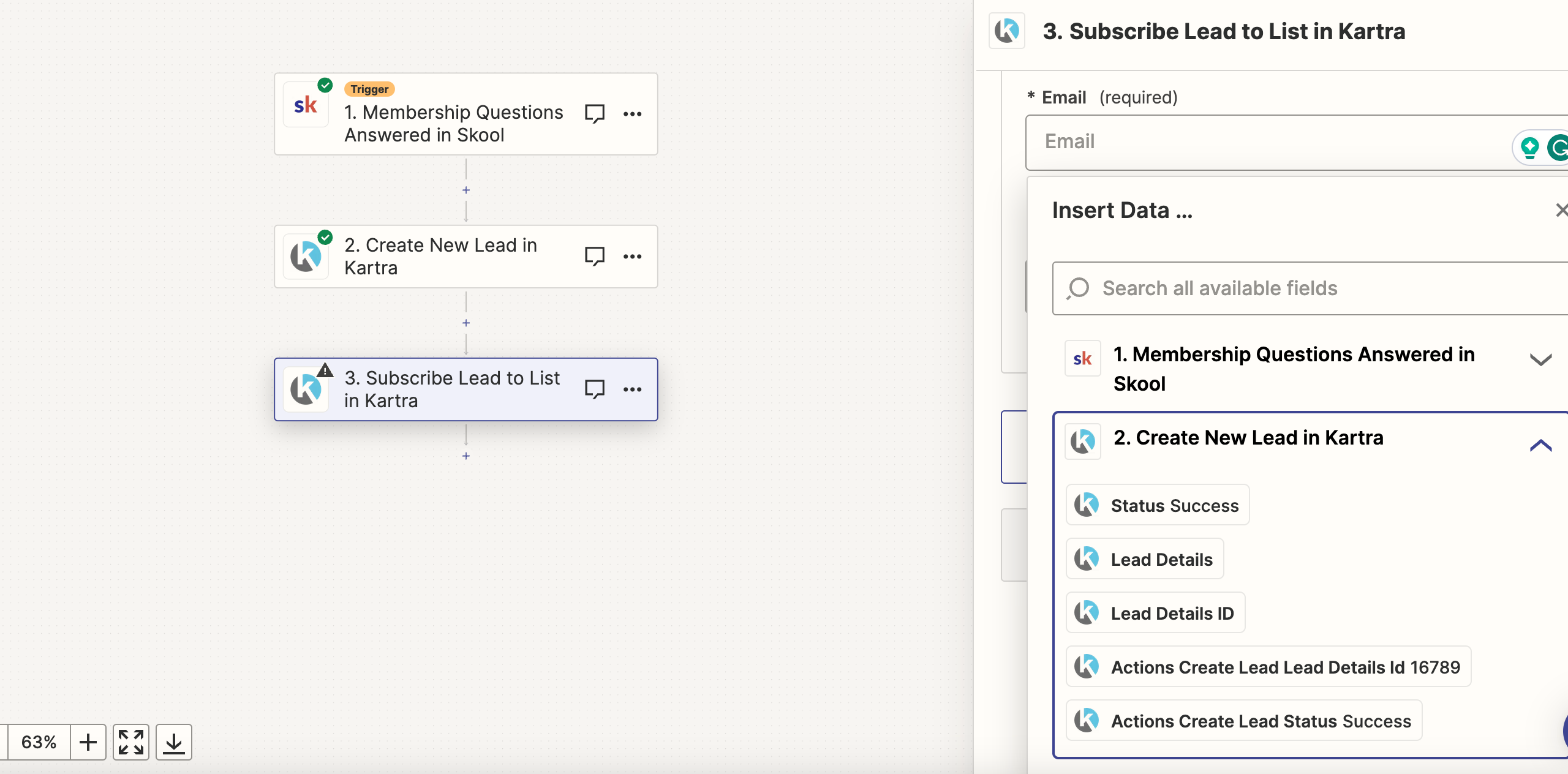
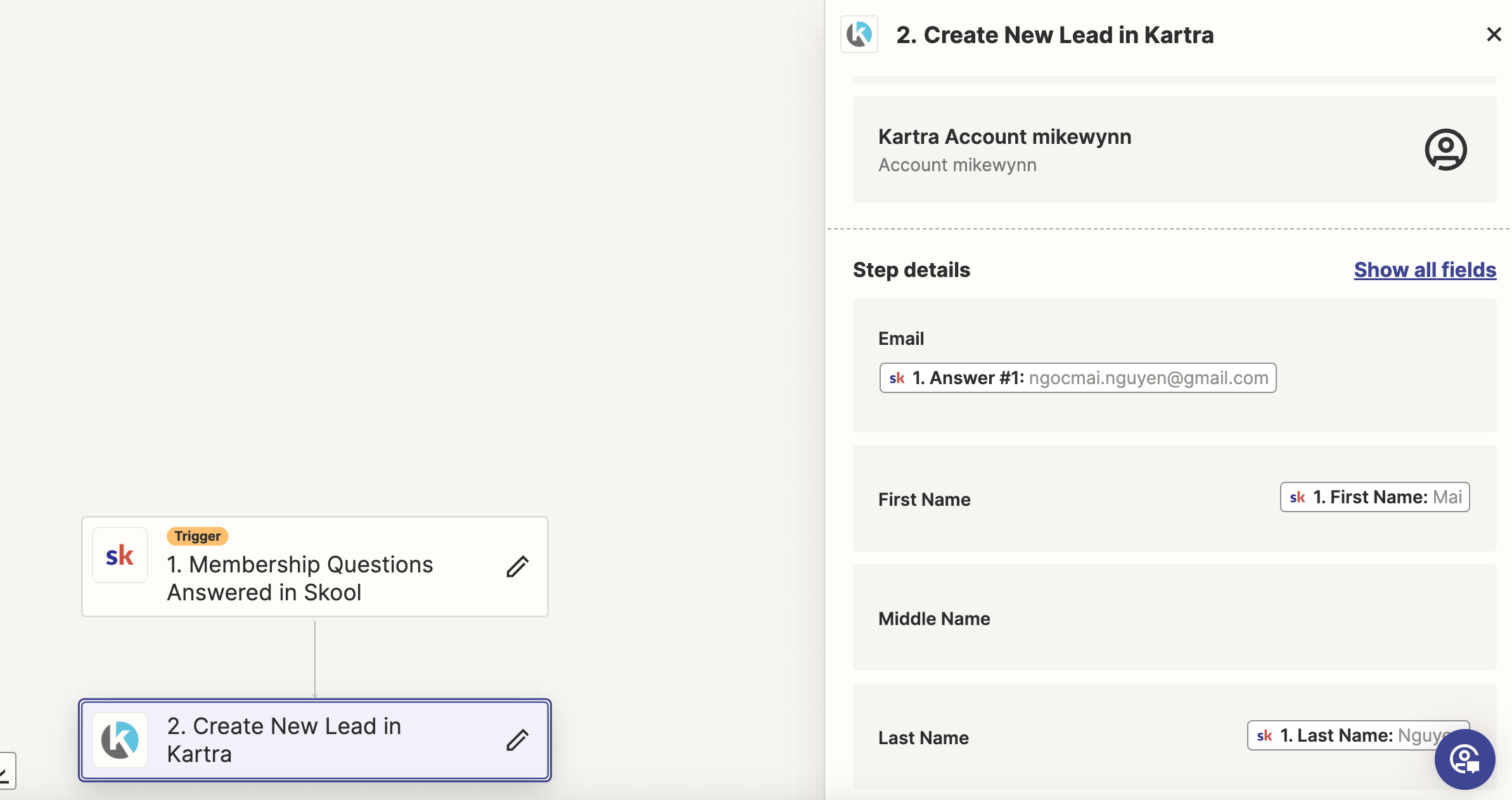
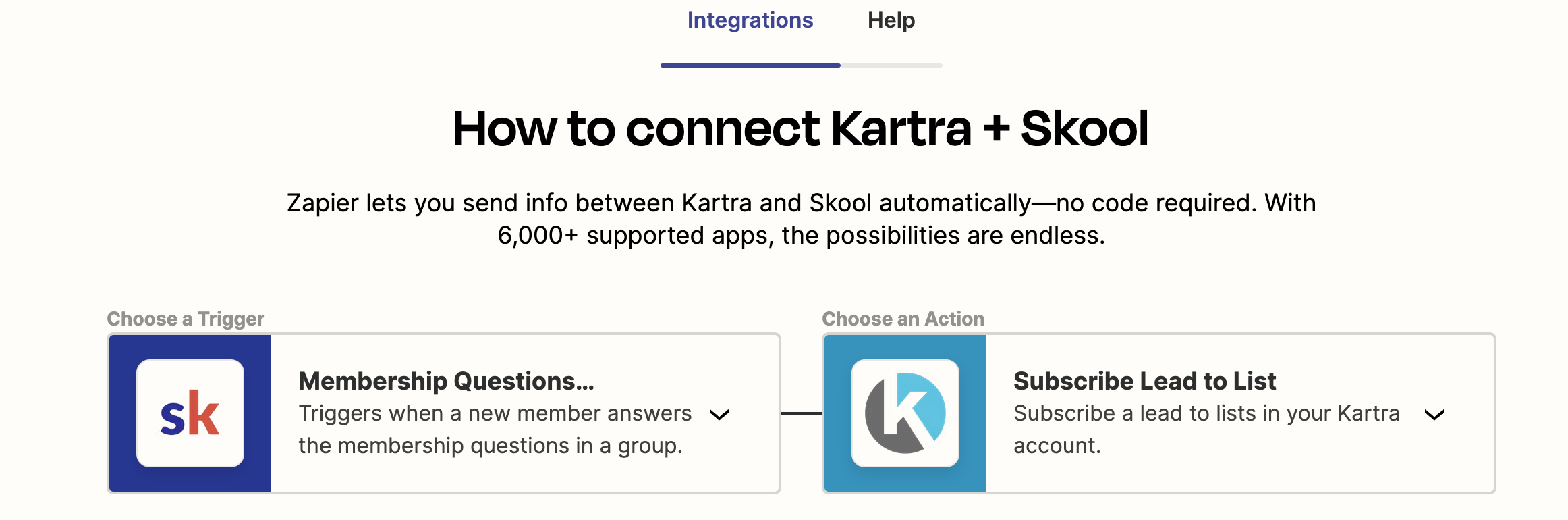
I tried to use Zapier import my member email from skool QA to Kartra subscribe lead to list. The running test go smooth and when I accept new member in the community. The email did not go through to my kartra list. 
 

Best answer by Troy Tessalone

@MrMike 

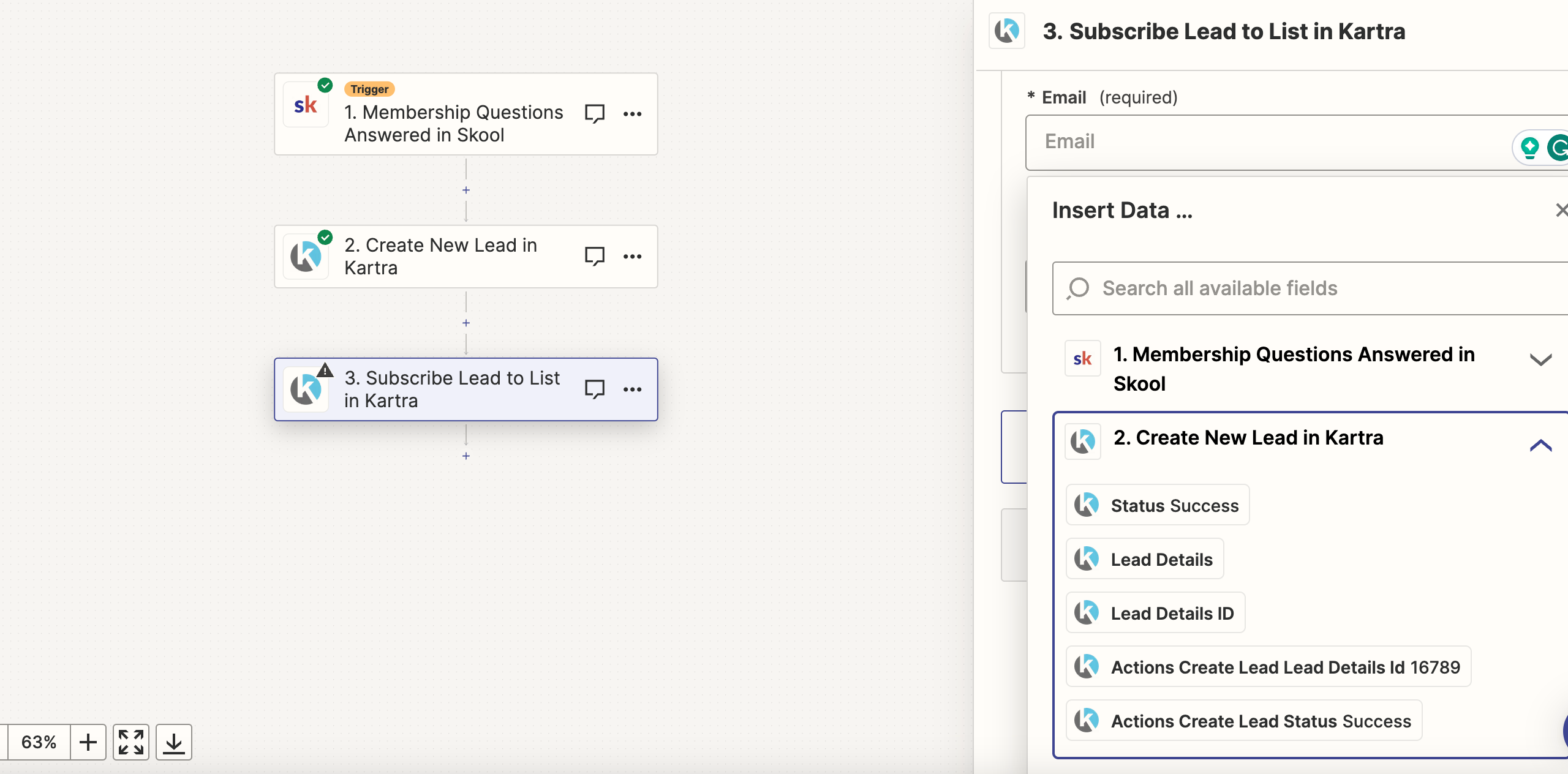
You need 2 action steps:

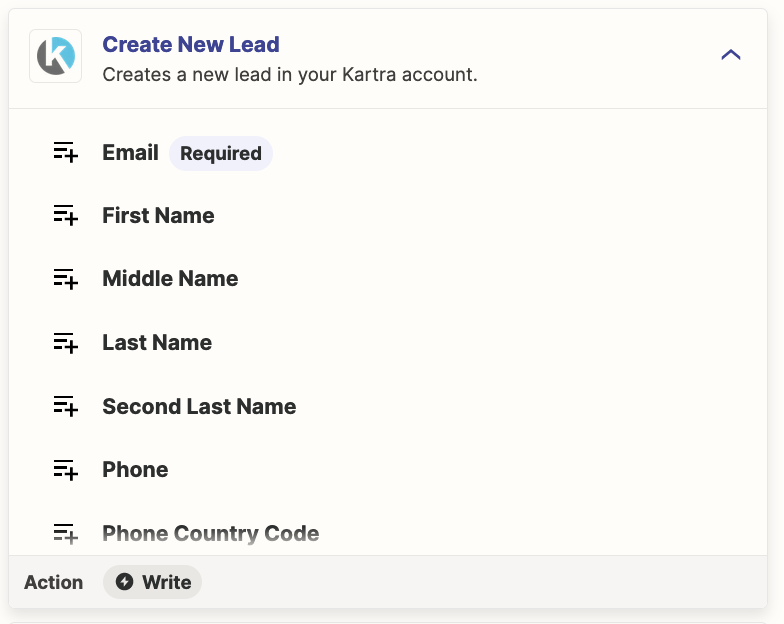
first create the lead

then subscribe the lead to the list
View original
This post has been closed for comments. Please create a new post if you need help or have a question about this topic.

12 replies

Troy Tessalone
Zapier Orchestrator & Solution Partner
Forum|alt.badge.img+14
  • Zapier Orchestrator & Solution Partner
  • Dec 6, 2023 12:14 AM UTC

Hi @MrMike 

Good question.

Try adding this Zap step: Kartra - Create New Lead


  • Author
  • Beginner
  • Dec 6, 2023 12:21 AM UTC

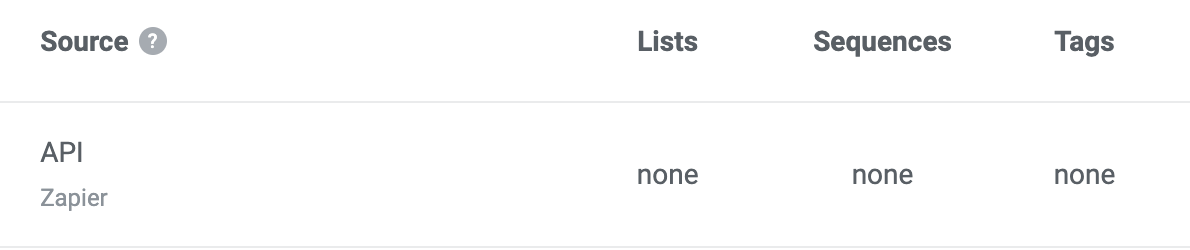
The problem here is when I do that, it not going to be automatic the lead go to the list.


Troy Tessalone
Zapier Orchestrator & Solution Partner
Forum|alt.badge.img+14
  • Zapier Orchestrator & Solution Partner
  • Answer
  • Dec 6, 2023 1:32 AM UTC

@MrMike 

You need 2 action steps:

first create the lead

then subscribe the lead to the list


  • Author
  • Beginner
  • Dec 6, 2023 2:02 AM UTC


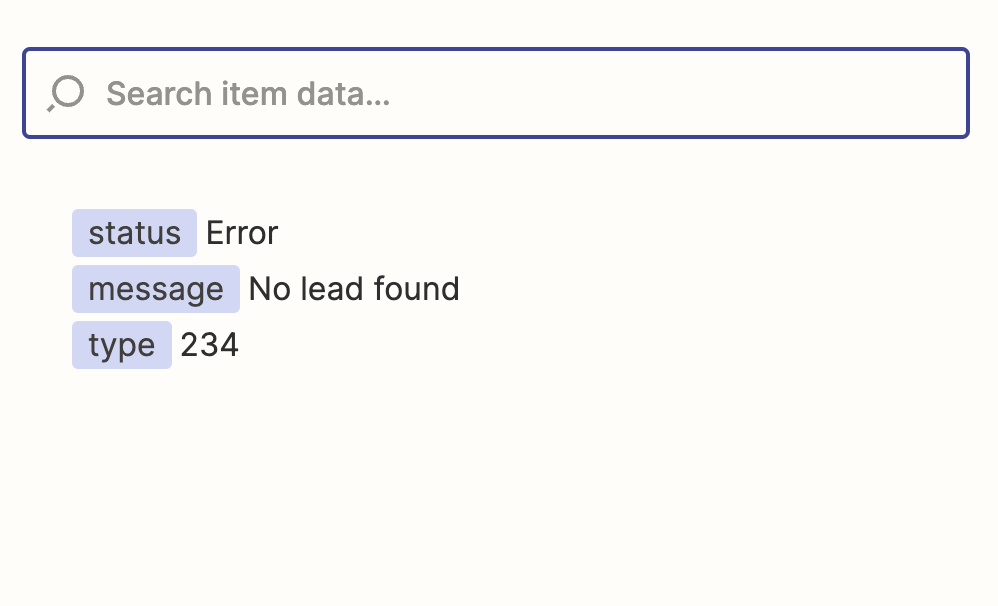
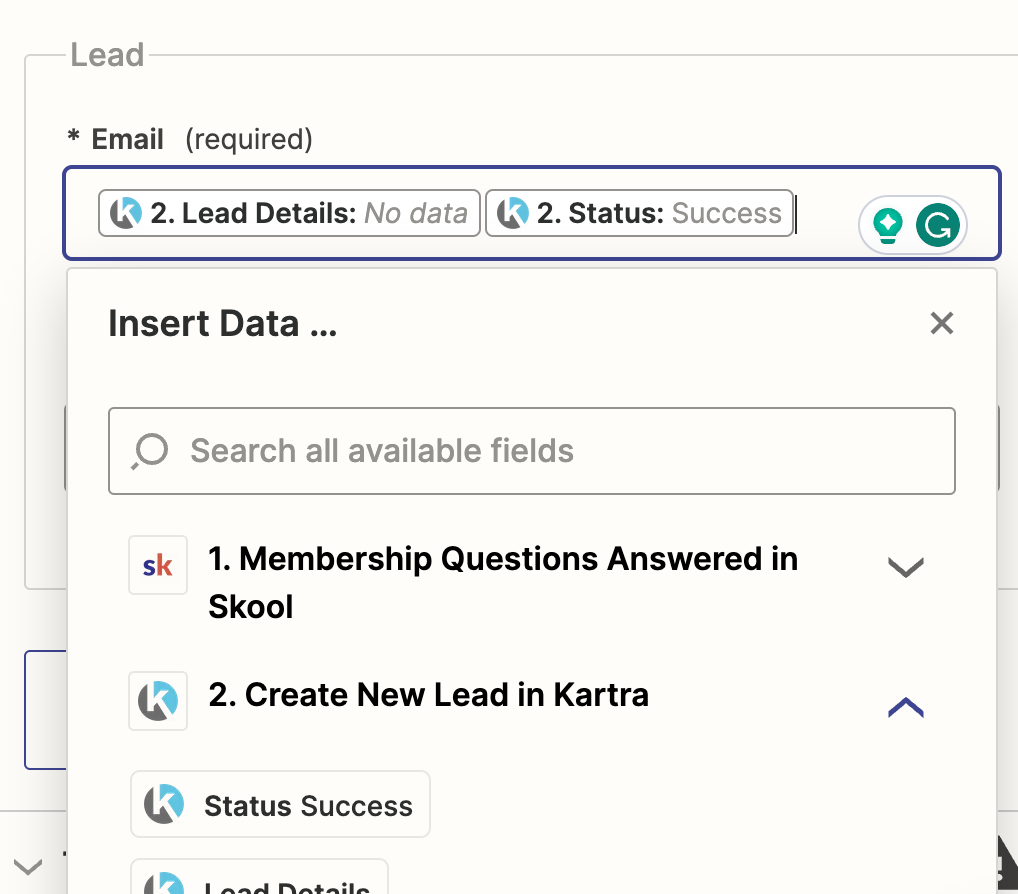
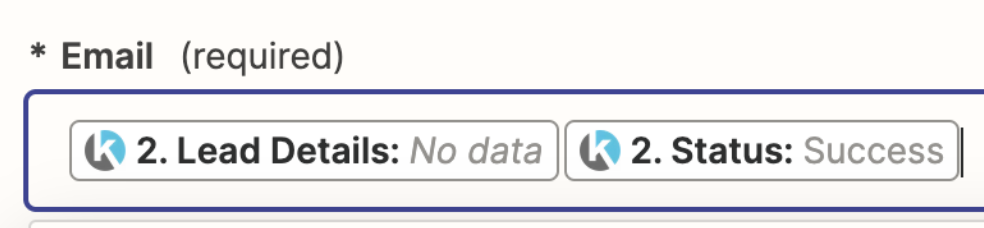
I already test that step too, don’t work. I put lead details and give me no data.

and so I put success on email, it seem not right.


Troy Tessalone
Zapier Orchestrator & Solution Partner
Forum|alt.badge.img+14
  • Zapier Orchestrator & Solution Partner
  • Dec 6, 2023 2:27 AM UTC

@MrMike 

The Email field expects an email address value.


  • Author
  • Beginner
  • Dec 6, 2023 5:13 AM UTC

There are no option from kartra is email

 unless is from skool, which make no sense.


Troy Tessalone
Zapier Orchestrator & Solution Partner
Forum|alt.badge.img+14
  • Zapier Orchestrator & Solution Partner
  • Dec 6, 2023 5:25 AM UTC

@MrMike 

Did you try mapping the email address from step 1 like you did in step 2?


  • Author
  • Beginner
  • Dec 6, 2023 6:59 AM UTC

Yes I did, so what wrong with Zapier system?


Troy Tessalone
Zapier Orchestrator & Solution Partner
Forum|alt.badge.img+14
  • Zapier Orchestrator & Solution Partner
  • Dec 6, 2023 7:44 AM UTC

@MrMike 

In Step 3, for the Email field, you should map this variable from step 1. (post updated screenshots)


  • Author
  • Beginner
  • Dec 9, 2023 2:57 AM UTC

Ok Troy, I will give it a try and get back to you


  • Author
  • Beginner
  • Feb 14, 2024 12:36 AM UTC

Thank you so much @Troy Tessalone it’s work now =)


ken.a
Forum|alt.badge.img+6
  • Zapier Staff
  • Feb 14, 2024 9:26 AM UTC

That’s an amazing news @MrMike! Big thanks to Troy for pointing you in the right direction!

If you have any other questions, please don’t hesitate to reach out to the Community. We’re always happy to help! 🤗