Hi everyone,
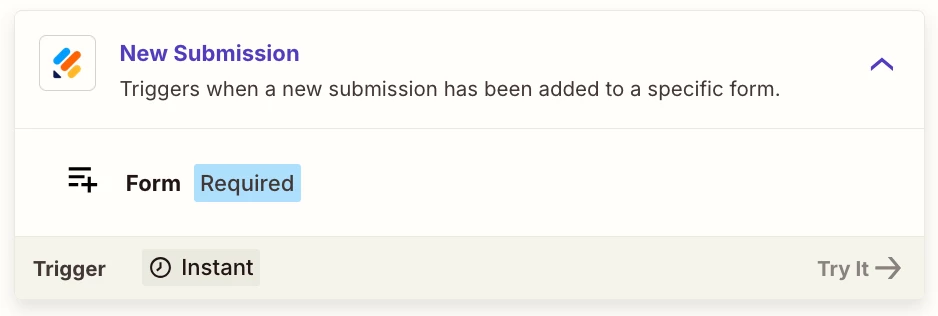
I’m trying to connect a Jotform to Zapier so I can send form submissions into GoHighLevel (LeadConnector).
However, Zapier is not receiving any of the actual form answers.
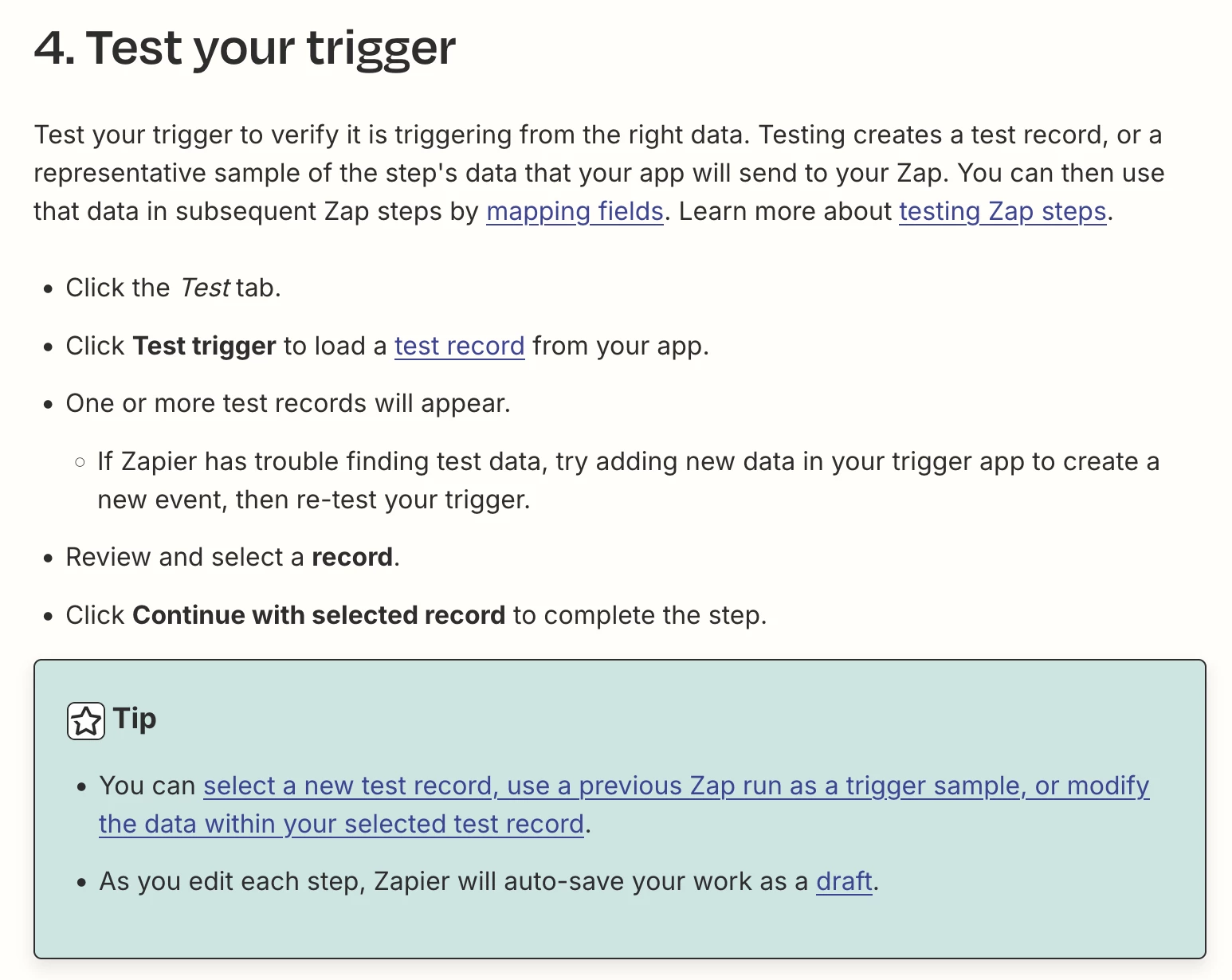
When I test the Jotform trigger, Zapier only shows:
-
Submission ID
-
Form ID
-
Created At
-
IP Address
-
A collapsed “Answers” object that cannot be expanded
📸 This is what I see in Zapier:
(only metadata, no field values)
Submission ID: 6411066636485873382 Form ID: 253424133947357 Created At: 2025-12-09 11:24:24 IP Address: 80.2.28.46 Answers (cannot expand)
But the form submission ** DOES contain all form fields**, and I receive them correctly by email:
📸 Example email content (fields are definitely submitted):
-
Full Name: ali mota***
-
Email: a.mota****@rank****.com
-
Phone: 07******58
-
Post Code: S****L
-
Reason to Visit: Facial Aesthetics
So the data exists — but Zapier does NOT fetch it.
✔️ Steps I have already tried:
-
Reconnected Jotform to Zapier
-
Created a new submission
-
Clicked “Find new records”
-
Clicked “Load More”
-
Checked Jotform Form Settings (form is enabled)
-
Looked for a “send post data” option (not available)
-
The form is not encrypted
-
The “Answers” array still refuses to expand
Still no success — Zapier continues to show only metadata, not the submitted field values.
❓ My Question:
What causes Jotform → Zapier to fail to send form field values, and how can I force Zapier to receive the full “Answers” dataset?
Is this related to:
-
EU data residency?
-
Jotform account region?
-
A missing integration setting?
-
A Zapier bug with Jotform’s new API?
Any help or workarounds would be amazing!
Thank you!