
Answer

Issue with Zapier Formatter: current time is not updating correctly in Google Sheets

  • May 31, 2023
  • 7 replies
  • 171 views

growth.land

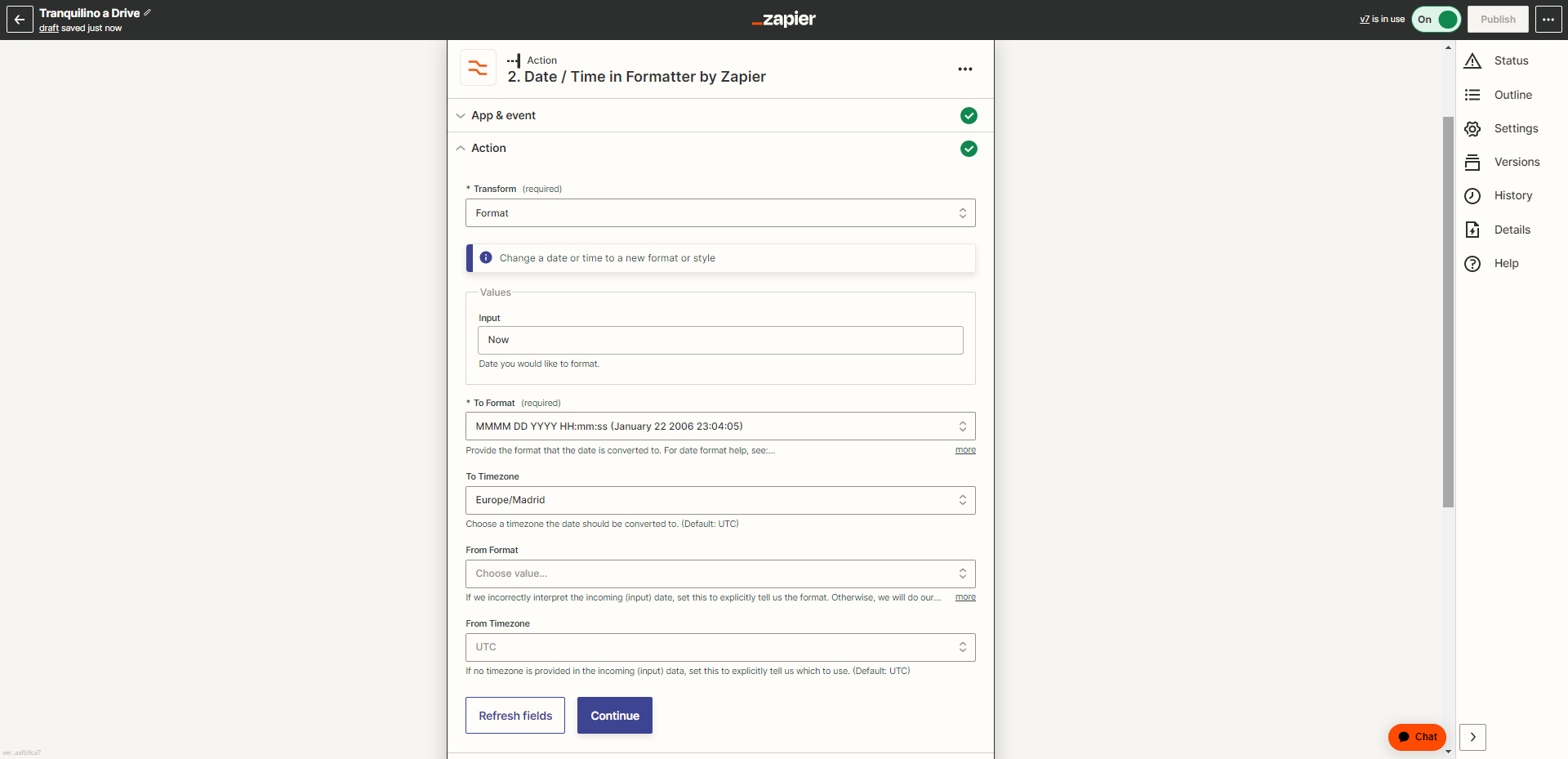
I am having an issue with the Formatter's Date / Time feature in one of my Zaps. The Zap is designed to create a new row in a Google Sheets spreadsheet every time a certain trigger event happens. I added a step with the Formatter by Zapier to generate a timestamp of the current date and time for each new row.

In the Formatter setup, I have used 'Now' as the input and 'YYYY-MM-DD HH:mm:ss' as the 'To Format'.

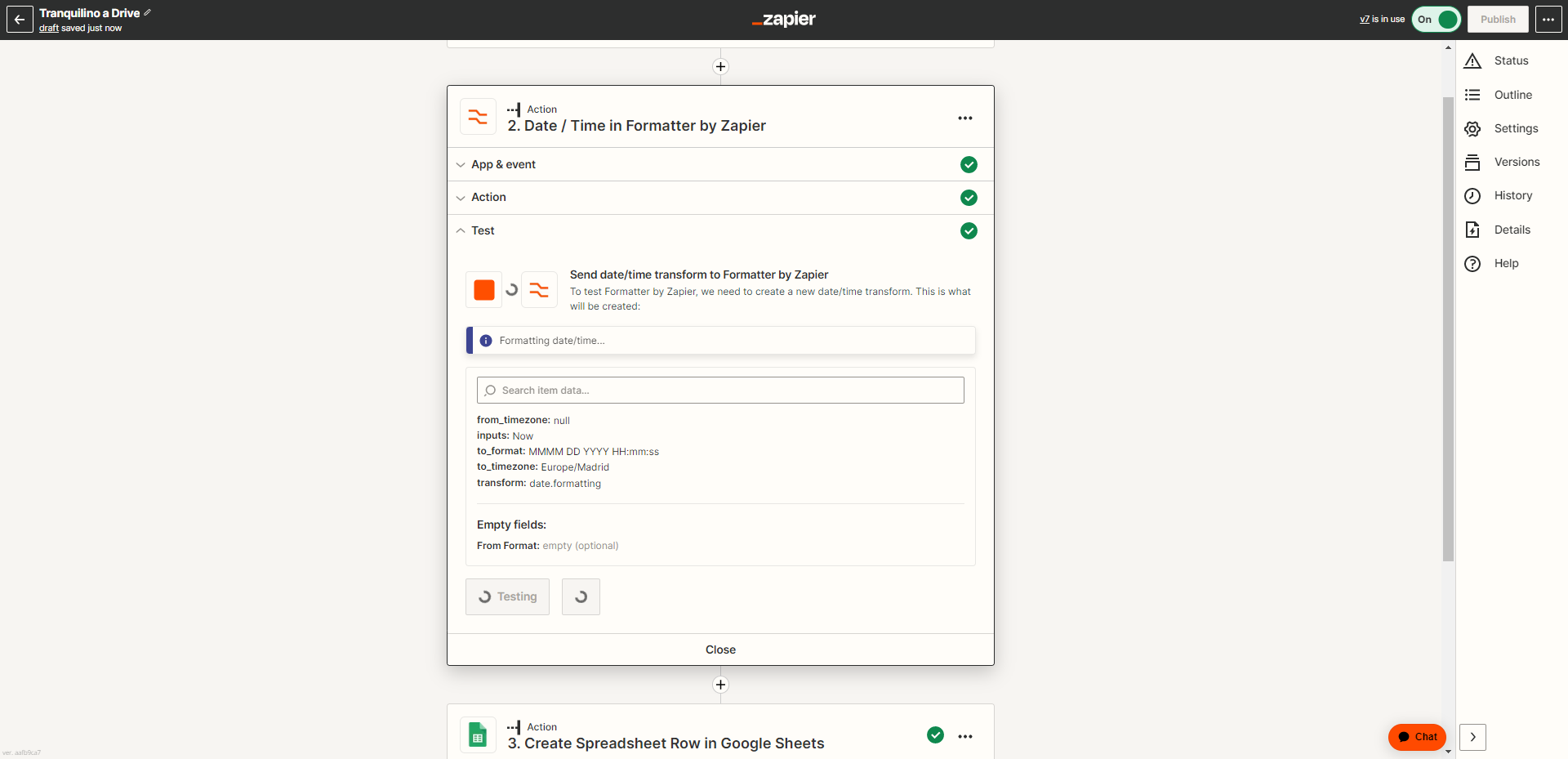
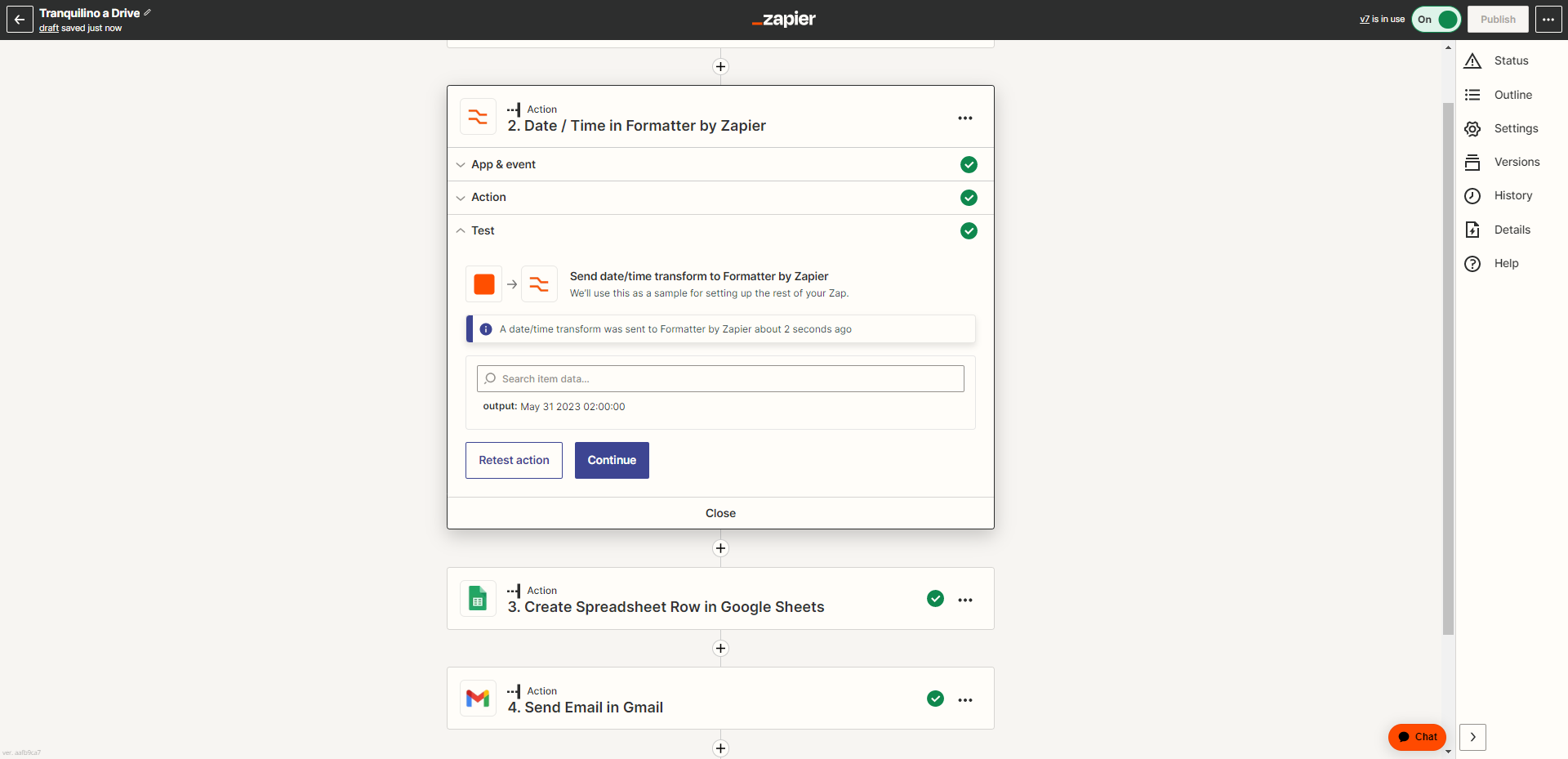
However, I've noticed that even though the date is correct, the time always remains the same and does not reflect the current time when the Zap runs.

Any ideas?

Best answer by ken.a

Hi there @growth.land,

I’m jumping in to see if I can help!

I replicated the Formatter setup that you’re using. After looking into it, it appears that the issue lies with the typed data in the “Input” field. It seems that the typed “Now” value isn't being recognized by the Formatter. To resolve this, I recommend using the {{zap_meta_human_now}} data instead. This should provide the desired result.

Here’s what it’ll look like:

1c516b061e35f8c591ce6f0b0a939bf4.png
(view larger)

2f54abaab742a0fd3ca008bc56633271.png
(view larger)

Hopefully, this helps! 😊

This post has been closed for comments. Please create a new post if you need help or have a question about this topic.

7 replies

chanelle
Forum|alt.badge.img+8
  • Zapier Staff
  • May 31, 2023

Hmm @growth.land this is interesting, can you please provide a screenshot of your Formatter set up? From my knowledge, this isn’t the intended outcome and I’d like to take a closer look at what’s going on. 


growth.land
  • Author
  • Beginner
  • May 31, 2023

Hola @chanelle 

Thx for answering.

Here they go:


ken.a
Forum|alt.badge.img+6
  • Zapier Staff
  • Answer
  • June 1, 2023

Hi there @growth.land,

I’m jumping in to see if I can help!

I replicated the Formatter setup that you’re using. After looking into it, it appears that the issue lies with the typed data in the “Input” field. It seems that the typed “Now” value isn't being recognized by the Formatter. To resolve this, I recommend using the {{zap_meta_human_now}} data instead. This should provide the desired result.

Here’s what it’ll look like:

1c516b061e35f8c591ce6f0b0a939bf4.png
(view larger)

2f54abaab742a0fd3ca008bc56633271.png
(view larger)

Hopefully, this helps! 😊


Troy Tessalone
Zapier Orchestrator & Solution Partner
Forum|alt.badge.img+14
  • Zapier Orchestrator & Solution Partner
  • June 1, 2023

Hi @growth.land 

Try testing with the Zap ON, then check your Zap Runs to see the DATA IN/OUT for each Zap step, as sometimes the Zap Editor test data can be inaccurate.

OR

Help article about inserting system timestamp formats: https://help.zapier.com/hc/en-us/articles/8496275717261


growth.land
  • Author
  • Beginner
  • June 1, 2023

Hi there @growth.land,

I’m jumping in to see if I can help!

I replicated the Formatter setup that you’re using. After looking into it, it appears that the issue lies with the typed data in the “Input” field. It seems that the typed “Now” value isn't being recognized by the Formatter. To resolve this, I recommend using the {{zap_meta_human_now}} data instead. This should provide the desired result.

Here’s what it’ll look like:

1c516b061e35f8c591ce6f0b0a939bf4.png
(view larger)

2f54abaab742a0fd3ca008bc56633271.png
(view larger)

Hopefully, this helps! 😊

Gracias @ken.a. It worked perfectly!


growth.land
  • Author
  • Beginner
  • June 1, 2023

Hi @growth.land 

Try testing with the Zap ON, then check your Zap Runs to see the DATA IN/OUT for each Zap step, as sometimes the Zap Editor test data can be inaccurate.

OR

Help article about inserting system timestamp formats: https://help.zapier.com/hc/en-us/articles/8496275717261

Thx @Troy Tessalone.

@ken.a solution worked perfect. 


ken.a
Forum|alt.badge.img+6
  • Zapier Staff
  • June 2, 2023

Hi @growth.land,

You are most welcome! I’m glad it worked!

If you have any other questions, please don’t hesitate to ask in the Community. We’re always happy to help! 😊