Question

Issue with registration data not being received

  • April 10, 2026
  • 15 replies
  • 60 views

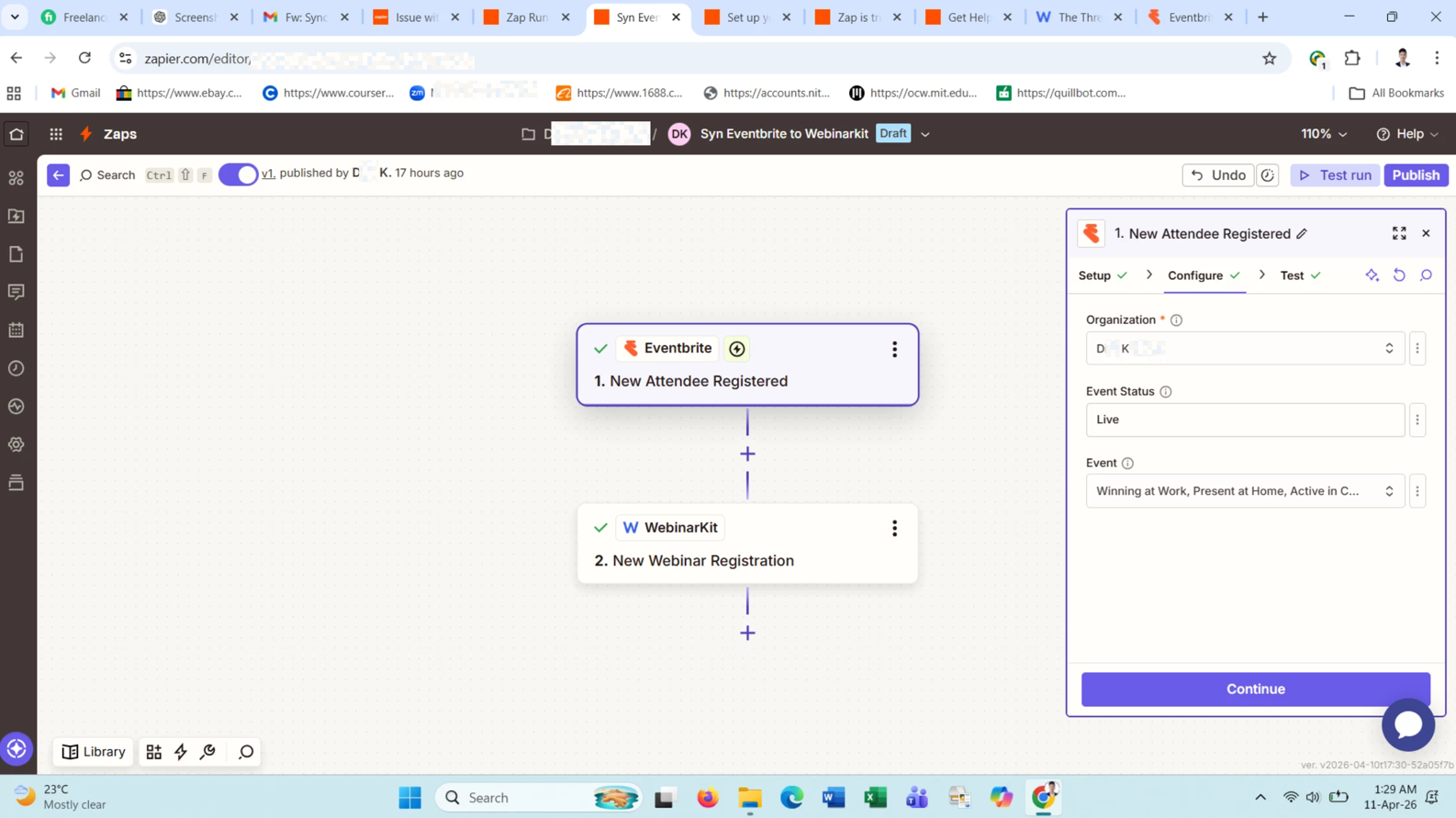
The issue I’m facing is that the Zap is not sending data from the registration page during actual use. When a user completes the registration, the data does not appear in Zapier as expected.

However, the Zap editor successfully receives the data from WebinarKit when I run a test. The problem only occurs with other registrations; i did not get data in WebinarKit.

15 replies

  • Author
  • Beginner
  • April 10, 2026

See

08d26771dcf737c39f3c429097344429.png
 

This post has been edited by a moderator to remove personally identifiable information (PII). Please remember that this is a public forum and avoid sharing personal or potentially sensitive details.


Troy Tessalone
Zapier Orchestrator & Solution Partner
Forum|alt.badge.img+14
  • Zapier Orchestrator & Solution Partner
  • April 10, 2026

Hi ​@Ditu 

For live Zap Runs, check your Zap Run history to see the DATA IN/OUT for each step to help you trace the data flow and troubleshoot: https://zapier.com/app/history/


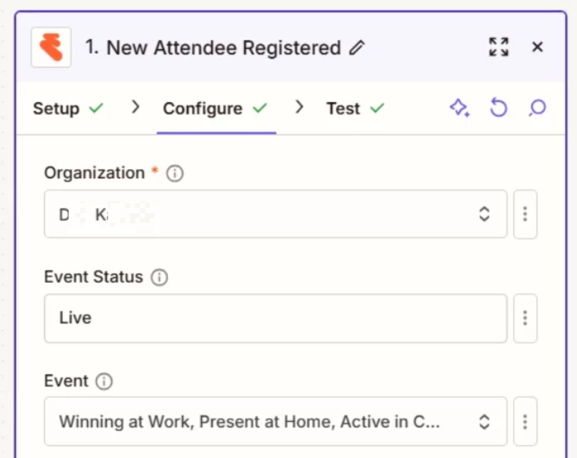
For us to have more info, post screenshots showing how your Zap step 2 is configured in the CONFIGURE tab.


  • Author
  • Beginner
  • April 10, 2026

It does not work automatically when i search new record then i get new data. how can i fix this issue? Why did not catching new Eventbrite registrations.

36c2c86c63480c7da71a24ac93701b70.png
 

This post has been edited by a moderator to remove personally identifiable information (PII). Please remember that this is a public forum and avoid sharing personal or potentially sensitive details.


Troy Tessalone
Zapier Orchestrator & Solution Partner
Forum|alt.badge.img+14
  • Zapier Orchestrator & Solution Partner
  • April 10, 2026

@Ditu 

Zaps with instant triggers using webhooks work while turned ON for new data going forward that meet the configured Zap trigger step settings.


Help links for using Eventbrite in Zaps: https://zapier.com/apps/eventbrite/integrations#help

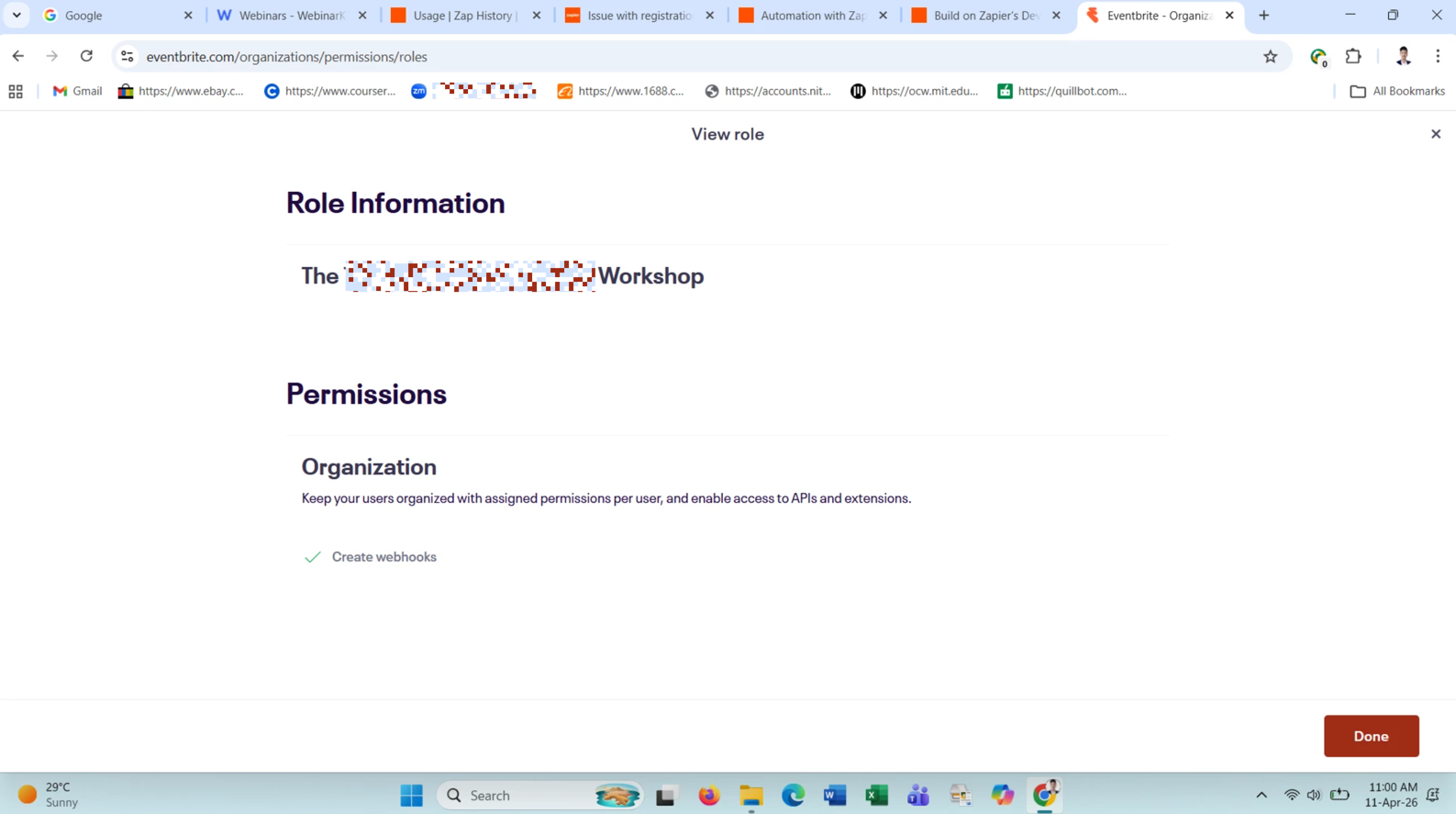
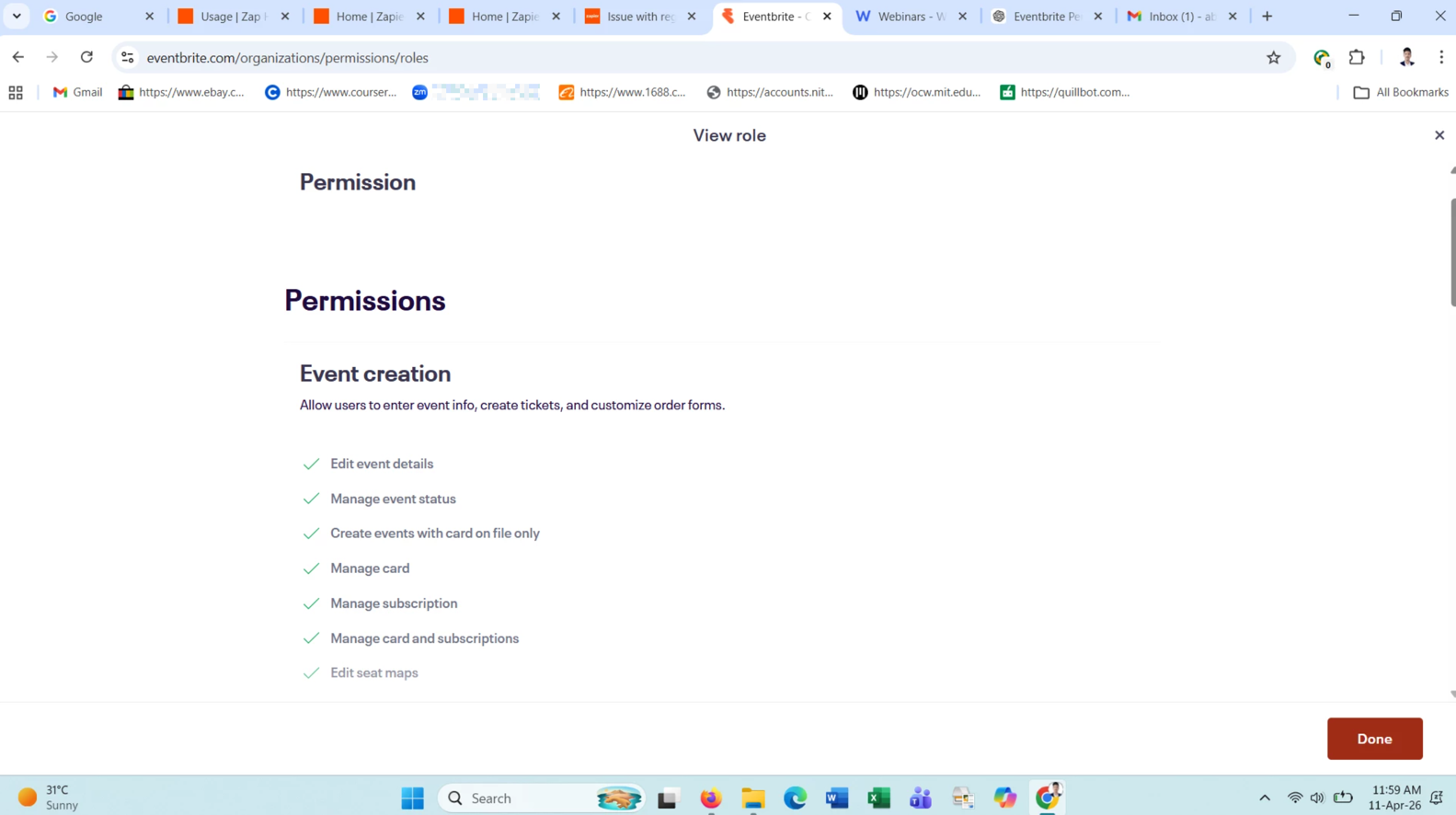
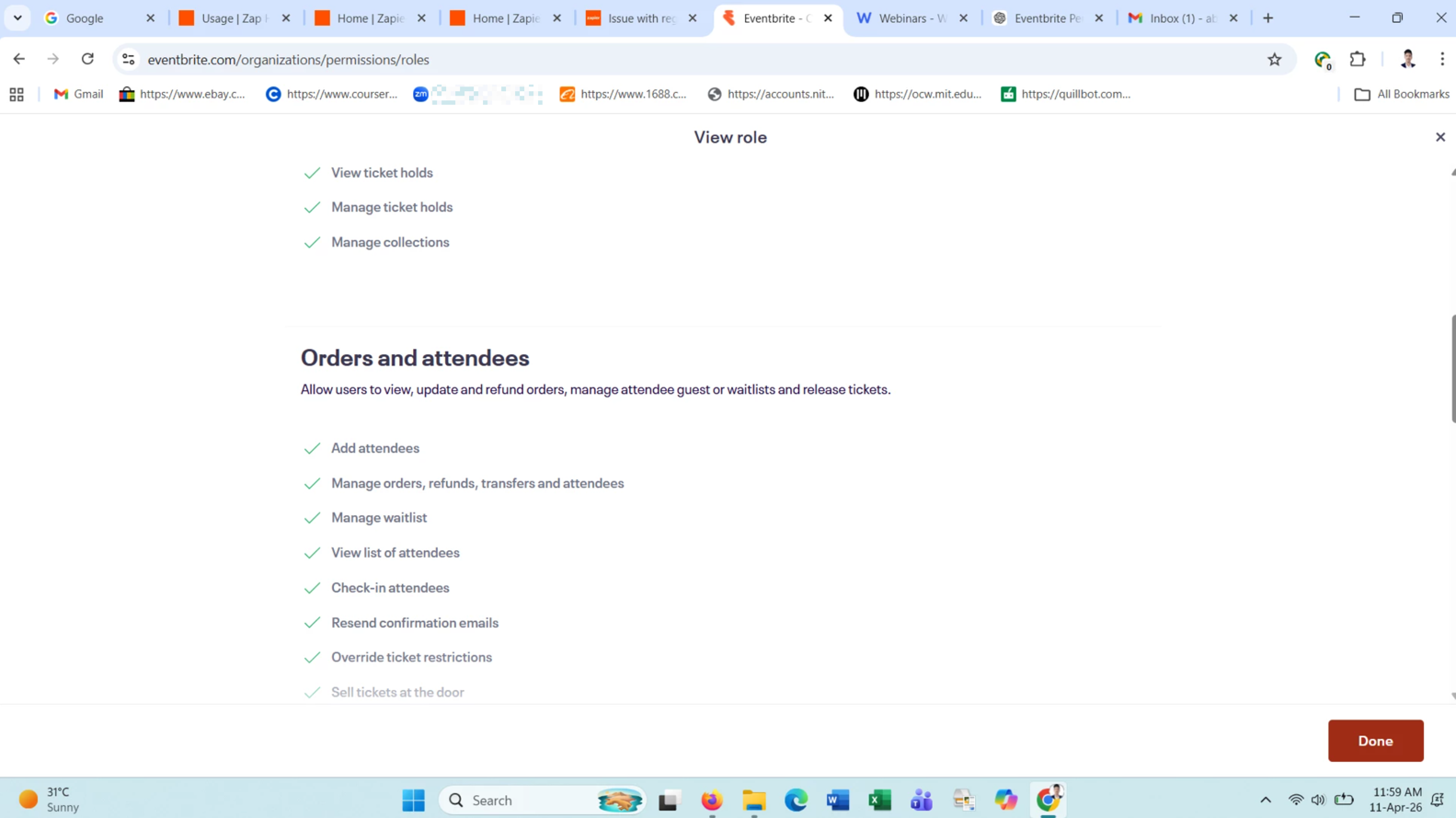
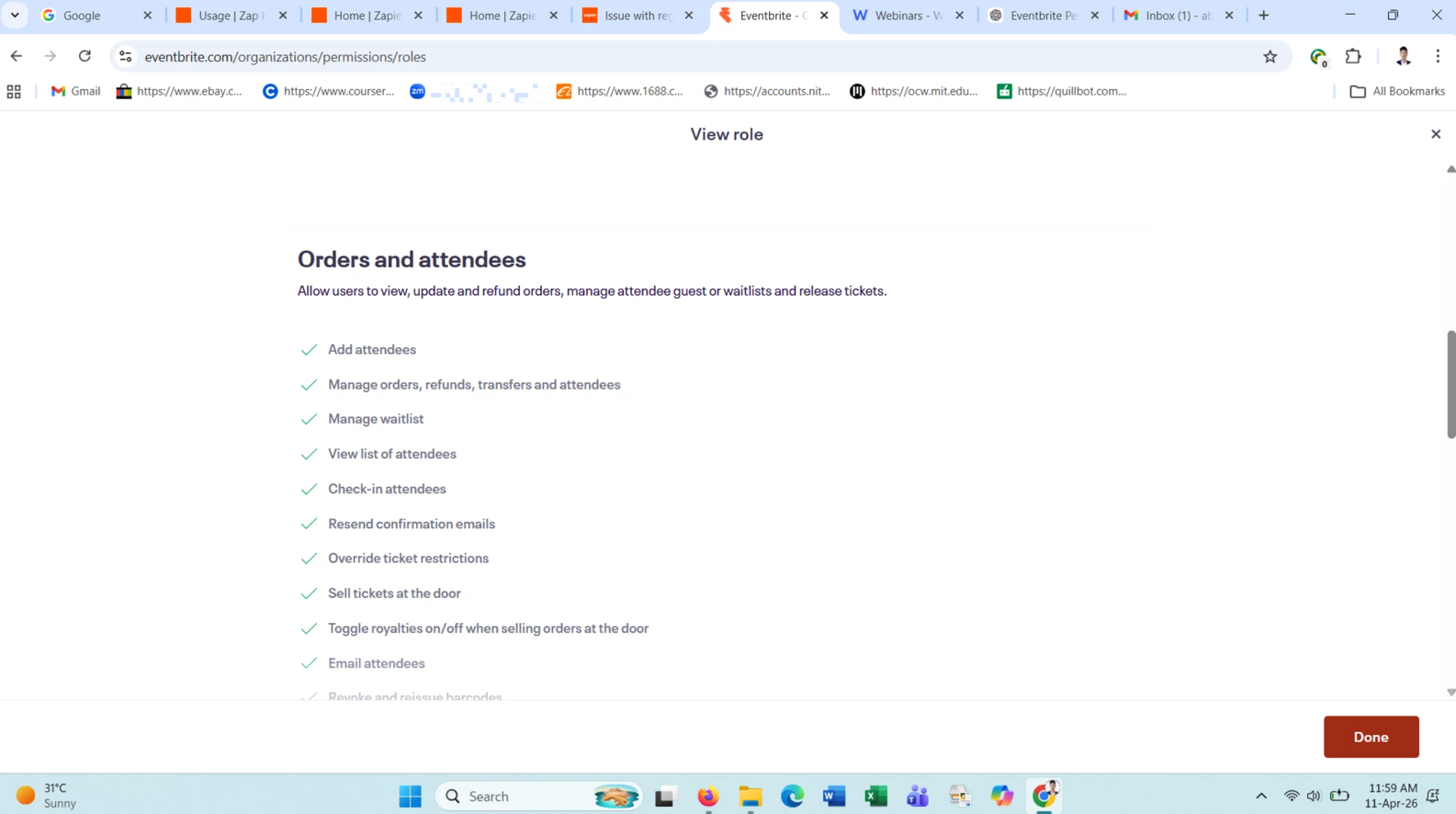
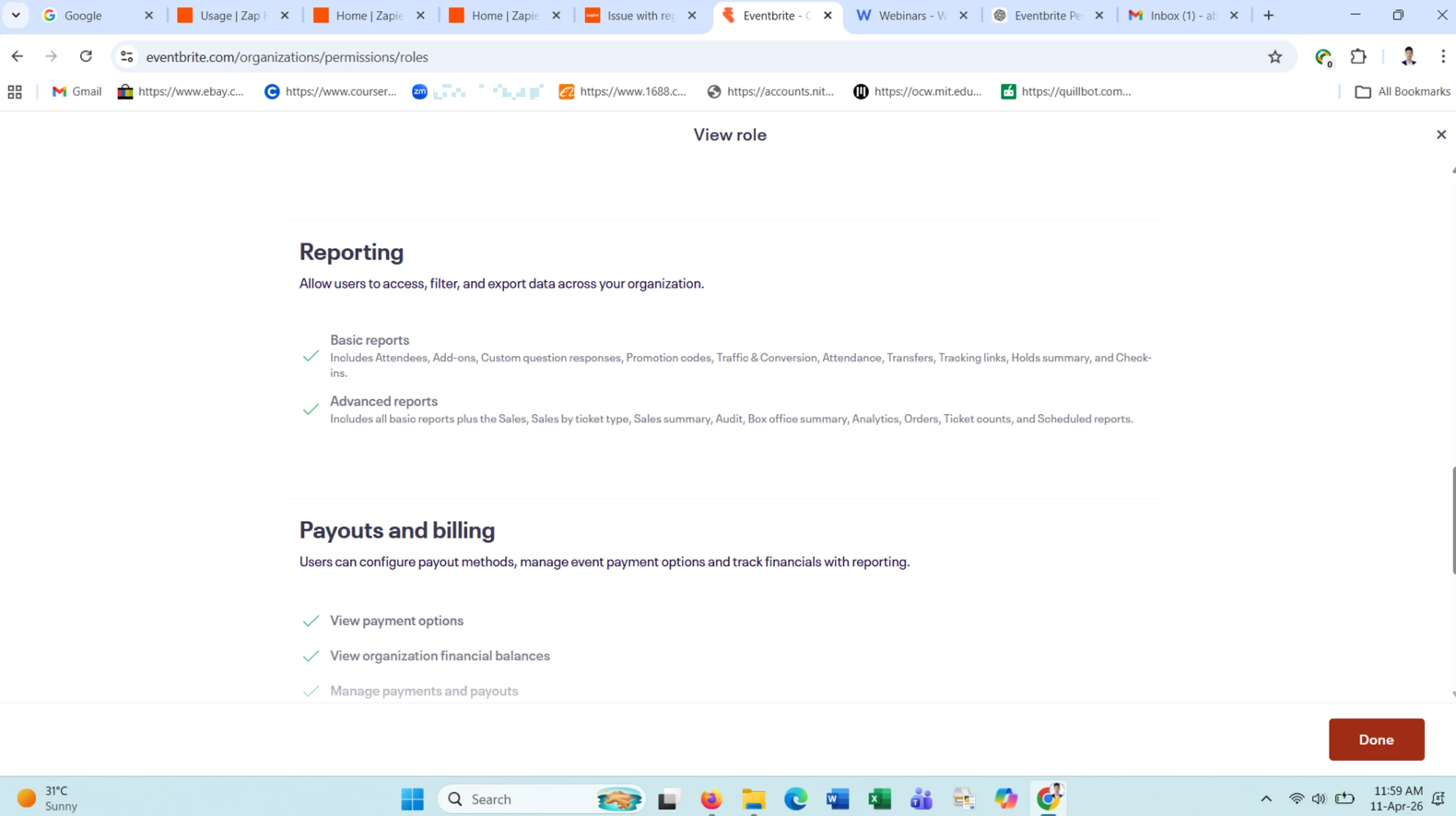
To use Eventbrite triggers, your organizational role must have the Create webhooks permission enabled. 
If you lack this permission, you may need to contact your Eventbrite administrator.


New Attendee Registered (Instant) - Triggers when an attendee orders a ticket for an event.

Check if the event is live for attendees to register.


  • Author
  • Beginner
  • April 10, 2026

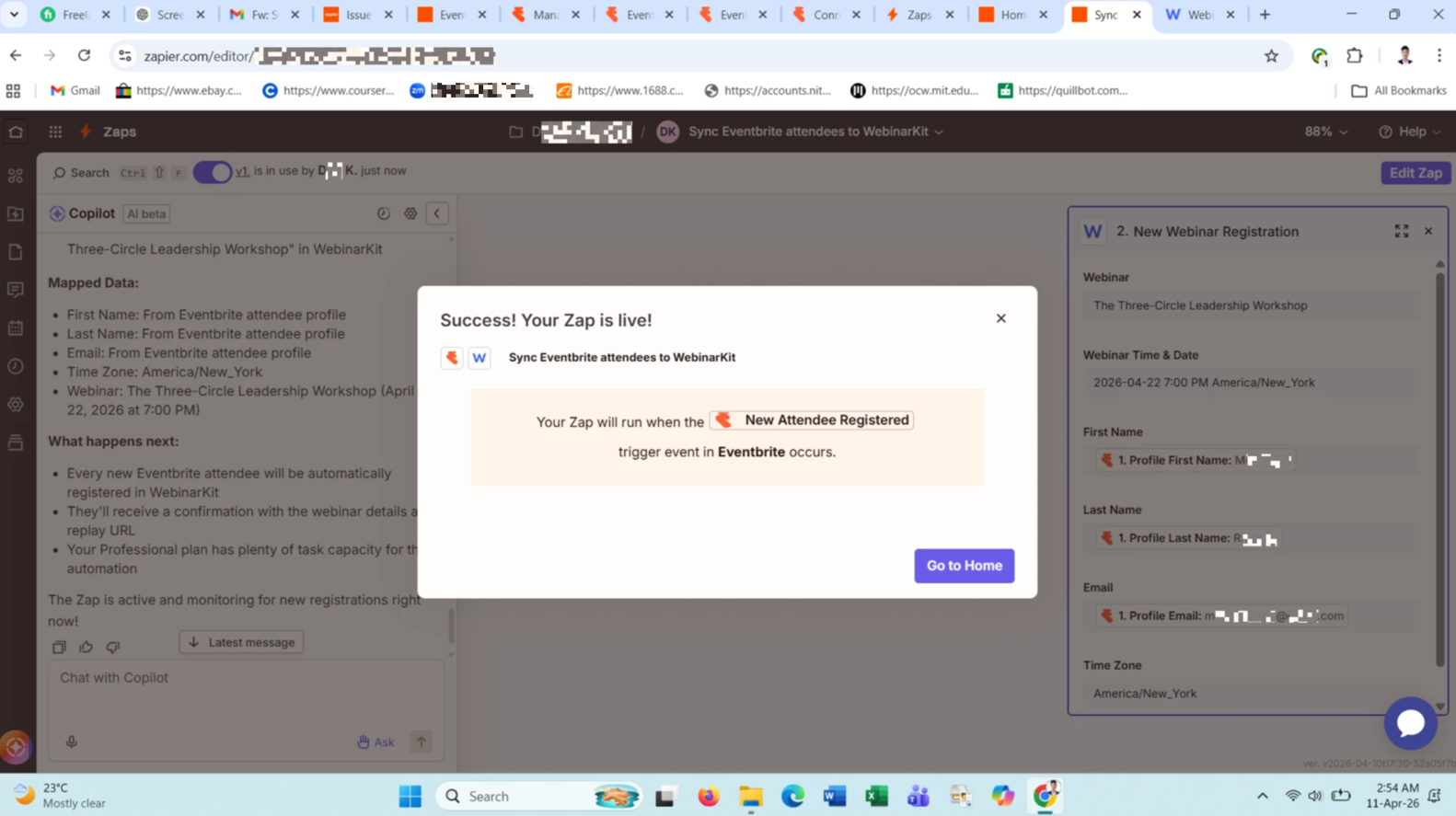
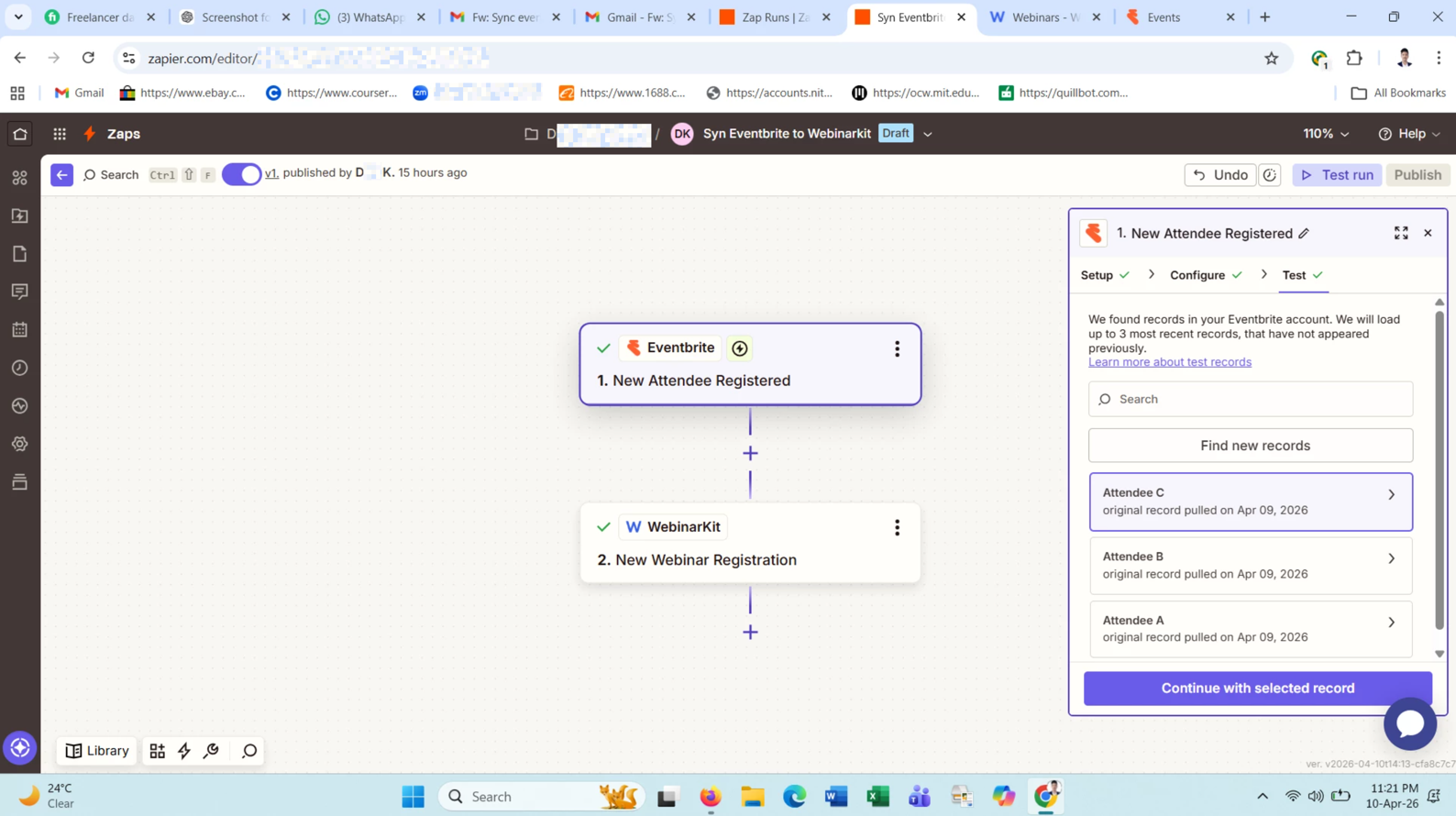
Now i create one zap by Copilot but i face same problem:

If i test again i get this data in webinarkit but it does not happen automatically without test

2b8f832f1028ebcf52262acadc1dfcc8.png
 

This post has been edited by a moderator to remove personally identifiable information (PII). Please remember that this is a public forum and avoid sharing personal or potentially sensitive details.


  • Author
  • Beginner
  • April 10, 2026

It works only when i click Test, Zapier is getting sample data but not receiving a live trigger from Eventbrite. How can i fix?


  • Author
  • Beginner
  • April 10, 2026

--Zap Link removed by moderator--


14a49cc43c353279b5e3afb679cef9c8.png

This post has been edited by a moderator to remove personally identifiable information (PII). Please remember that this is a public forum and avoid sharing personal or sensitive details like Zap links.


Troy Tessalone
Zapier Orchestrator & Solution Partner
Forum|alt.badge.img+14
  • Zapier Orchestrator & Solution Partner
  • April 10, 2026

@Ditu 

We do not have access to your Zap link, so that can’t be used by us.


Did you review the help links for using Eventbrite in Zaps?

Help links for using Eventbrite in Zaps: https://zapier.com/apps/eventbrite/integrations#help


Did you check your Eventbrite permissions?

To use Eventbrite triggers, your organizational role must have the Create webhooks permission enabled. 
If you lack this permission, you may need to contact your Eventbrite administrator.


  • Author
  • Beginner
  • April 11, 2026

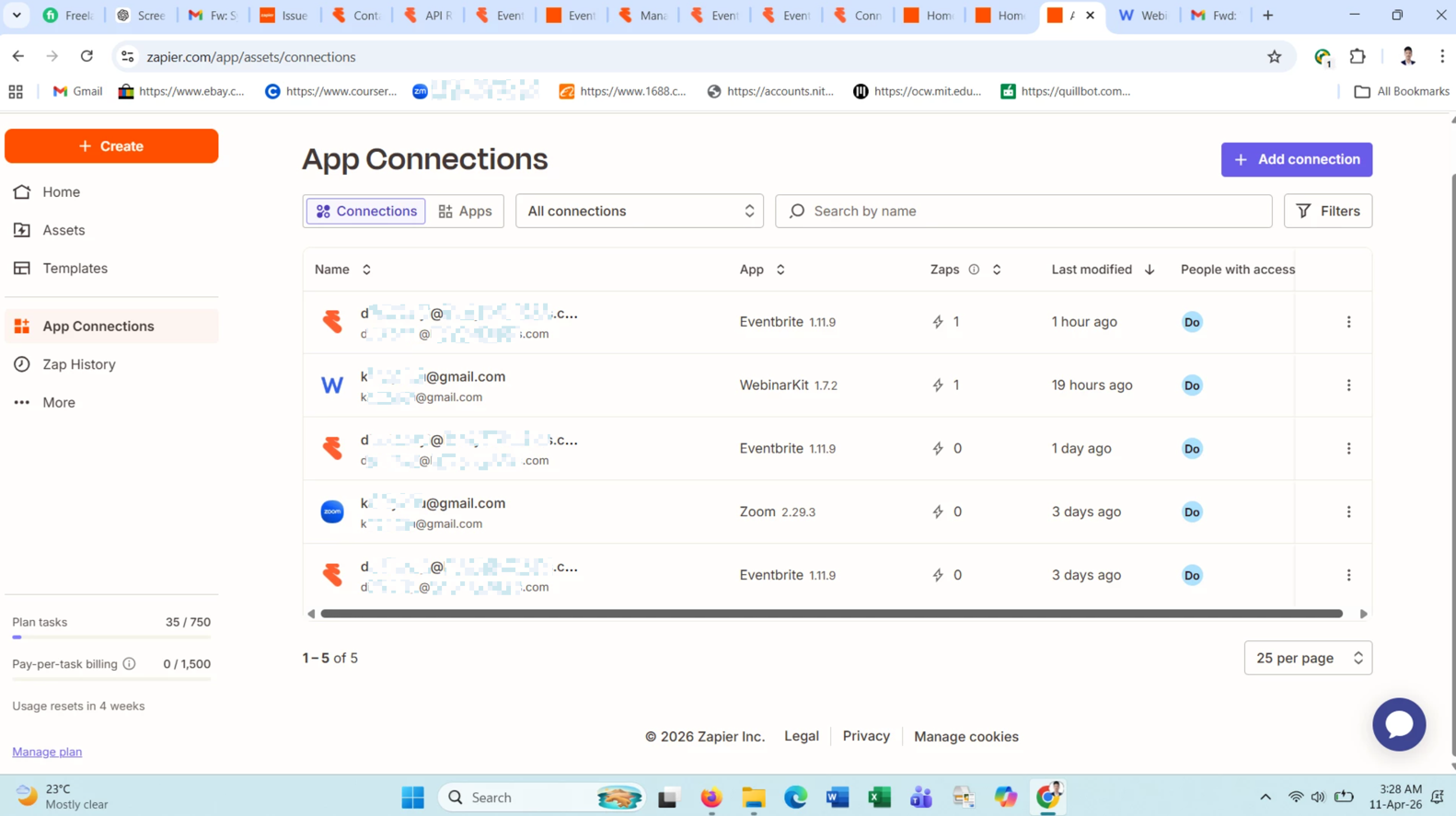
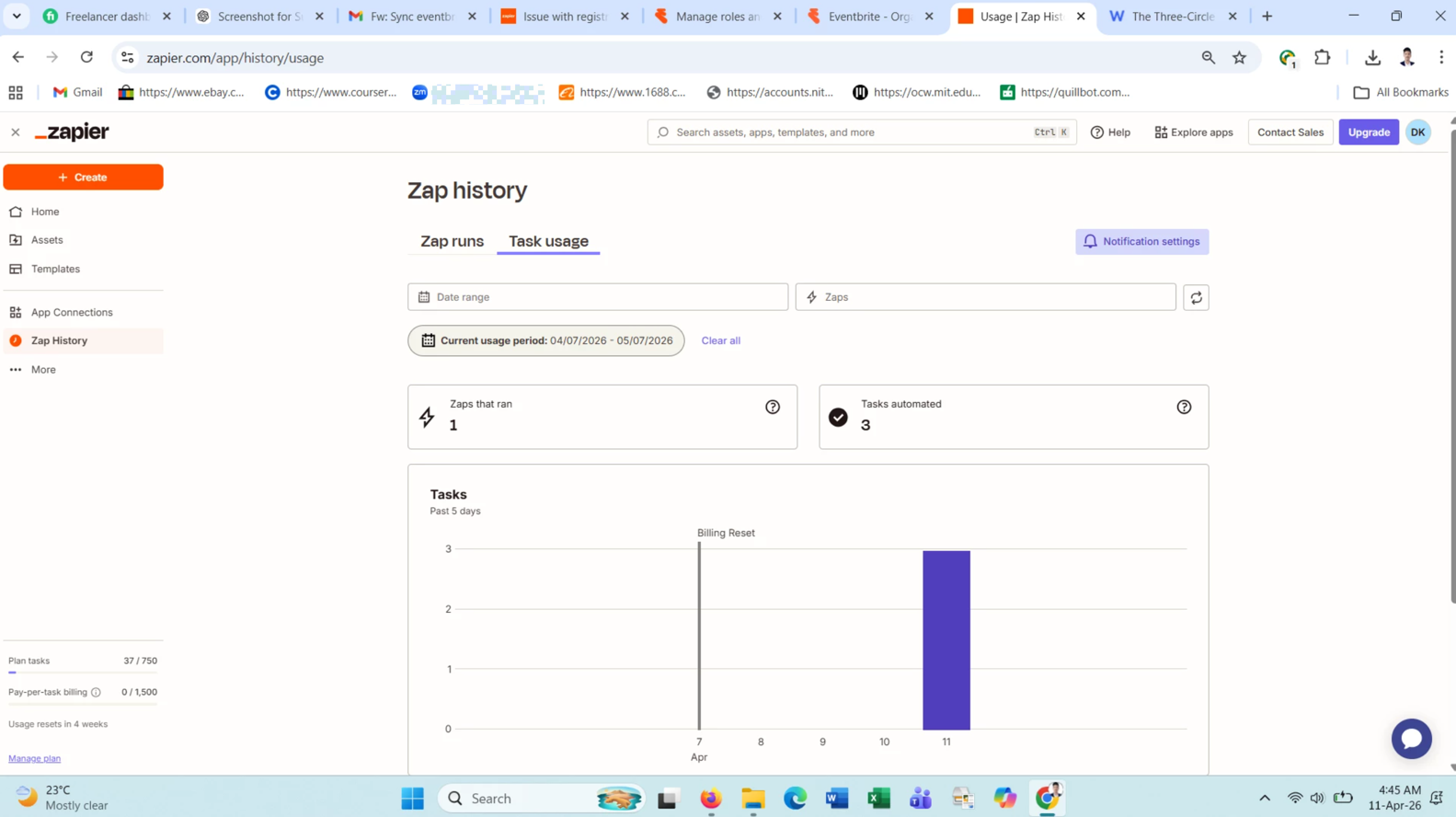
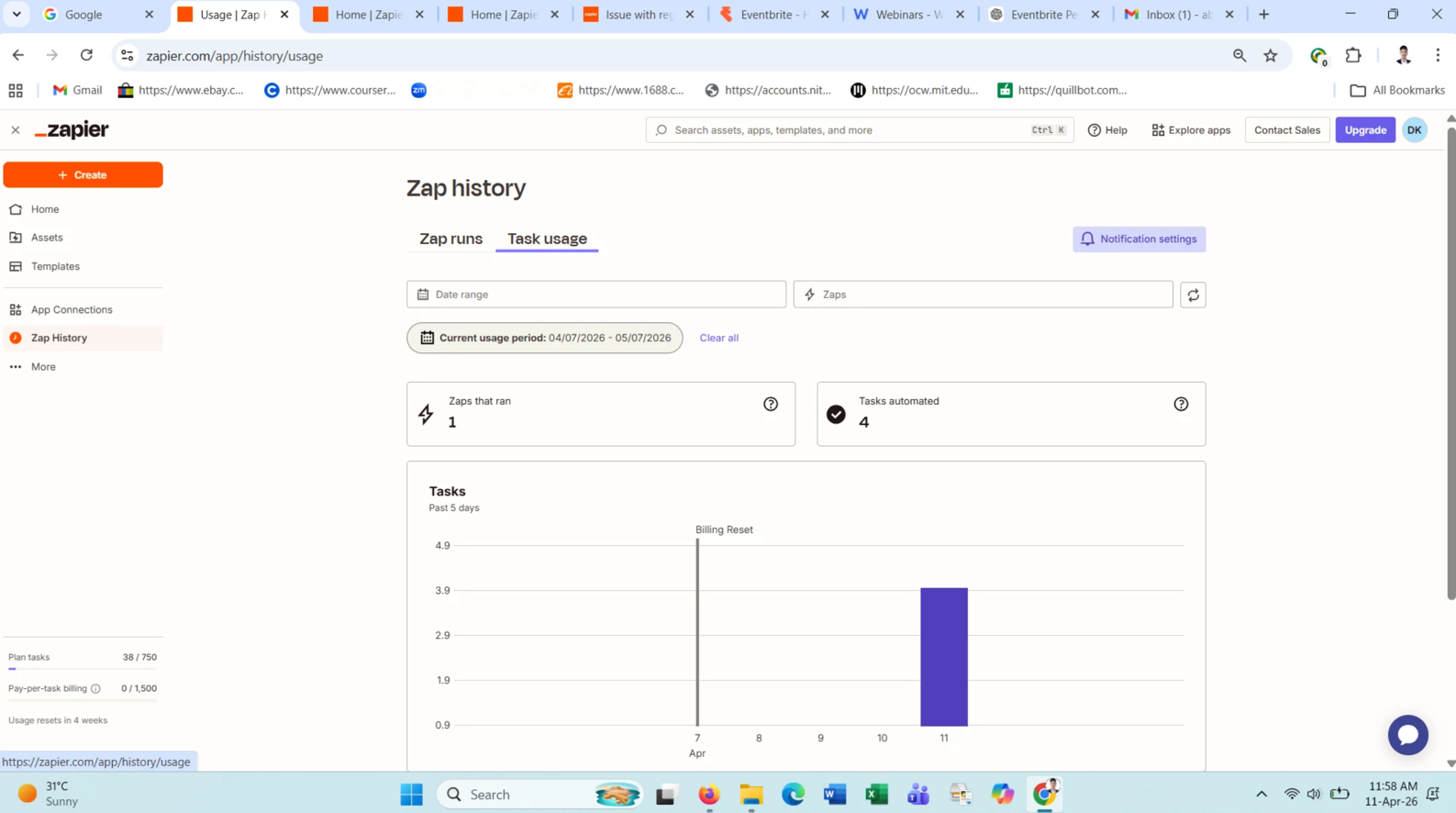
Did you check your Eventbrite permissions? Yes and the attached file zaps that run but did not transfer data

c75fc27fc32930e01634fed801c4688a.png
cee309aea7e5aa97f83b3e3bbb11b630.png
 

This post has been edited by a moderator to remove personally identifiable information (PII). Please remember that this is a public forum and avoid sharing personal or potentially sensitive details.


Troy Tessalone
Zapier Orchestrator & Solution Partner
Forum|alt.badge.img+14
  • Zapier Orchestrator & Solution Partner
  • April 11, 2026

@Ditu 

Show screenshots from your Zap Runs: https://zapier.com/app/history/


  • Author
  • Beginner
  • April 11, 2026

with organization setting in eventbrite

2346f5650e169501aca3c60e25ccb58e.png
eedd3bf90e94504cbce64e47756a554d.png
59165a680a7061b820270ca3cf1908c3.png
972c87f091b32e1deeed22c7e9f6e07e.png
08a9e37c4237899f4e082a709ad75837.png
 

This post has been edited by a moderator to remove personally identifiable information (PII). Please remember that this is a public forum and avoid sharing personal or potentially sensitive details.


Troy Tessalone
Zapier Orchestrator & Solution Partner
Forum|alt.badge.img+14
  • Zapier Orchestrator & Solution Partner
  • April 11, 2026

@Ditu 

You still haven’t shown screenshots from your Zap Runs history: https://zapier.com/app/history/

Previous screenshot shows Task Usage with activity, which means there have been Zap Runs.

Image: 1d60951d e08b 40b9 9d74 2936d1e4f13e


  • Author
  • Beginner
  • April 11, 2026

Is it?

1da9e89b2c7c19cc3b46f2138874dcc1.png
 

This post has been edited by a moderator to remove personally identifiable information (PII). Please remember that this is a public forum and avoid sharing personal or potentially sensitive details.


Troy Tessalone
Zapier Orchestrator & Solution Partner
Forum|alt.badge.img+14
  • Zapier Orchestrator & Solution Partner
  • April 11, 2026

@Ditu 

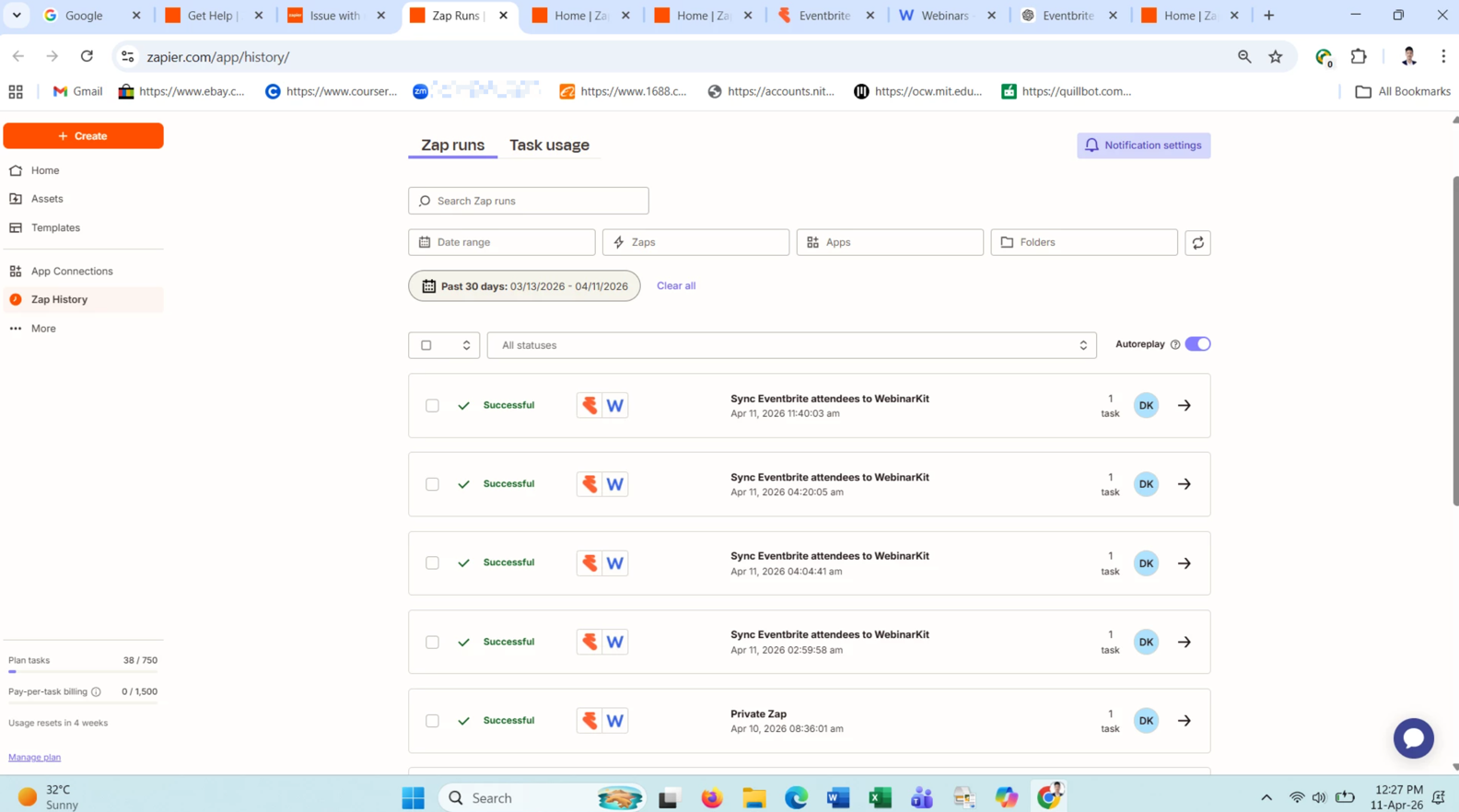
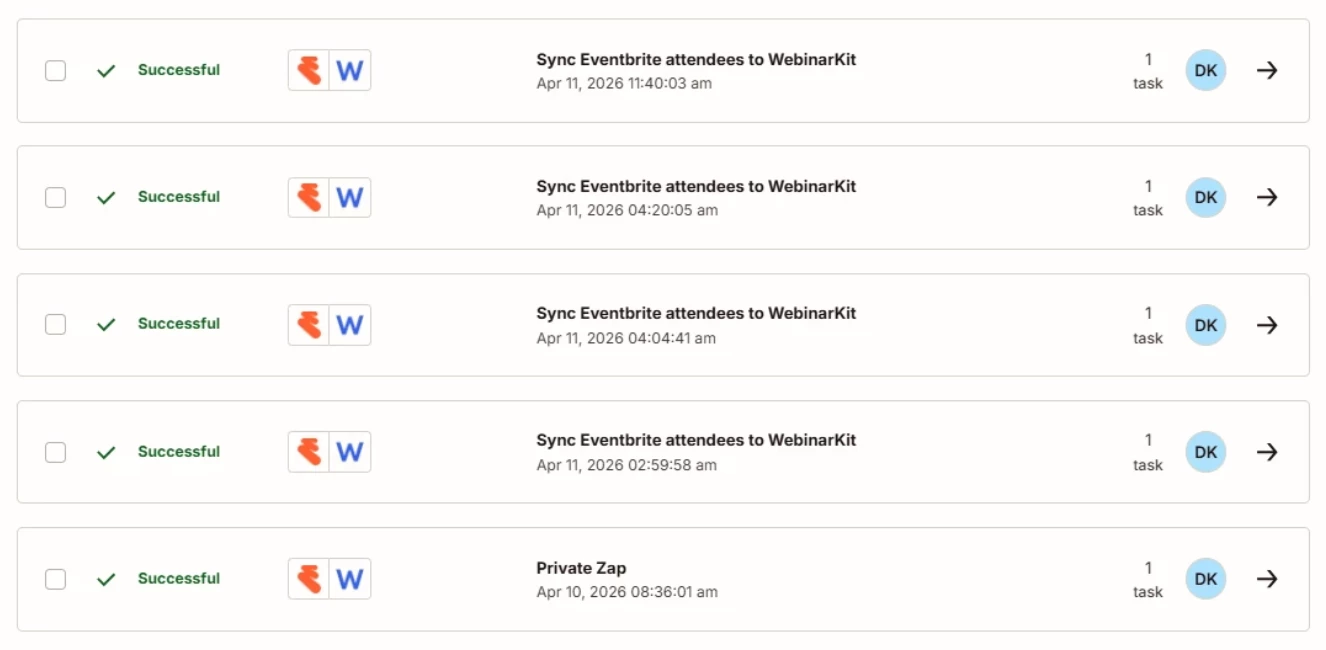
The screenshot below shows your LIVE Zap Runs.

This indicates your Zap is in fact triggering when it is turned ON and has successful Zap Runs.

You can click on an individual Zap Run to see the details about how the Zap Run steps processed.

You can click on a Zap Run step to see the DATA IN/OUT to help you trace the data flow and troubleshoot.

You should be able to see some sort of ID returned from WebinarKit in Zap step 2.


Help link from WebinarKit about using their Zap app integration: 

https://help.webinarkit.com/help/how-to-integrate-webinarkit-with-zapier


If you still need more help, post screenshots from a LIVE Zap Run showing these:

Zap step 1: 

  • DATA OUT

Zap step 2:

  • DATA IN
  • DATA OUT


SamB
Community Manager
Forum|alt.badge.img+11
  • Community Manager
  • April 23, 2026

Hi there ​@Ditu 👋 Just wanted to check whether this got solved? 

Like Troy said, from the screenshot of those Zap runs it appears to have been triggering successfully. Is that the case, or is the Zap missing certain registrants? 

Let us know if you’ve got it sorted, or if you could do with some more help. 🙂