Question

Issue with Checkbox Field from Form Submission Not Appearing in Mailchimp via Zapier

  • February 22, 2024
  • 3 replies
  • 111 views

Hello everyone,

I'm currently using Zapier to automate sending form submissions to Mailchimp. My form includes several fields: name, company, and email, all of which are successfully transferred to Mailchimp. However, I'm encountering an issue with a specific field.

My form includes a checkbox that allows users to opt-in to receive newsletters. I have integrated this checkbox field into my Zapier workflow, expecting it to reflect in Mailchimp accordingly. Despite this, I cannot find the data from this checkbox field in Mailchimp.

Could someone help me understand if I'm missing a step or if there's a specific setup required to ensure checkbox data from the form is properly sent and displayed in Mailchimp? Any guidance or suggestions would be greatly appreciated!

Thank you in advance for your help.

This post has been closed for comments. Please create a new post if you need help or have a question about this topic.

3 replies

Troy Tessalone
Zapier Orchestrator & Solution Partner
Forum|alt.badge.img+14
  • Zapier Orchestrator & Solution Partner
  • February 22, 2024

Hi @AndreaFer44 

For us to have context, please post screenshots with all your Zap steps are outlined and configured, thanks.


  • Author
  • Beginner
  • February 22, 2024

Thanks, Troy!

This is how the form looks on Webflow, and I'm trying to connect the checkbox to Zapier so I can know if the user opts in to get newsletters:


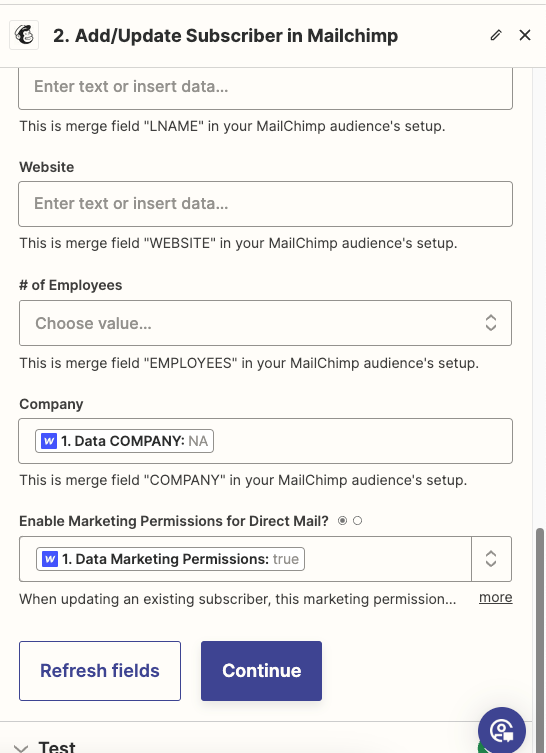
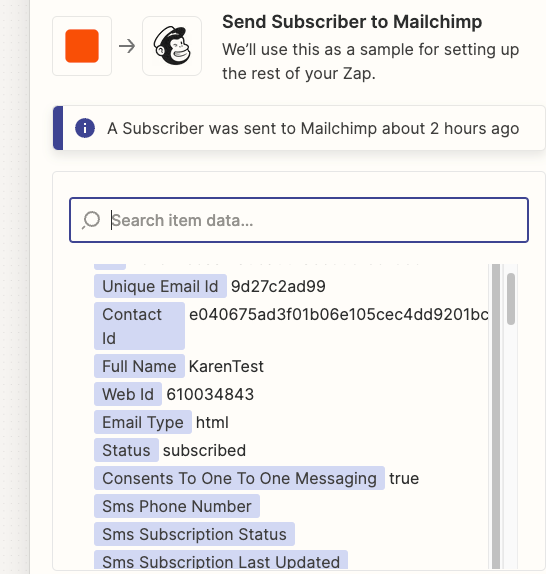
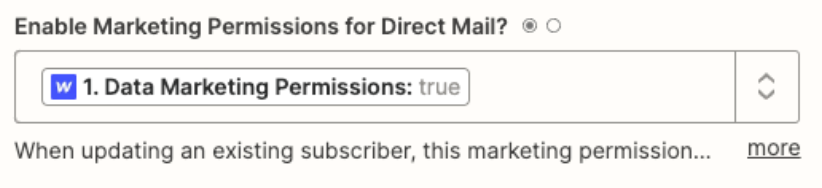
This is the configuration on Zapier:


Thanks for your help!


Troy Tessalone
Zapier Orchestrator & Solution Partner
Forum|alt.badge.img+14
  • Zapier Orchestrator & Solution Partner
  • February 22, 2024

@AndreaFer44 

Help article about mapping variables to dropdown fields: https://help.zapier.com/hc/en-us/articles/8496241696141-Add-custom-values-to-dropdown-menu-fields-in-Zaps#01H7FR09FBEAKK4ZZP678QDE9T


You may need to use a lookup table to translate the values.