
Question

Issue to embed images in Gmail

  • May 3, 2024
  • 2 replies
  • 89 views

De.Suzax

I want to embed an image into an automated gmail email. However, the image appears when the email is opened via outlook but not on my phone or on hotmail.

My code is : <img src="https://drive.google.com/uc?export=download&id=11XwOqsG4GVmowdmbHbMQ_kRpCWy70hHp" width="500" height="150">


thanks a lot in advance

This post has been closed for comments. Please create a new post if you need help or have a question about this topic.

2 replies

Troy Tessalone
Zapier Orchestrator & Solution Partner
Forum|alt.badge.img+14
  • Zapier Orchestrator & Solution Partner
  • May 3, 2024

Hi @De.Suzax 

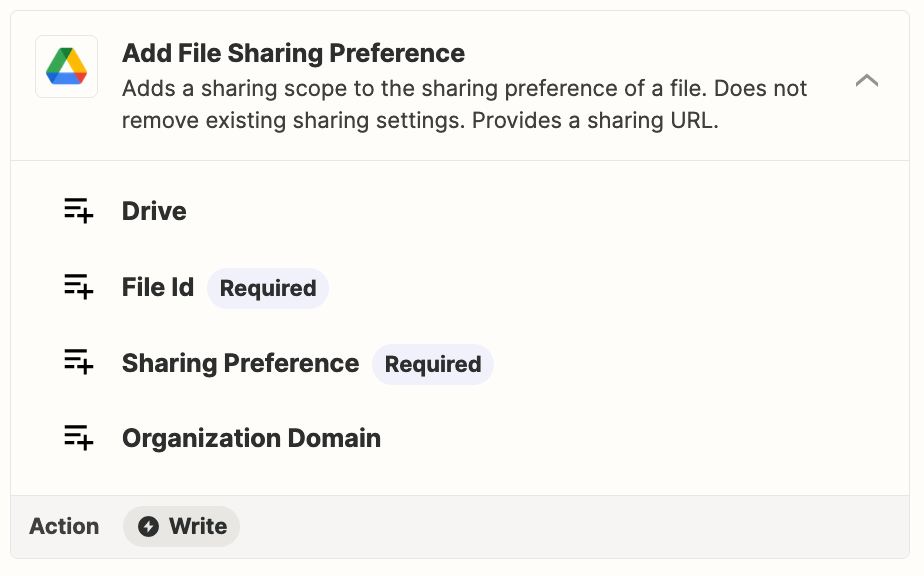
Make sure the GDrive file is publicly accessible.

You may need to change the GDrive File Sharing preference.

Or you may need to host your image file elsewhere, such as on your website and use that file link.


When I checked the HTML in this tool it does not render: https://codebeautify.org/htmlviewer

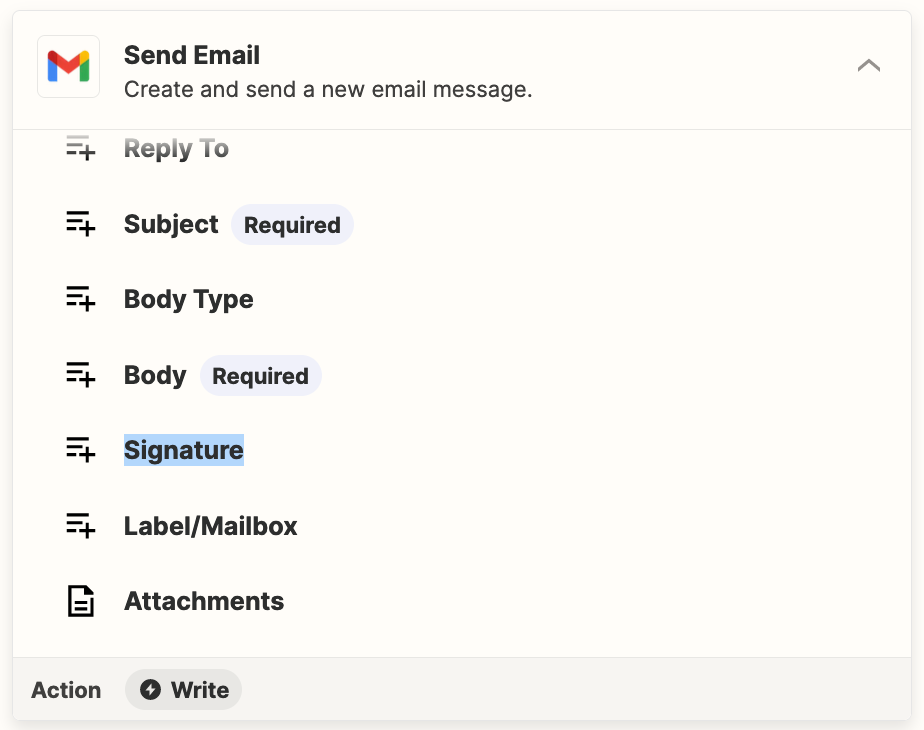
Perhaps configure and use a Signature in Gmail.


ken.a
Forum|alt.badge.img+6
  • Zapier Staff
  • May 6, 2024

Hi @De.Suzax,

I wanted to check in here to see how you’re getting on. Were you able to try Troy’s suggestion?

Please do let us know if you’re still in need help on this - we’re  happy to assist further! 🤗