Best answer

Integrating Salesforce campaign contacts with Mailchimp customer journeys using Zapier


first time Zapier user and not able to get my integration test to go through what am I doing wrong?

My goal is to create an integration between salesforce and Mailchimp using Zapier. When a new contact gets added to a salesforce campaign those contacts will then be added to a milchimp customer Journey.

so far I have 1. New or updated file on record > campaign name > record Name 2.Add contact to campaign > campaign name>contact ( general email)


so far both test have failed so Im stuck.

Can anyone help?
Best answer by Troy Tessalone

​@gcumming 

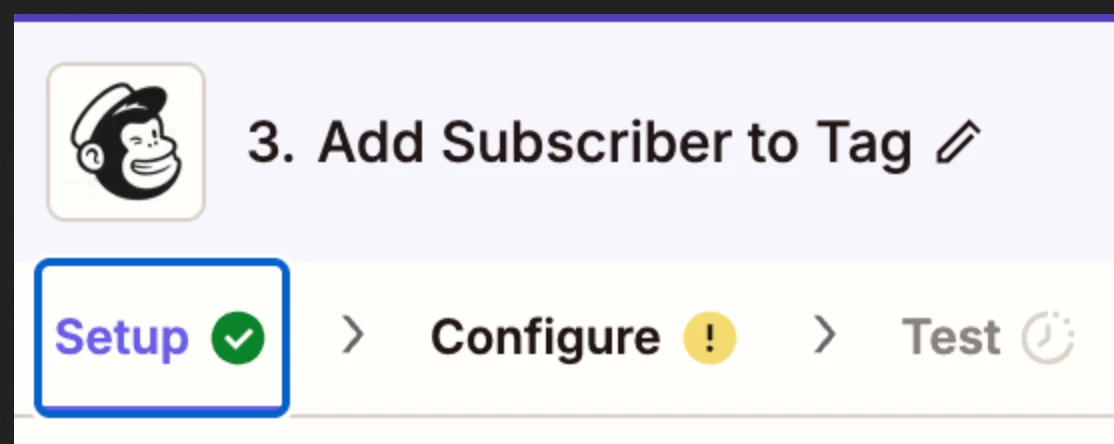
The screenshot do not show how the Zap steps are configured in the CONFIGURE tab while in EDIT mode with the field mappings visible.


NOTE: For the Mailchimp step, try using this Zap action: Mailchimp - Add/Update Subscriber

That lets you add a Tag.


View original
This post has been closed for comments. Please create a new post if you need help or have a question about this topic.

5 replies

Troy Tessalone
Zapier Orchestrator & Solution Partner
Forum|alt.badge.img+14
  • Zapier Orchestrator & Solution Partner
  • May 13, 2025

Hi ​@gcumming 

For us to have true context, post these screenshots:

  • how your Zap steps are outlined
  • how your Zap steps are configured in EDIT mode with the field mappings visible

  • Author
  • New
  • May 13, 2025

Here are screenshots of the steps


Troy Tessalone
Zapier Orchestrator & Solution Partner
Forum|alt.badge.img+14
  • Zapier Orchestrator & Solution Partner
  • Answer
  • May 13, 2025

​@gcumming 

The screenshot do not show how the Zap steps are configured in the CONFIGURE tab while in EDIT mode with the field mappings visible.


NOTE: For the Mailchimp step, try using this Zap action: Mailchimp - Add/Update Subscriber

That lets you add a Tag.


  • Author
  • New
  • May 13, 2025

Thank you, Im a few hours in and I think I got it. Now to figure out paths...


JammerS
Forum|alt.badge.img+6
  • Zapier Staff
  • May 14, 2025

Wow! Thank you for confirming that Troy’s resolution got the Zap running. This will significantly help our Community members to have as a reference for the same issue.