I've got a Zap that reads a flat Google Sheet (each row = Epic, Story, Sub Task, Due Date) and builds a Jira hierarchy: Epics at top, Stories under their Epic, Subtasks under their Story. The sheet repeats Epic/Story names across rows by design, since those rows are really just different subtasks sharing a parent.
Most of it is working now:
Epic dedup under bulk load is solved. I was getting duplicate Epics when multiple rows fired at once (Jira's search index lagging behind creation, so parallel runs didn't see the just-created Epic and made another). A Delay After Queue step fixed it — runs serialize, each Epic gets indexed before the next row searches, so I get one Epic per unique name.
Epic - Story parenting works. The Epic find/create step returns the Epic key, and the Story step uses it as the parent. No issues there — the Epic key is reliably available at the Story step.
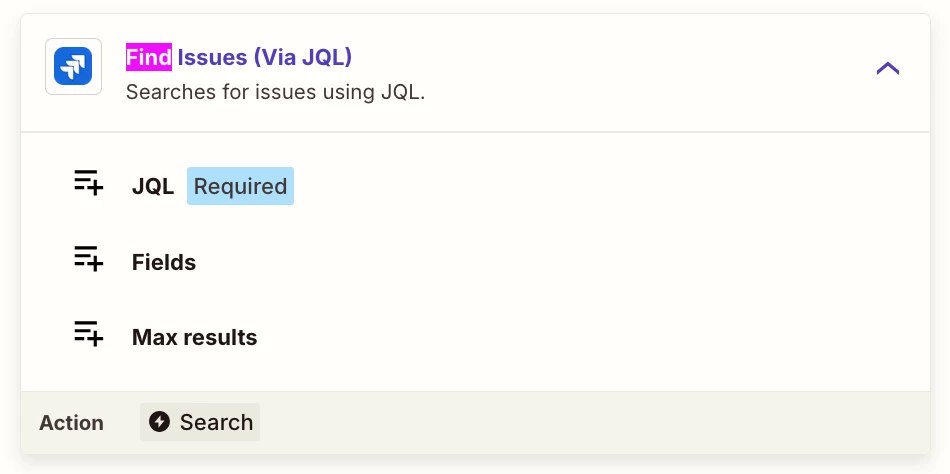
The Story step is a Jira "Find Issue (create if it doesn't exist)" matching on the Story summary.
The one open question (not blocking — just wondering if there's a clean way):
Because the Story step matches on name only, the same Story name under two different Epics gets merged into one Story instead of created separately. Example: "Story A" under Epic 1 and "Story A" under Epic 2 should be two distinct Stories, but the find step locates the existing one and reuses it under the wrong Epic.
I have a manual workaround (renaming on update) and that's acceptable for my use case, so this isn't urgent. But I'm curious: is there a better way to go about the Story find/create to its parent Epic — so identical Story names under different Epics are treated as distinct — without over-engineering it? I already have the parent Epic key available at that step if that helps.