Question

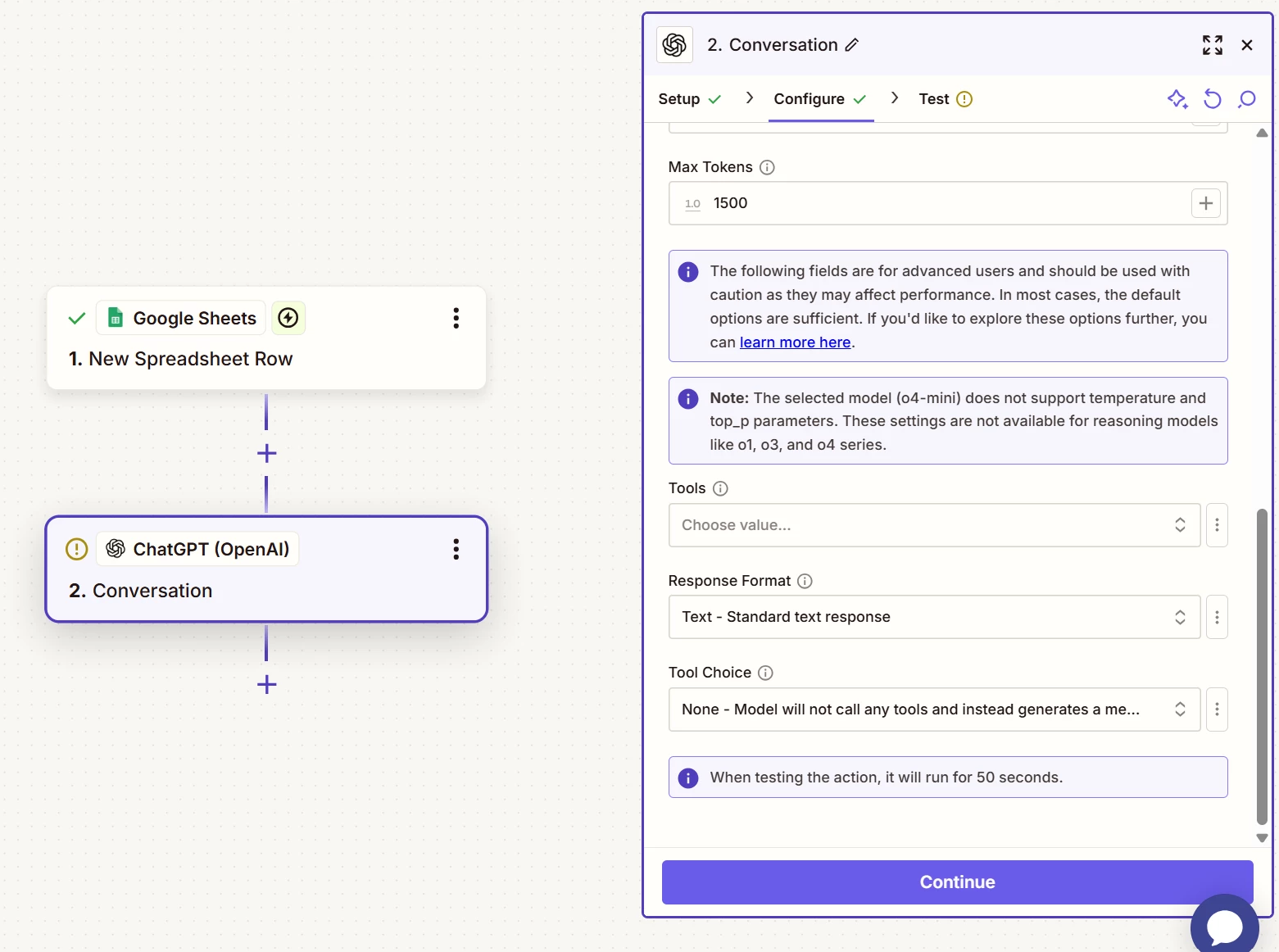
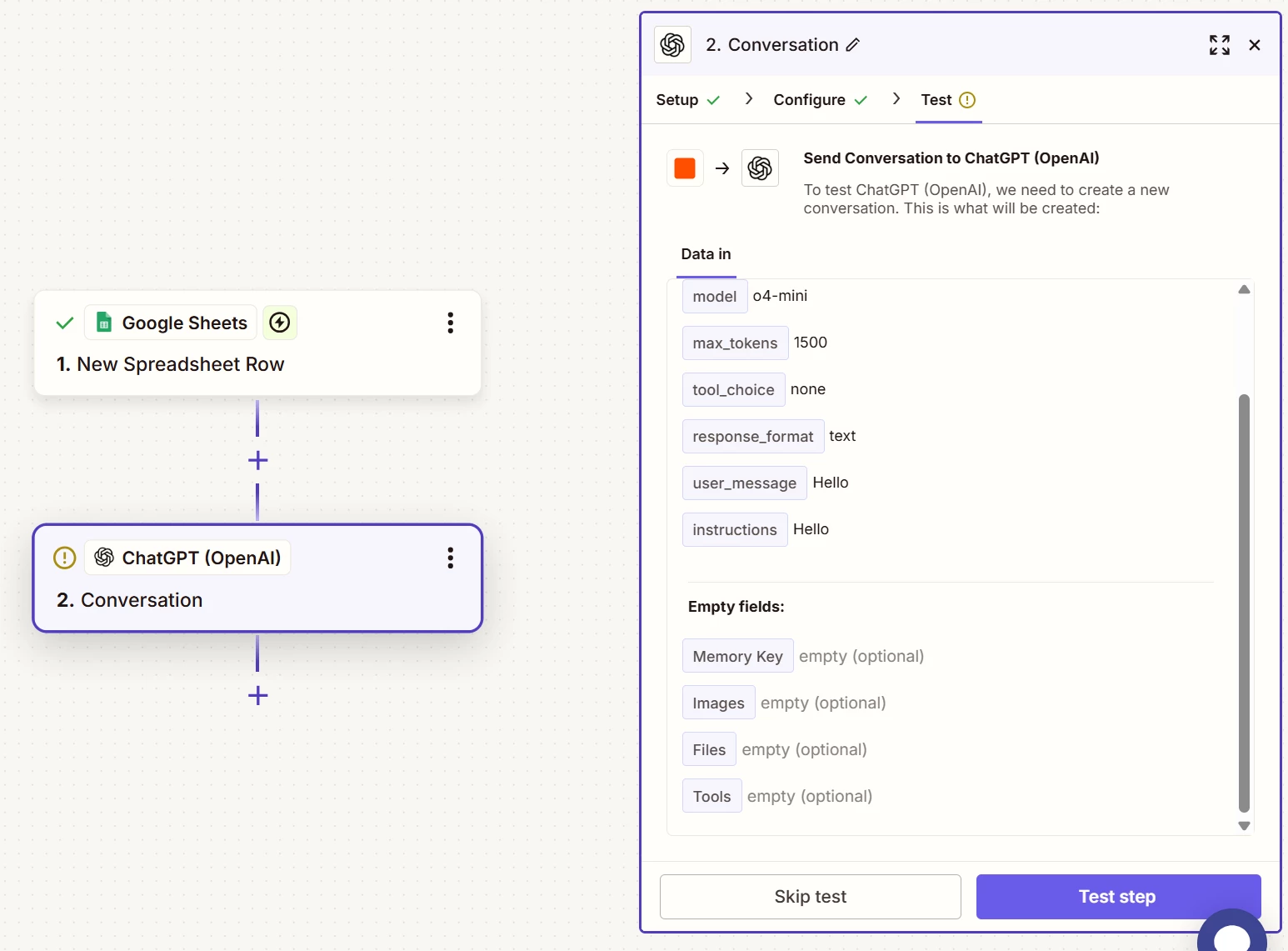
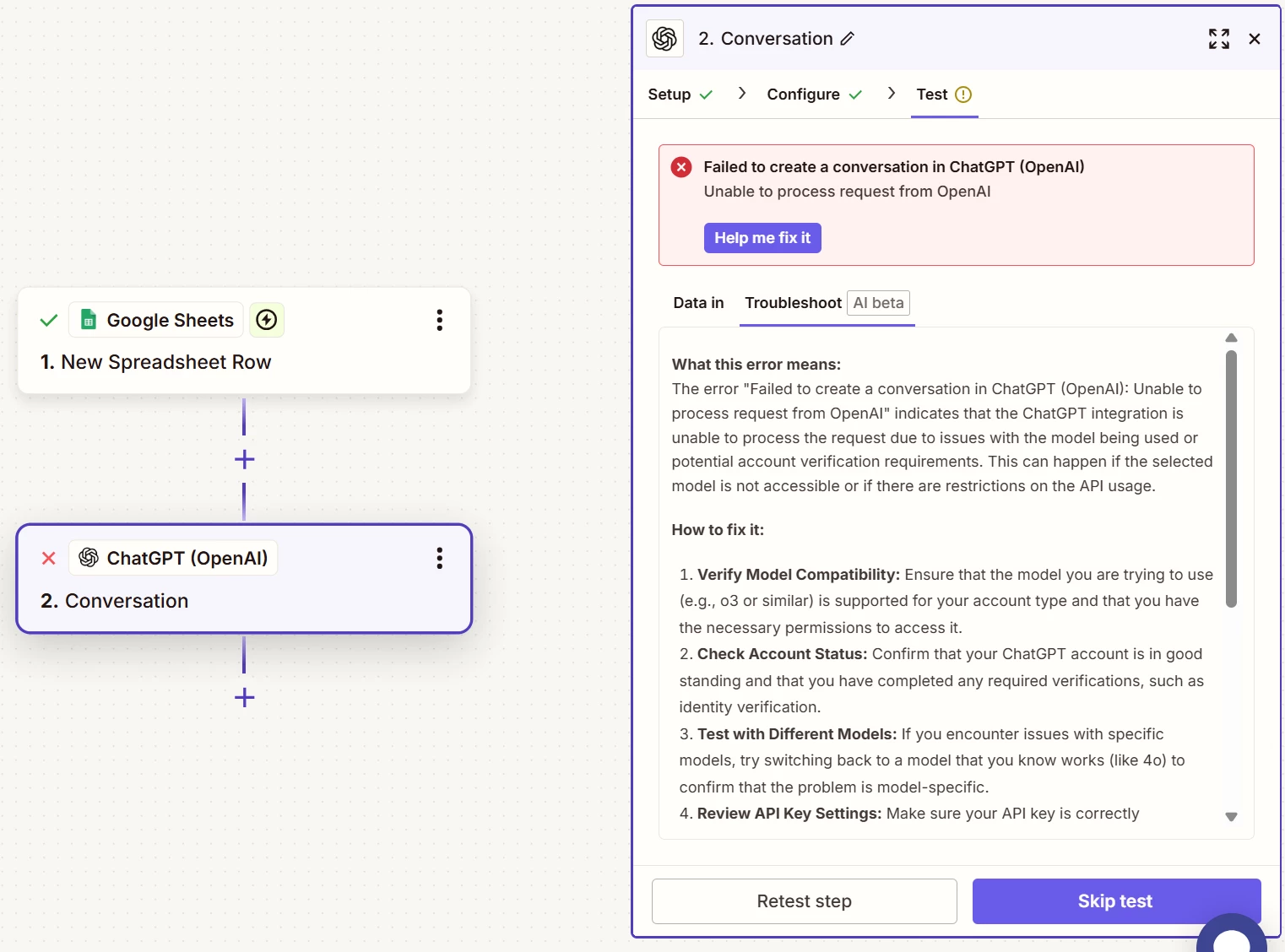
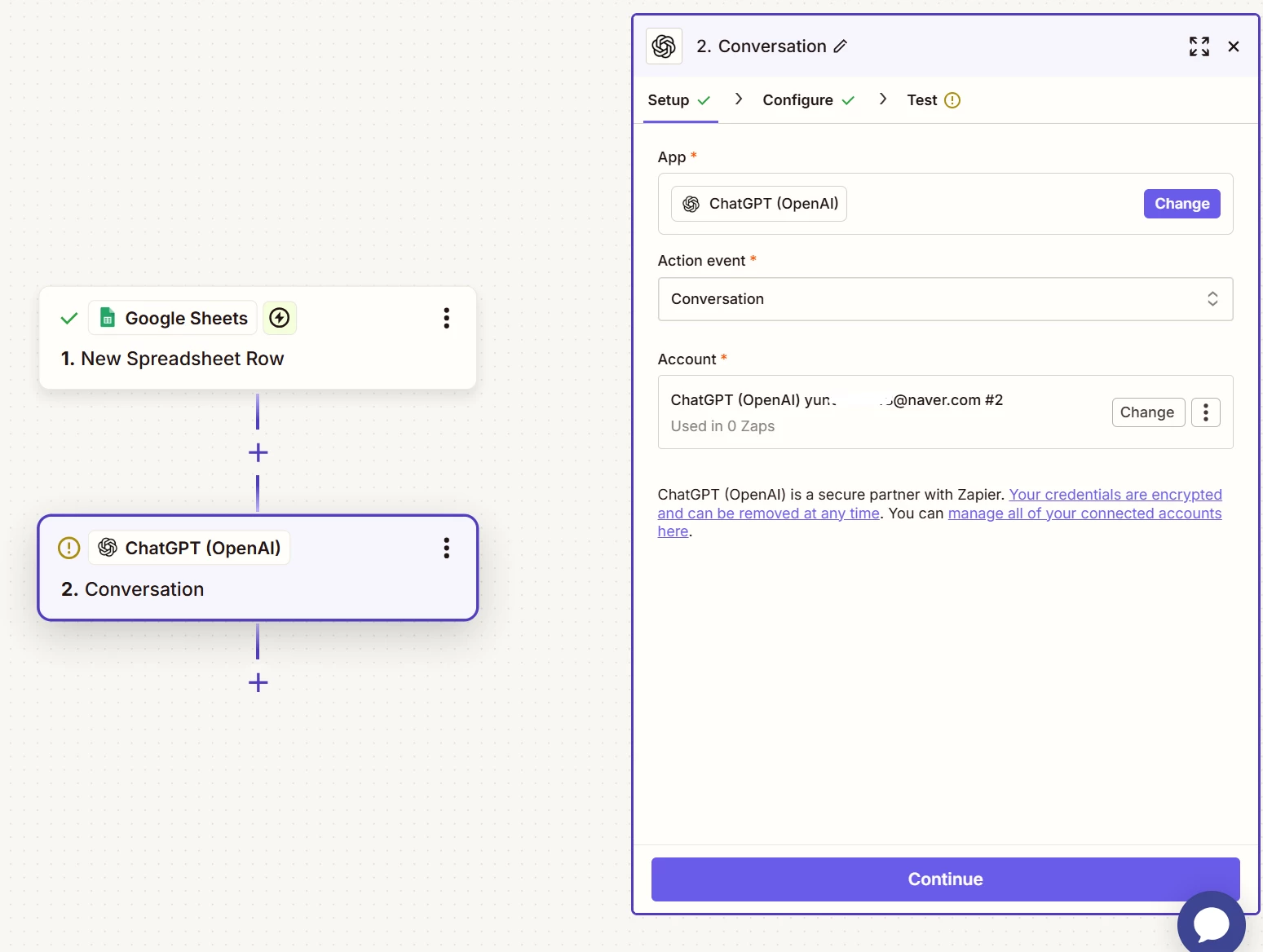
I tried to connect Google Sheets to ChatGPT through Zap, but it keeps failing.

  • August 19, 2025
  • 3 replies
  • 23 views

I tried to connect Google Sheets to ChatGPT through Zap, but it keeps failing.
Even with the simplest prompt, the new API, and every model, it still fails. (+ I even tried turning my laptop off and on again.)
What do I have to do to fix this problem?
 

This post has been closed for comments. Please create a new post if you need help or have a question about this topic.

3 replies

Troy Tessalone
Zapier Orchestrator & Solution Partner
Forum|alt.badge.img+14
  • Zapier Orchestrator & Solution Partner
  • August 19, 2025

Hi ​@yunjeong 

Help links for using ChatGPT/OpenAI app in Zaps: https://zapier.com/apps/chatgpt/integrations#help


SamB
Community Manager
Forum|alt.badge.img+11
  • Community Manager
  • September 22, 2025

Hey ​@yunjeong, just checking in 👋 Did the guides Troy shared a link to help to get that error fixed?

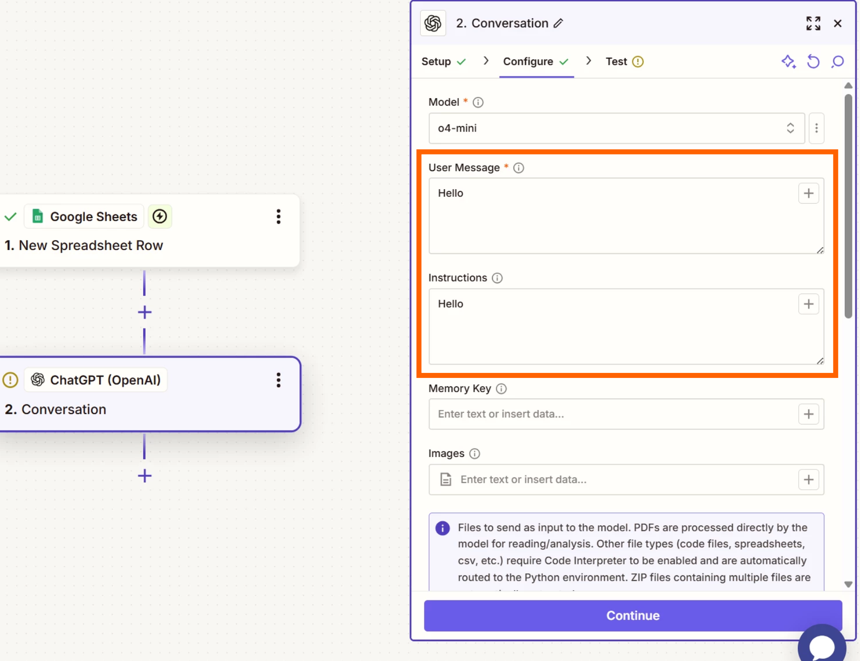
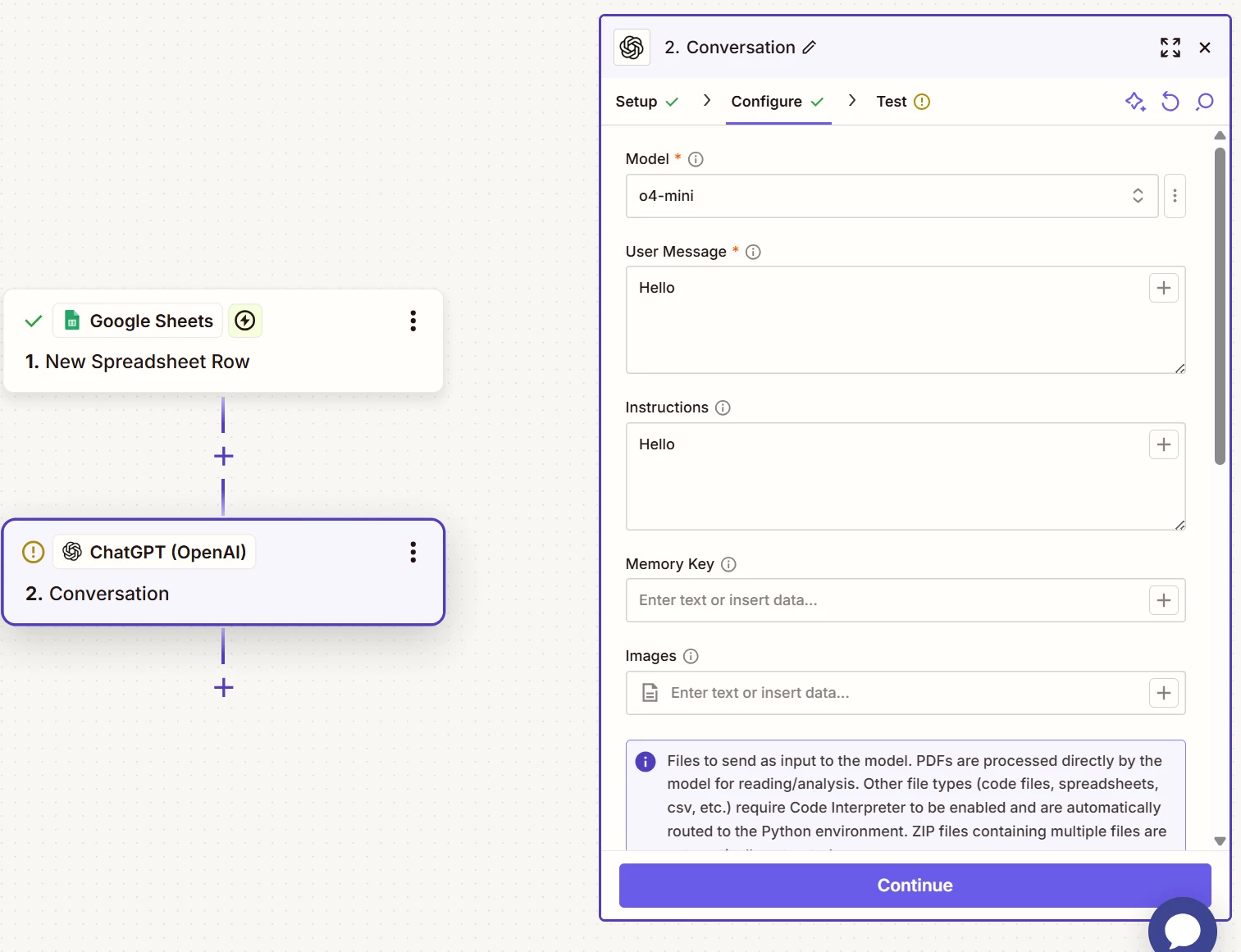
If not, perhaps it’s unable to process the request as it doesn’t understand the instructions it’s been given. It looks like “Hello” has been used as the input for both the User Message and Instructions fields:

87d31b602d38278d725d8973fe78b06b.png
If you adjust the prompting to give ChatGPT clear instructions on what you’re expecting it to do does that help to get rid of the error?

Looking forward to hearing from you!


Sajid Rasheed
Forum|alt.badge.img
  • Beginner
  • September 23, 2025

Hey ​@yunjeong 
Please provide clear instructions for ChatGPT. The trigger will be data coming from a Google Sheet. Once ChatGPT receives the input from the Google Sheet, explain exactly what ChatGPT should do with that input.