Question

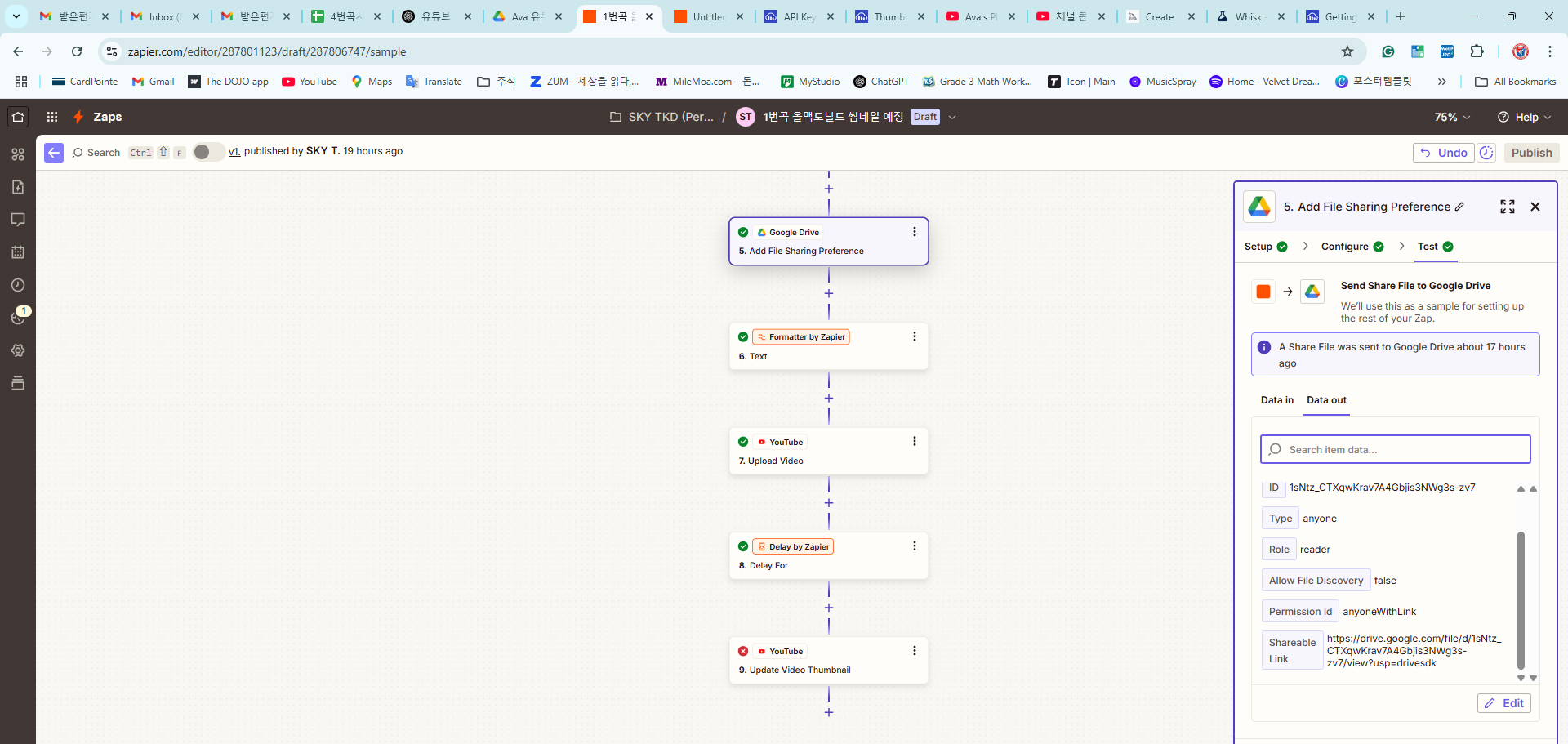
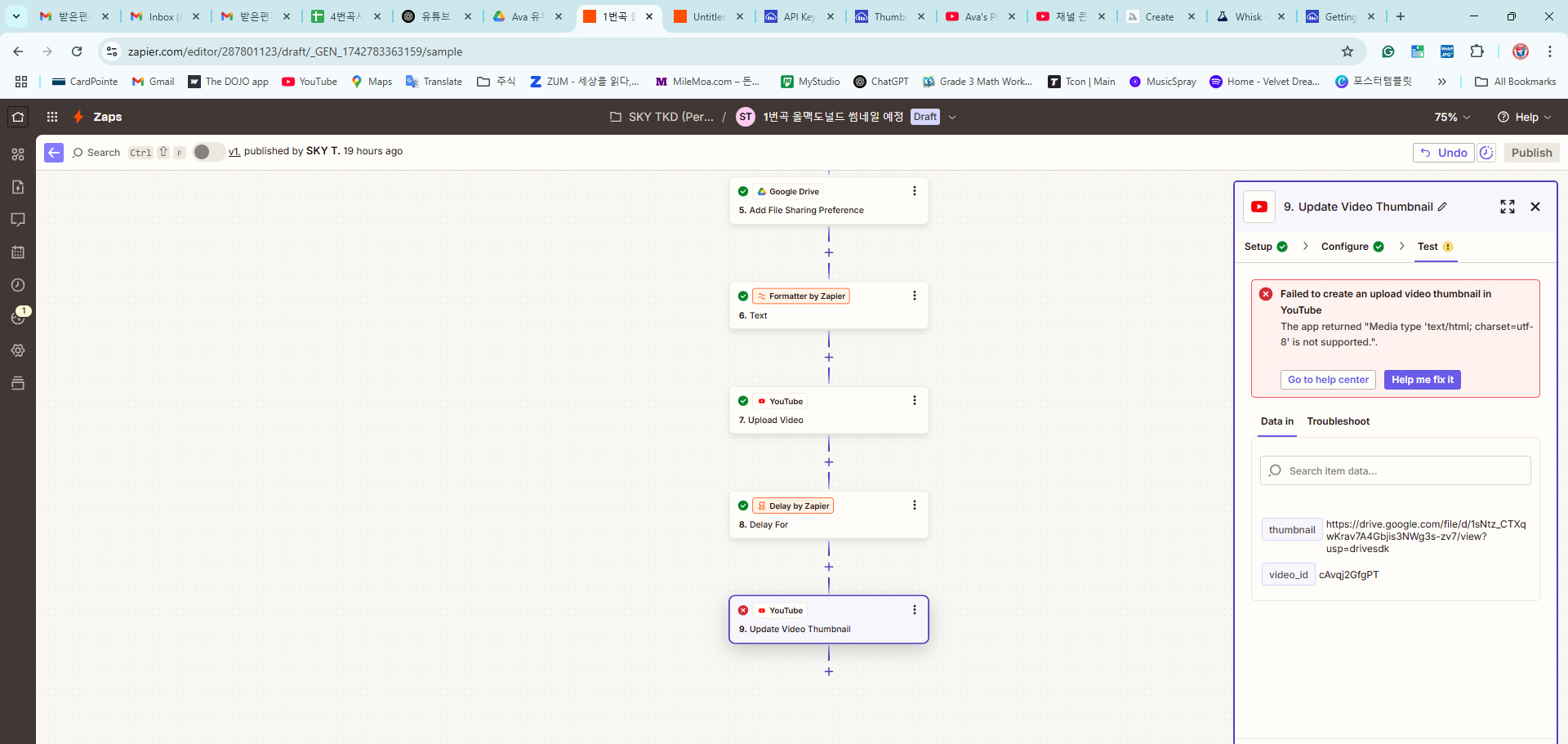
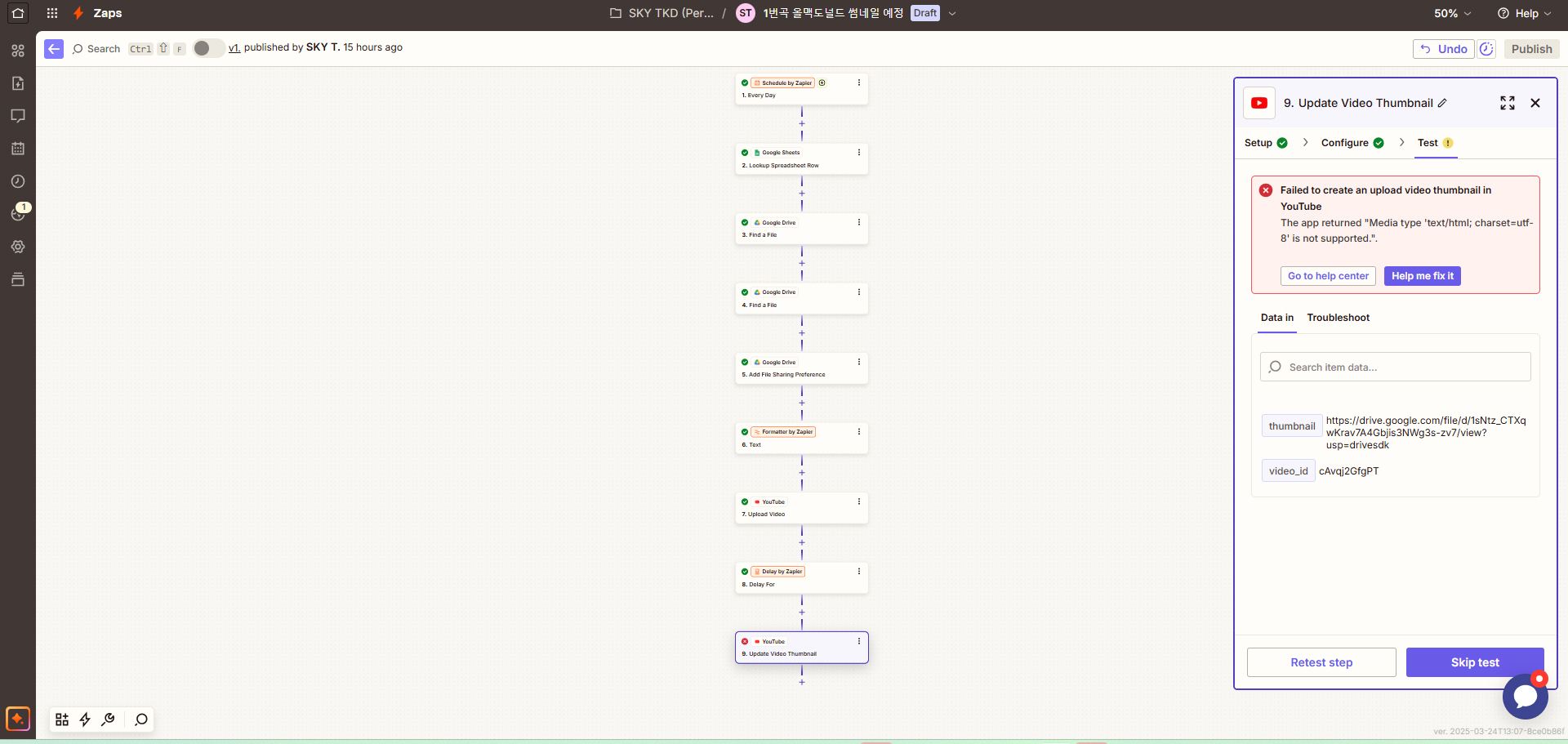
I'm trying to add a thumbnail video for my upload, but I keep getting an error.

  • March 24, 2025
  • 5 replies
  • 38 views

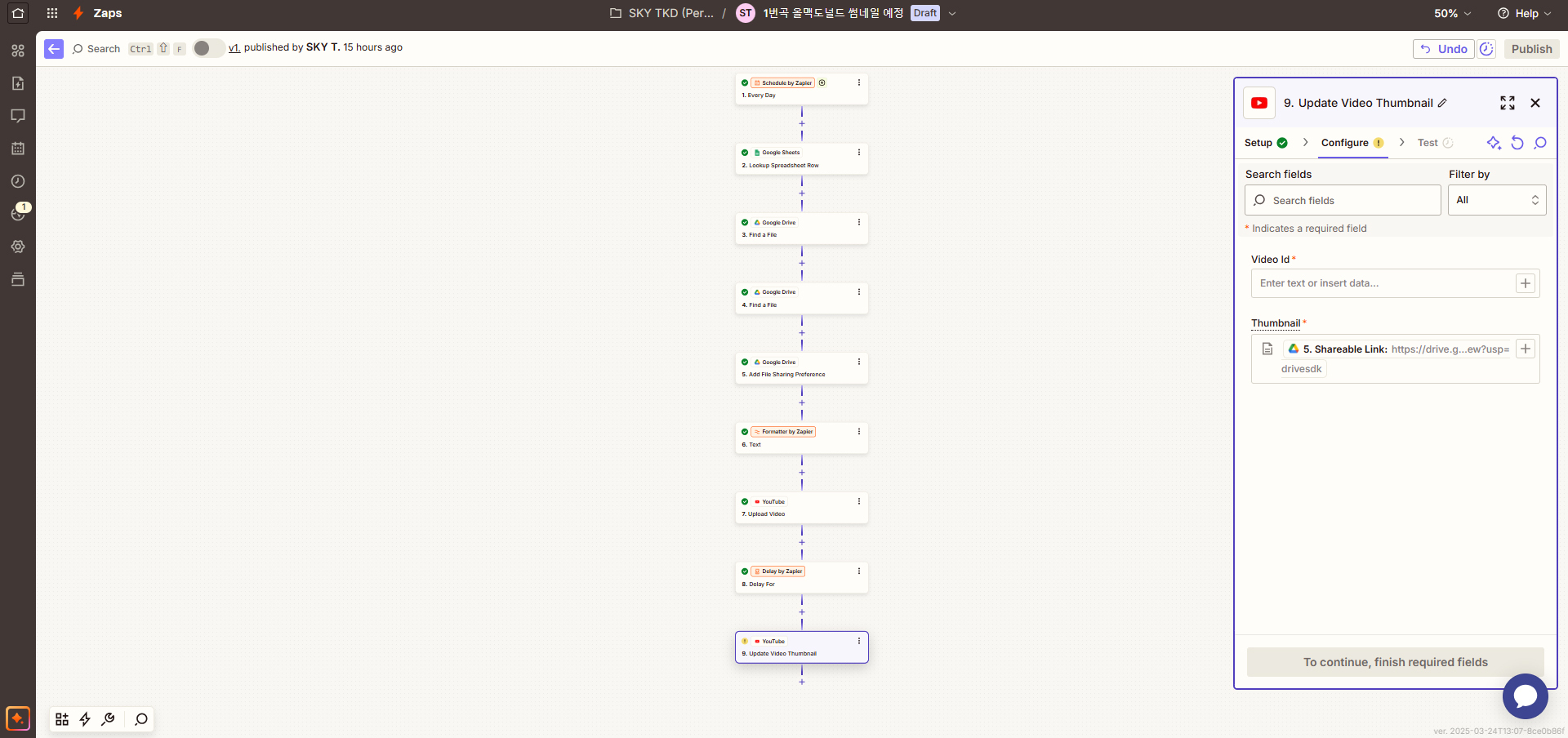
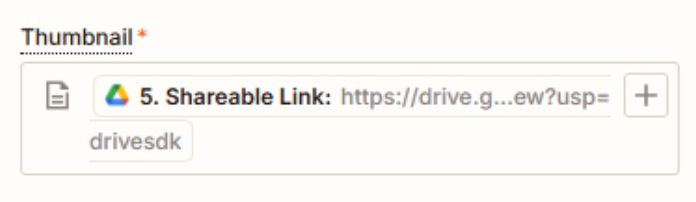
Even though I entered the thumbnail URL created with the video ID and link, I keep getting an error and cannot upload the thumbnail. Please help me resolve this issue.

This post has been closed for comments. Please create a new post if you need help or have a question about this topic.


5 replies

Troy Tessalone
Zapier Orchestrator & Solution Partner
Forum|alt.badge.img+14
  • Zapier Orchestrator & Solution Partner
  • March 24, 2025

Hi ​@Kaykim 

Help us have more info by posting screenshots showing how your Zap steps are outlined and configured in EDIT mode with the field mappings visible, plus the encountered error.


  • Author
  • New
  • March 24, 2025


Is there no way to upload thumbnails? Can't it be done as easily as uploading the video title, description, and tags to YouTube?


Troy Tessalone
Zapier Orchestrator & Solution Partner
Forum|alt.badge.img+14
  • Zapier Orchestrator & Solution Partner
  • March 24, 2025

@Kaykim 

You need to use a different link returned from a GDrive step.
Try using this variable: Alternate Link


Help links for using files in Zaps: https://zapier.com/help/create/basics/send-files-in-zaps


  • Author
  • New
  • March 24, 2025

I tried following your instructions, but the result was the same. First of all, I couldn’t find anything called "Alternative Link" in Google Drive. For reference, my Google Drive is already set to allow anyone with the link to view the file. Even ChatGPT's suggested solution of changing the URL from https://drive.google.com/file/d/1sNtz_CTXqwKrav7A4Gbjis3NWg3s-zv7/view?usp=drivesdk to https://drive.google.com/uc?export=download&id=1sNtz_CTXqwKrav7A4Gbjis3NWg3s-zv7 didn’t work either. I still got the same error message when trying to upload the thumbnail. Is uploading a thumbnail supposed to be this difficult? This is really frustrating.


JammerS
Forum|alt.badge.img+6
  • Zapier Staff
  • March 25, 2025

Hi ​@Kaykim,


We sincerely apologize for the inconvenience, if the issue still persist. It’s best to contact our Zapier support team to address the issue. Also ensure to give full details of the issue so they could give potential fix to your query. Thank you.