Question

Human in the Loop Message to Slack Not Triggering

  • January 2, 2026
  • 4 replies
  • 21 views

I have an automation where:

  1. information is received
  2. summarized
  3. has a “human-in-the-loop” approval step
  4. summary is sent to an end point

Everything worked beautifully when the “human in the loop” notification method was set to “email”. However, as soon as I switched it to “Slack”, where a message is sent to a private slack channel, it stopped working:
The test message to Slack always works during editing a Zap, but when the Zap is Published, it doesn’t work at all, and I got an error email from Zapier saying,

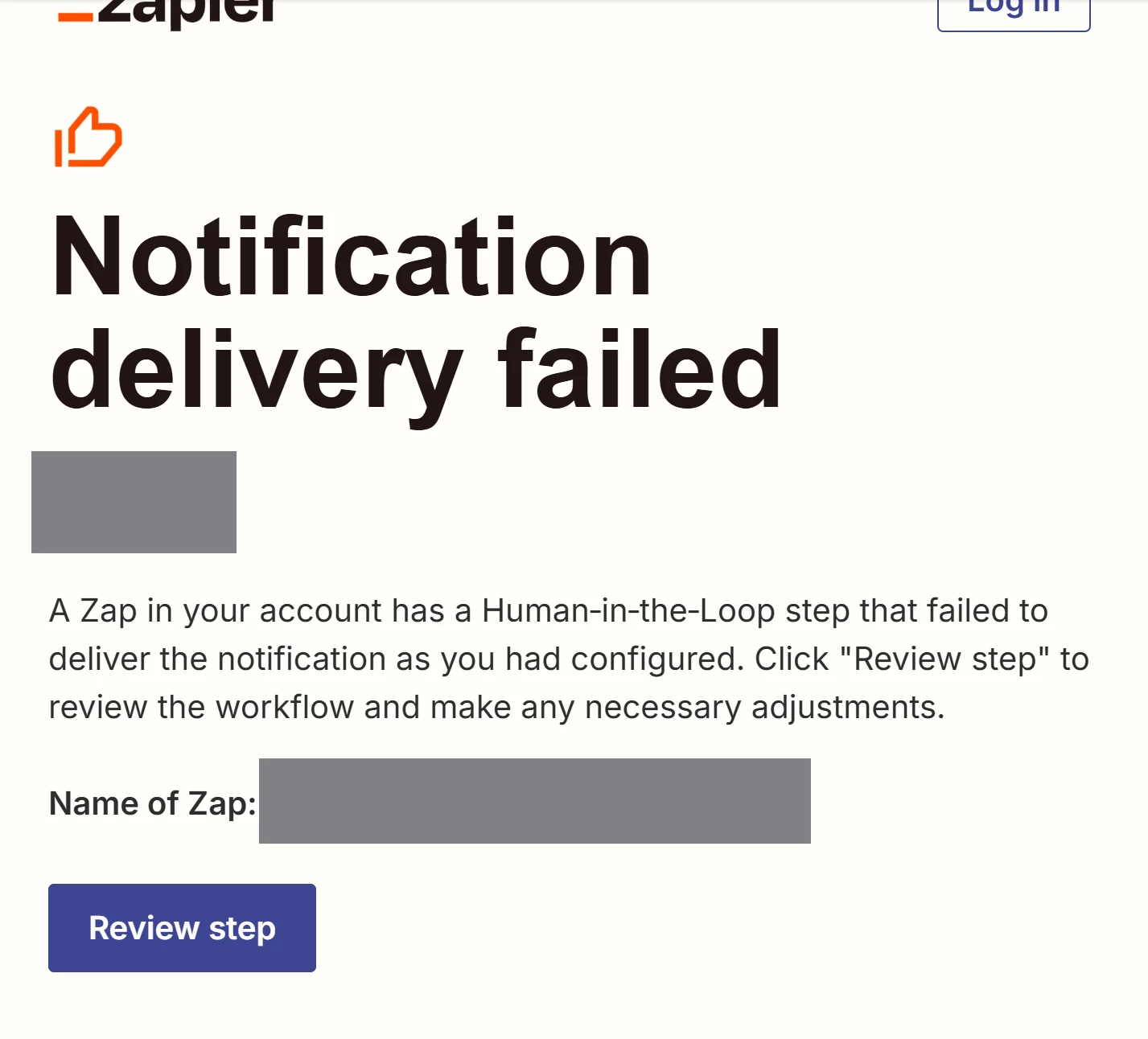
“A Zap in your account has a Human‑in‑the‑Loop step that failed to deliver the notification as you had configured. Click "Review step" to review the workflow and make any necessary adjustments.”
However, when I review the Zap history, there is NO error message, no record of the failure to trigger the event in Slack, and no explanation for me to work with at all. The Zap is simply frozen, not even actually failed.

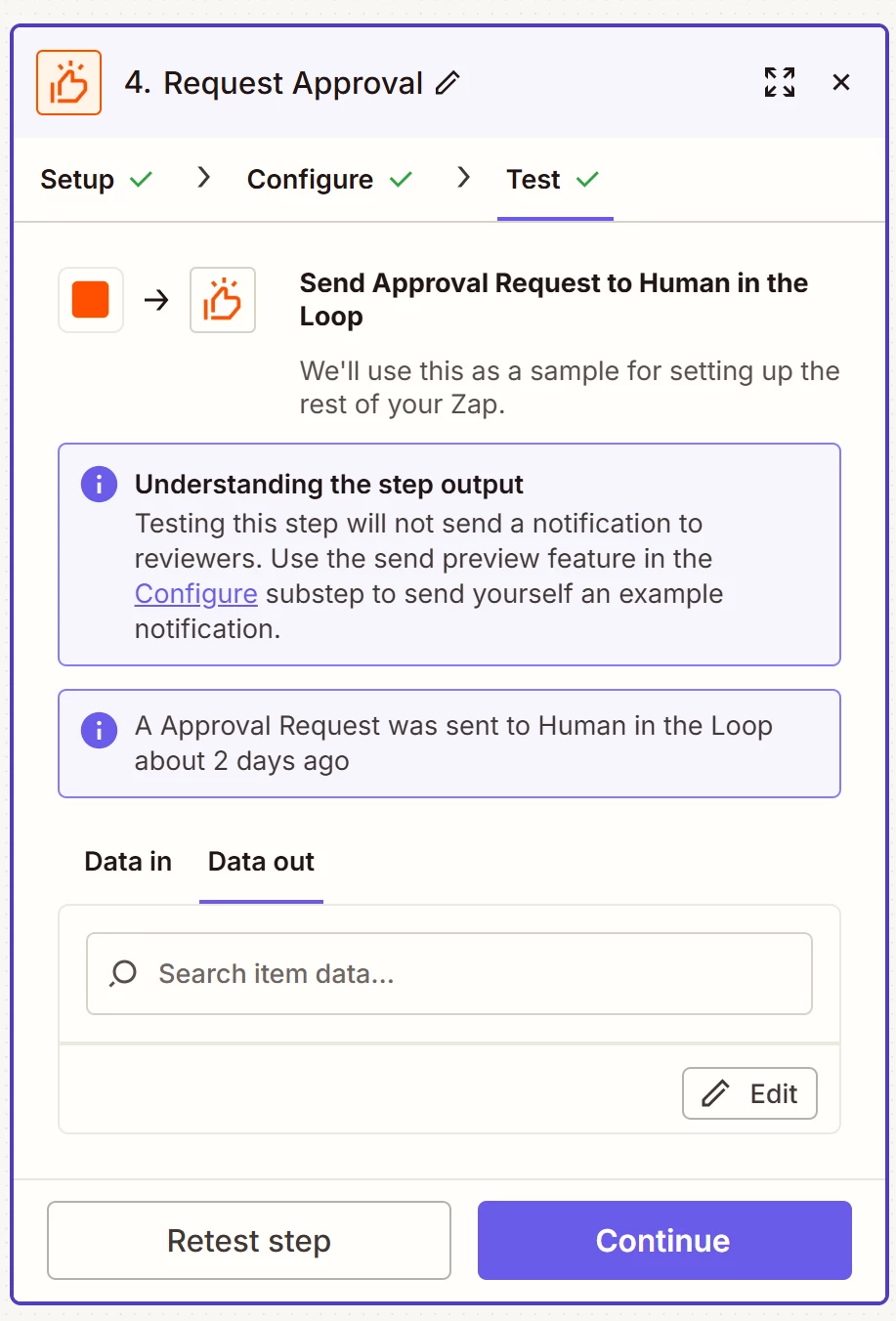
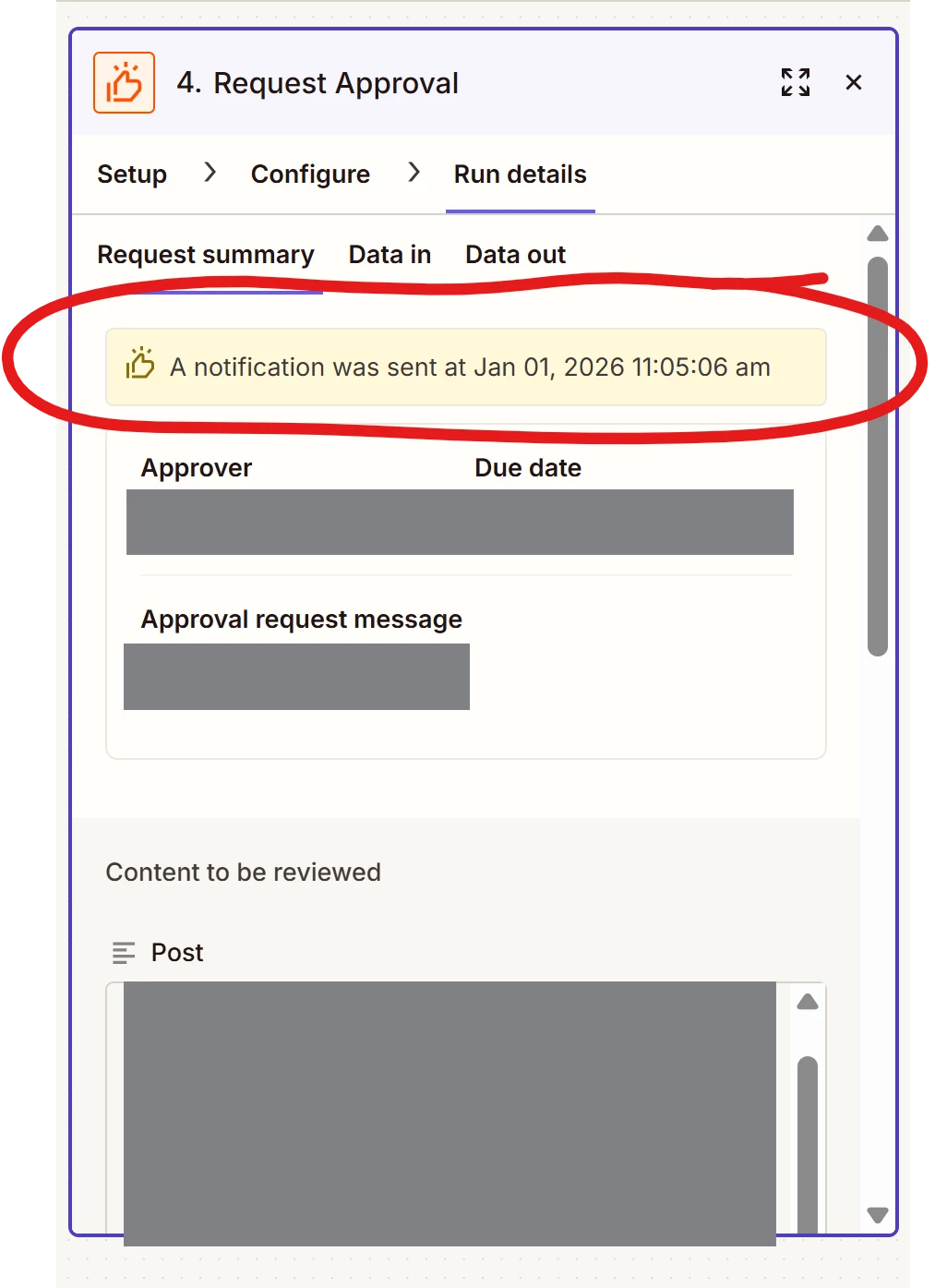
In the actual workflow, it just asks me to manually approve it. It also says “A notification was sent...”, but it wasn’t sent to Slack, evidenced by not seeing any messages from Zapier, and I got the failure email about it from Zapier:
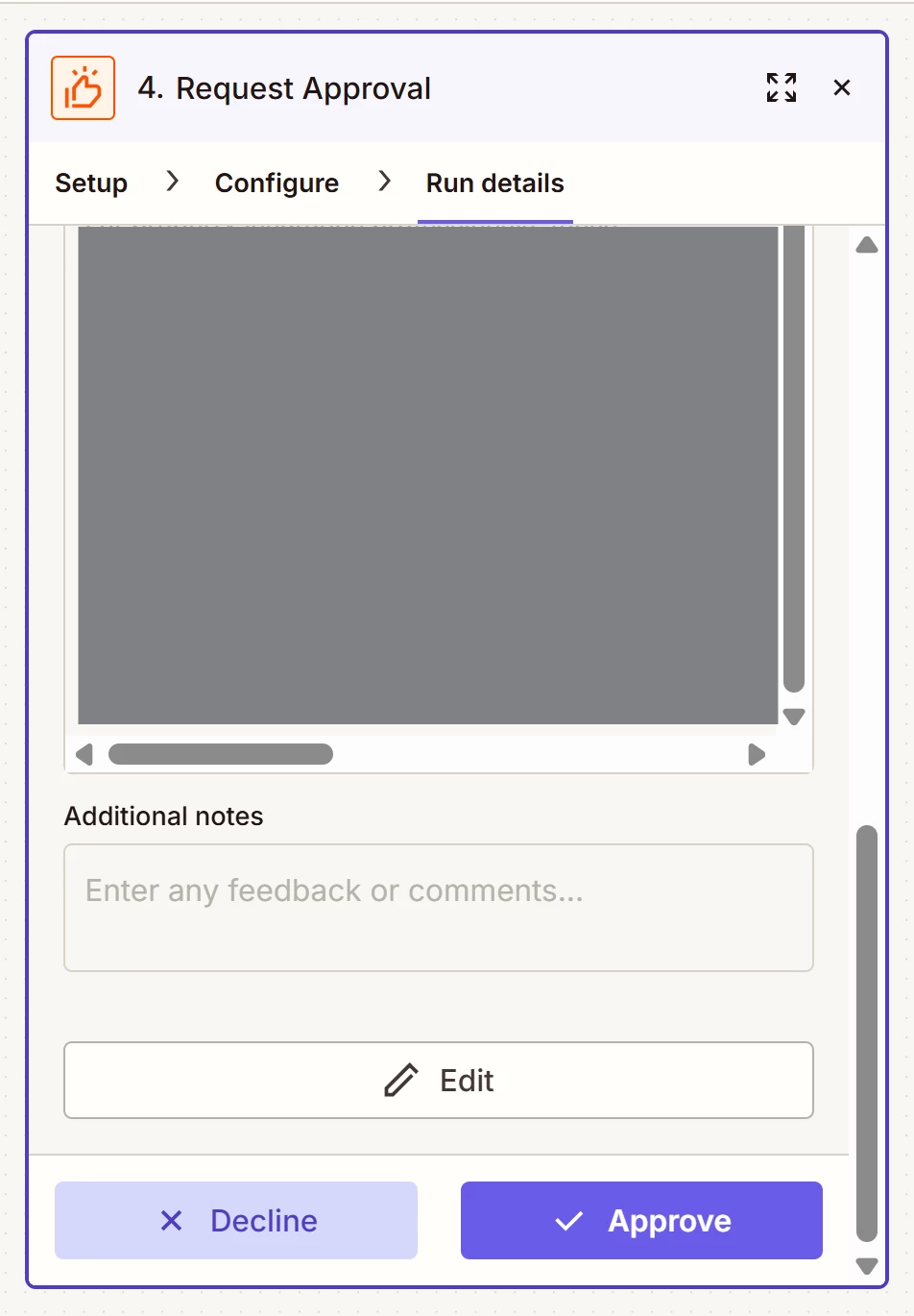
Really frustrating, especially as searching the forums here yielded no solution.

Additional details:

  • Slack free account
  • Private slack channel
  • Testing sending to Slack during editing the Zap works, but it sends me a DM, not a message in the channel I want. And for some odd reason, Zapier does not offer a proper full test run with Slack. Instead you have to manually trigger the test, sending yourself “an example notification”, so it seems like Zapier doesn’t actually test that the automation itself truly works, only that the integration is connected. It’s very weird:
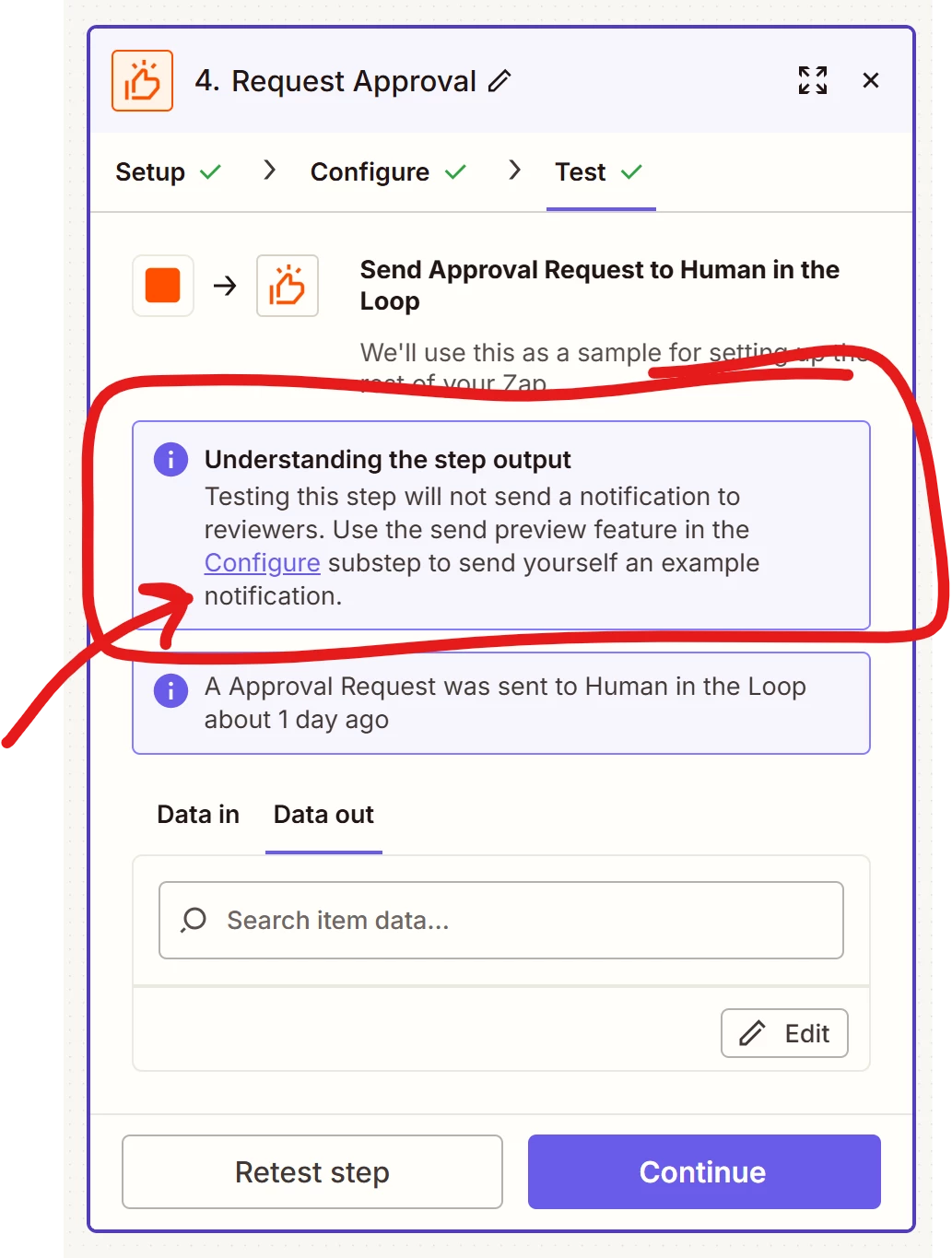
     

Please help!
4 replies

Sparsh from Automation Jinn
Forum|alt.badge.img+6

Hey ​@essp,

Please post screenshot of how this approval action is configured for us to have more context.

I think there is probably some problem in the configuration. Can you also check in the private channel setting if Zapier is listed as an integration there? If it’s not there that might be the problem.

Also try reconnecting the Slack integration so there is no permissions issue and make sure you are on the latest version of the integration. You can do that from the app connection page here- https://zapier.com/app/assets/connections. Hope it helps!


  • Author
  • New
  • January 2, 2026

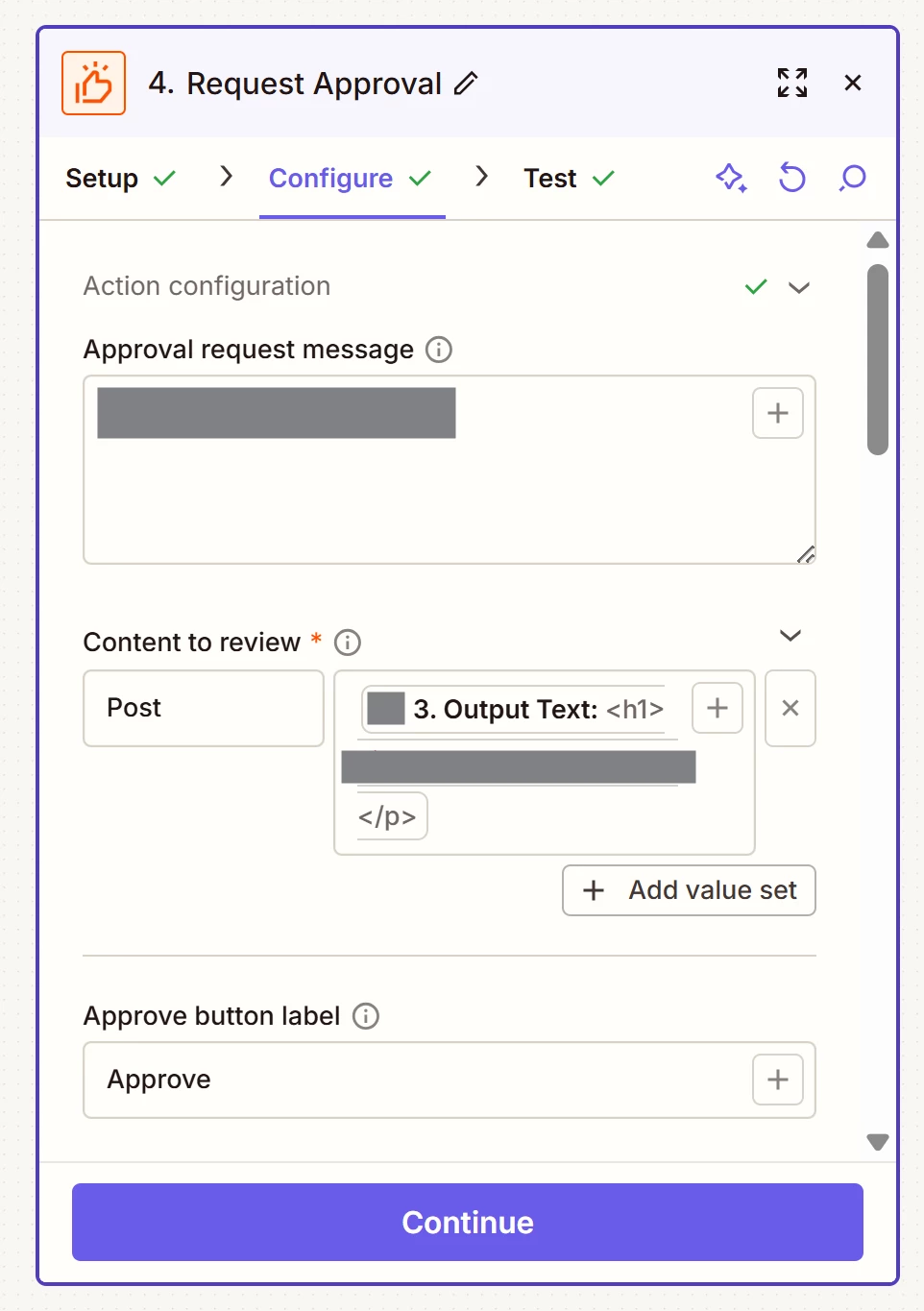
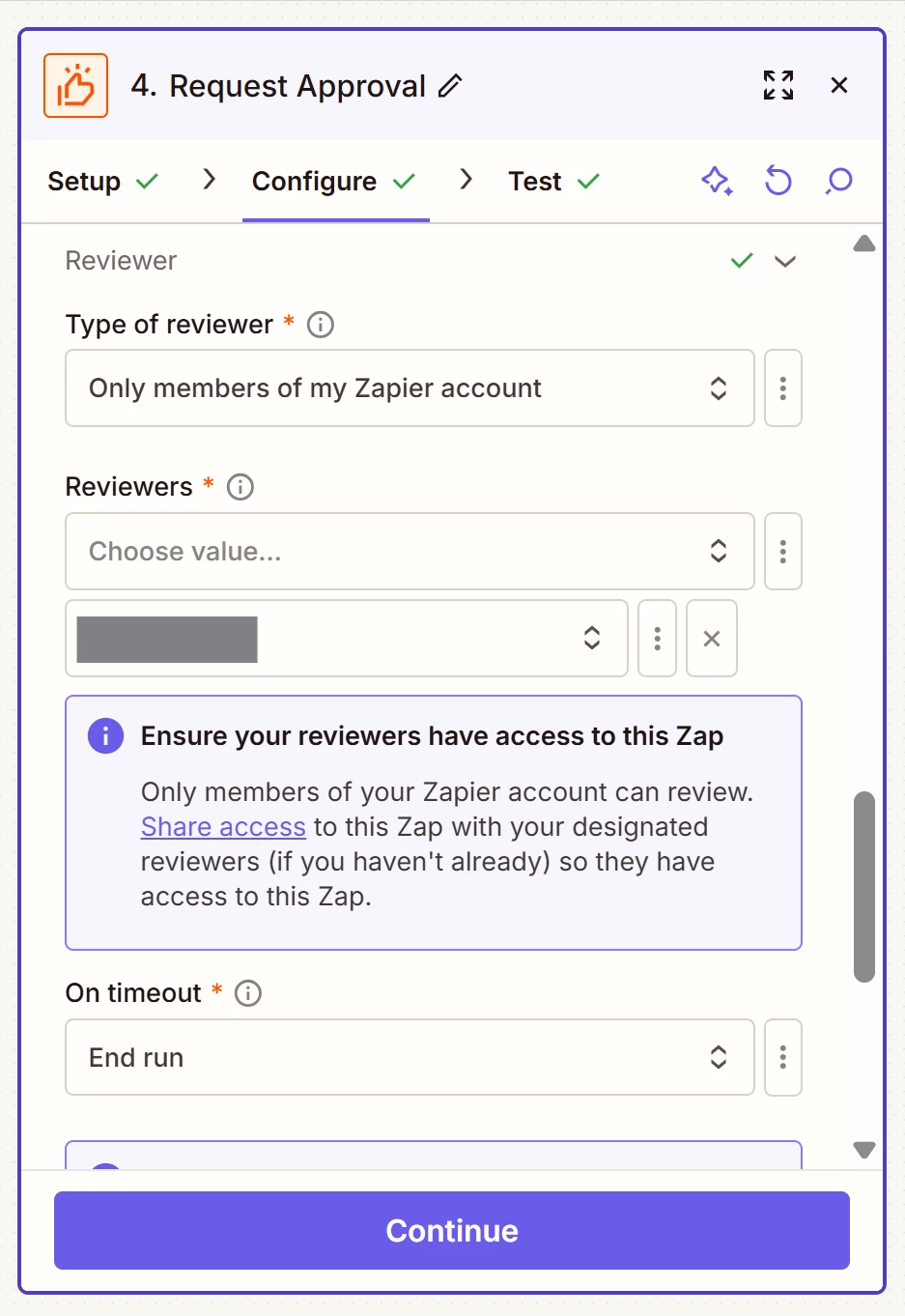
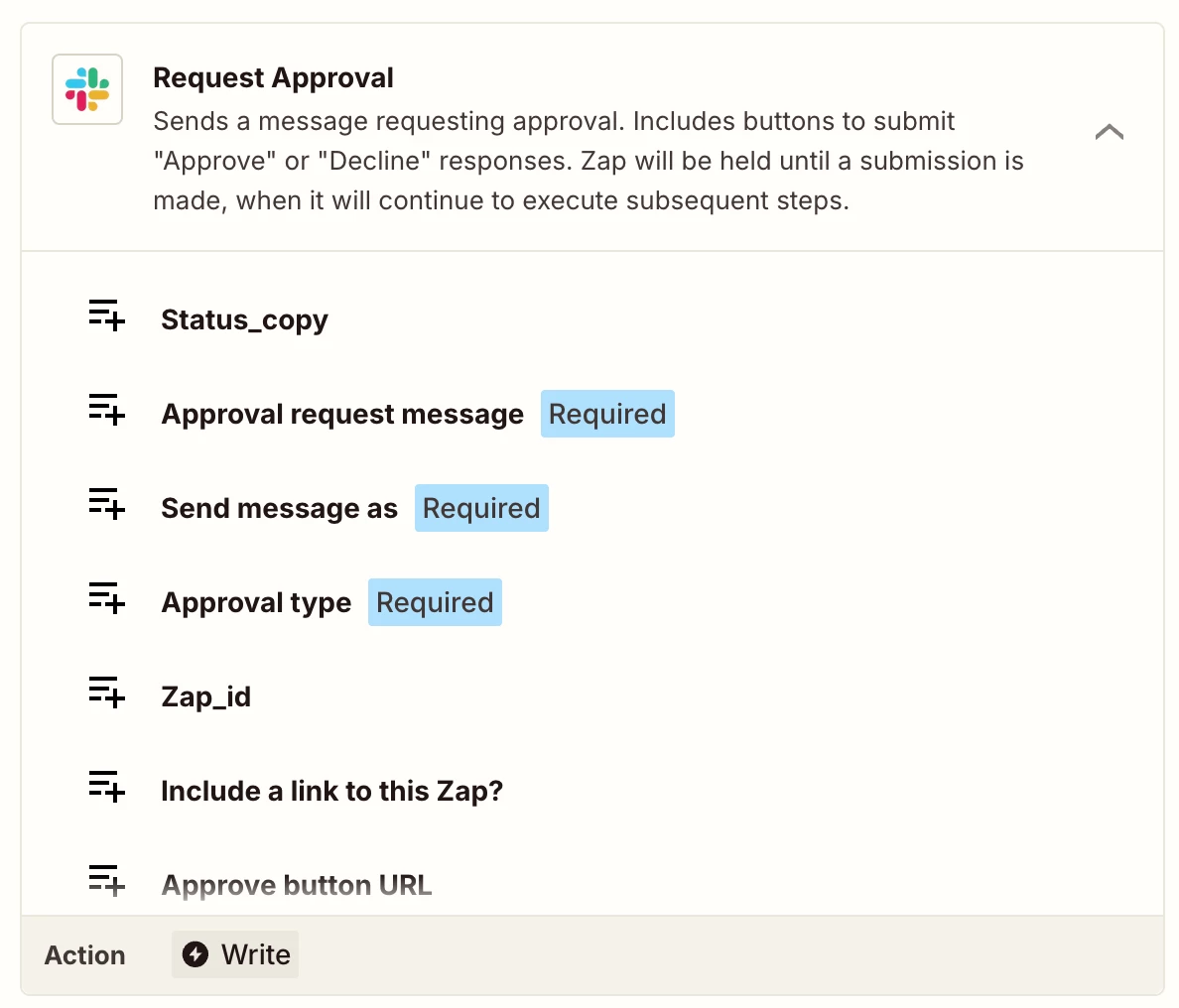
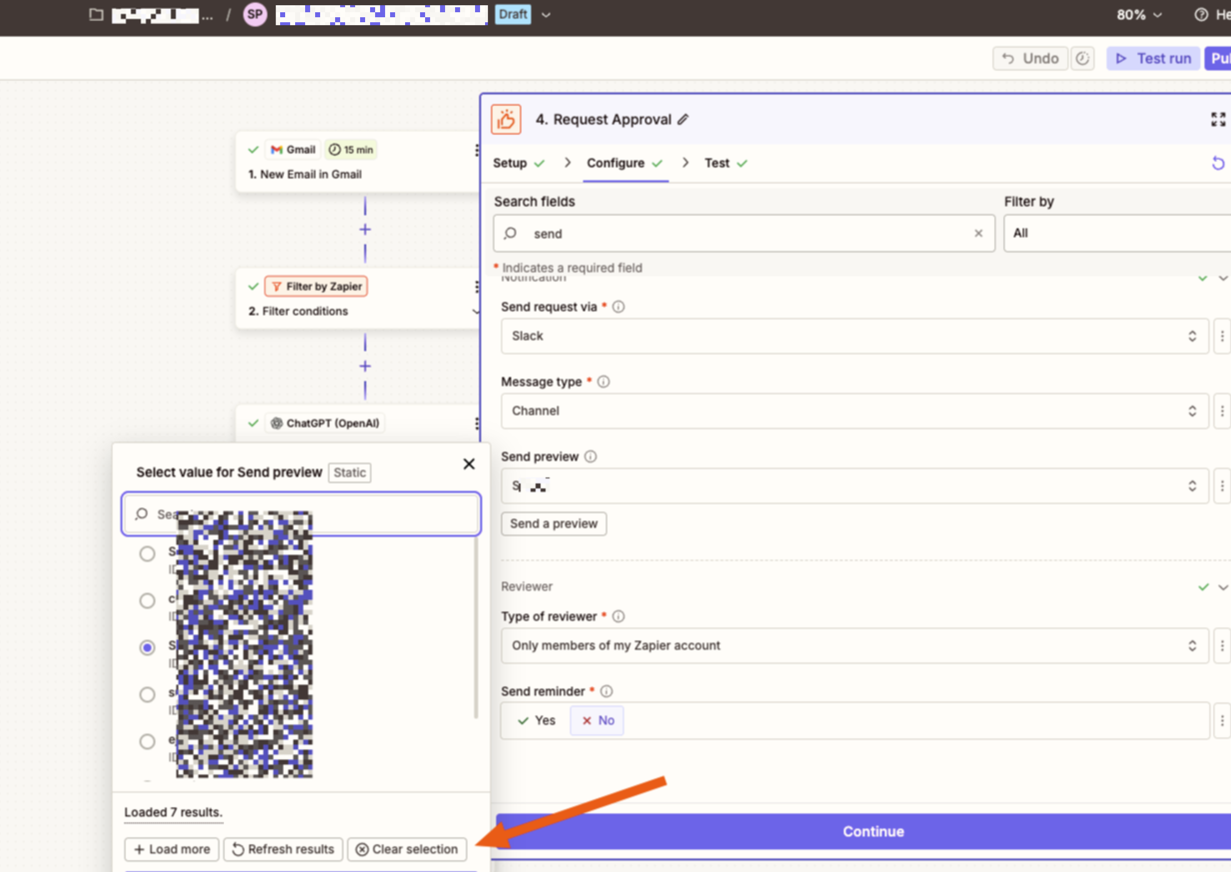
Thank you ​@Sparsh from Automation Jinn! Here is the configuration.

I’m not sure what permissions issues there might be, if any, but I own the Slack account, so there shouldn’t be any. I just connected this for the first time a couple of days ago, so it should be the latest connection Zapier offers. Only the preview tests work, never the actual runs.

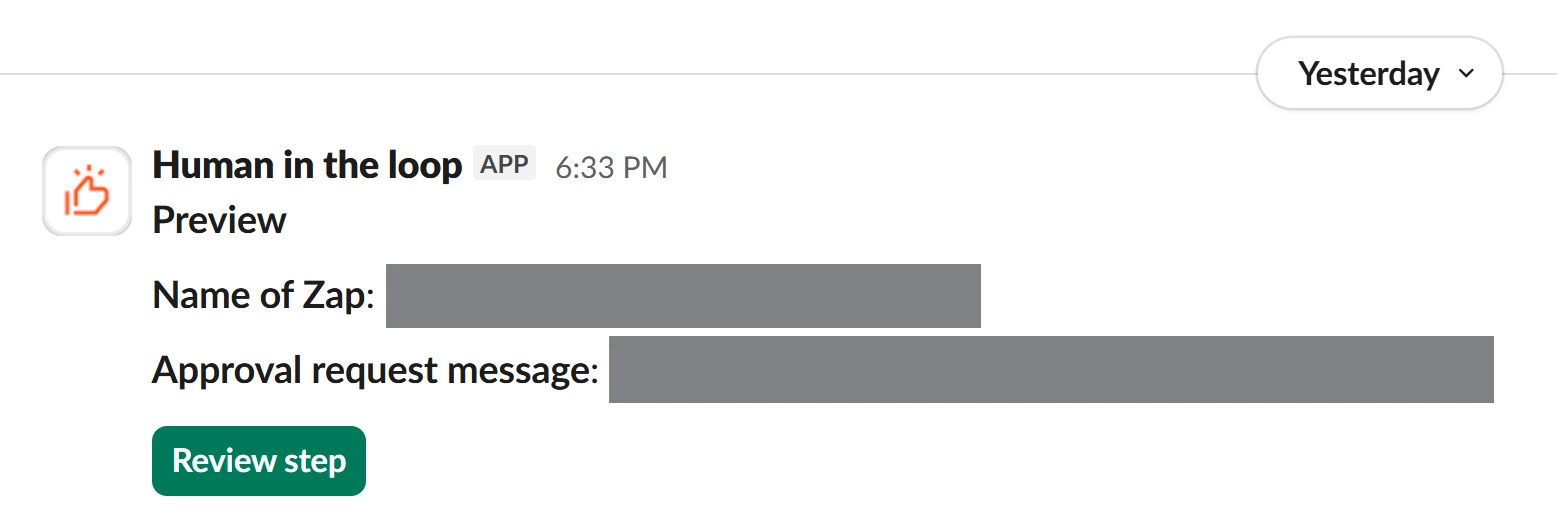
Note: Output to review is plain HTML, as in the code itself, but this is not sent to Slack. That’s just the output I need to approve within Zapier once I click the notification in Slack. Slack should just be sending me a message that looks like this:


Sparsh from Automation Jinn
Forum|alt.badge.img+6

Hey ​@essp,

Can you try Slack Request approval action and see if it fixes your issue?


Hope it helps!


  • Author
  • New
  • January 2, 2026

@Sparsh from Automation Jinn not sure what you’re asking. Requesting Slack approval is exactly what I did. It only works in testing. It will not work in production, and will not give me an error message explaining why.