Answer

HubSpot list names are outdated in Zaps

  • May 30, 2024
  • 3 replies
  • 137 views

I have several Zaps that add a contact to a static list in HubSpot. Over time we’ve renamed those lists in HubSpot, but in most cases, the old names are stuck in Zapier.

In a couple of cases, for 1 list in particular, the list name did update in Zapier after it was changed in HubSpot.

For most of them, however, they’re stuck on an old name. If I try to update the list in Zapier, I’m able to search and select the new name, but once it’s in the Zap, it goes back to the old name.

This causes confusion because I can’t tell if my Zaps are pointing to the right list or not when they’re using an outdated name.

Additionally, when I look at the Zap and want to look up the HubSpot list from there, I search the list that I see in the Zap but it returns no results in HubSpot. So then I have to do detective work to figure out which list it must be.

We have many similarly named lists so this is a challenge.

Is there any fix for this?

Example:
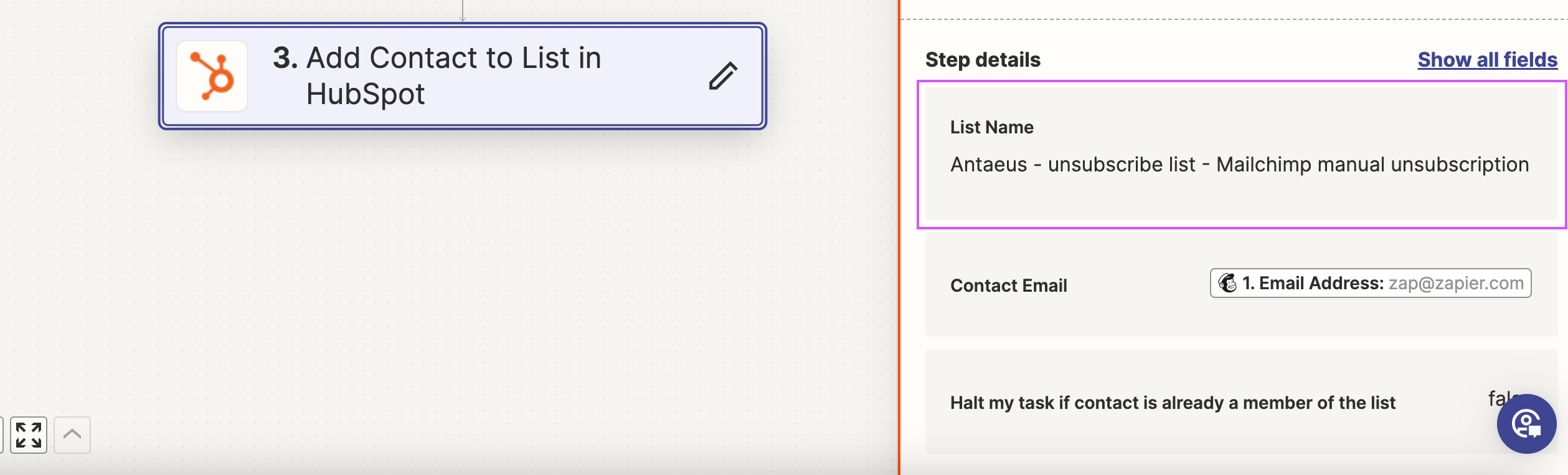
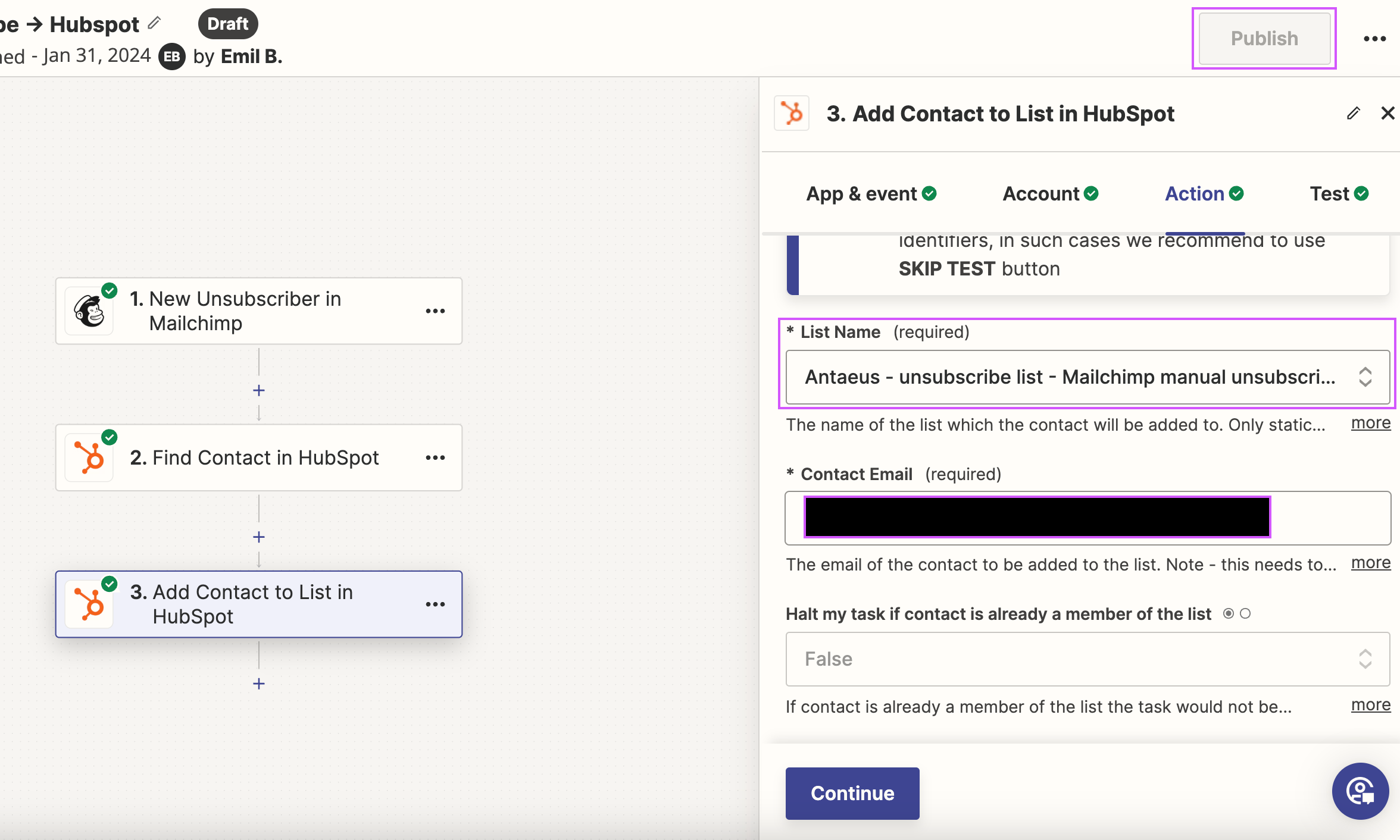
Zap showing outdated list name


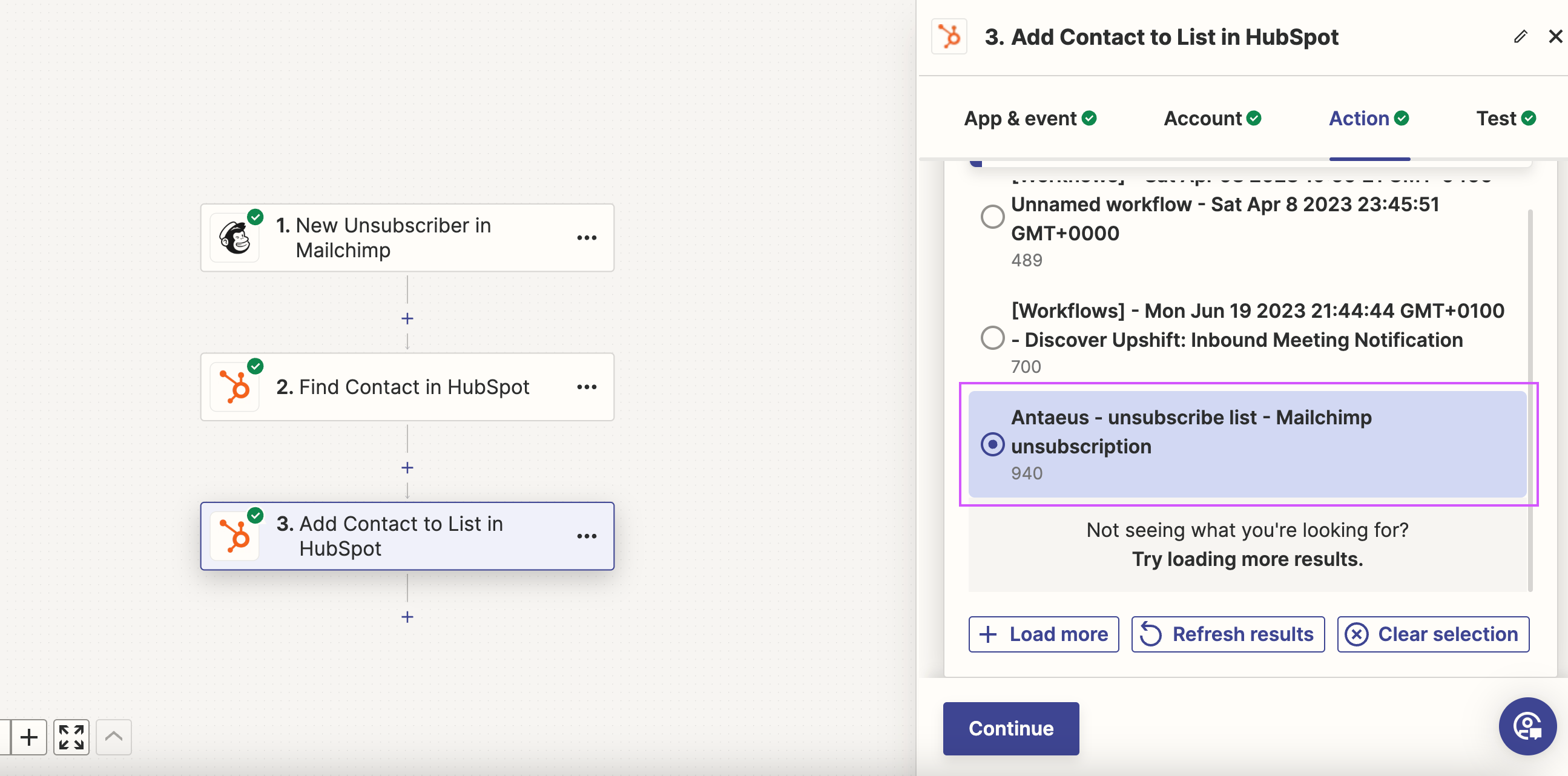
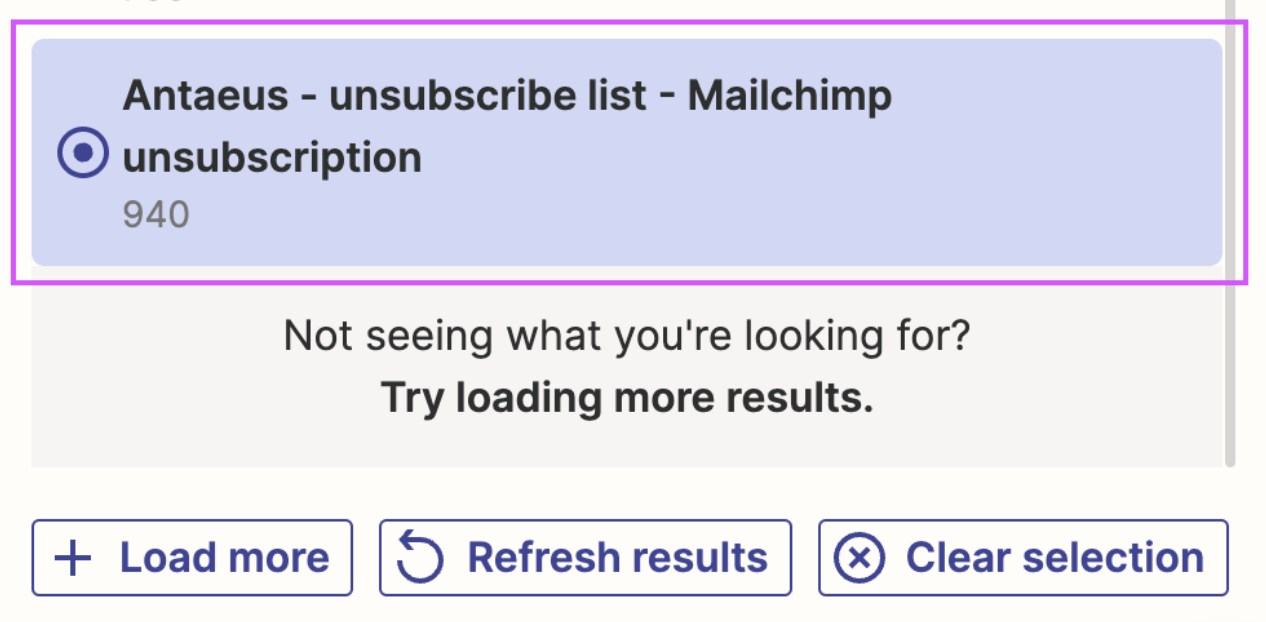
Updated list name shown and selected when editing the Zap (the word “manual” is the difference here)
Once the list is selected, it reverts back to the old name. I’m unable to publish because I haven’t made any changes.


Best answer by Troy Tessalone

Hi @Upshift 

The HubSpot Lists go by their internal HubSpot IDs. (e.g. 940)

You can try clicking the button [Refresh Results]

Or try clearing the selection, refreshing the Zap page, then selecting the list from the dropdown.


This post has been closed for comments. Please create a new post if you need help or have a question about this topic.

3 replies

Troy Tessalone
Zapier Orchestrator & Solution Partner
Forum|alt.badge.img+14
  • Zapier Orchestrator & Solution Partner
  • Answer
  • May 30, 2024

Hi @Upshift 

The HubSpot Lists go by their internal HubSpot IDs. (e.g. 940)

You can try clicking the button [Refresh Results]

Or try clearing the selection, refreshing the Zap page, then selecting the list from the dropdown.


  • Author
  • New
  • May 30, 2024

Thank you so much Troy! Refreshing results didn’t work but clearing the selection did. I appreciate it!


ken.a
Forum|alt.badge.img+6
  • Zapier Staff
  • May 31, 2024

That’s awesome @Upshift! A huge thanks to Troy for pointing you in the right direction!

If you have any other questions, please don’t hesitate to reach out to the Community. We’re always happy to help! 🤗