Question

How to use Photoroom Template in Image Editing V2 setup

  • May 8, 2026
  • 3 replies
  • 15 views

Is there a way to include my Photoroom Template into the Image Editing V2 setup i have tried to use the plain file as backround image and the shared public link as backround image url but the intial backround only gets removed and not replaced with my template 

3 replies

Troy Tessalone
Zapier Orchestrator & Solution Partner
Forum|alt.badge.img+14
  • Zapier Orchestrator & Solution Partner
  • May 8, 2026

Hi ​@Maddx 

For us to have more context about what you are referring to post screenshots showing how your Zap steps are outlined and what issues you are having with configuring the step fields.


Troy Tessalone
Zapier Orchestrator & Solution Partner
Forum|alt.badge.img+14
  • Zapier Orchestrator & Solution Partner
  • May 8, 2026

@Maddx 

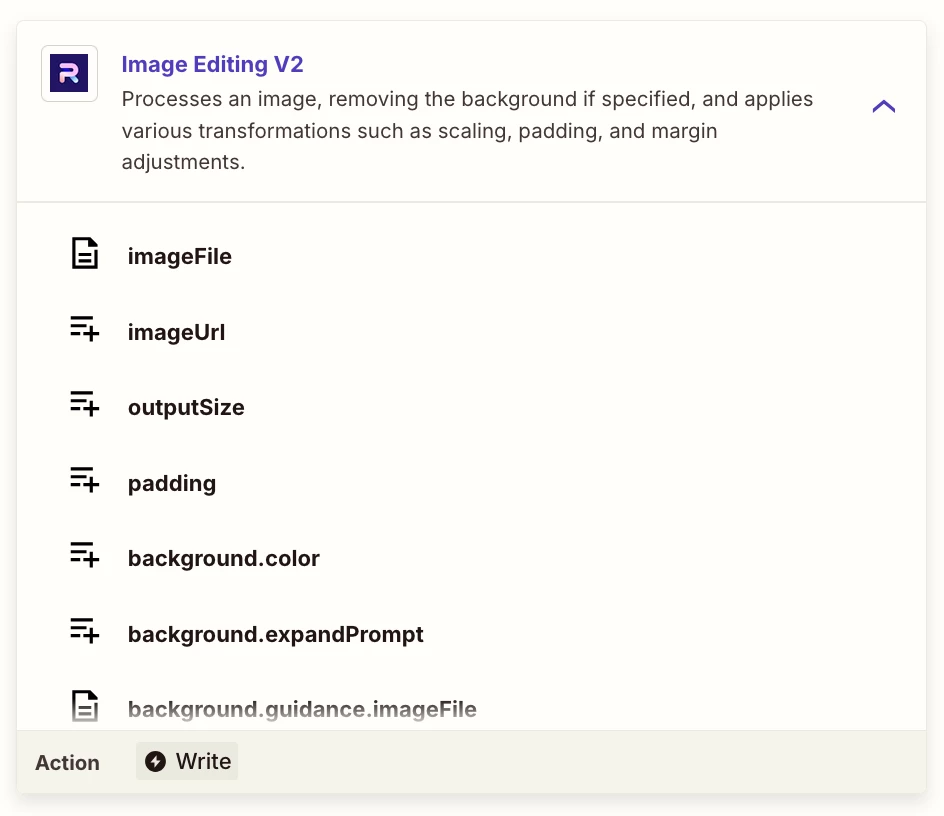
Looks like you are trying to use this…

App: PhotoRoom

Action: Image Editing V2


Help link from PhotoRoom about their Zap app integration: https://docs.photoroom.com/integrations/how-to-process-images-from-google-drive-using-zapier


Help link for using files in Zaps: https://help.zapier.com/hc/en-us/articles/8496288813453-Send-files-in-Zaps


Still need to see more screenshots about your Zap steps outline/config to have more context.


Forum|alt.badge.img+3
  • Zapier Solution Partner
  • May 8, 2026

Hi ​@Maddx 

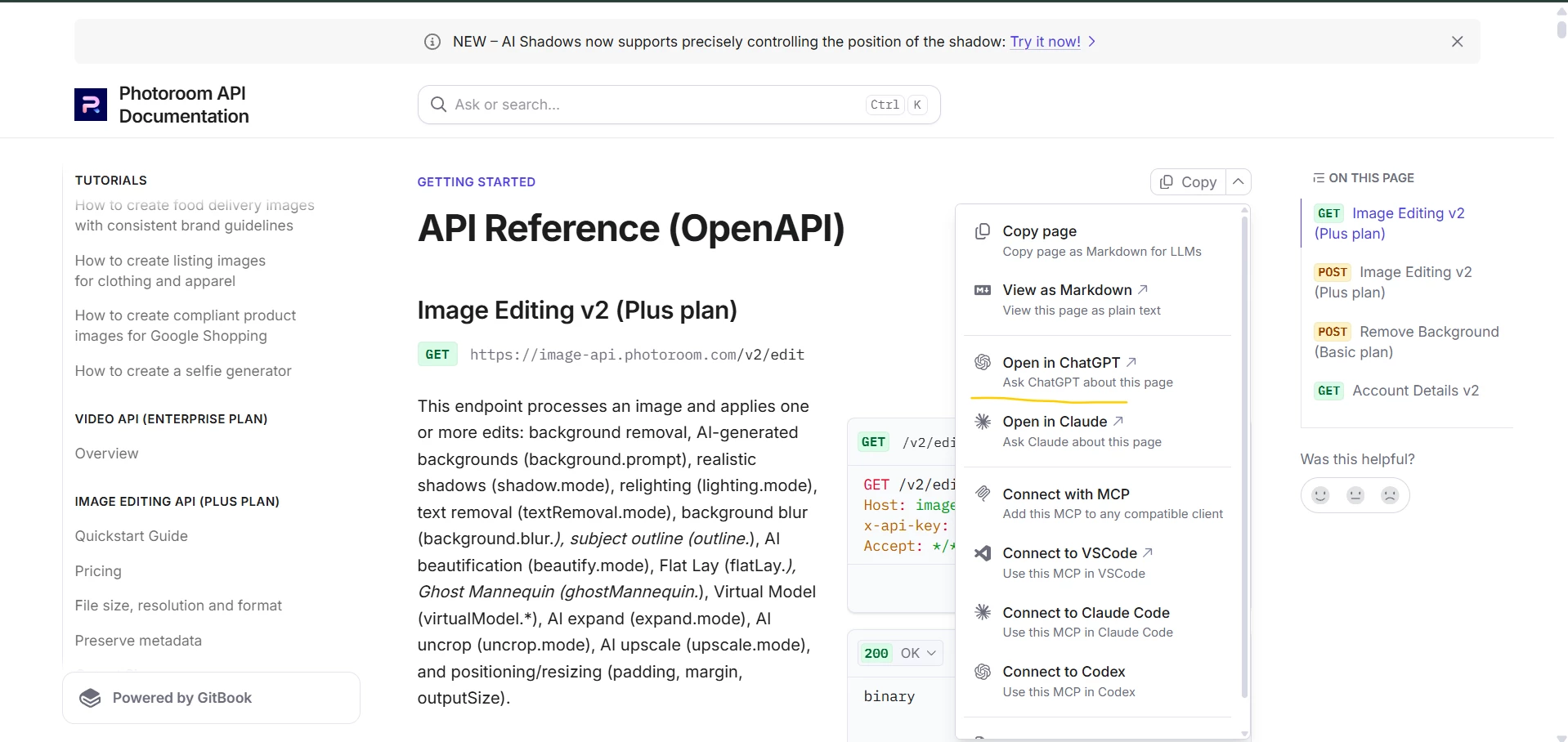
You might also want to try options like Open in ChatGPT from the Photoroom API docs. Sometimes it’s pretty helpful for figuring out issues like this.


Also, if you can share a screenshot of your zap setup along with a quick description of the issue, it’ll help us understand the problem better and troubleshoot further.