Answer

How to update Google Sheets with Stripe subscription status using a scheduled transfer?

  • July 13, 2023
  • 5 replies
  • 54 views

I have a zap connecting Stripe and Google Sheets. A new row is added to Sheets every time a new subscription is created. I want the google sheet to be updated once everyday with the Status of the subscription so it captures cancellations. Status is a seperate column in the sheet. 

I thought of setting up a scheduled transfer between Stripe and Google Sheets. It would need to lookup the subscription id (Column 1) in google sheets in the Stripe subscription database and then update the status. Am not sure how to accomplish this. Any help is appreciated!


Best answer by Troy Tessalone

@Inika 

There are 2 variables you can use:

  • Row
  • ID
This post has been closed for comments. Please create a new post if you need help or have a question about this topic.

5 replies

Troy Tessalone
Zapier Orchestrator & Solution Partner
Forum|alt.badge.img+14
  • Zapier Orchestrator & Solution Partner
  • July 13, 2023

Hi @Inika 

Good question.

Make sure to log the Subscription ID as a column in the GSheet.

Try these Zap steps:

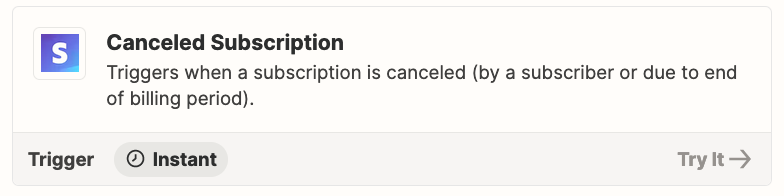
  1. Trigger: Stripe - Canceled Subscription
  2. Action: GSheets - Lookup Row
  3. Action: GSheets - Update Row
    1. Map the Row ID from Step 2


  • Author
  • Beginner
  • July 13, 2023

Thankyou. I don’t see the option of “Row Id from Step 2” listed in the dropfown in step 3. 


Troy Tessalone
Zapier Orchestrator & Solution Partner
Forum|alt.badge.img+14
  • Zapier Orchestrator & Solution Partner
  • Answer
  • July 13, 2023

@Inika 

There are 2 variables you can use:

  • Row
  • ID

  • Author
  • Beginner
  • July 13, 2023

Thanks. that worked!


ken.a
Forum|alt.badge.img+6
  • Zapier Staff
  • July 17, 2023

Hi @Inika,

Thats fantastic news! I’m glad Troy was able to help you out!

If you have any other questions, please don’t hesitate to reach out to the Community. We’re always happy to help! 😊