Question

How to send Trello card cover images to Buffer using Zapier

  • November 10, 2025
  • 9 replies
  • 32 views

I am trying to send a Trello card cover image / file attachment to Buffer. If I use card attachment the process works in test mode but when I publish it the Zap doesn’t run as ‘This Buffer step was safely halted’.

Zapier’s co-pilot suggests that I use Card Cover Scaled URL but when I do this the Zap run hits an error as the image is missing.

What should I be using to pass the URL of the image to Buffer?

9 replies

AndrewJDavison
Forum|alt.badge.img+11
  • Zapier Solution Partner
  • November 10, 2025

Can you open up the failed zap run in history and show me the details of the step where it says it halted. There could be a few reasons for this and that’ll tell us more.

DM me if preferred.


Sparsh from Automation Jinn
Forum|alt.badge.img+6

Hey ​@jenefer,

Make sure that the URL is publicly accessible. Try using Find Card attachments by Card ID action if it can give you the file object directly instead of the URL.


Hope it helps!


  • Author
  • New
  • November 10, 2025

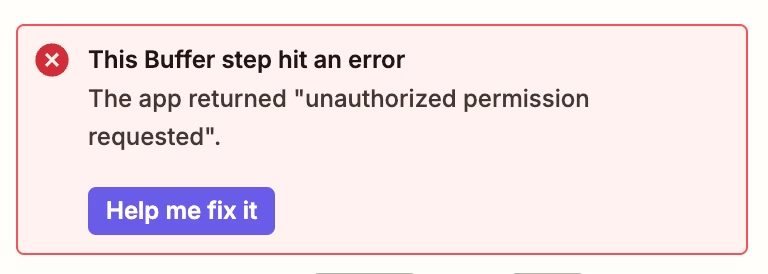
Using Card Cover Scaled URL the error on published is 


  • Author
  • New
  • November 10, 2025

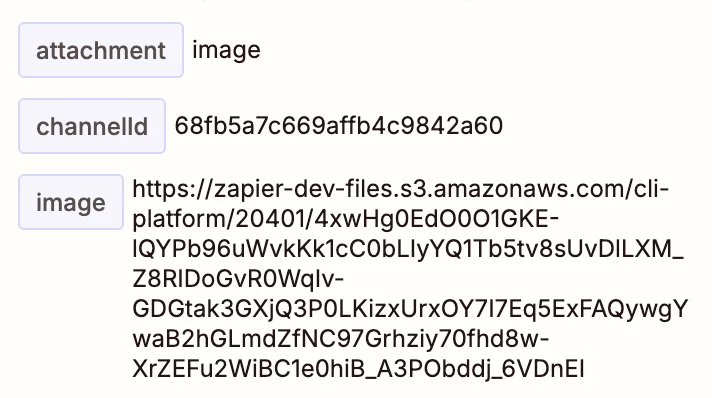
Using the Card Attachment I get this error with the published version

This is the image


AndrewJDavison
Forum|alt.badge.img+11
  • Zapier Solution Partner
  • November 10, 2025

@jenefer Yep looks like Zapier can’t access the cover image file to send it to Buffer.

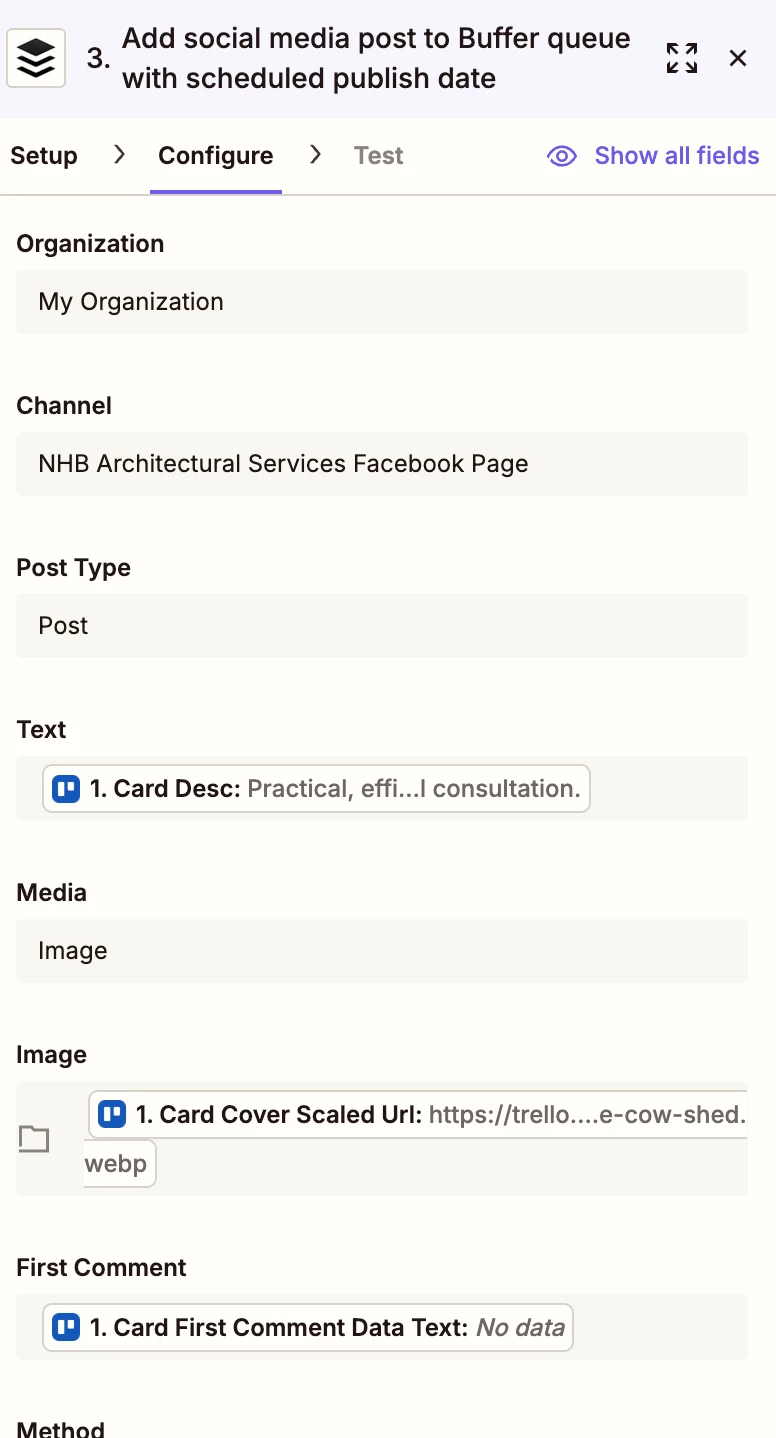
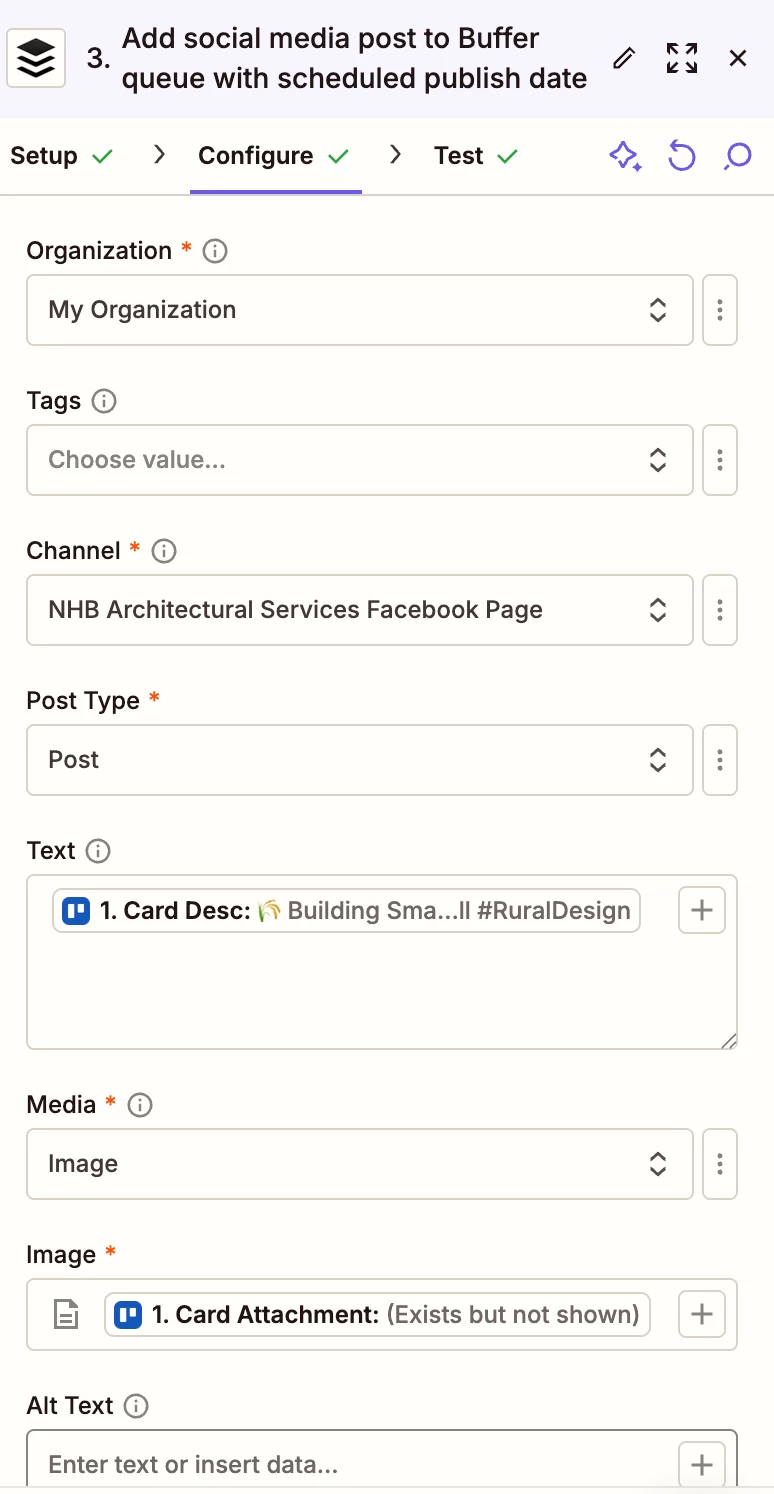
Can you screenshot the configuration tab of the Buffer step - I want to make sure you have it set right.


  • Author
  • New
  • November 11, 2025

Tried this 

and this


AndrewJDavison
Forum|alt.badge.img+11
  • Zapier Solution Partner
  • November 11, 2025

Sadly ​@jenefer - it maybe that Trello blocks images being exported to other apps.

Is it possible to host the images anywhere else?


Sparsh from Automation Jinn
Forum|alt.badge.img+6

Hey ​@jenefer,

Your second try results in a successful test.
 

In that do you get the error that it not correct file type?Please make sure the uploaded file type is jpeg, png, jpg, gif or webp as mentioned in the error. Hope it helps!


SamB
Community Manager
Forum|alt.badge.img+11
  • Community Manager
  • November 27, 2025

Hi there ​@jenefer 👋 

Just wanted to check how you’re getting on - were you able to get the errors fixed? 

Let us know if you still need any help with this, want to make sure this gets sorted.