Best answer

How to request a Trustpilot review through Clio and Zapier automation

  • October 28, 2025
  • 9 replies
  • 46 views

I am trying to create a zap which, when a new bill is created in Clio, triggers an email from Trustpilot to be sent to the client requesting a review.

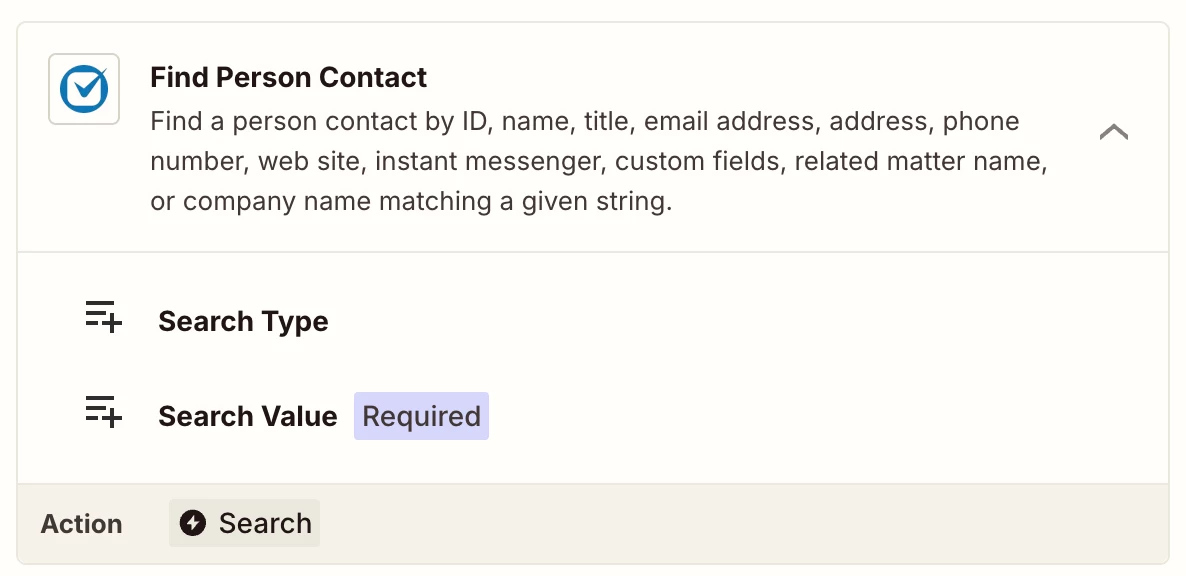
With assistance from Trustpilot I have been able to set up the first step; however, when we tried to set up the second step (‘create invitation from Trustpilot’), Zapier was not able to pull the client’s email address from Clio. We tried adding an intermediate step – ‘Find Person Contact’ – but this didn’t work either.

I would be grateful if anyone can explain how to pull the client’s email address from Clio, and if adding a third step is necessary.


Best answer by Troy Tessalone

@FDB 

Is there a data point returned from the Zap trigger step for Clio New Bill that indicates the Person Contact? (yes/no - if yes, indicate which field)
 

Otherwise, you may have to try this logic…

If a Bill is related to a Matter and a Matter is related to a Person Contact, then you would need 2 lookup steps.

Find Matter (by ID from Zap step 1)

Find Person Contact (by ID from Find Matter step)

9 replies

Troy Tessalone
Zapier Orchestrator & Solution Partner
Forum|alt.badge.img+14
  • Zapier Orchestrator & Solution Partner
  • October 28, 2025

Hi ​@FDB 

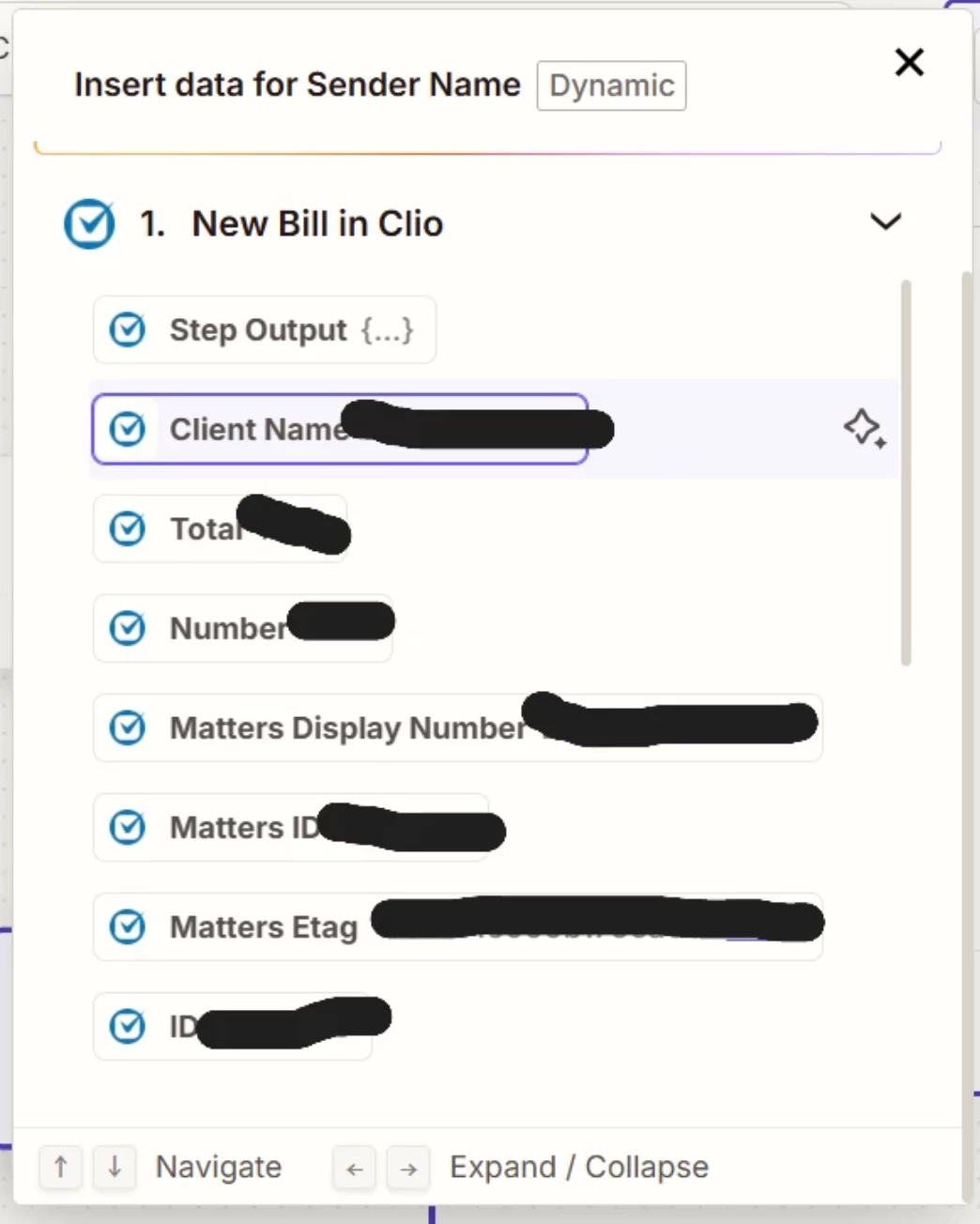
What data points are returned from Zap step 1 in the TEST tab related to the Contact/Person for the Bill? (screenshots)


  • Author
  • Beginner
  • October 28, 2025

Thanks - is this what you are looking for?


Troy Tessalone
Zapier Orchestrator & Solution Partner
Forum|alt.badge.img+14
  • Zapier Orchestrator & Solution Partner
  • October 28, 2025

@FDB 

Screenshot does not show all of the fields returned as indicated by the scrollbar which can scroll down.


Troy Tessalone
Zapier Orchestrator & Solution Partner
Forum|alt.badge.img+14
  • Zapier Orchestrator & Solution Partner
  • Answer
  • October 28, 2025

@FDB 

Is there a data point returned from the Zap trigger step for Clio New Bill that indicates the Person Contact? (yes/no - if yes, indicate which field)
 

Otherwise, you may have to try this logic…

If a Bill is related to a Matter and a Matter is related to a Person Contact, then you would need 2 lookup steps.

Find Matter (by ID from Zap step 1)

Find Person Contact (by ID from Find Matter step)


Sparsh from Automation Jinn
Forum|alt.badge.img+6

Hey ​@FDB,

Try using Find Person contact action to find the email.


You can probably search by client name as well if the client ID is also not available in the trigger. Hope it helps!


  • Author
  • Beginner
  • October 28, 2025

Thank you. I have managed to pull the client’s email address by using Find Matter then Find Person Contact. I am now trying to set up the final step which is Create Invitation. I am unsure what to select for Sender Name - the email will come from Trustpilot, but the only only options for Sender Name come from the previous steps in Clio which contain the client’s information. 


Troy Tessalone
Zapier Orchestrator & Solution Partner
Forum|alt.badge.img+14
  • Zapier Orchestrator & Solution Partner
  • October 28, 2025

@FDB 

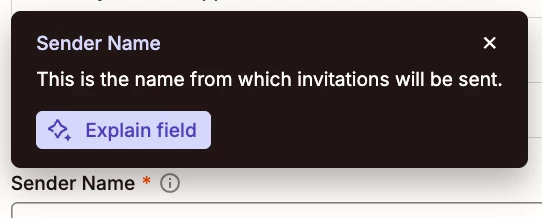
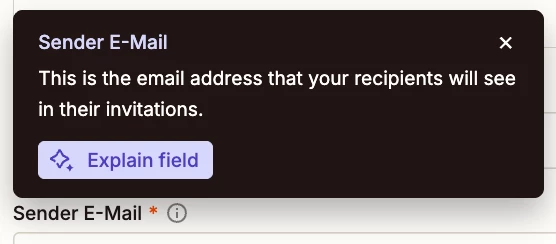
TIP: Click field labels to see tooltips with more info.

Fields accept static values or dynamic variables or both.

Try entering a static value you want to use for the Sender Name field.


  • Author
  • Beginner
  • October 29, 2025

This seems to have worked as the test was successful - thanks for your help.


SamB
Community Manager
Forum|alt.badge.img+11
  • Community Manager
  • October 31, 2025

Thanks for letting us know ​@FDB, so glad it worked! 🎉

Sounds like everything is sorted now so I'll mark Troy's earlier suggestion to use Find Matter and Find Person Contact actions as the best answer, since that seems to have solved your initial question about finding the client's email address from Clio. Thanks for helping out here ​@Troy Tessalone - great work! 🙌 And thank you to ​@Sparsh from Automation Jinn as well for jumping in to offer some help too. 

If you run into further issues or have any questions, feel free to reach back out to the community. In the meantime, happy Zapping! 😁⚡