Question

How to pull Typeform responses into ClickUp using Zapier

  • September 3, 2026
  • 1 reply
  • 10 views

Hello! I am having trouble pulling the data from my typeform survey into clickup via zapier. I have the list set up, and it’s connecting to typeform to clickup, but not the specific fields. 


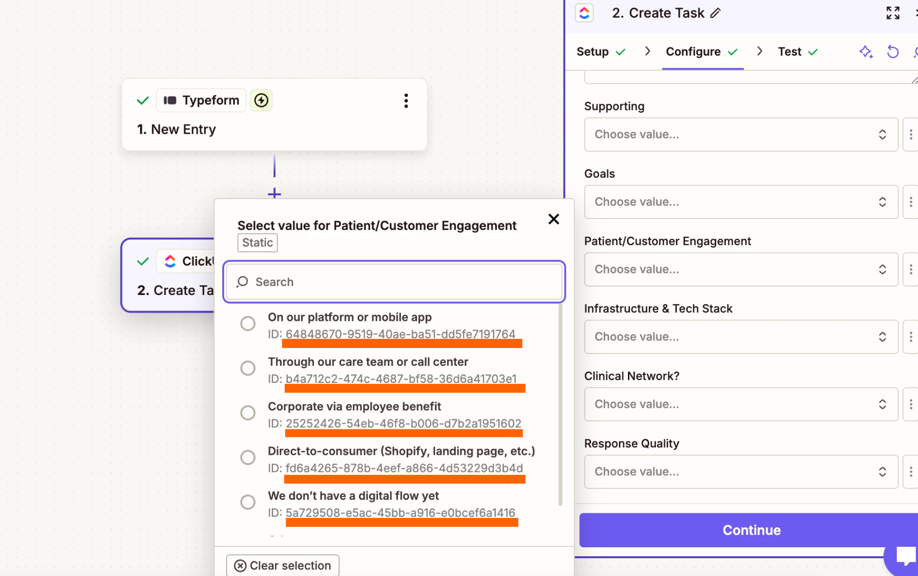
It is connected to the correct workspace, space, folder and list. I see the submissions coming through to click up. See below cont’d 
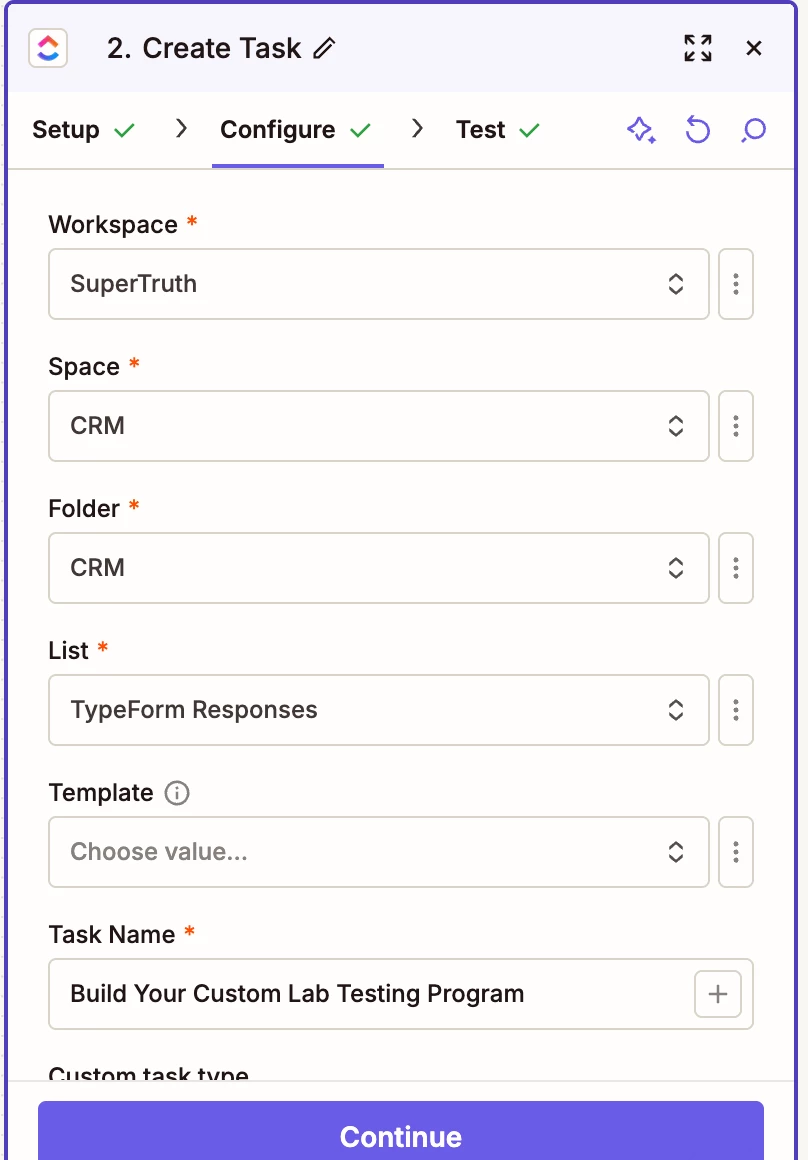

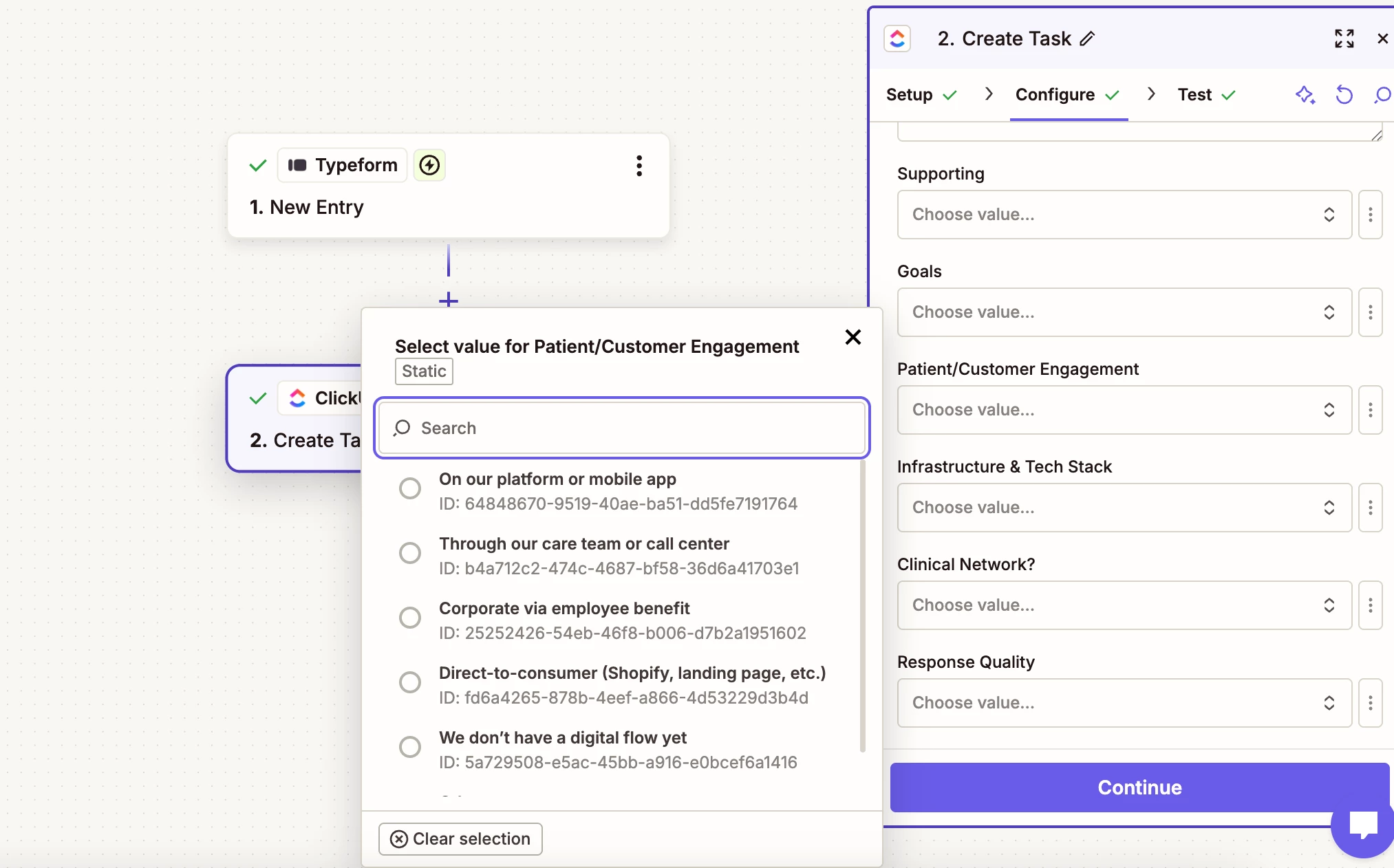
These are some of the fields that I set up in my clickup list. It’s pulling the right options in the drop/down. But its not pulling the answers/data in the cells when the form is submitted. 


1 reply

SamB
Community Manager
Forum|alt.badge.img+11
  • Community Manager
  • September 7, 2026

Hi and welcome to the Community ​@rheannarae! 👋

The Patient/Customer Engagement field is a dropdown menu field, so you'll need to click the three dots to the right of it and select the Custom value option. That’ll let you map the relevant field from the Typeform trigger into it.

ClickUp will expect the option's ID, not its name so if the answers from Typeform are just the option names, you'll need a Lookup Table step to first convert each answer to the relevant ClickUp ID first. You can find the IDs listed under each option name:

84c140dbf3b5594b9d77a389ccd0a0b7.png

Then you’d map the ID that the Lookup Table outputs into the Patient/Customer Engagement field. 

If you’ve not worked with lookup tables or the custom value option before these guides may help:

Let us know how it goes!