Question

How to automatically connect Ecwid with Routelogic for order syncing

  • November 4, 2025
  • 3 replies
  • 13 views

beste, 

ik wil ecwid webiste en routelogica automatisch koppelen. Wanneer ik een bestelling in Ecwid krijg zou deze automatsich bij routelogic moeten komen te staan. Maar dit lukt niet..

wat moet ik doen om dit te doen werken?

Bedankt


Moderator edit to include translation of original message:

Hi,

I want to automatically connect the Ecwid website and route logic. When I receive an order in Ecwid, it should automatically appear in route logic. But this isn't working.

What should I do to make this work?

Thanks.

3 replies

SamB
Community Manager
Forum|alt.badge.img+11
  • Community Manager
  • November 5, 2025

Hi and welcome to the Community, ​@kerstboom! 🎉

Sorry to hear the orders aren’t appearing in RouteLogic like they should. Can you share a bit more detail about where things seem to be going wrong?

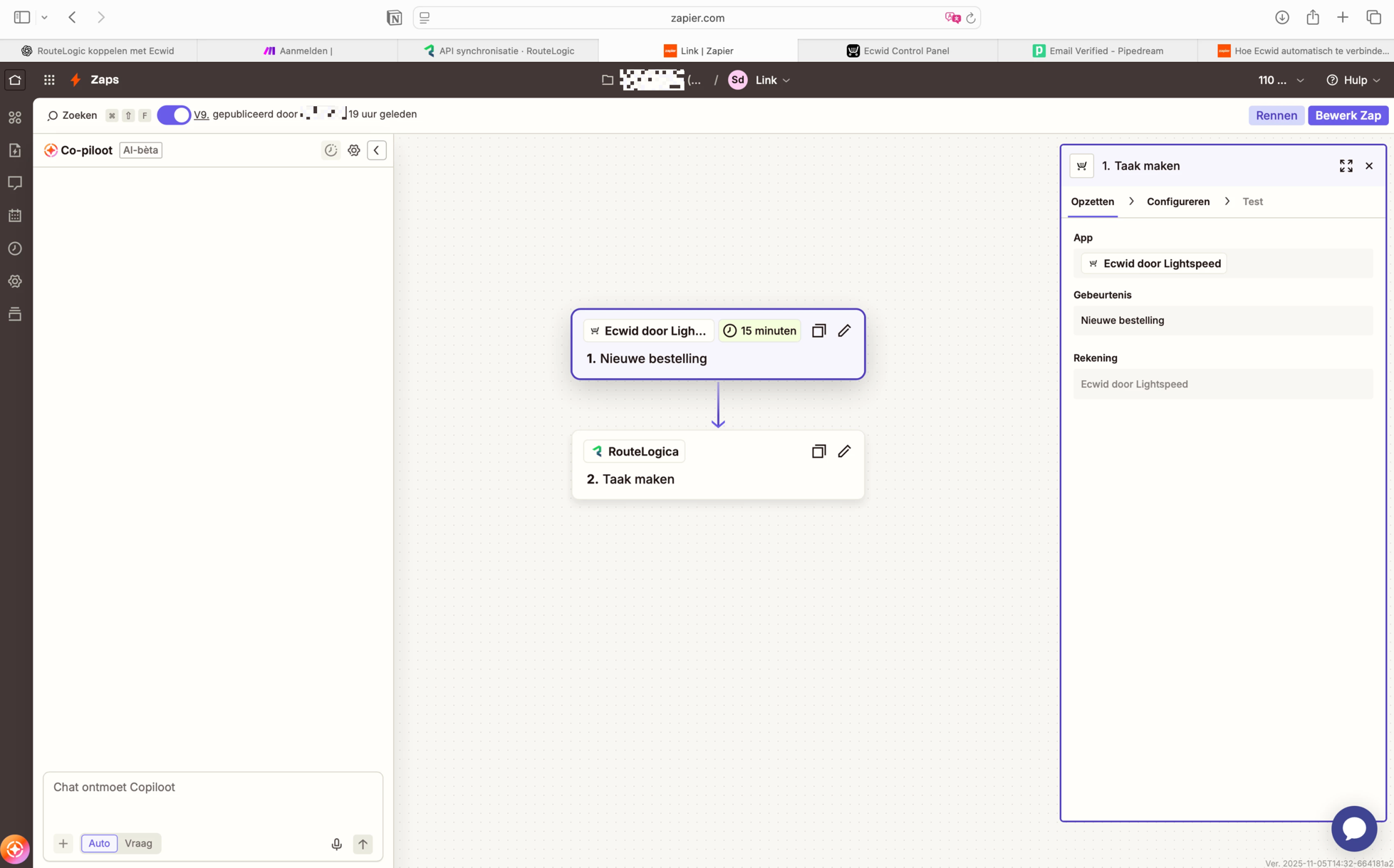
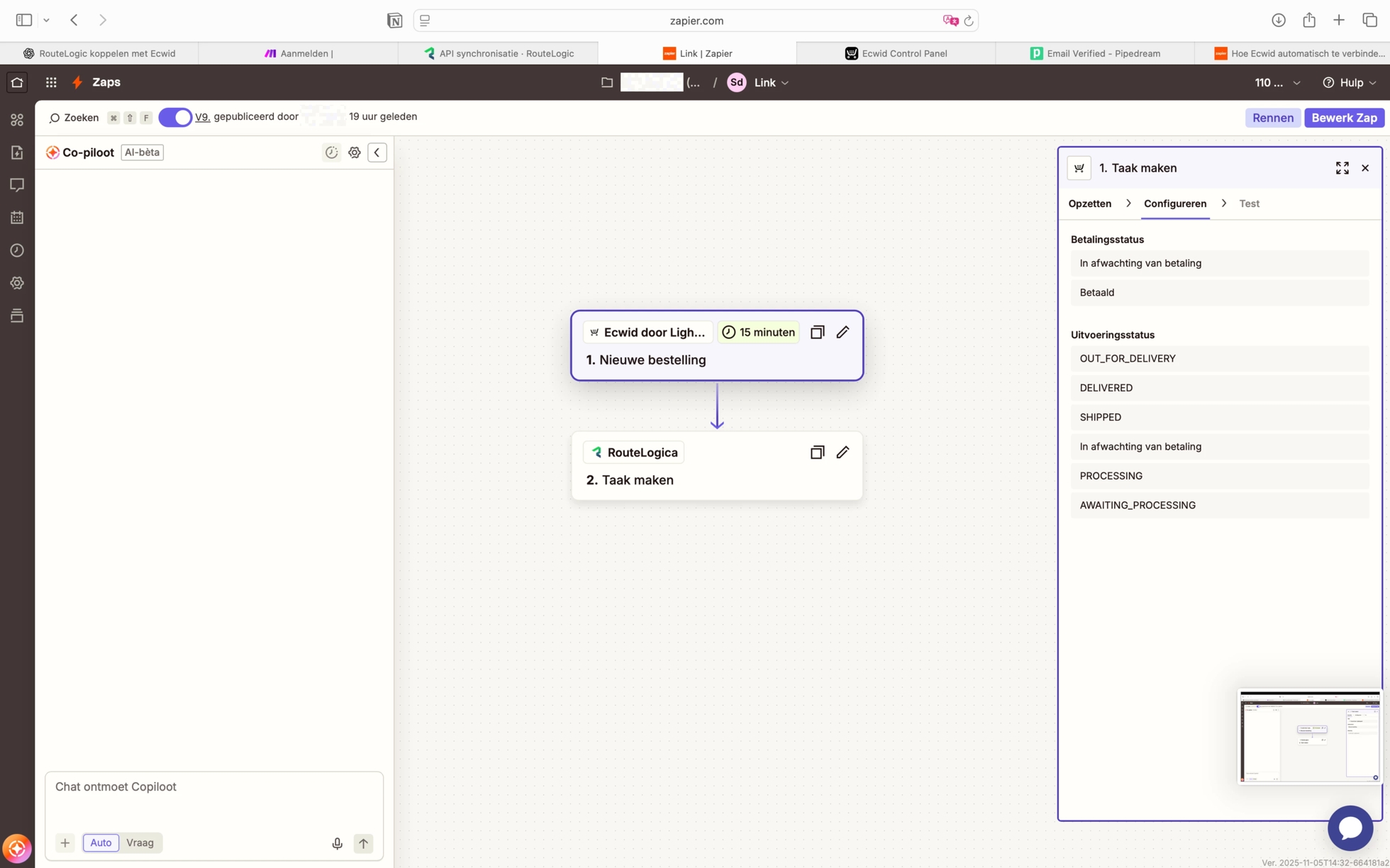
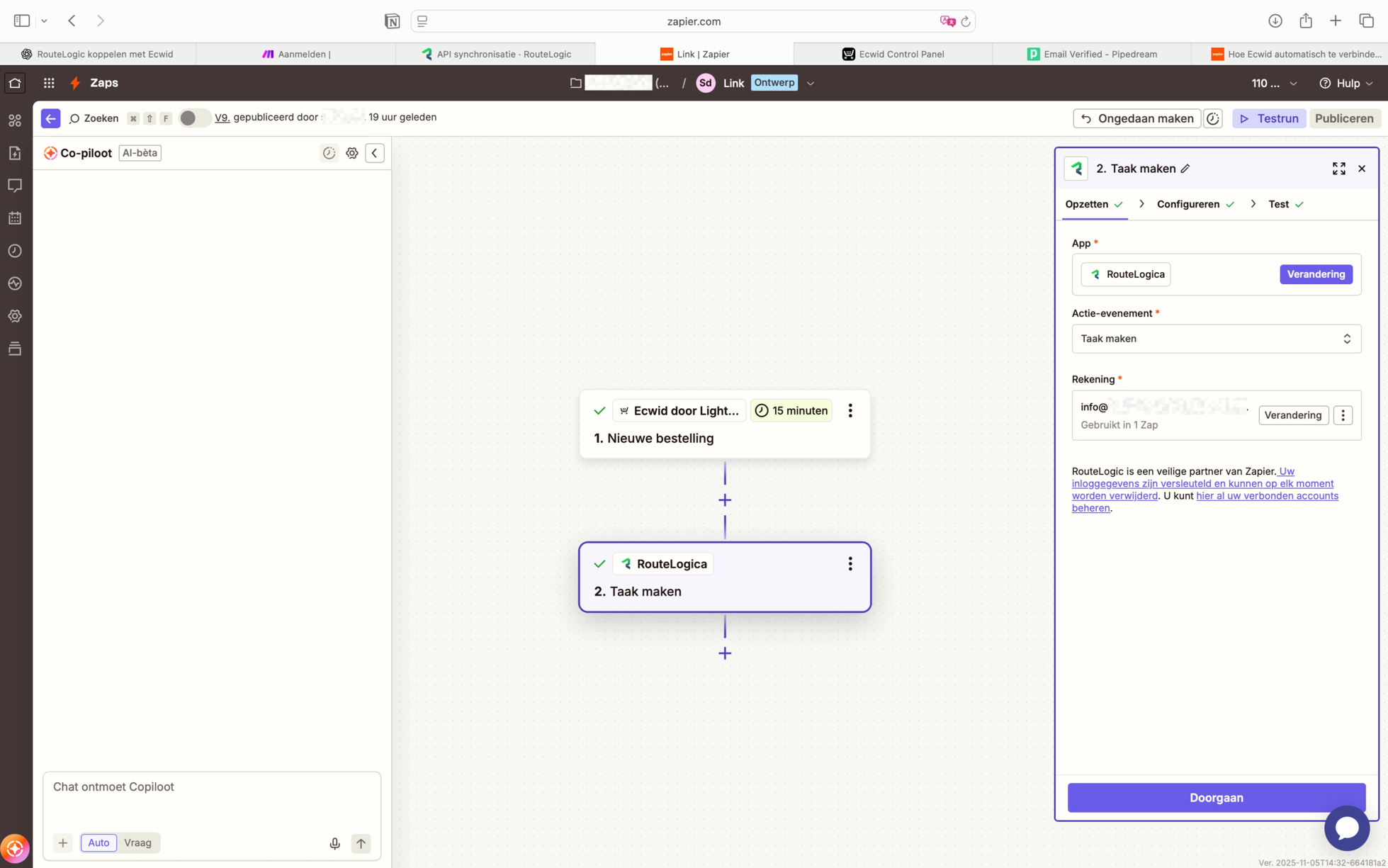
For example are you seeing any errors when the Zap runs, are the orders not being added as tasks in RouteLogic, or is it just not triggering at all when a new order comes in? If possible, please include a few screenshots showing your Zap’s trigger and action setup, as well as any errors you might be seeing (just be sure to remove or blur any personal info like customer names or emails - a tool like Zappy can be used for that).

Once we’ve got a bit more context, we’ll be able to point you in the right direction. Looking forward to your reply! 🙂


  • Author
  • New
  • November 5, 2025

Beste,

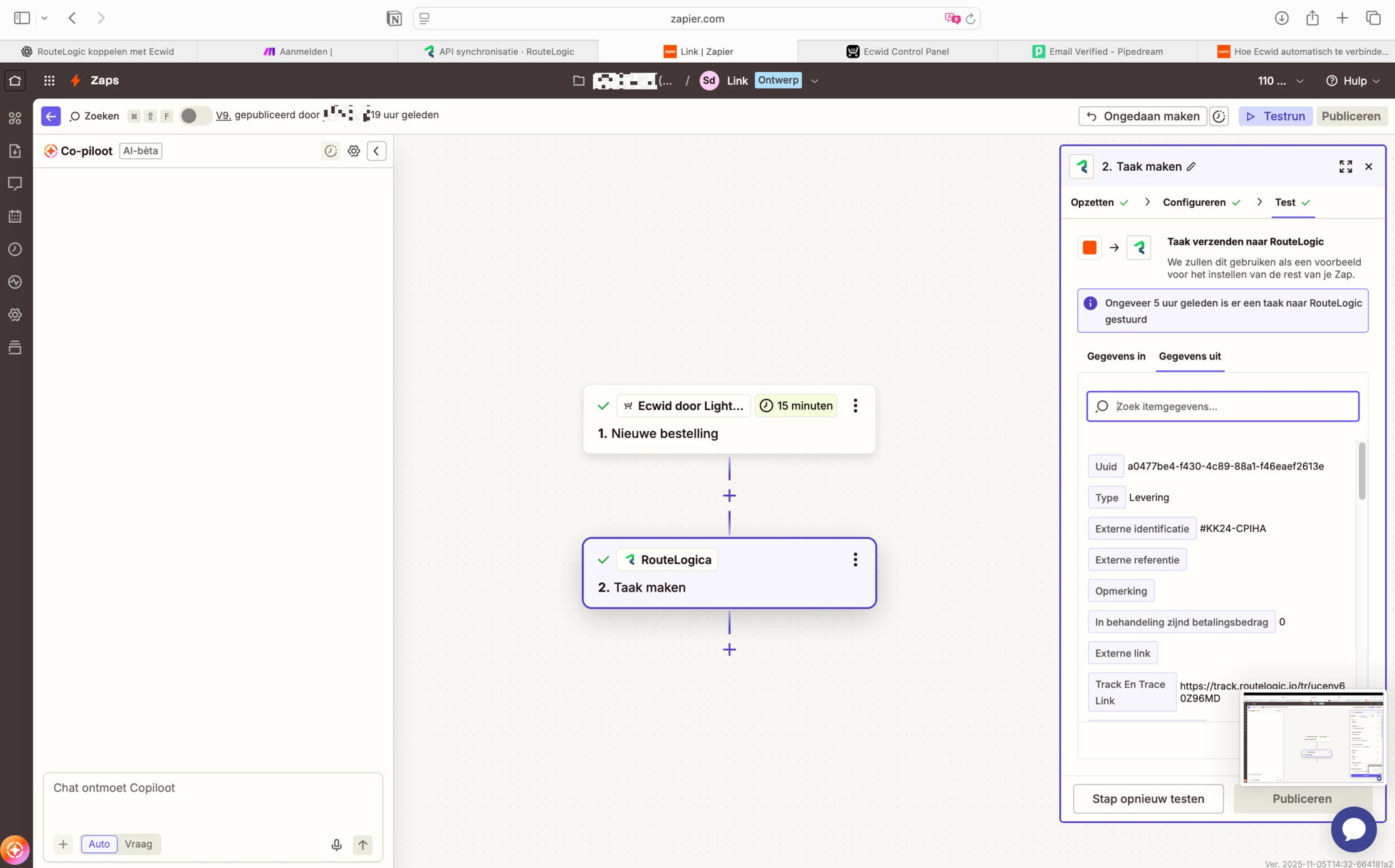
de bestellingen worden niet doorgevoerd. Enkel de test bestelling komt erin te staan. Het gebeurd niet automatisch. 

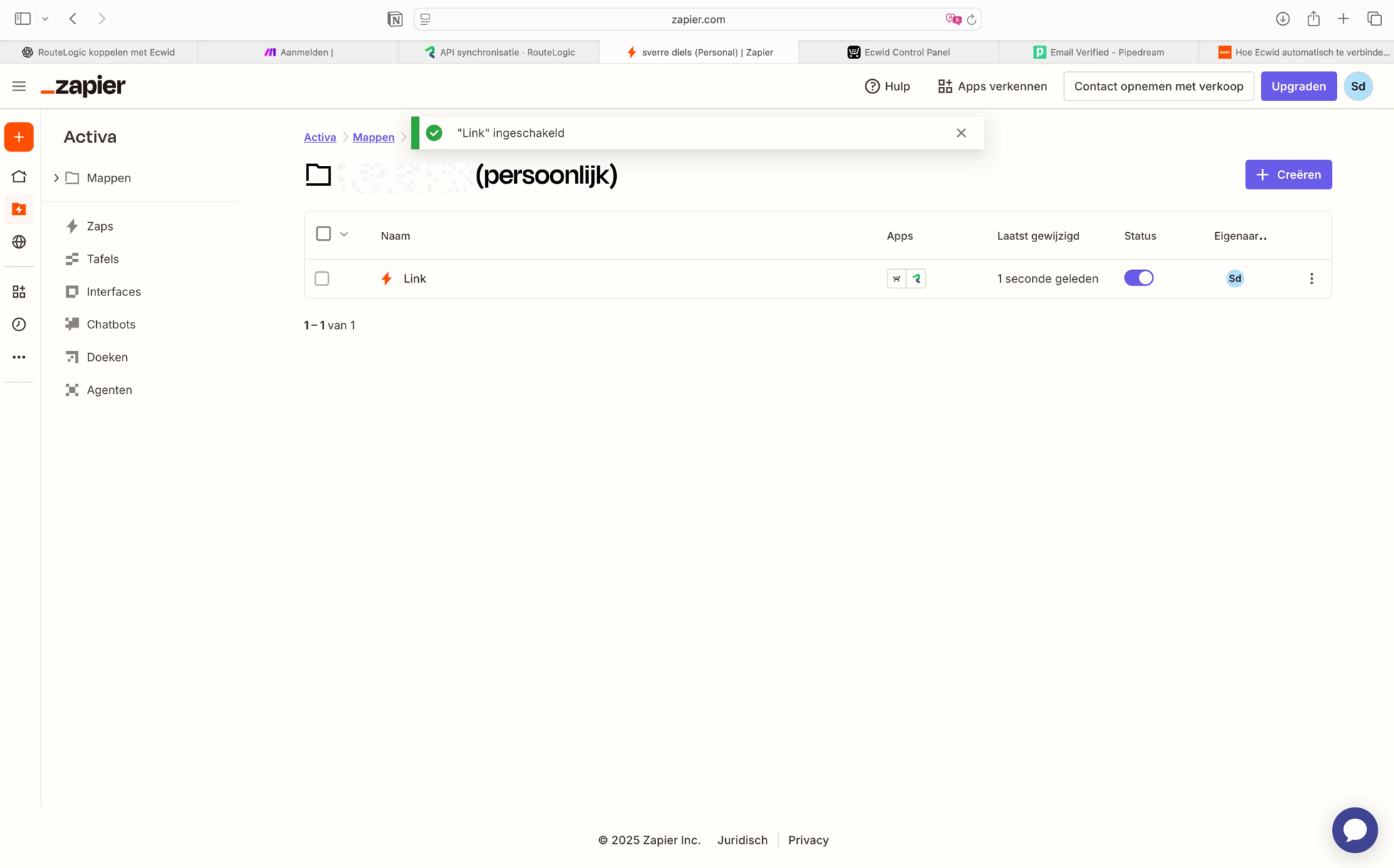
Soms begint het zap account ook op uitgeschakeld…


Moderator edit to include translation of original message:
Dear,

The orders aren't being processed. Only the test order is being processed. This doesn't happen automatically.

Sometimes the Zap account also starts as disabled...


This post has been edited by a moderator to remove personally identifiable information (PII). Please remember that this is a public forum and avoid sharing personal or potentially sensitive details.


SamB
Community Manager
Forum|alt.badge.img+11
  • Community Manager
  • November 11, 2025

Thanks for sending over those helpful screenshots, ​@kerstboom

With the issue of the Zap being disabled sometimes, it could be that it’s being turned off due to repeated errors or the task limit was exceeded 🤔 Do you think that could be the case?

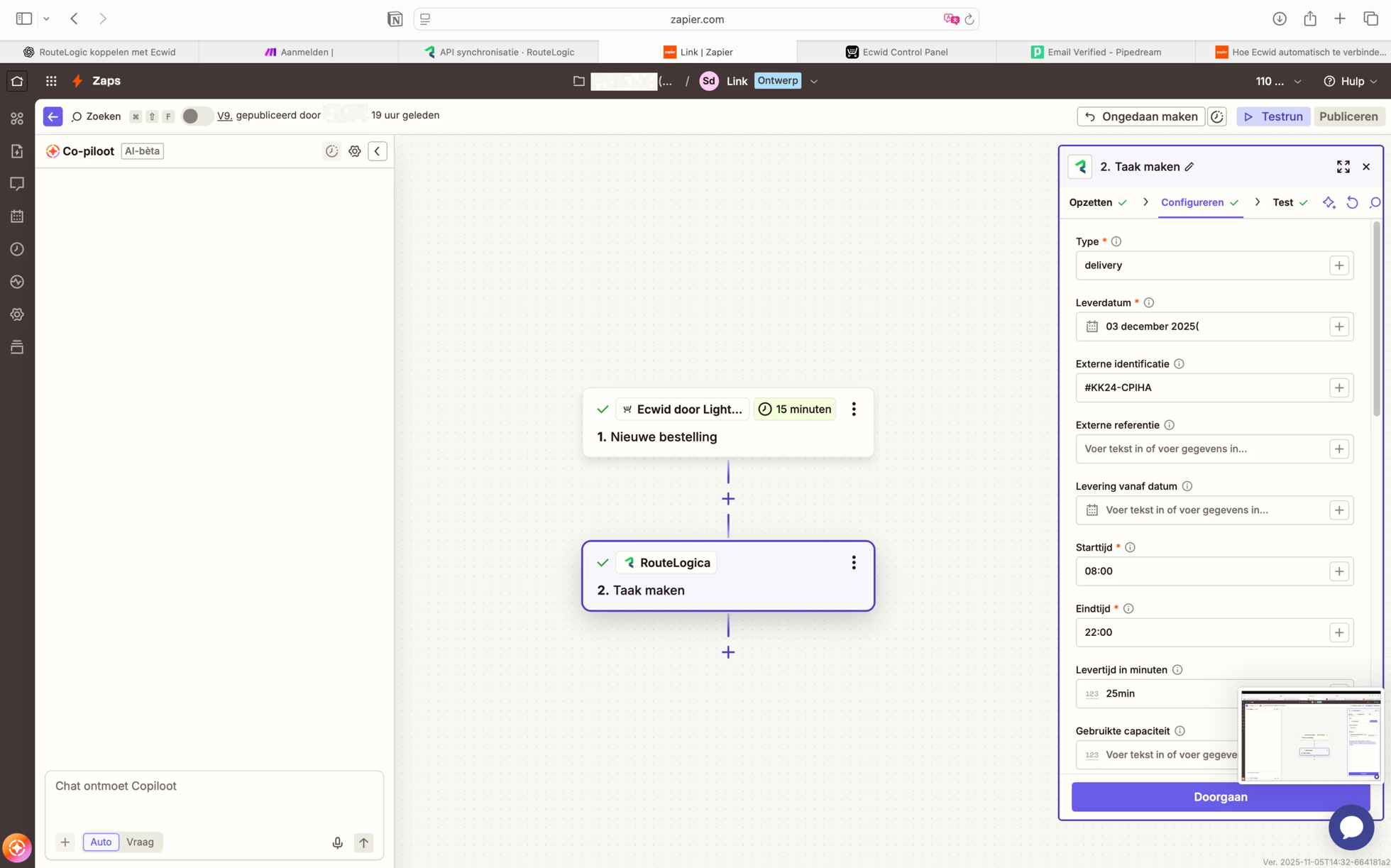
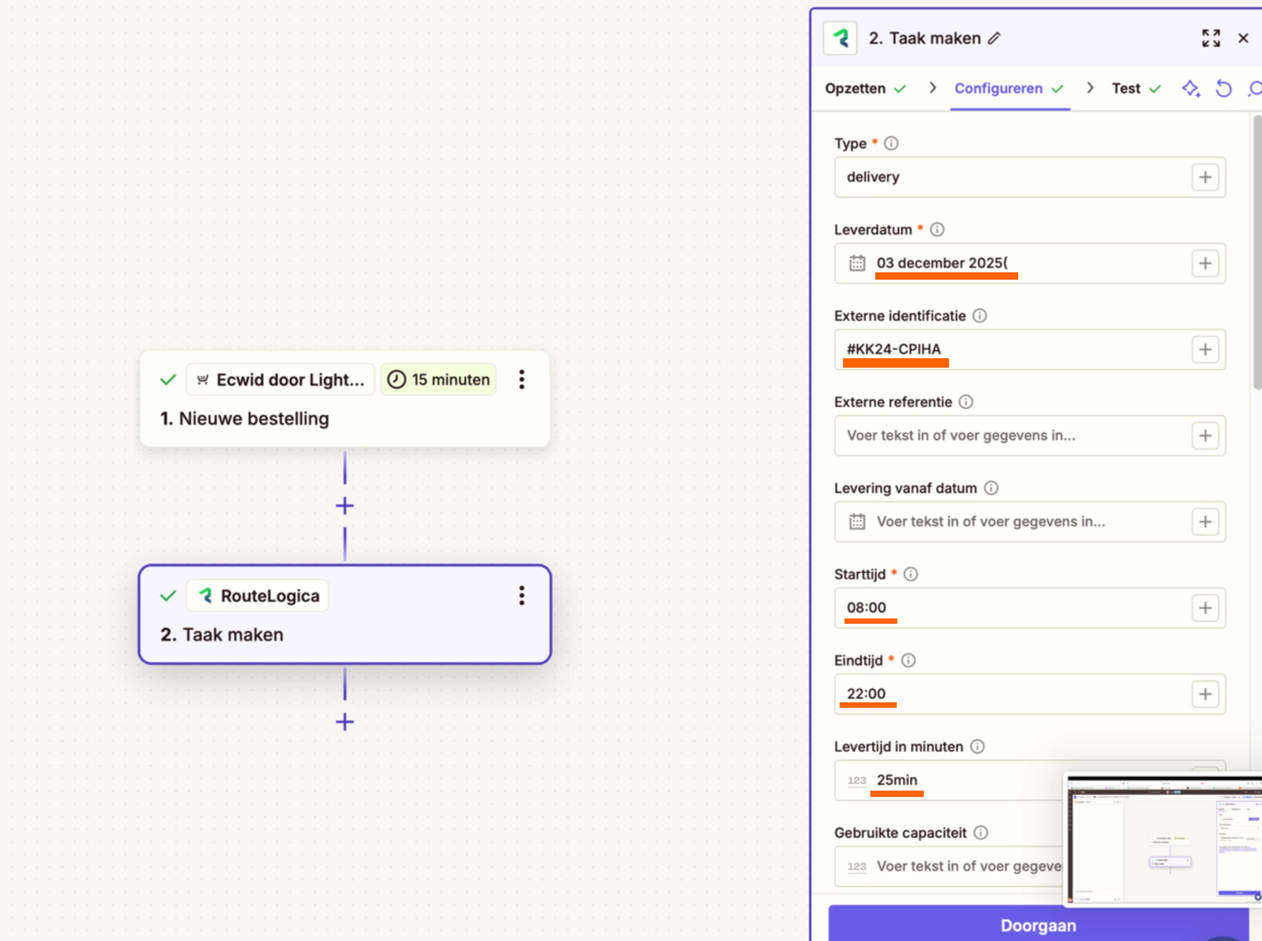
Looking at the RouteLogic action it seems that the information in the fields has been manually typed in:

d62ad09ea27af2ed5839866f2dd27ca0.png
 

This would explain why only the test order information is being processed. To ensure the details update each time a new order comes in, you’ll need to select the appropriate fields from the Ecwid trigger instead of typing the values manually. You can learn more about how to do that here: Send data between steps by mapping fields

Can you try selecting the relevant fields from the Ecwid trigger instead, and let me know if that fixes it?