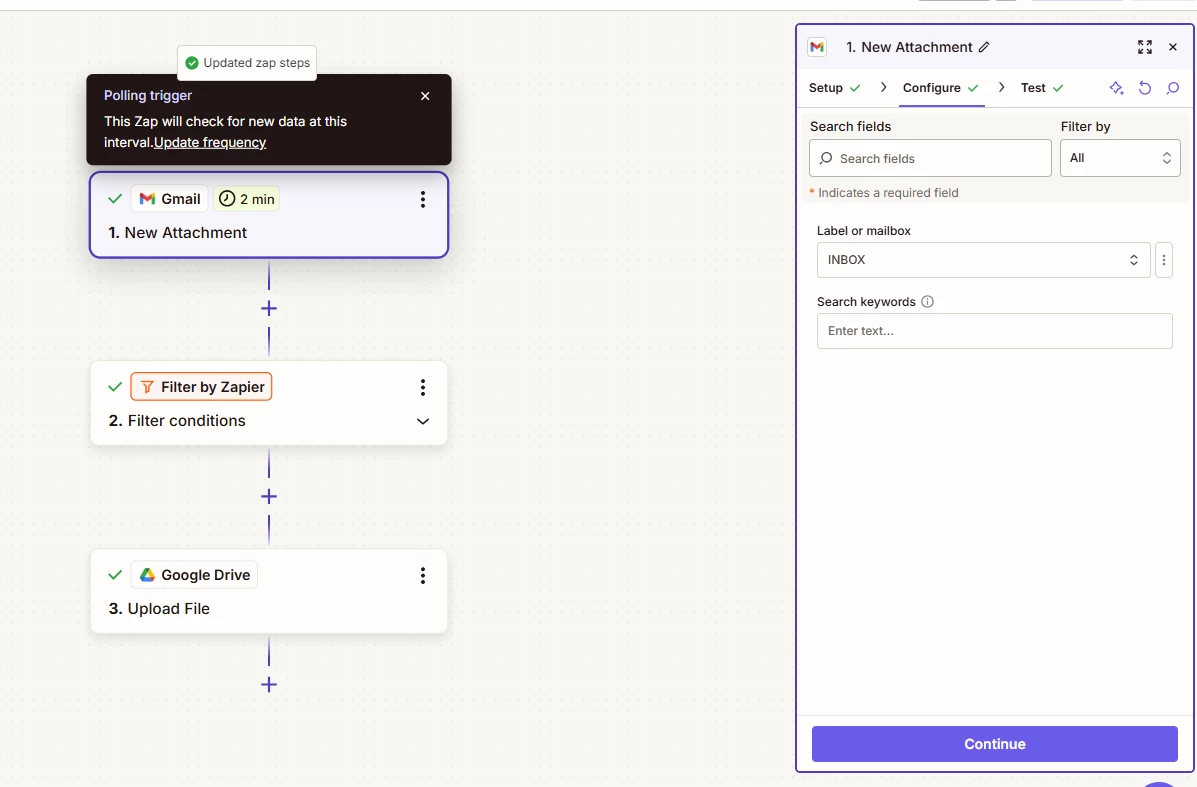
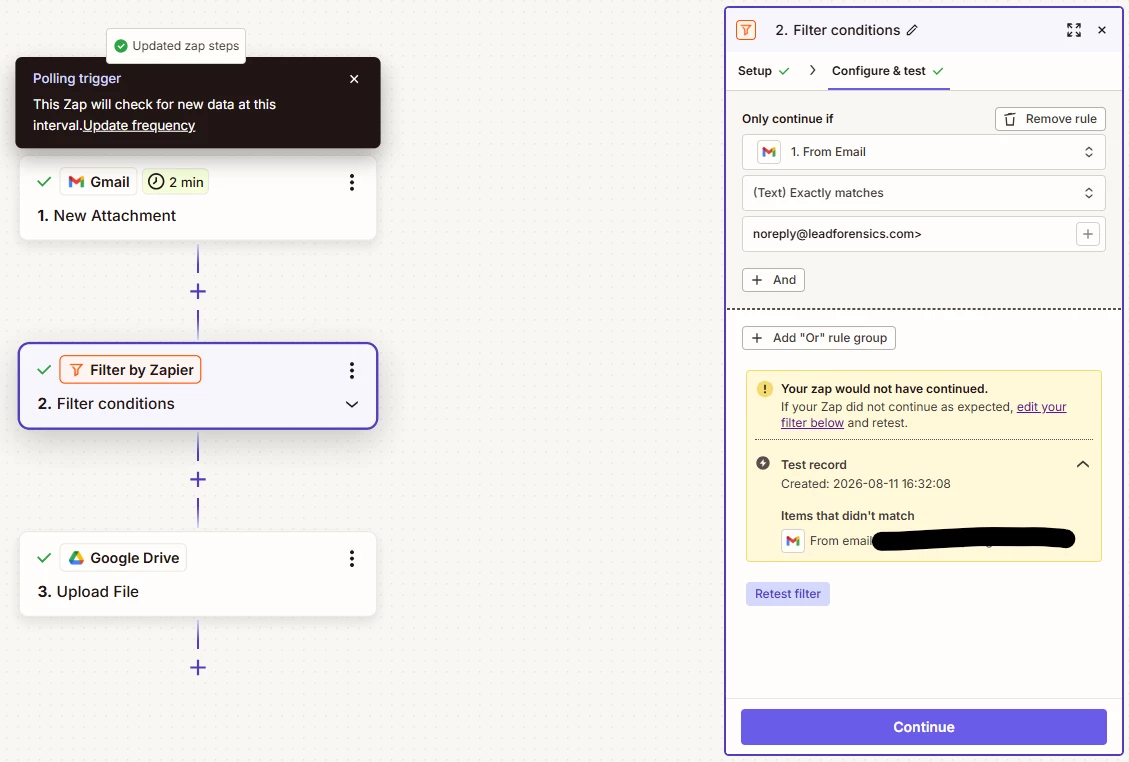
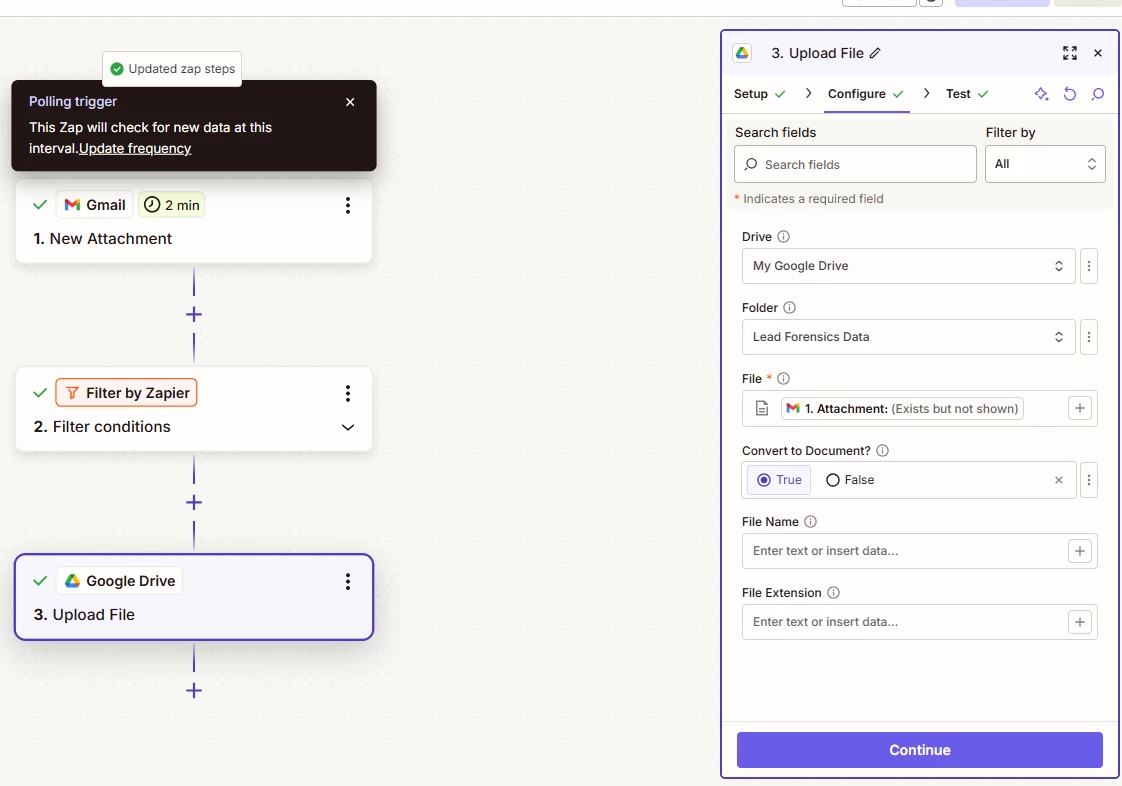
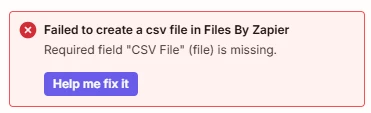
I’ve tried multiple times now and keep getting the same result, so I’m hoping the community can help. I basically want a zap to monitor a specific folder in Google Drive for when a file is added (to which it will always only be a xlsx/spreadsheet). It then needs to read the rows of the spreadsheet and push the data to a board in Monday.com, mapping the fields for handover.
I’ve tried it via the Google Sheets option and Looper by Zapier option but it doesn’t work. The closest I’ve got is it will create one item in Monday for the first row, but the loop won’t add the others, even though it says it will.
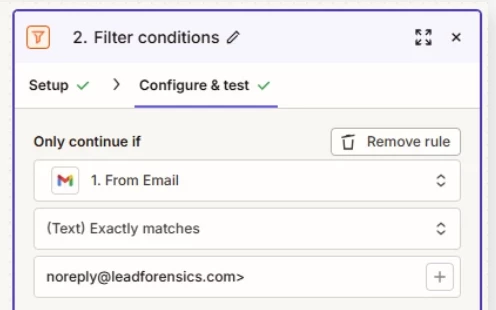
Ideally, I want to receive an email with the attachment in Gmail, “Add to Drive” putting it in the right folder, and the Zap does the rest without any intervention. I can then do this each day, adding a new spreadsheet to the folder and the Zap will read it, add the data as needed, and rinse and repeat.
Can anyone help?