Question

How can I update the Google Drive Folder Description

  • August 14, 2024
  • 8 replies
  • 149 views

Hey Everyone! First time posting here so please go easy on me 😀


I am in the process of creating a workflow for my trainers and in the workflow we are basically looking to do the following in the following order:

1.  Complete a Google Forms questionnaire with the following fields: Name, Logo, Company ID, Services Signed Up Form. THIS IS DONE


2. After the form is submitted, create a google drive folder. The folder name will be the Name from the form. The logo needs to be uploaded to the folder. The Company ID needs to be added to the Google Drive Folder Description. The services will be used later on.


For now, I need to figure out how to have the logo uploaded to the folder, and I need to figure out how to update the folder description to what the company id is from the form submission.


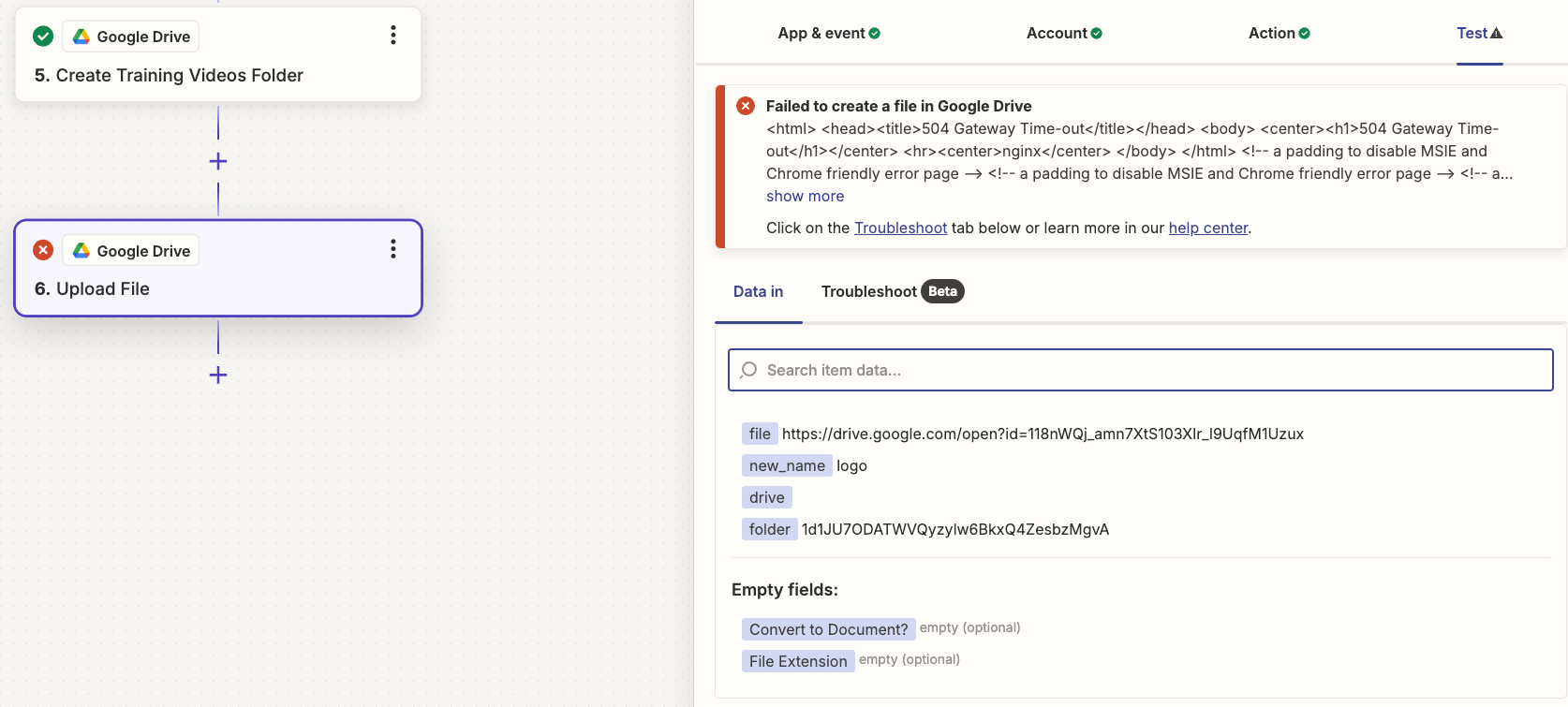
When I try to upload the logo from the Google Form to Google Drive, it provides me with a 504 server error which Zapier is saying its a timeout because it can’t find the image. When I look in the spreadsheet from the form responses, the image URL is not an Image URL but rather a shortcut link to the Google Drive file.


This post has been closed for comments. Please create a new post if you need help or have a question about this topic.

8 replies

Troy Tessalone
Zapier Orchestrator & Solution Partner
Forum|alt.badge.img+14
  • Zapier Orchestrator & Solution Partner
  • August 14, 2024

Hi @VAIRKKO 

For us to have more info, post screenshots with how your Zap steps are outlined and configured in EDIT mode along with the encountered error.

Help link for sending files in Zaps: https://zapier.com/help/create/basics/send-files-in-zaps


  • Author
  • New
  • August 15, 2024

I apologize @Troy Tessalone for not including these things again, first time here. 

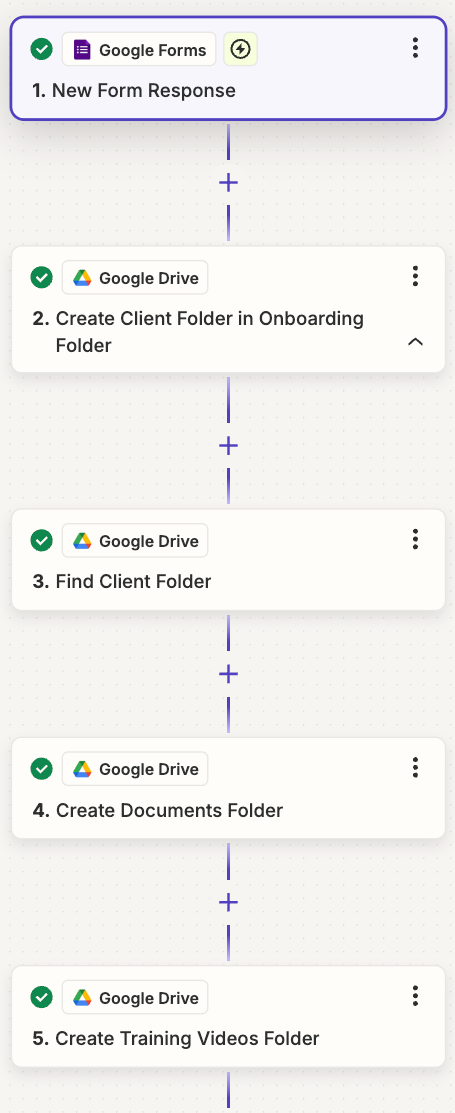
Below is my current steps that are good in Zapier. First when a Google Form is submitted by my trainers, a folder for that client is created. Afterwards, I added a find folder action so I have the folder ID for other needs later on. Then the following 2 actions are to just simply create a couple of folders within the new client folder for Documents and a folder for Training Videos.


Below this is where I keep running into an error. My next step is I want to take the image of the company graphic that was uploaded to the Google Forms and add it to my Client’s folder. I have tried the traditional Google Drive File Link as well as the “downloadable” link both with no success. I have tried uploading the file, copying the file, and moving the file and nothing has worked so far.


Troy Tessalone
Zapier Orchestrator & Solution Partner
Forum|alt.badge.img+14
  • Zapier Orchestrator & Solution Partner
  • August 15, 2024

@VAIRKKO 

We need to see how your Zap step 6 is configured in EDIT mode for the ‘Action’ tab section to have more context about the encountered error.


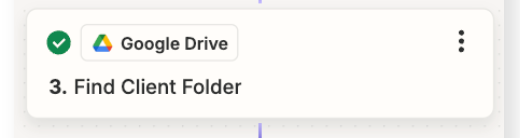
Step 3 is redundant.

Step 2 returns the created Folder ID.


Troy Tessalone
Zapier Orchestrator & Solution Partner
Forum|alt.badge.img+14
  • Zapier Orchestrator & Solution Partner
  • August 15, 2024

@VAIRKKO 

Tool to help you understand the correct GDrive File link to use to upload: https://sites.google.com/site/gdocs2direct/

NOTE: The GDrive File needs to be publicly accessible, so you may have to adjust the file sharing preference.


  • Author
  • New
  • August 15, 2024

@Troy Tessalone Thank you for the quick response!


This link you sent actually helped with the image step(step 6) I was stuck on: https://sites.google.com/site/gdocs2direct/


Now the question I have is, how can I format or “create” my image link (https://drive.google.com/open?id=[FILEID]) from my Google Forms response to be in the format from the link you provided so it looks like this(https://drive.google.com/uc?export=download&id=[FILEID])


Lastly, if the file has to be publicly accessible to everyone, is there a way to automate that process as well within Zapier?


Troy Tessalone
Zapier Orchestrator & Solution Partner
Forum|alt.badge.img+14
  • Zapier Orchestrator & Solution Partner
  • August 15, 2024

@VAIRKKO 

If the file has to be publicly accessible to everyone, is there a way to automate that process as well within Zapier?

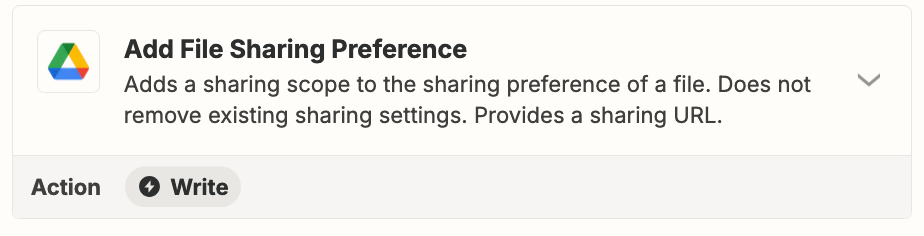
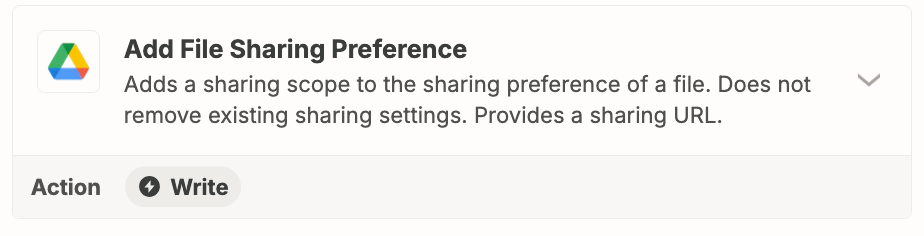
Zap action: GDrive - Add File Sharing Preference


Troy Tessalone
Zapier Orchestrator & Solution Partner
Forum|alt.badge.img+14
  • Zapier Orchestrator & Solution Partner
  • August 15, 2024

@VAIRKKO 

How can I format or “create” my image link (https://drive.google.com/open?id=[FILEID]) from my Google Forms response to be in the format from the link you provided so it looks like this (https://drive.google.com/uc?export=download&id=[FILEID])


Use a Formatter > Text > Replace


SamB
Community Manager
Forum|alt.badge.img+11
  • Community Manager
  • August 22, 2024

Hi there, @VAIRKKO 👋

Just checking in to see how things are progressing on this? 

Let us know if you’re still stuck at all or have any further questions - eager to ensure you’re all set! 🙂