Best answer

How can I properly trigger a google calendar event with ticket tailor? Getting stuck on Date/time

  • December 5, 2025
  • 11 replies
  • 55 views

I have everything down with creating the event (name, event type, number of tickets, and custom answers) the only thing I cannot get to trigger properly is the Date and time the ticket was purchased for. It keeps making the date and time, the time the customer actually bought the ticket- not for when the ticket is. 

If the customer bought ticket today at 3pm for Saturday at 7pm- the zap creates a google calendar event for today at 3pm. How can I fix this? 

Best answer by Troy Tessalone

@ALLMARINE1 

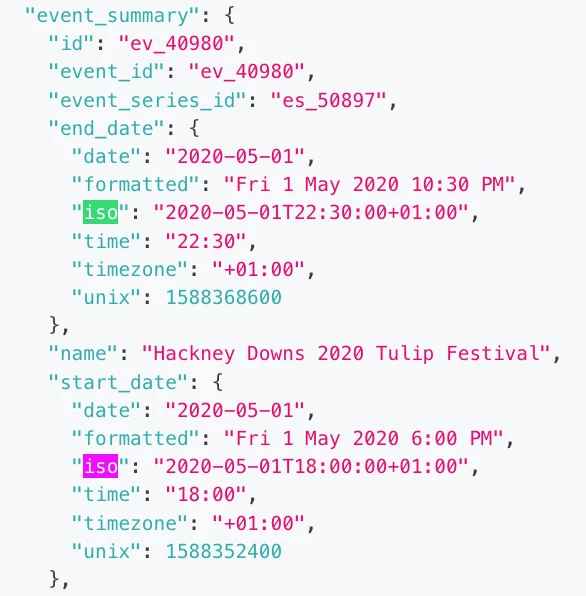
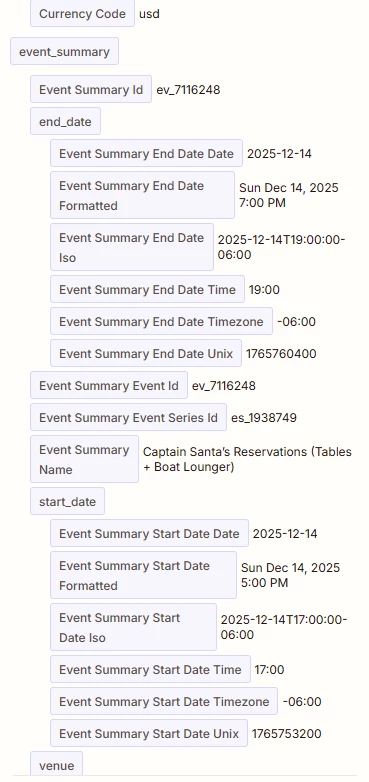
As suggested previously, try mapping these variables which are the ISO timestamps for Event Summary Start/End Date ISO


@ALLMARINE1 

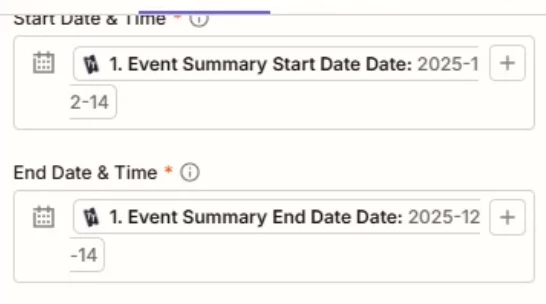
Your screenshot shows you only have a date value mapped for Start/End Date & Time, so the time value is missing.


From the Ticket Tailor API documentation for webhook events, it looks like you need to map the ISO variables:

  • event_summary.end_date.iso

  • event_summary.start_date.iso


11 replies

Troy Tessalone
Zapier Orchestrator & Solution Partner
Forum|alt.badge.img+14
  • Zapier Orchestrator & Solution Partner
  • December 5, 2025

Hi ​@ALLMARINE1 

For us to have more context about what you are referring to post these screenshots:

  • how your Zap steps are outlined
  • how your Zap steps are configured in the CONFIGURE tab while in EDIT mode with the field mappings and field types visible

  • Author
  • Beginner
  • December 5, 2025

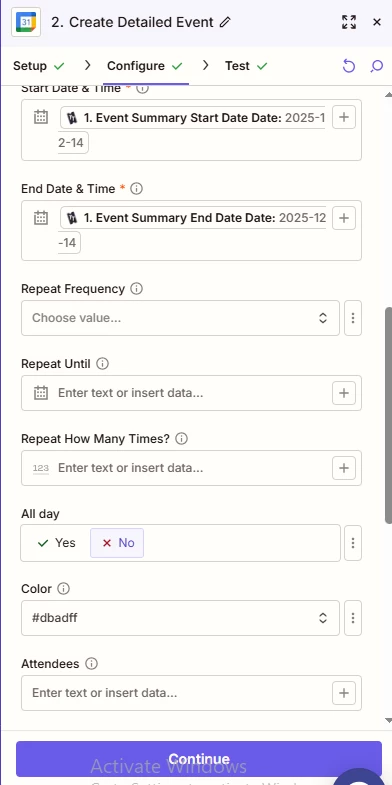
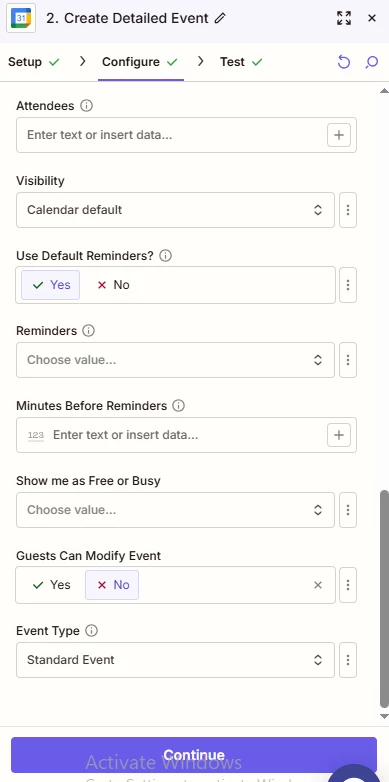
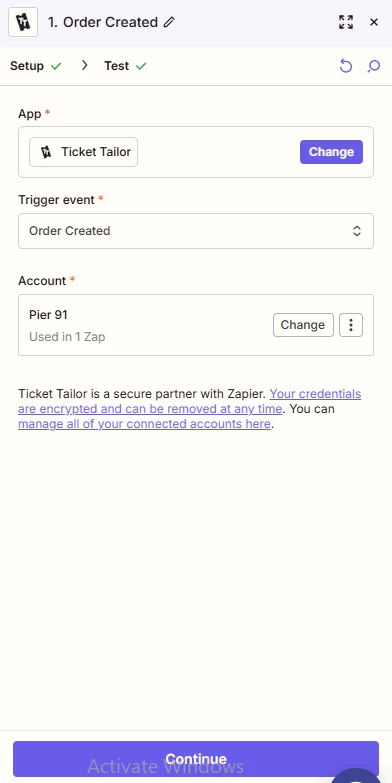
Here are snips of how I have everything configured. 

Thanks!

This post has been edited by a moderator to remove personally identifiable information (PII). Please remember that this is a public forum and avoid sharing personal or potentially sensitive details.


Troy Tessalone
Zapier Orchestrator & Solution Partner
Forum|alt.badge.img+14
  • Zapier Orchestrator & Solution Partner
  • December 5, 2025

@ALLMARINE1 

Which Zap trigger event are you using? (post screenshots)

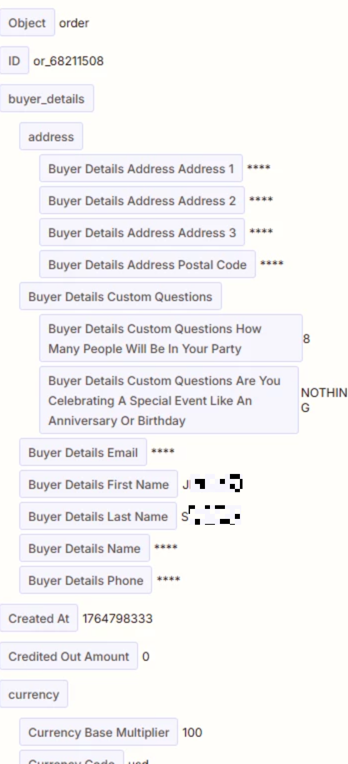
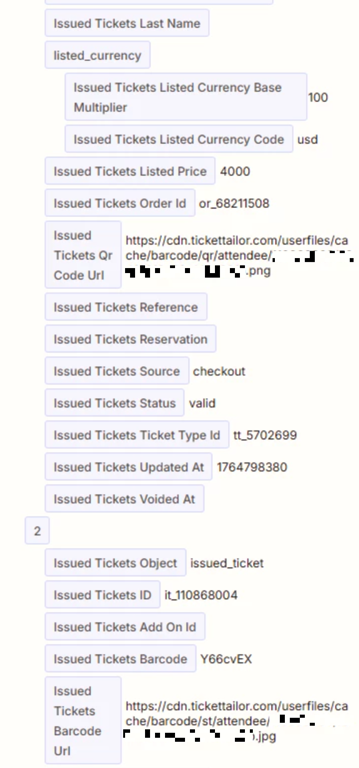
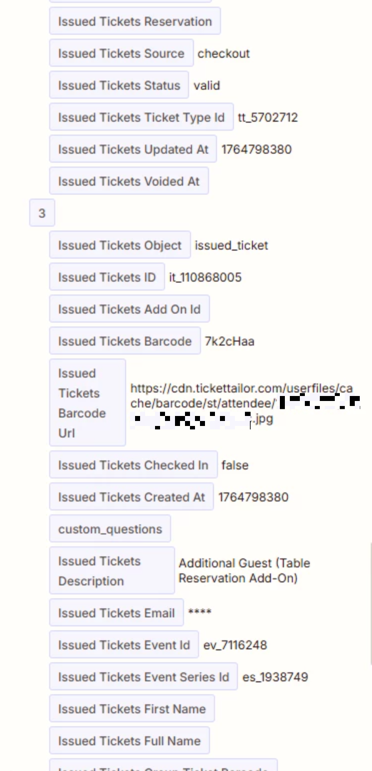
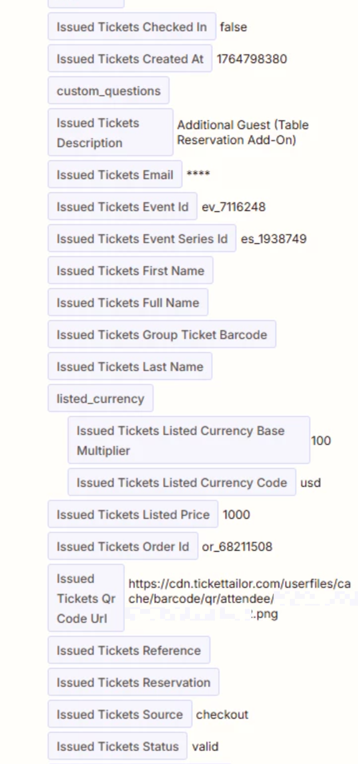
Post screenshots showing the DATA OUT from Zap step 1 so we can see the data structure and available data points.


Help links for using GCal: https://zapier.com/apps/google-calendar/integrations#help

TIP: Click field labels to see tooltips with more info about expected values and formats.


Troy Tessalone
Zapier Orchestrator & Solution Partner
Forum|alt.badge.img+14
  • Zapier Orchestrator & Solution Partner
  • December 5, 2025

@ALLMARINE1 

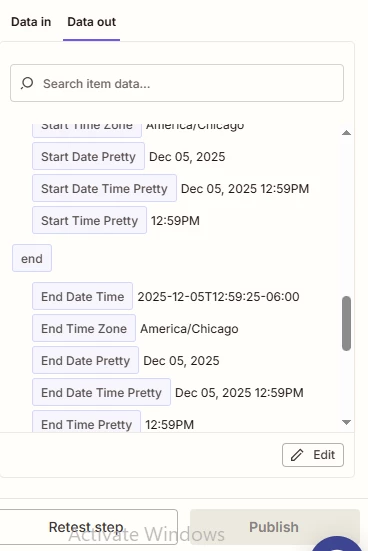
Your screenshot shows you only have a date value mapped for Start/End Date & Time, so the time value is missing.


From the Ticket Tailor API documentation for webhook events, it looks like you need to map the ISO variables:

  • event_summary.end_date.iso

  • event_summary.start_date.iso


  • Author
  • Beginner
  • December 5, 2025

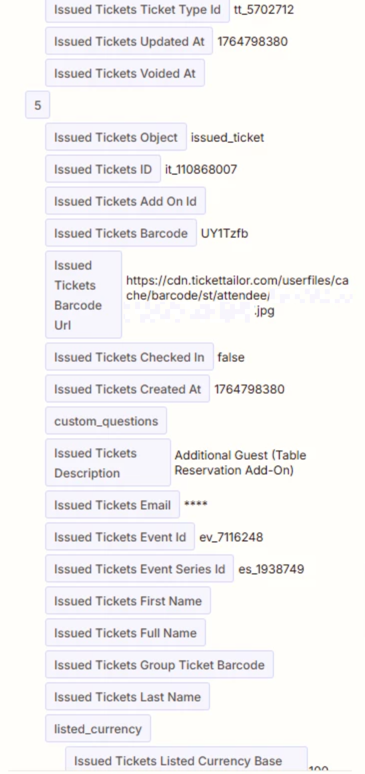
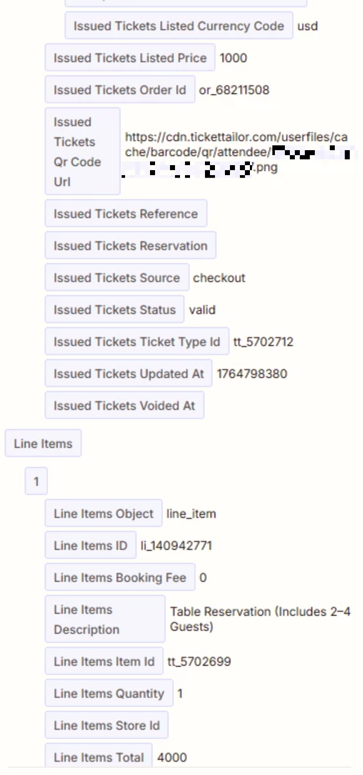
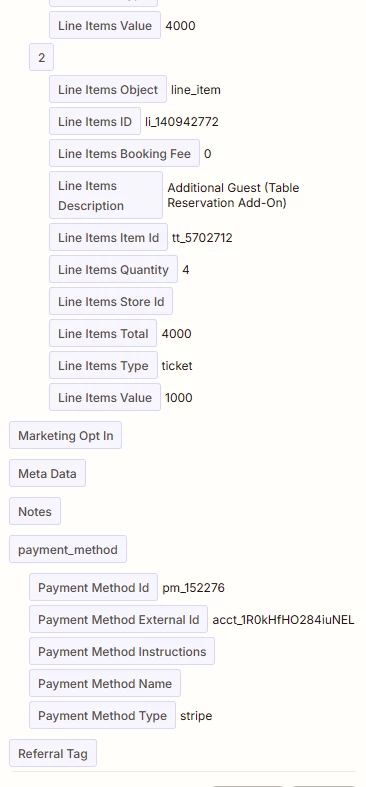
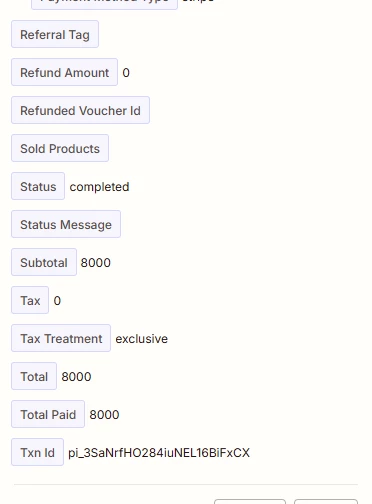
No data out for 1. Ticket tailor. 


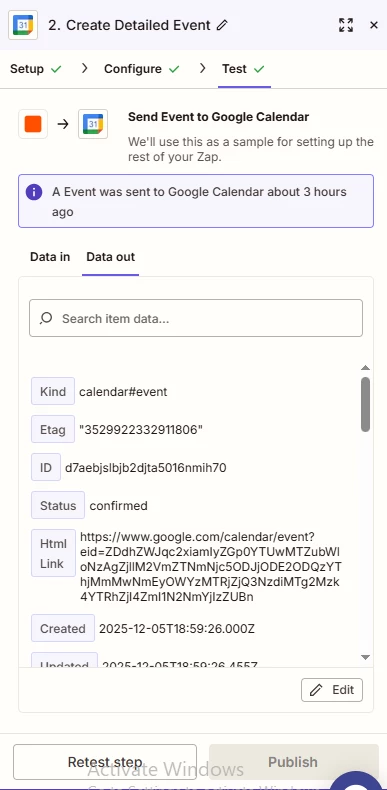
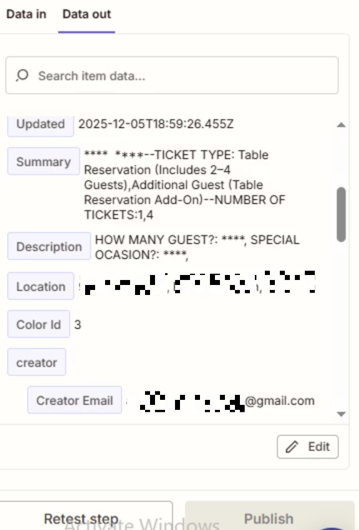
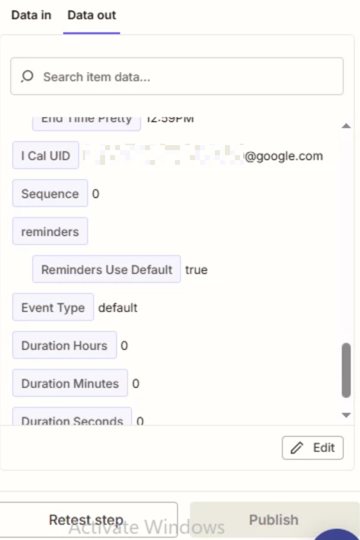
Here is data out for 2. google calendar

This post has been edited by a moderator to remove personally identifiable information (PII). Please remember that this is a public forum and avoid sharing personal or potentially sensitive details.


Troy Tessalone
Zapier Orchestrator & Solution Partner
Forum|alt.badge.img+14
  • Zapier Orchestrator & Solution Partner
  • December 5, 2025

@ALLMARINE1 

For Zap step 1, the DATA OUT will be in the TEST tab, then select a record.


  • Author
  • Beginner
  • December 5, 2025

This post has been edited by a moderator to remove personally identifiable information (PII). Please remember that this is a public forum and avoid sharing personal or potentially sensitive details.


Troy Tessalone
Zapier Orchestrator & Solution Partner
Forum|alt.badge.img+14
  • Zapier Orchestrator & Solution Partner
  • Answer
  • December 5, 2025

@ALLMARINE1 

As suggested previously, try mapping these variables which are the ISO timestamps for Event Summary Start/End Date ISO


@ALLMARINE1 

Your screenshot shows you only have a date value mapped for Start/End Date & Time, so the time value is missing.


From the Ticket Tailor API documentation for webhook events, it looks like you need to map the ISO variables:

  • event_summary.end_date.iso

  • event_summary.start_date.iso


  • Author
  • Beginner
  • December 5, 2025

i WILL GIVE THIS A SHOT WHEN IM BACK IN THE OFFICE TOMORROW! THANK YO UFOR YOUR HELP TODAY. I’LL LET YOU KNOW  HOW IT GOES! :)


  • Author
  • Beginner
  • December 9, 2025

thank you so much- 

this worked perfectly!!!


SamB
Community Manager
Forum|alt.badge.img+11
  • Community Manager
  • December 11, 2025

That’s great news ​@ALLMARINE1! 🎉🎉🎉 So pleased to see Troy was able to help you get this sorted - thanks for helping out here ​@Troy Tessalone! 🙌

Seems like you’re all sorted here but feel free to reach back out if we can help with anything else. In the meantime, happy Zapping! ⚡