
Question

Help! posting a photo to bluesky with loomly

  • December 20, 2024
  • 1 reply
  • 50 views


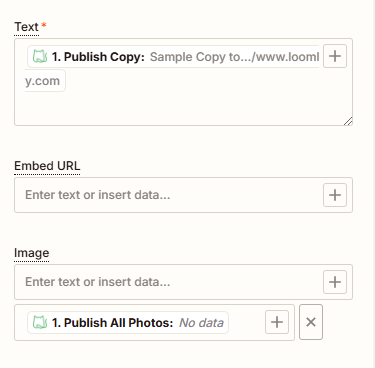
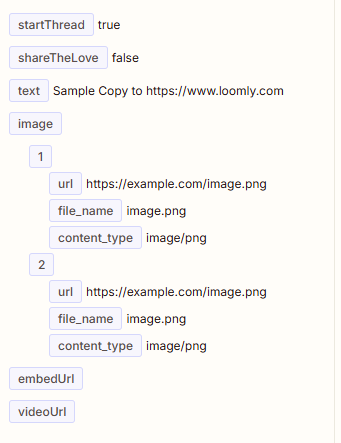
I am trying to use the Custom Channel function within Loomly to post to BlueSky. Above is how I have it set up, but when I try to test it I get “invalid URL.” then I skip the test and try to run it and I get invalid URL again, but when I copy and paste the url from the “data in” part of the run view, it is a functioning url.

I know the loomly part is set up fine, because it’ll post something text-only. It only gives me a hard time when there is a photo attached to the post.


This post has been closed for comments. Please create a new post if you need help or have a question about this topic.

1 reply

JammerS
Forum|alt.badge.img+6
  • Zapier Staff
  • December 23, 2024

Hi ​@comms19038,


Welcome to the Community.


The "invalid URL" error between Loomly and BlueSky may stem from improperly formatted or inaccessible image URLs. Ensure the URL starts with "http://" or "https://," ends with an image extension like ".jpg" or ".png," and loads directly in a browser. Use direct image URLs, not links to webpages or redirects, and verify that privacy settings allow public access. If issues persist, contact Loomly support for assistance.


I hope this information helps. Please don't hesitate to contact us if you need further assistance.
