Question

Google Sheets Zap not firing!

  • July 8, 2026
  • 6 replies
  • 33 views

What I did:

1. Created a brand new Google Sheet (native Sheets format, never used before), pasted in ~400 real rows.

2. Duplicated the working Zap (steps 2 and 3 unchanged — QuickBooks Online Find Customer, then Update Customer — both previously tested and working correctly).

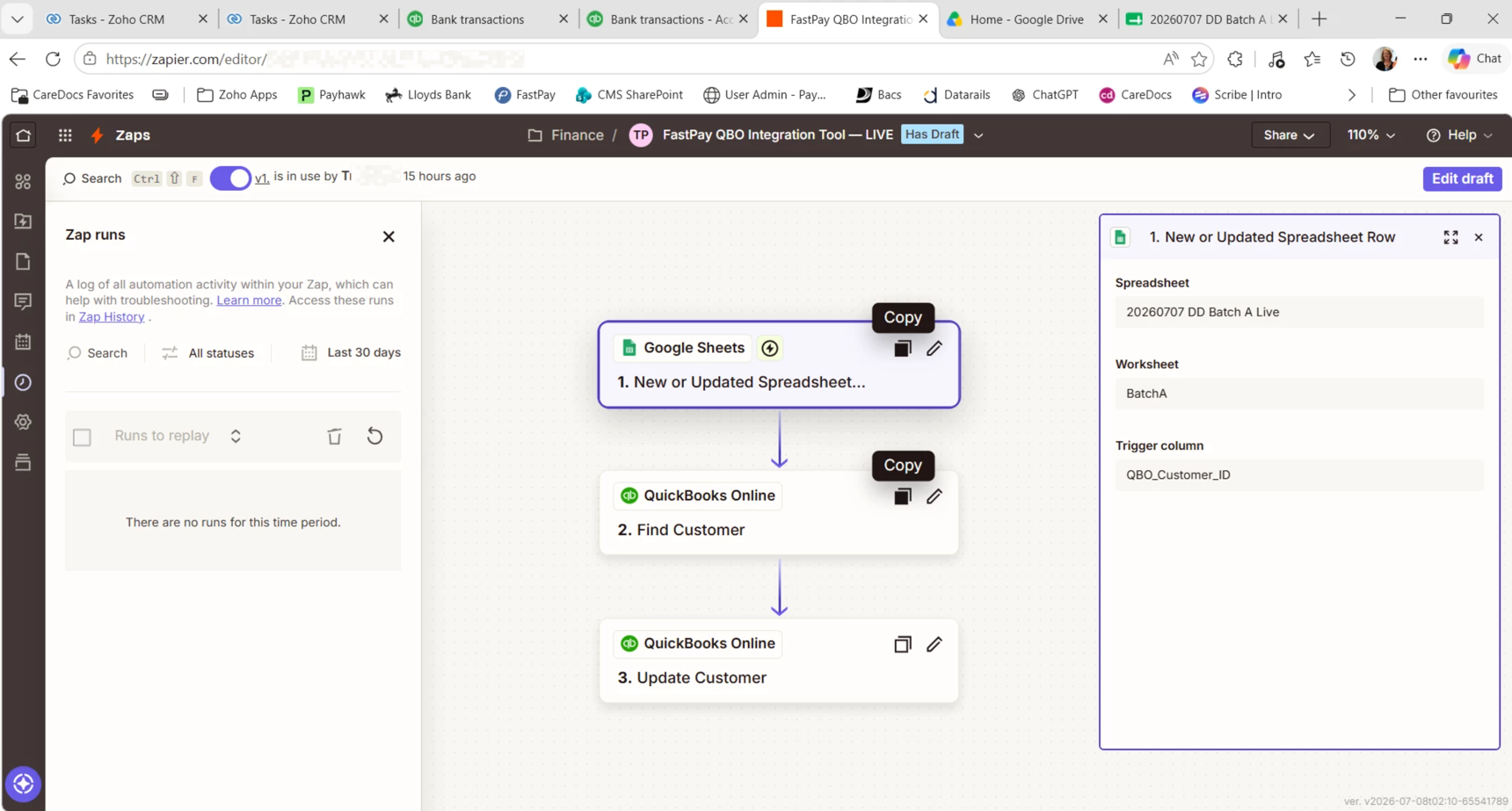
3. Repointed Step 1 (Google Sheets trigger, "New or Updated Spreadsheet Row") to the new sheet.

4. Tested Steps 1–3 manually against sample rows — worked correctly.

5. Published. Zap has now been live for 20+ minutes.


Since publishing, I've made several genuine changes to the sheet to try to trigger it:

- Deleted all data rows, then confirmed Zap History showed nothing.

- Pasted the same ~400 rows back in.

- Also tried Undo, then a fresh copy-paste of the same data.


Throughout all of this, Zap History (the full page, not the embedded panel) shows zero runs for this Zap. Not errored, not scheduled — nothing at all.


Using "Find new records" in the trigger step's test panel only ever shows the same 3 rows (bottom of the sheet by position), regardless of the changes made, so I don't think that control is telling us anything about live polling status.


This post has been edited by a moderator to remove personally identifiable information (PII). Please remember that this is a public forum and avoid sharing personal or potentially sensitive details like Zap links.


6 replies

  • Zapier Staff
  • July 8, 2026

Hi there,


Ali here from Zapier Support! Here is what I recommend:

1. Switch off your Zap.
2. Remove all entries from your Google Sheets.
3. Switch on your Zap.
4. Add a single row to see if the Zap triggers.

If you still face issues, I would recommend reaching out to the support team here so we can review your Zap specifically: https://zapier.com/app/get-help


Let me know if you have any questions or concerns!


  • Author
  • Beginner
  • July 8, 2026

Hello Ali,

Already have reached out to support, waiting…….😅😭
Will try your workaround, did it b4 though, will try again.
I am on a serious timeline to get all done, wish there was a number to call…


Troy Tessalone
Zapier Orchestrator & Solution Partner
Forum|alt.badge.img+14
  • Zapier Orchestrator & Solution Partner
  • July 8, 2026

@TMP66 

TIPS:

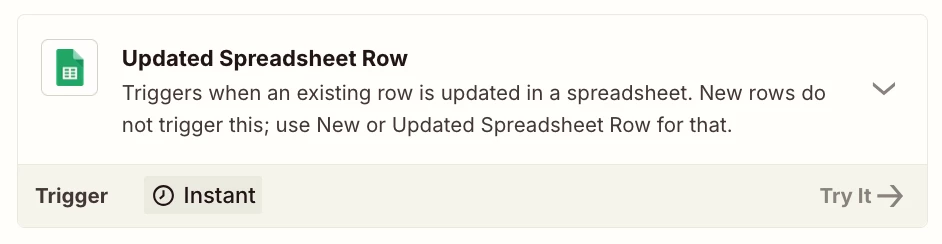
  • Try this Zap trigger: GSheets - Updated Spreadsheet Row
    • Use a column to act as the trigger column
      • e.g. add an X to trigger the row
  • Bulk actions (e.g. 100+ rows) can cause Zap Runs to be HELD.
    • Do row updates in smaller batches
  • Use Zapier Tables or Airtable instead of GSheets.


SamB
Community Manager
Forum|alt.badge.img+11
  • Community Manager
  • July 13, 2026

Hi ​@TMP66 👋 Did the suggestions from Ali or Troy help get the Zap triggering again?

Let us know what worked if you’ve sorted it, or if you could do with some more help. Want to make sure this gets sorted!


  • Author
  • Beginner
  • July 13, 2026

Hello,

No, figured it out myself, thank you.


SamB
Community Manager
Forum|alt.badge.img+11
  • Community Manager
  • July 14, 2026

Glad you got it sorted ​@TMP66! 🙌 Would you be up for sharing what worked? Asking as it could be really helpful for anyone else who runs into the same issue.