What I did:
1. Created a brand new Google Sheet (native Sheets format, never used before), pasted in ~400 real rows.
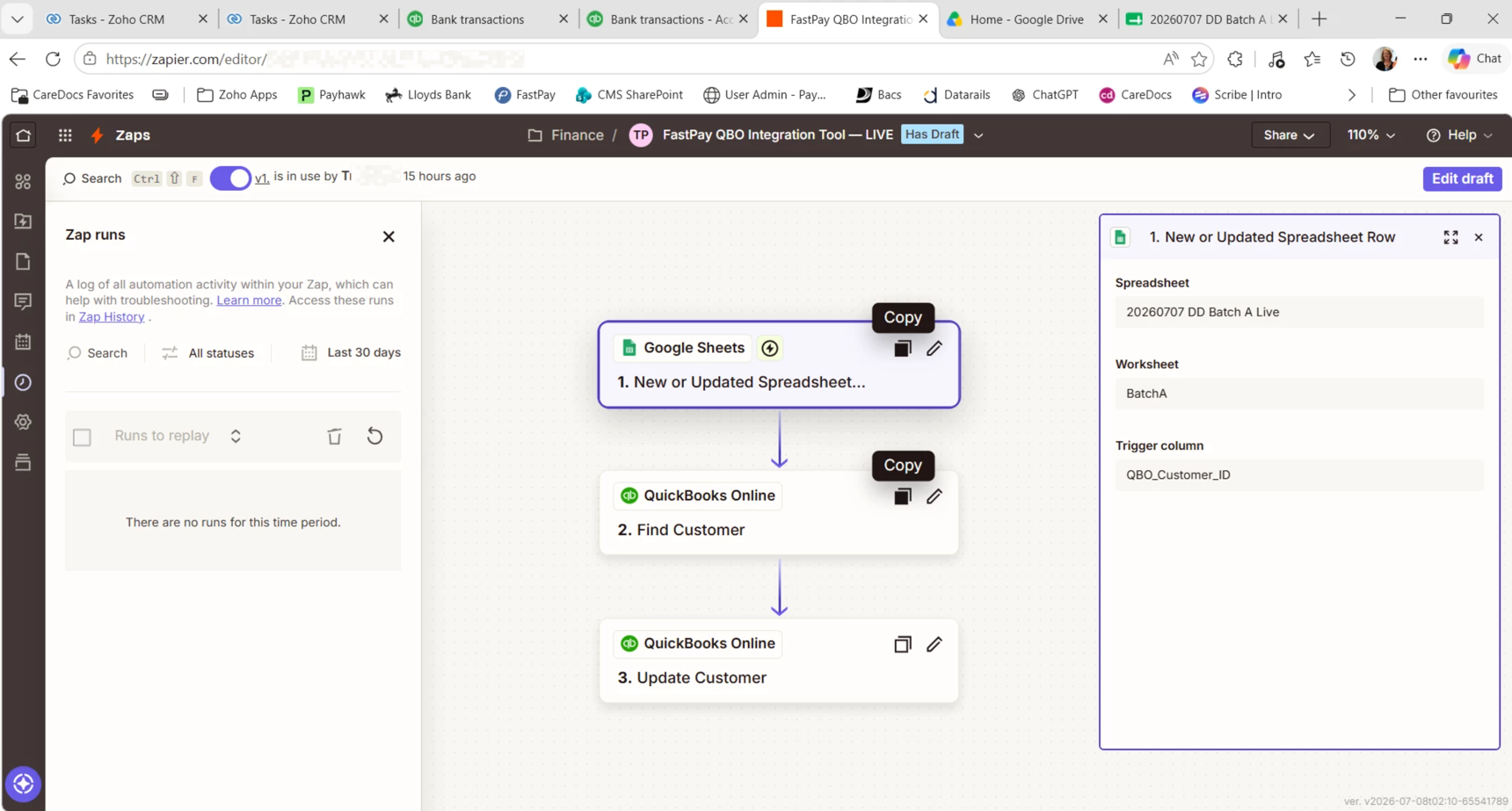
2. Duplicated the working Zap (steps 2 and 3 unchanged — QuickBooks Online Find Customer, then Update Customer — both previously tested and working correctly).
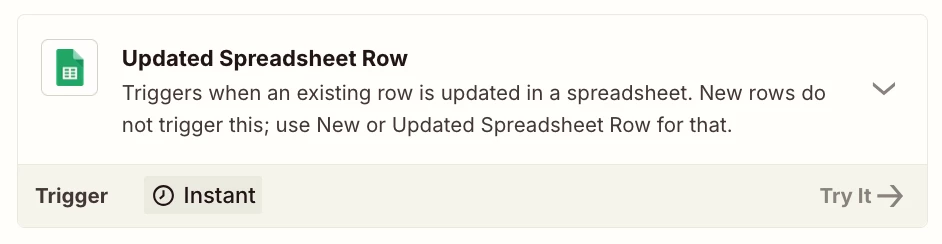
3. Repointed Step 1 (Google Sheets trigger, "New or Updated Spreadsheet Row") to the new sheet.
4. Tested Steps 1–3 manually against sample rows — worked correctly.
5. Published. Zap has now been live for 20+ minutes.
Since publishing, I've made several genuine changes to the sheet to try to trigger it:
- Deleted all data rows, then confirmed Zap History showed nothing.
- Pasted the same ~400 rows back in.
- Also tried Undo, then a fresh copy-paste of the same data.
Throughout all of this, Zap History (the full page, not the embedded panel) shows zero runs for this Zap. Not errored, not scheduled — nothing at all.
Using "Find new records" in the trigger step's test panel only ever shows the same 3 rows (bottom of the sheet by position), regardless of the changes made, so I don't think that control is telling us anything about live polling status.
This post has been edited by a moderator to remove personally identifiable information (PII). Please remember that this is a public forum and avoid sharing personal or potentially sensitive details like Zap links.