Best answer

Google Sheets not populating on the last row


Forum|alt.badge.img+2

I have a zap that updates google sheets after someone fills out a Gravity form. Recently we have had rows populating at seemingly random rows on the spreadsheet instead of on the last row of the spreadsheet. It is happening very inconsistently, and we can’t figure out what is happening.

There are no blank rows ever on the spreadsheet, so it’s not an issue of Zapier finding the first empty row to populate. This also does not involve a search step, it just supposed populate a new row. We’ve had this zap/versions of this zap running for the last 6 years and have never had this problem before. I’m not sure how to go about problem-solving it.


Best answer by Maddie Webb

Actually, I just figured out what was happening. If “filter for everyone” is on when the zap fires, it populates at the bottom of the filter, not on the last row of the spreadsheet.

View original

7 replies

Troy Tessalone
Zapier Orchestrator & Solution Partner
Forum|alt.badge.img+14
  • Zapier Orchestrator & Solution Partner
  • October 12, 2026

Hi ​@Maddie Webb 

Help links for using GSheets in Zaps: https://zapier.com/apps/google-sheets/integrations#help

For us to have more context, post screenshots showing how your Zap steps are outlined and configured.

Make sure you are using the current version of the GSheets Zap app and action step.

Check if your GSheet has formula in a column that could be causing the issue.


Forum|alt.badge.img+2

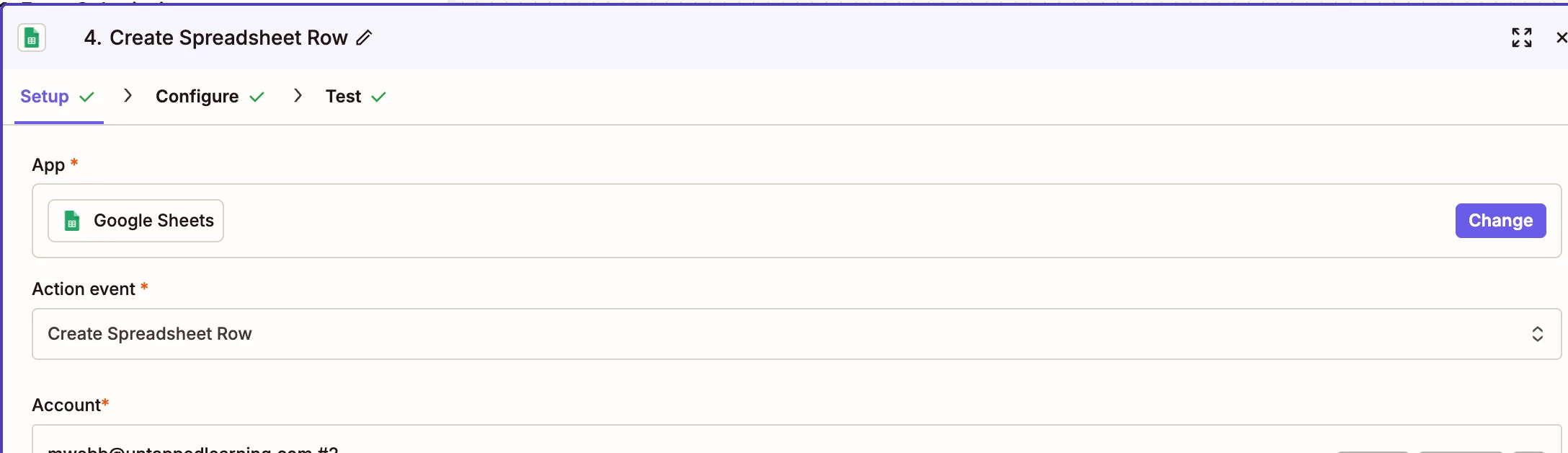
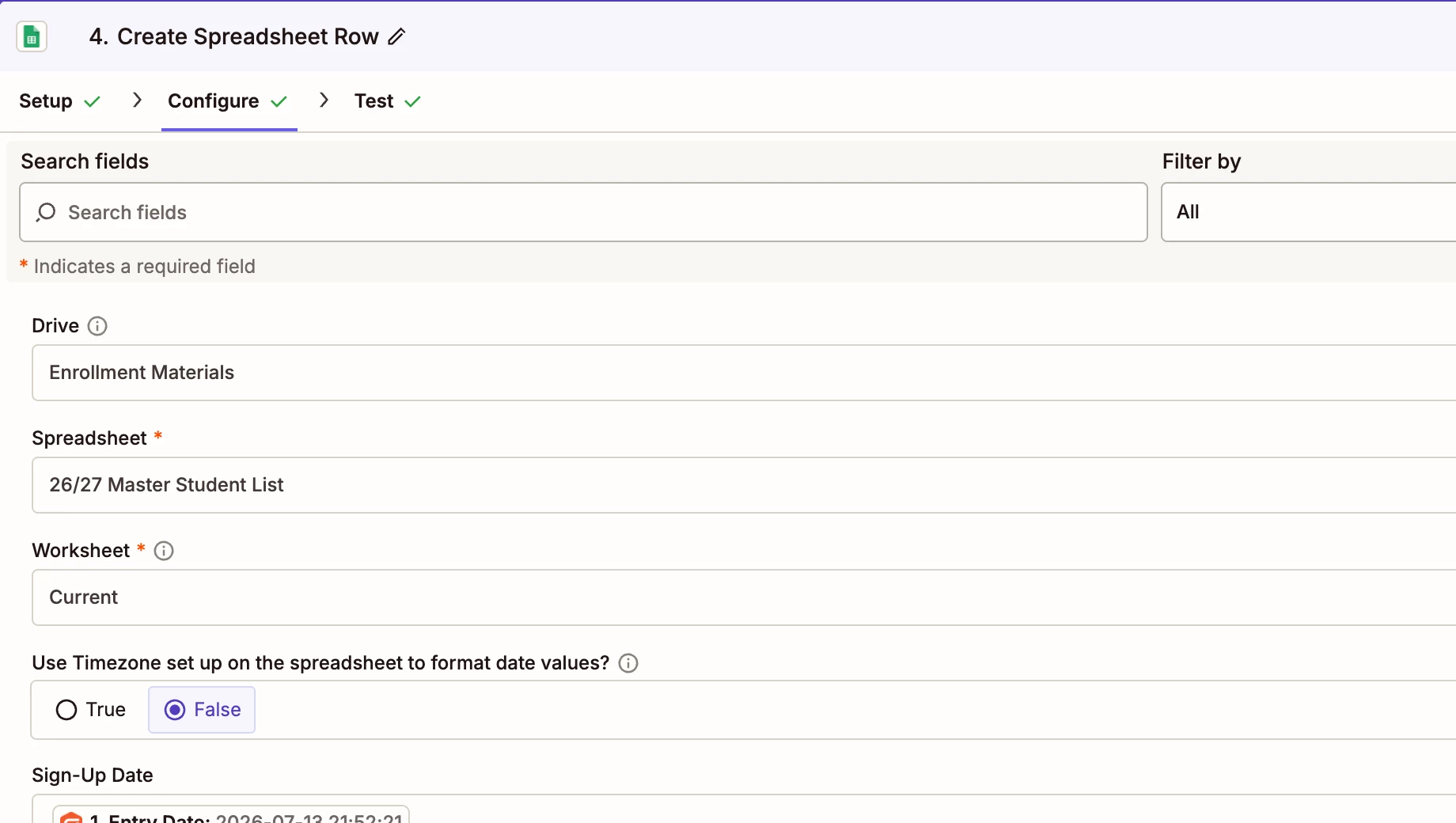
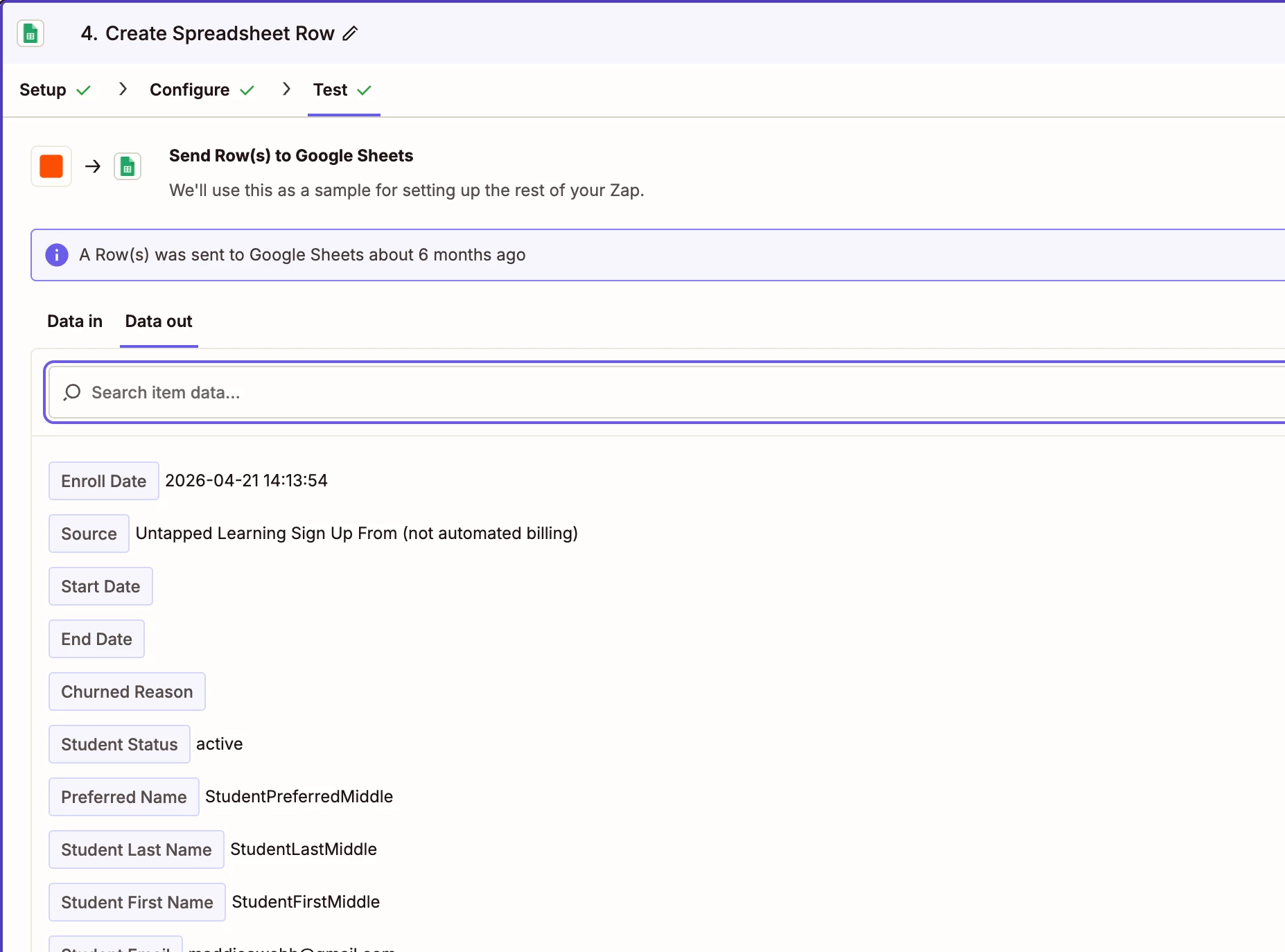
Here is more information. I believe I just updated the connection to the newer version of Google Sheets, but it was not clear to me if that is what I did or not;


Troy Tessalone
Zapier Orchestrator & Solution Partner
Forum|alt.badge.img+14
  • Zapier Orchestrator & Solution Partner
  • October 12, 2026

​@Maddie Webb 

Do a new live test.

Click on the Zap Run to see the DATA IN/OUT for each step.

The DATA OUT for the GSheet step will indicate the ID/Row that was created on the GSheet worksheet.

Check if that is the GSheet worksheet row you expected to be created.

If not, then provide details about the what GSheet worksheet row was created vs what row you expected to be created.


Share screenshots showing the GSheet top 3 rows from cell A1.

Make sure row 1 has headers starting in cell A1.

Make sure there are no hidden columns/rows.


Six years without this problem suggests something changed recently, and the new app version is the obvious suspect. Troy's suggestion to run a live test and inspect the DATA OUT for the row ID is the quickest way to confirm whether Zapier thinks it wrote to the right place. Also worth checking for formulas in a column, since those can shift where the next row lands. If the behaviour persists, reverting to the older Sheets action usually settles it while you investigate.


Forum|alt.badge.img+2

There are no formulas in the columns. I haven’t run the live tests yet because it happens so inconsistently that I’d rather let it play out over time and see if updating the app was the solution.


Forum|alt.badge.img+2
  • Author
  • Beginner
  • Answer
  • October 13, 2026

Actually, I just figured out what was happening. If “filter for everyone” is on when the zap fires, it populates at the bottom of the filter, not on the last row of the spreadsheet.


SamB
Community Manager
Forum|alt.badge.img+11
  • Community Manager
  • October 14, 2026

Great work ​@Maddie Webb! 🙌 Thanks so much for coming back to share what caused it, that's so helpful for anyone else who might run into this. And thank you to ​@Troy Tessalone and ​@Calverhart for jumping in to help out too! 🧡