Question

Google Sheets is reading the wrong row data

  • August 30, 2026
  • 4 replies
  • 24 views

My Google Sheets trigger reads the wrong row of data when a new form is submitted. It does increase by 1 row for each form entry, but it’s reading rows that are 100 past the current entry, and returning empty data.

I’ve tried:

  1. Switching it to read from a different sheet tab.
  2. Starting a new Zap (also starts 100 past).
  3. Turning the Zap off, then back on

4 replies

  • Zapier Solution Partner
  • August 31, 2026

Which trigger are you using?

I’ve seen something similar happen when rows are copy pasted and then deleted or if you have a “No.” column that’s already filled down the sheet.

Screenshots of your sheet (mask sensitive information) and the output from the Google Sheets step would be helpful to further diagnose.


  • Author
  • New
  • August 31, 2026

Thanks, Ethan!


Trigger: Google Sheets - new spreadsheet row.


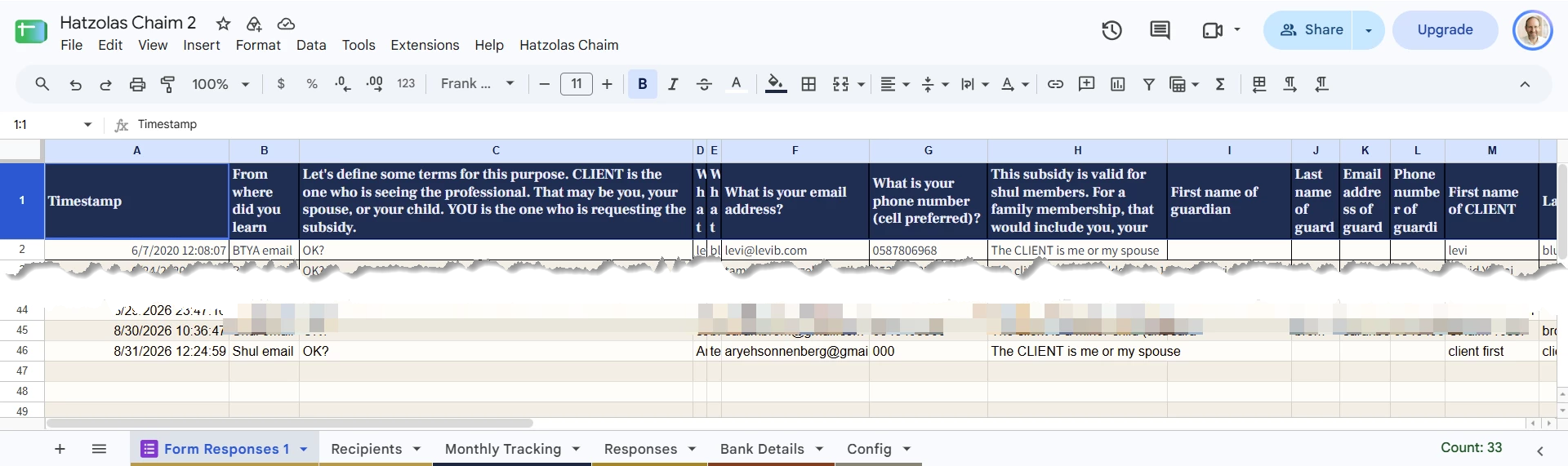
This is part of the spreadsheet showing row 46 that should have been picked up by the Zap:


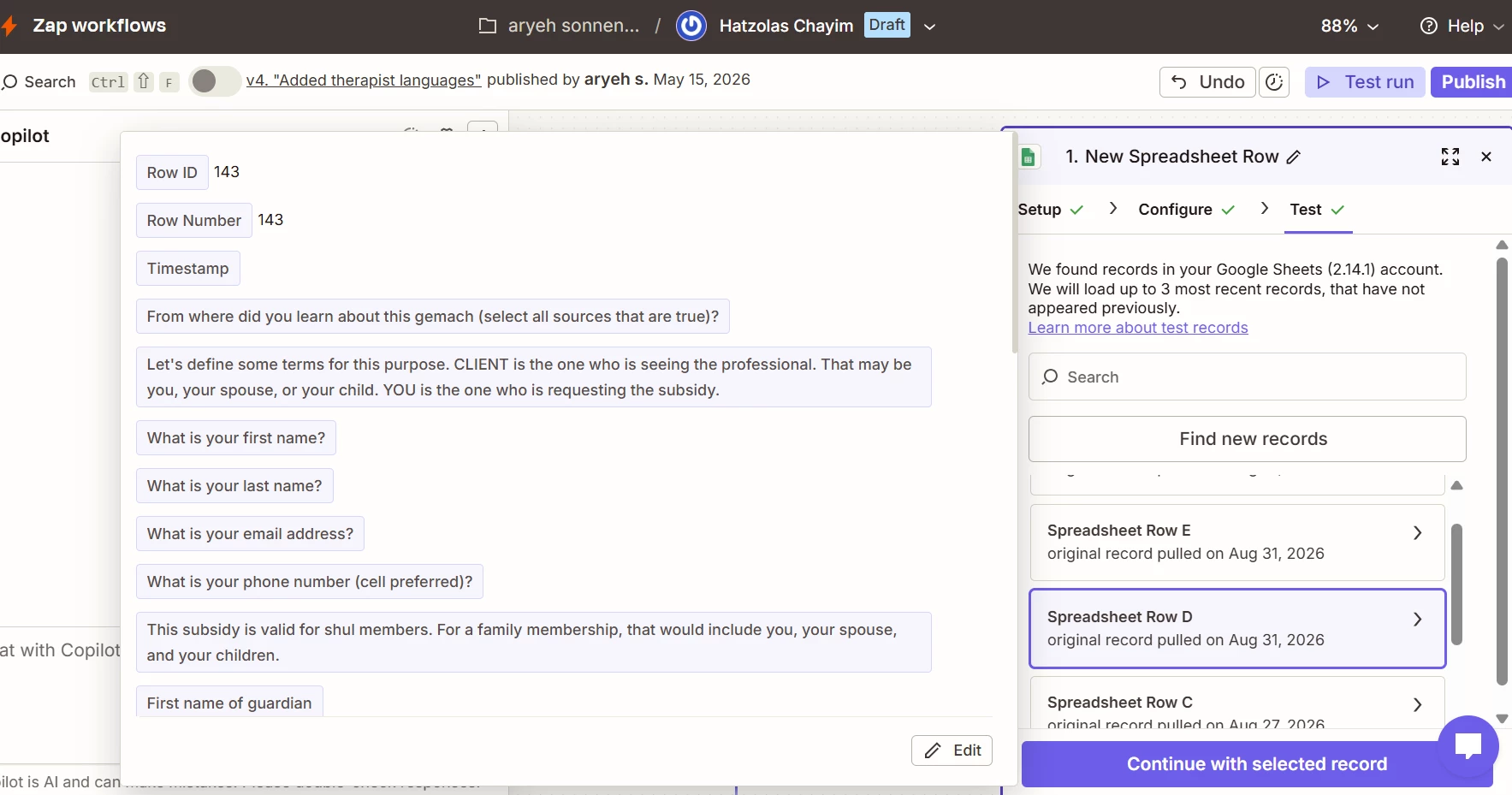
This is the data that Zapier has, showing it for row 143:


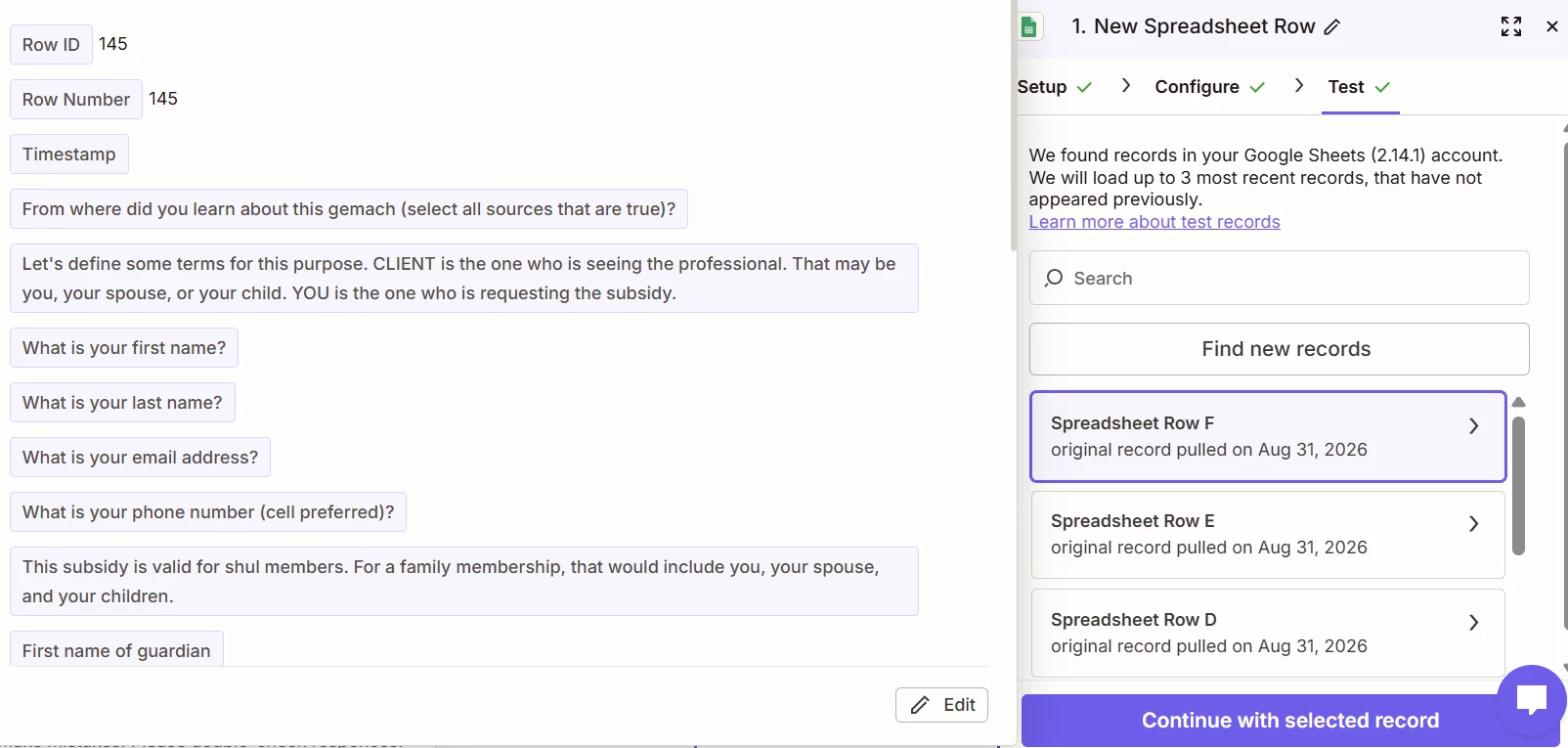
I just noticed that Zapier shows 3 new records for this one spreadsheet row, and labels them rows 143, 144, and 145. Maybe that’s relevant?


Also, a few days ago when I sent in my question, the row ID was 152, and now it’s less. I suspect that someone deleted the other test rows that I had. My point is that Zapier did seem to change its row count.


  • Zapier Solution Partner
  • August 31, 2026

Deleting rows causes the zap to error out and that’s probably what’s causing the error.

Here’s a support doc that might be helpful: https://help.zapier.com/hc/en-us/articles/29384048552205-Google-Sheets-error-Zap-not-triggering


Troy Tessalone
Zapier Orchestrator & Solution Partner
Forum|alt.badge.img+14
  • Zapier Orchestrator & Solution Partner
  • August 31, 2026

Hi ​@aryehs 

Issue may be due to a formula in a column.

Try clearing out all the empty column values.


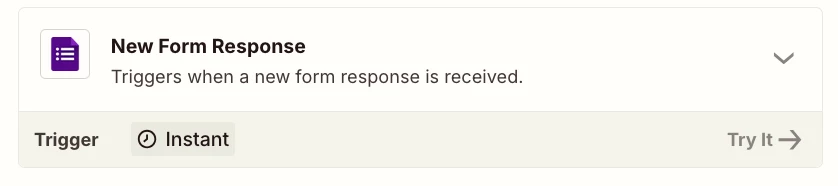
Try this Zap trigger: GForms - New Form Response.