Question

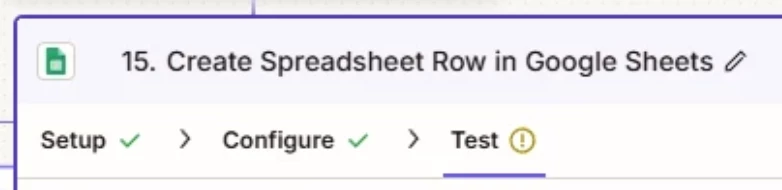
Google Sheets Create Spreadsheet Row Error - Failed to create a row(s) in Google Sheets The app returned "Internal error encountered.".

  • July 15, 2026
  • 2 replies
  • 14 views

Hello, 

We have a zap that creates spreadsheet rows from a CSV file. The zap was working fine and just recently ran to an error to only a few instances where the error it returned is “Failed to create a row(s) in Google Sheets
The app returned "Internal error encountered.".”. When I duplicate the sheet and try testing it, it still returns the error, however if I create a new sheet entirely and copying all data within the sheet, that fixes it. This has happened twice, the first instance we fixed it from the mentioned solution however it came back again. What could be the cause of this and how do we fix it?

This is a sample flow of the zap
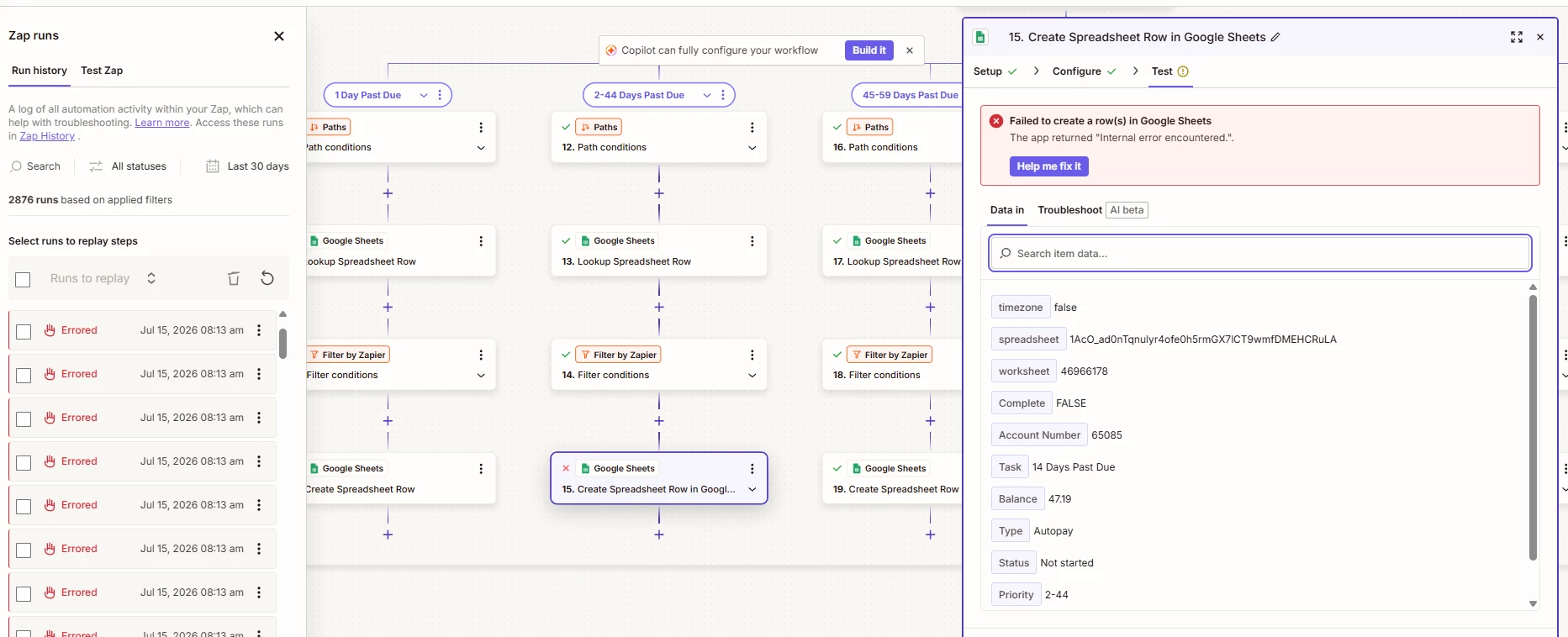


It only runs to an error when creating the actual spreadsheet row. We have tried using Create Multiple Spreadsheet as well and the same error occurs. Only fixes when we create a new sheet.


2 replies

Troy Tessalone
Zapier Orchestrator & Solution Partner
Forum|alt.badge.img+14
  • Zapier Orchestrator & Solution Partner
  • July 15, 2026

Hi ​@TheKnave 

For us to have more context about the shown error, post screenshots showing how the GSheet Zap step is configured in the CONFIGURE tab while in EDIT mode with the field mappings visible.


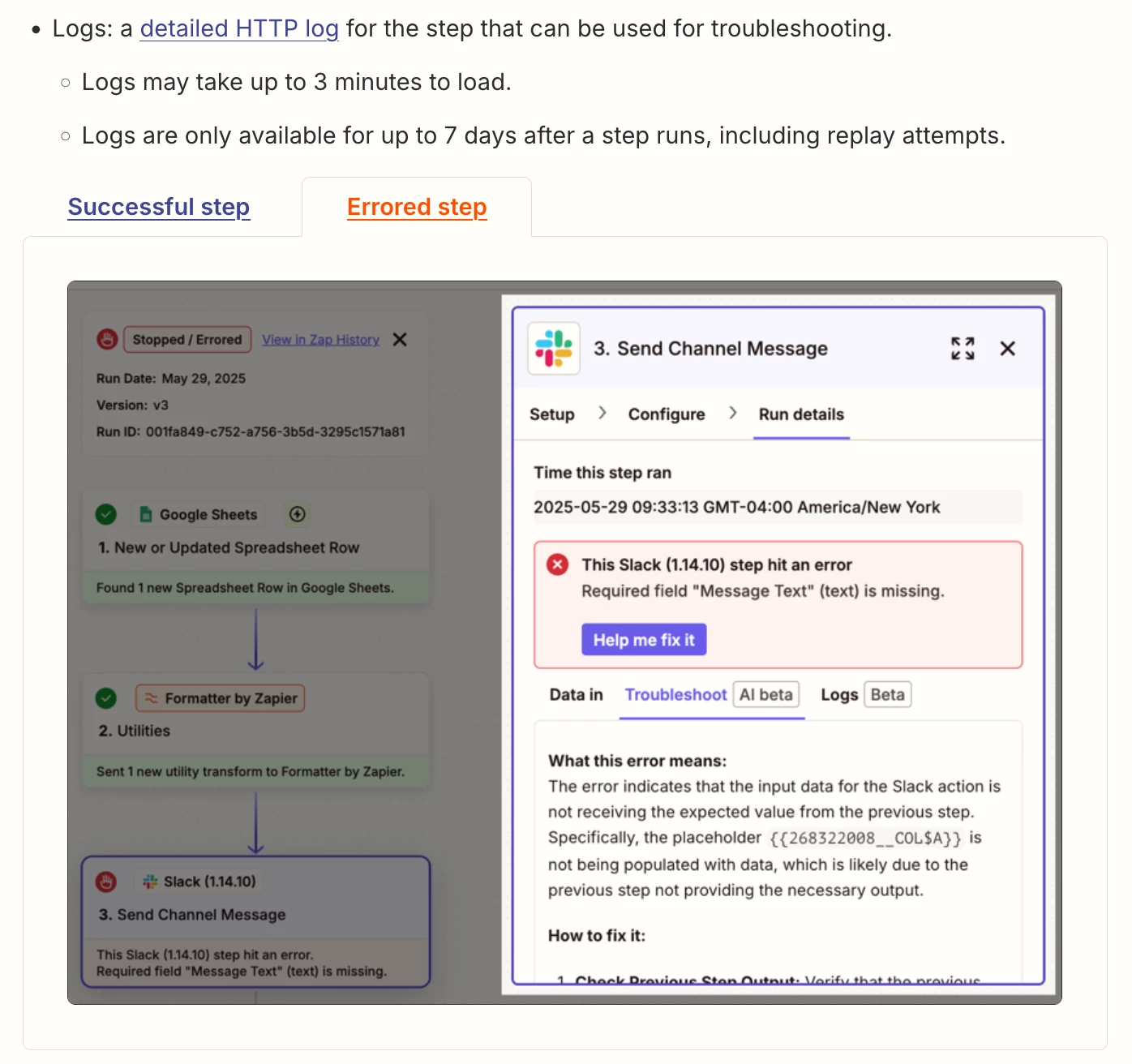
For a step in a Zap Run that has an error, check the LOGS tab.

Help: https://help.zapier.com/hc/en-us/articles/20512774106125-View-specific-Zap-run-details#h_01JWEA60JD77AR09WBHPZCRBYV


SamB
Community Manager
Forum|alt.badge.img+11
  • Community Manager
  • July 21, 2026

Hi ​@TheKnave 👋 Just wanted to check how things are going on this. Did you manage to get it sorted, or are you still running into that error?

If you did get it fixed, let us know what worked so it can help others facing the same thing!