Question

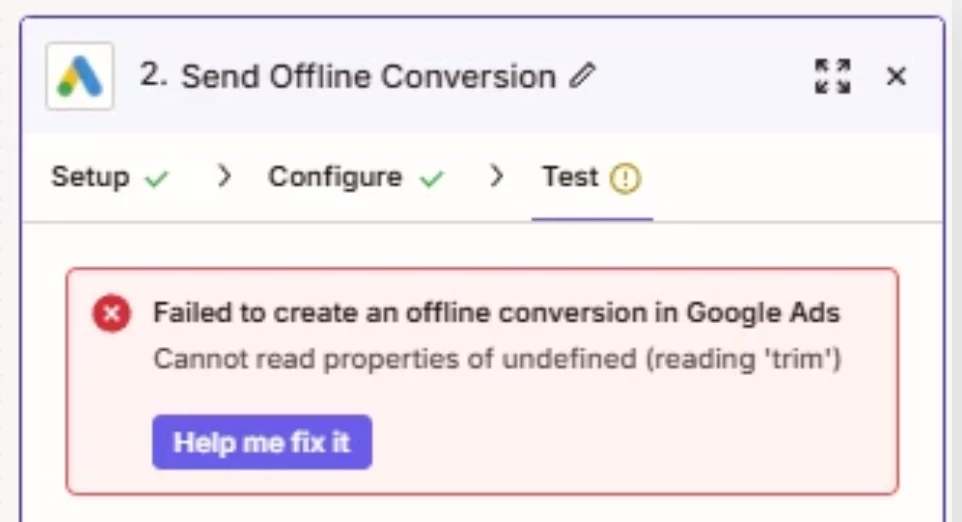
Google offline conversions error "Failed to create an offline conversion in Google Ads Cannot read properties of undefined (reading 'trim')"

  • August 27, 2025
  • 4 replies
  • 56 views

Hi there,


I am trying to use workflow that when receiving webhook, to send conversion to Google ads Offline conversions. Zapier seems to be receiving the data just fine, but i keep getting error “Failed to create an offline conversion in Google Ads Cannot read properties of undefined (reading 'trim')”. 
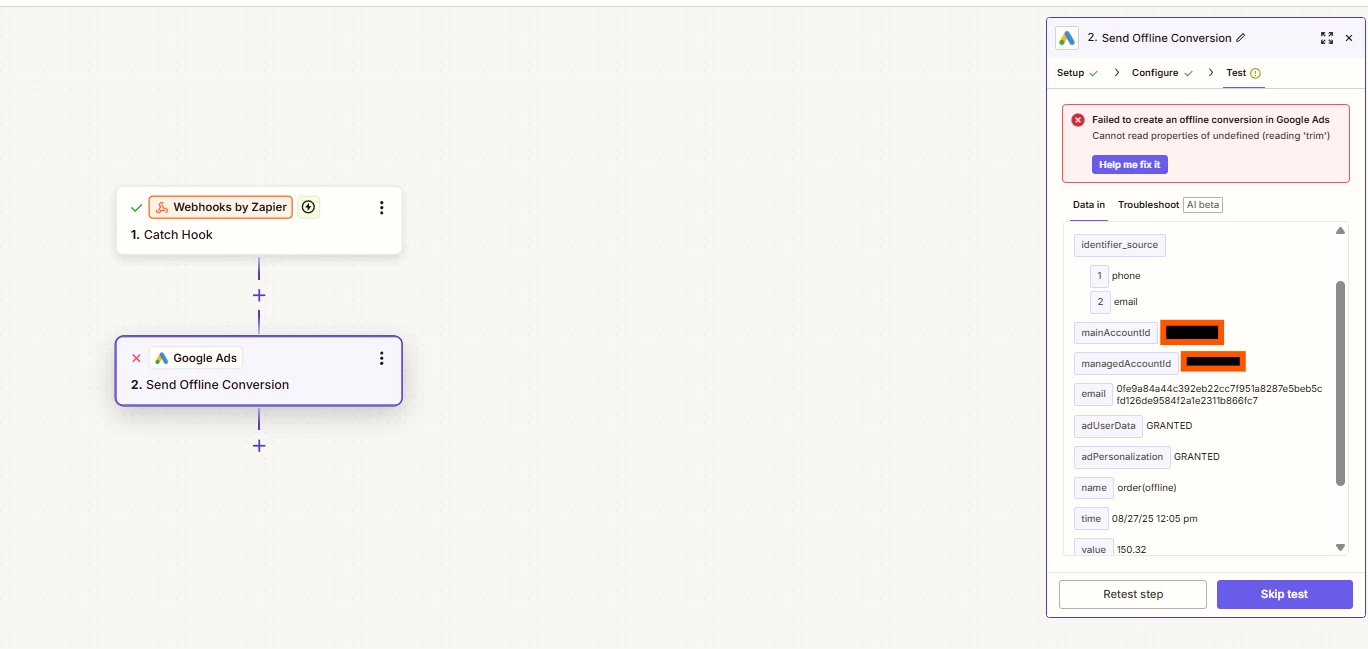
 

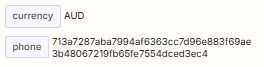
This is my test values, email and phone is hashed. I have tested also with email or phone only, but same error. 


Any idea what might be the reason why? 

This post has been closed for comments. Please create a new post if you need help or have a question about this topic.

4 replies

Troy Tessalone
Zapier Orchestrator & Solution Partner
Forum|alt.badge.img+14
  • Zapier Orchestrator & Solution Partner
  • August 27, 2025

Hi ​@mlarsen 

For us to have more info about the Zap Step error, post screenshots showing how your Zap step is configured in the CONFIGURE tab while in EDIT mode with the field mappings visible.


  • Author
  • New
  • August 28, 2025

Hi there, 


It seems that the issue was the i pre-hashed the values before sending to Zapier. It works when i send unhashed email. Assuming that Zapier then hashes it? 


  • Author
  • New
  • August 28, 2025

Hi ​@mlarsen 

For us to have more info about the Zap Step error, post screenshots showing how your Zap step is configured in the CONFIGURE tab while in EDIT mode with the field mappings visible.


I found that it seems to work when i use unhashed data for email. However, would be good to know when/if zapier hashes the data before sending to google ads?


Troy Tessalone
Zapier Orchestrator & Solution Partner
Forum|alt.badge.img+14
  • Zapier Orchestrator & Solution Partner
  • August 28, 2025

@mlarsen 

Help links for using GAds in Zaps: https://zapier.com/apps/google-ads/integrations#help


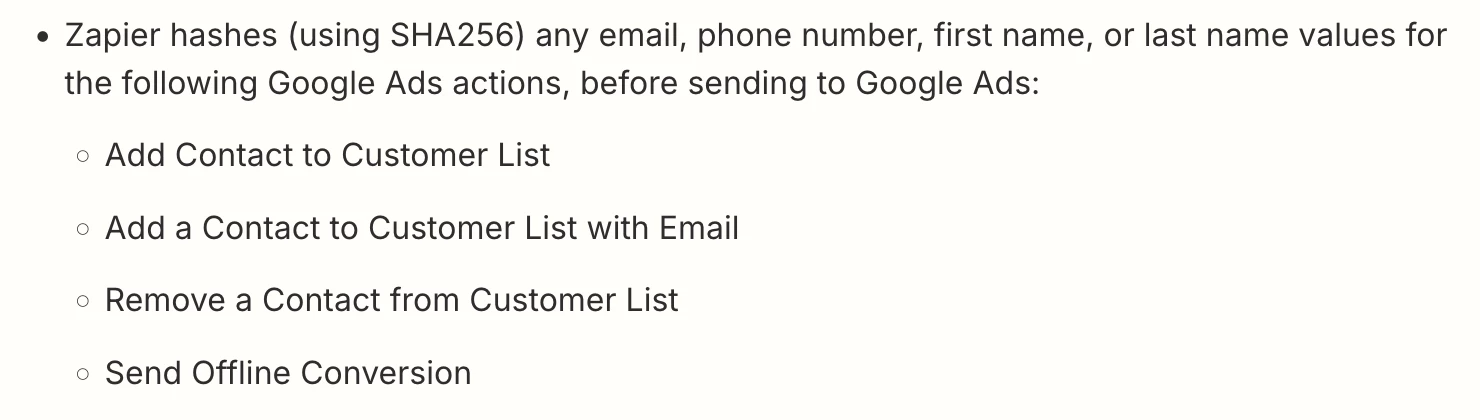
Zapier hashes (using SHA256) any email, phone number, first name, or last name values for the following Google Ads actions, before sending to Google Ads:

  • Add Contact to Customer List
  • Add a Contact to Customer List with Email
  • Remove a Contact from Customer List
  • Send Offline Conversion