Question

Google Forms to Keller Williams Command contact tags not registering

  • December 2, 2025
  • 6 replies
  • 34 views

I have multiple zaps set up that send information from google forms straight into Keller Williams Command. The idea is as soon as someone completes one of my google forms, my database should get automatically updated. The automation seems to work for the most part, but I have been having a ton of issues with the tags.


I have the following tags in my database:


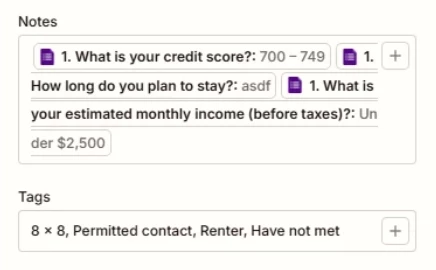
8 x 8, Permitted contact, Renter, Have not met


When I am entering the tags I want in the Zapier command step, I enter them as follows:


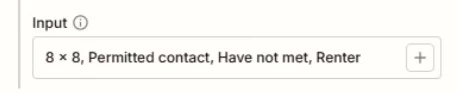
8 x 8, Permitted contact, Renter, Have not met


For some reason, the new contact that is zapped from google forms into command does not have any of these tags! It is super frustrating. 


I decided to test a zap with completely new tags that are not currently in my database, and Zapier will make these new tags and tag the contact.


My next thought was to delete the tags in my database, have an initial zap create them. Once the zap created them, I thought the following zaps would recognize the tags the Zapier created, but Zapier still did not recognize the tags and it created some new ones and ignored others.


If anyone has a solution that would be amazing,

6 replies

Troy Tessalone
Zapier Orchestrator & Solution Partner
Forum|alt.badge.img+14
  • Zapier Orchestrator & Solution Partner
  • December 2, 2025

Hi ​@Caleb Vourazeris 

If the Tags field is a dropdown field, then you need to map the dropdown field expected value for each Tag.

https://help.zapier.com/hc/en-us/articles/8496241696141-Add-custom-values-to-dropdown-menu-fields-in-Zaps


For us to have more info, post screenshots showing:

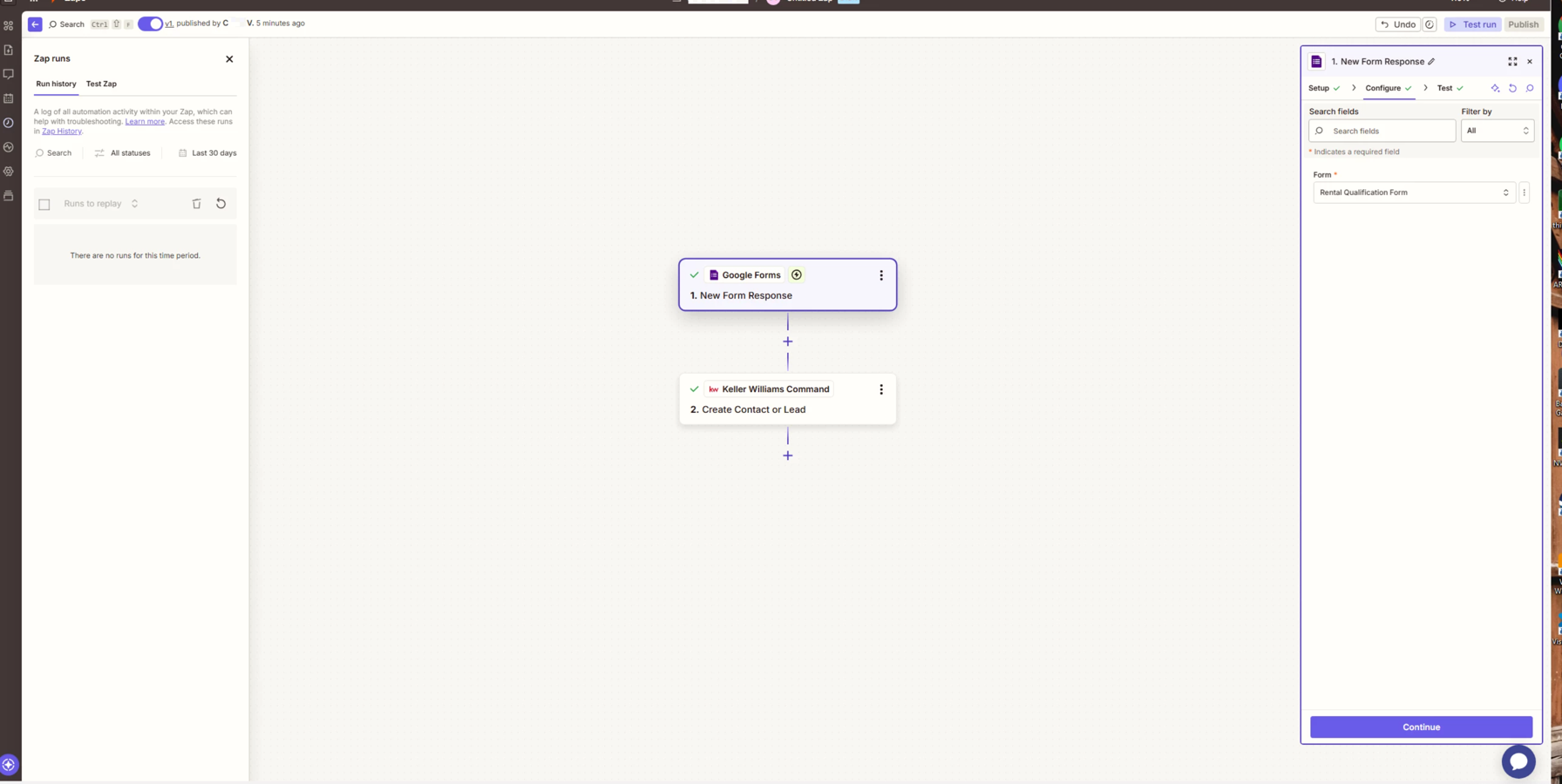
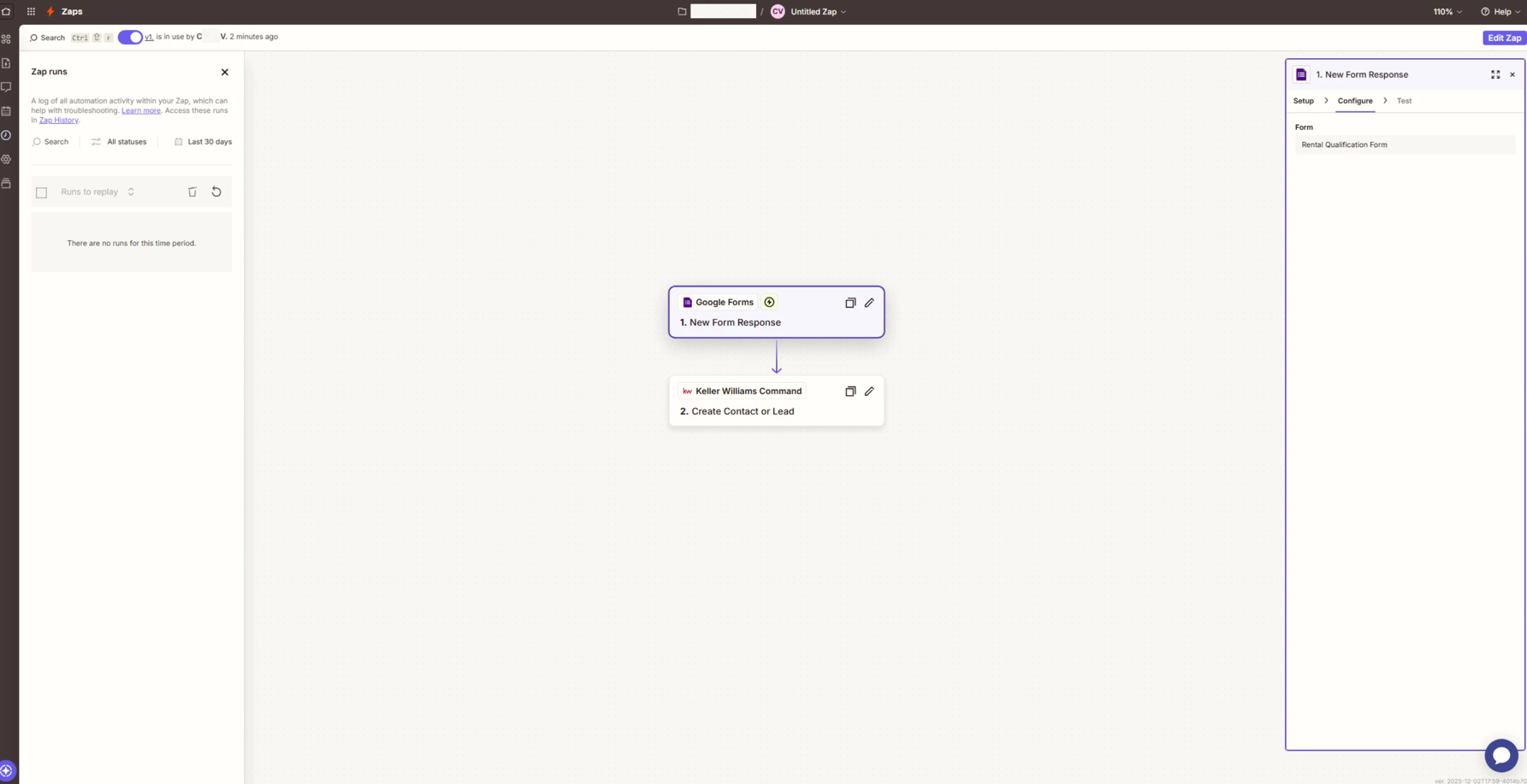
  • how your Zap steps are outlined
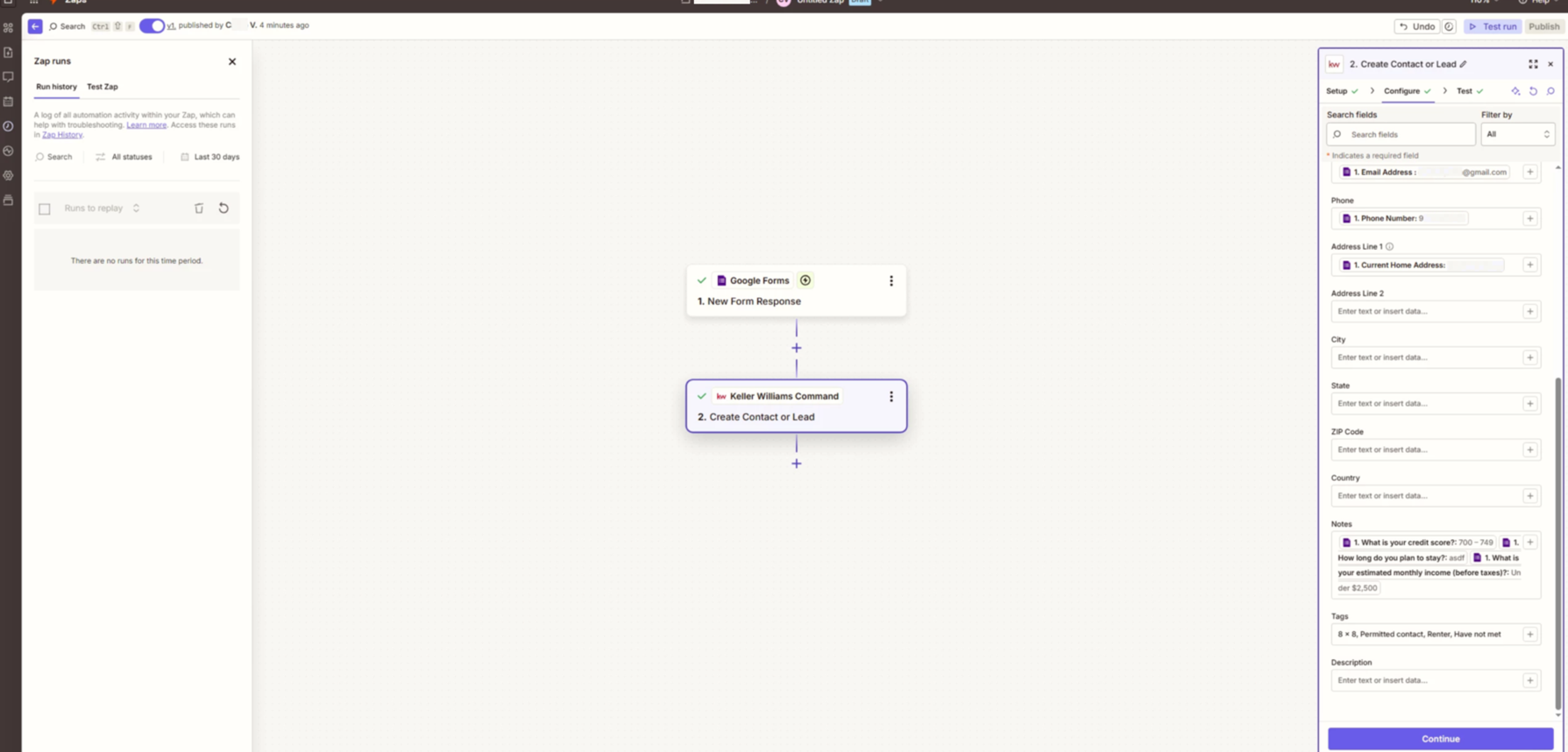
  • how your Zap steps are configured in the CONFIGURE tab while in EDIT mode with the field mappings and field types visible
  • if the Tags field is a dropdown field, show the dropdown field options

For the tags field, it is not a drop down, I am simply entering constant values


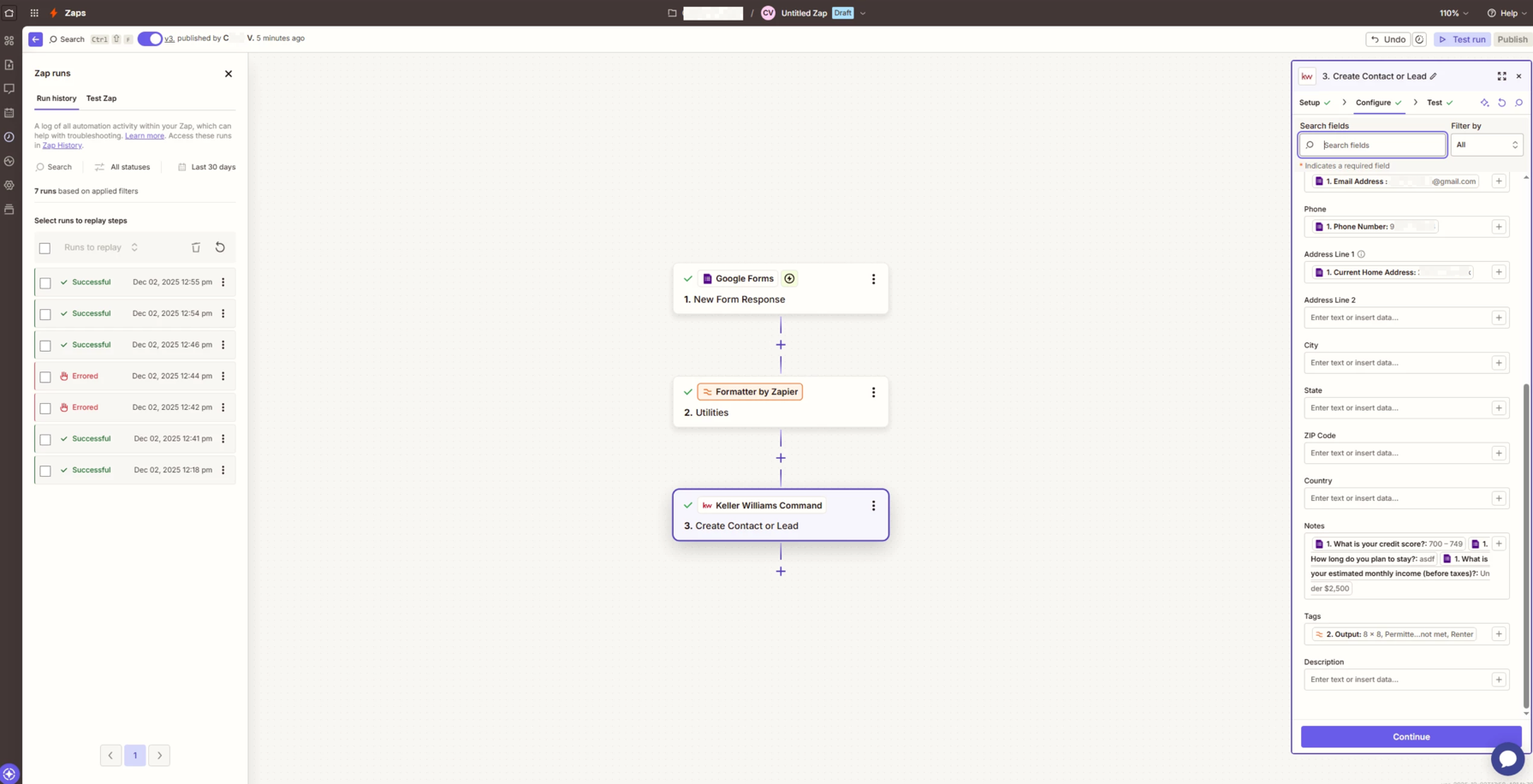
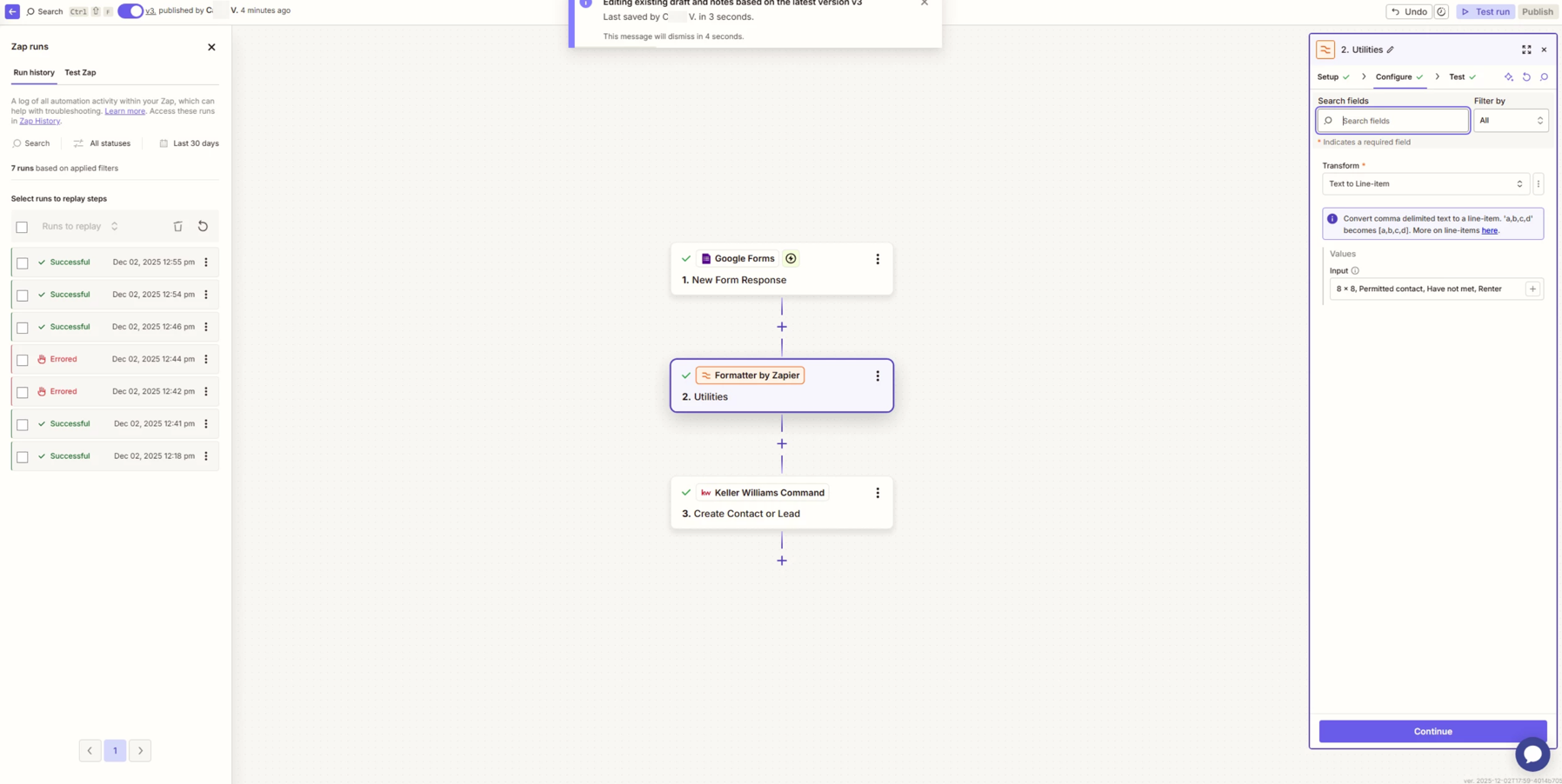
Here are the screenshots you’ve asked for. 


Troy Tessalone
Zapier Orchestrator & Solution Partner
Forum|alt.badge.img+14
  • Zapier Orchestrator & Solution Partner
  • December 2, 2025

@Caleb Vourazeris 

For your Notes field, you’ll want to adjust the mappings to prevent a concatenated text string:

  • possibly add static labels before each mapped variable
  • add a delimiter or line break between each mapped variable

For your Tags field…

  • you can try removing the space after each comma
  • you can try adding a Formatter > Utilities > Text to Line Items step to convert the Tags string to an array of items


I tried both solutions and neither work. 


I first tried removing the space between the commas, and that did not work.


After that, I included the formatter as the screenshots show, and that did not work either.


I also included a screenshot of what my database looks like. As you can see, the first contact “burger boy,” includes the tags generated by Zapier. The second contact, “big bark,” does not have any tags. 


It’s almost as if Zapier can only create new tags, and cannot recognize existing tags that are in the database.


I was able to get this working with the previous version of the keller williams app in zapier, but it was just recently updated and now I am having this problem


Troy Tessalone
Zapier Orchestrator & Solution Partner
Forum|alt.badge.img+14
  • Zapier Orchestrator & Solution Partner
  • December 2, 2025

@Caleb Vourazeris 

Try reaching out to KW Support for help with their Zap app integration.

NOTE: Most Zap app integrations are created and managed by the app developer, rather than by Zapier.


Troy Tessalone
Zapier Orchestrator & Solution Partner
Forum|alt.badge.img+14
  • Zapier Orchestrator & Solution Partner
  • December 2, 2025

@Caleb Vourazeris 

Try removing the space after the comma so there is no trialing extra space