This post has been edited by a moderator to remove personal information. Please remember that this is a public forum and to remove any sensitive information prior to posting.
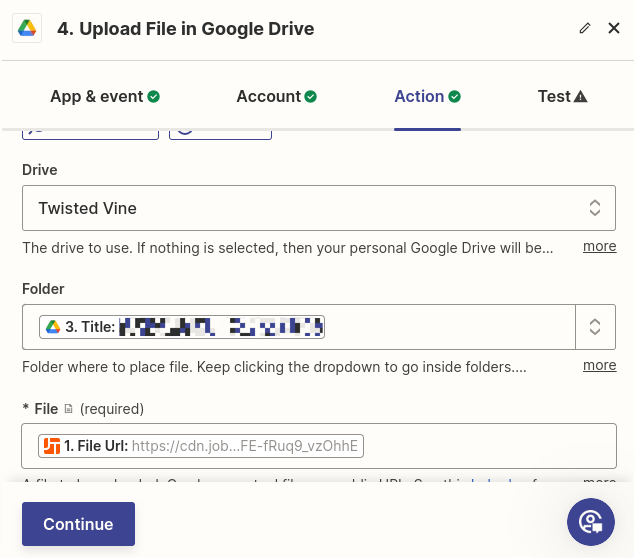
I am trying to upload images to Google Drive when our Project Manager updates daily Logs on JobTread. I have built out the zap to take the file uploaded to JobTread, filter for it being a “daily log” file. I then “Find a Folder” in Google drive, finally “Upload File”
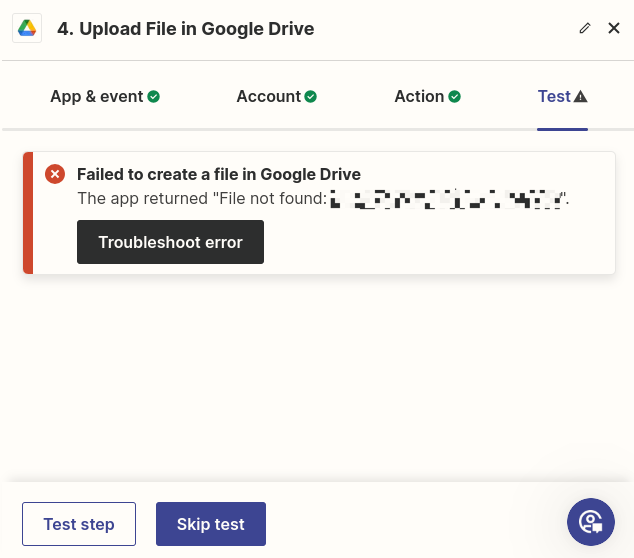
My tests are successful up until the last step. I am able to get the file from JobTread, filter, Find a Folder, but I am not able to then upload the file to that folder. I am using the “Title” from the Find a Folder step, but it is returning an error saying “File Not Found”
Through these tests I have seen the file uploaded to My Drive, but it is not uploading to the correct Shared Drive Folder.