Question

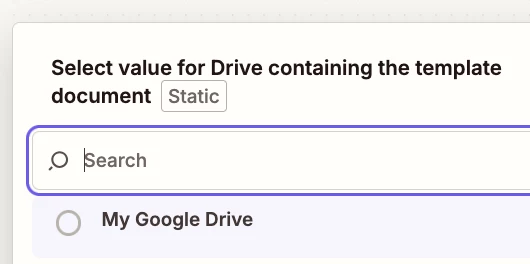
Google docs drive selection in the "Drive containing the template document" is not responding

  • January 15, 2026
  • 3 replies
  • 13 views

when i want to select the default “my google drive” in the configure tap of google docs is not responding 

it shows “my google drive” but it is not selecting when i click on it ??? so frustrating
 

3 replies

drtanvisachar
Forum|alt.badge.img+3

Hello ​@Michael-goodslimited  That Drive picker bug is pretty common in Zapier.

Quick fixes to try:
Refresh the page and reopen the step
Disconnect and reconnect Google in Zapier
Try incognito or a different browser
Clear cache/cookies for zapier.com
Make sure only one Google account is logged in

Workaround: click “Enter a custom value” and paste the folder ID from the Drive URL

Dr. Tanvi Sachar
Monday Certified Partner, Monday Wizard.


Troy Tessalone
Zapier Orchestrator & Solution Partner
Forum|alt.badge.img+14
  • Zapier Orchestrator & Solution Partner
  • January 15, 2026

Hi ​@Michael-goodslimited 

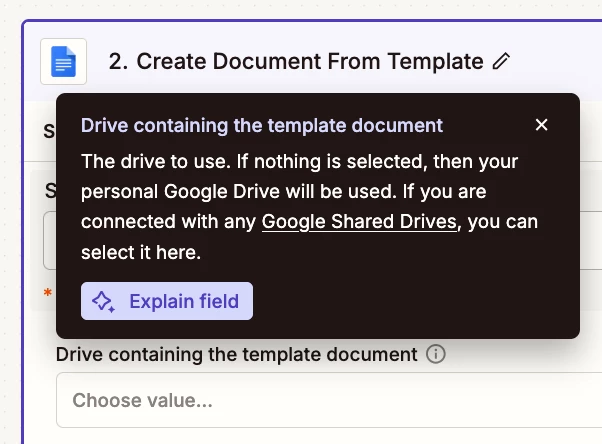
The “My Google Drive” option is the default, so you should not have to select it as that field is optional.


TIP: Click field labels to see tooltips with more info.


See screenshots below.


Sparsh from Automation Jinn
Forum|alt.badge.img+6

Hey ​@Michael-goodslimited,

I see it’s a successful test. Did you check in the Google Docs if the document is created?

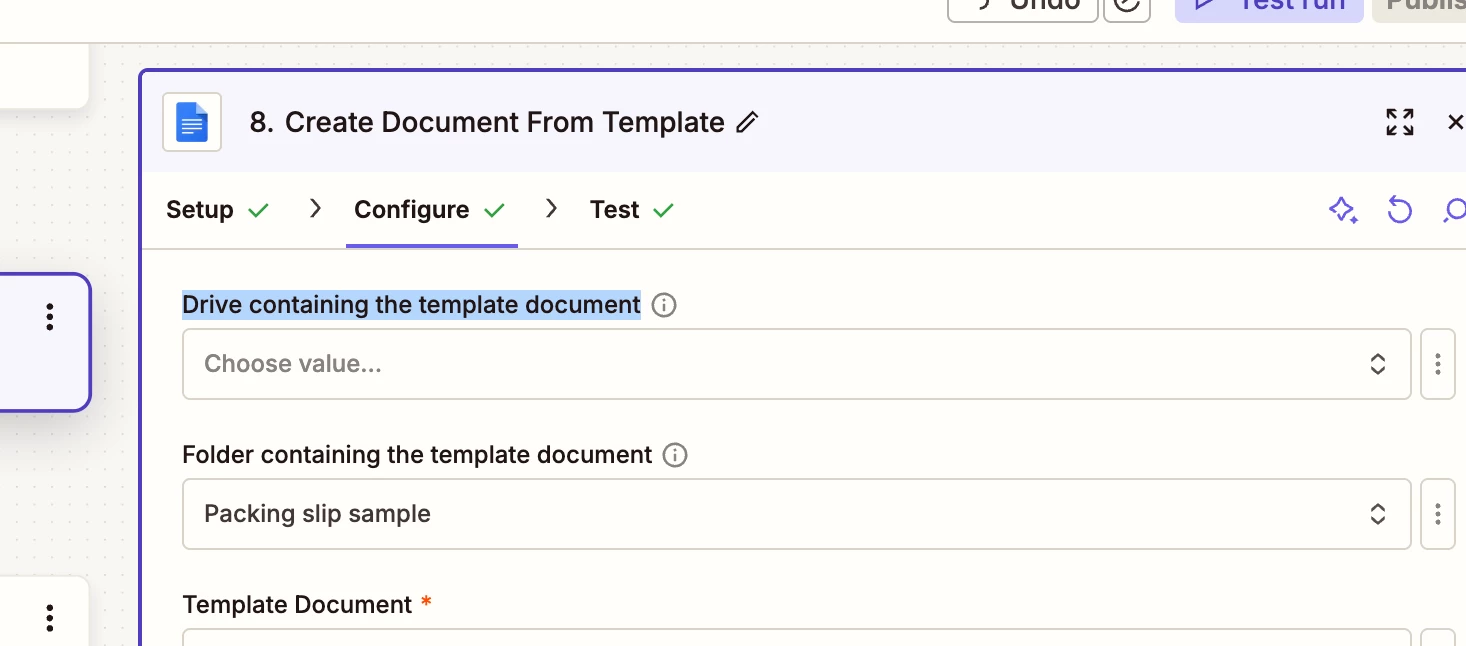
As Drive is an optional field and it defaults to your personal drive so that should not be a problem. If it’s not working as expected, please post screenshots of Data In, Data Out as well how each Zap step is configured for us to have more context.

Hope it helps!