Answer

Gmail error: Header values can't contain newlines (got 'xxxxxx\n' for header 'To')

  • August 23, 2023
  • 5 replies
  • 1949 views

speekie

This post has been edited by a moderator to remove personal information. Please remember that this is a public forum and to remove any sensitive information prior to posting.

Hi everyone, 

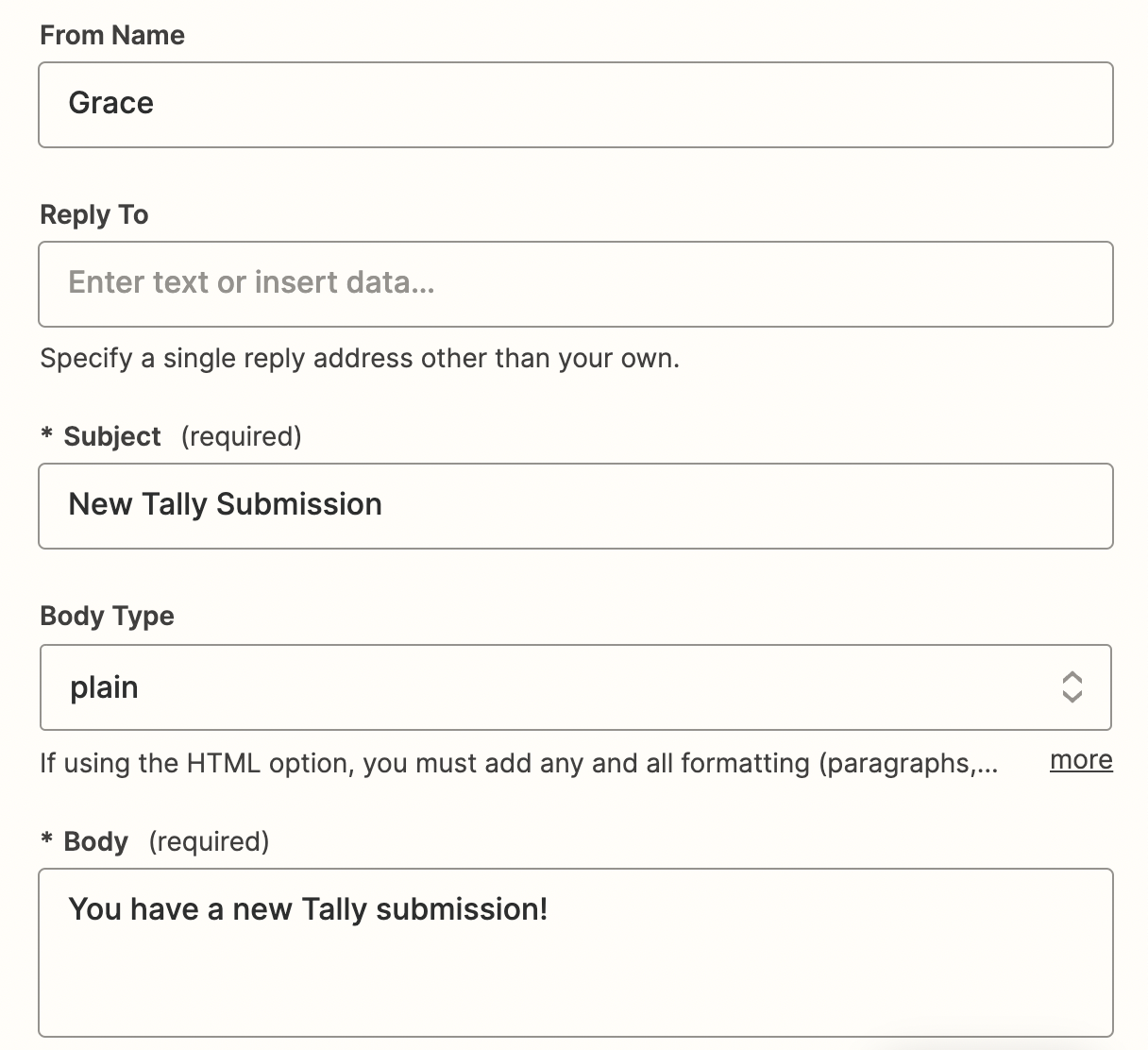
I’m a new Zapier user and trying to create a Zap where I get notified via gmail every time that someone new fills out my form (I created it using tally.so).

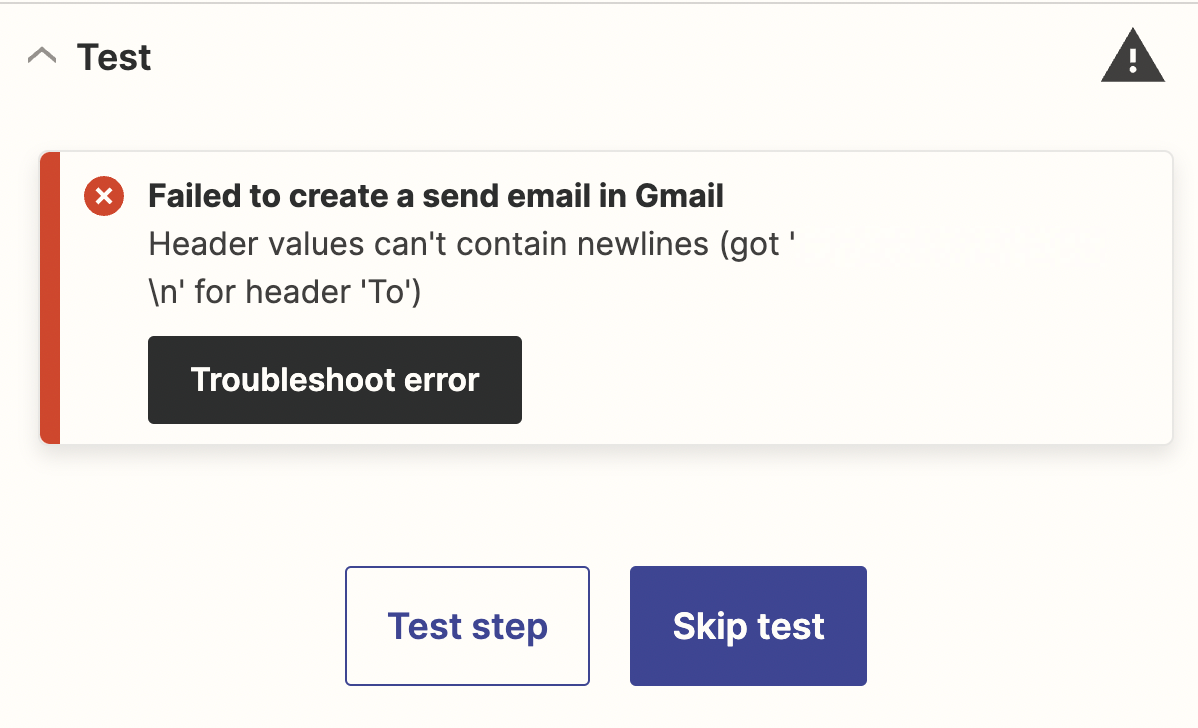
This is a pretty simple 2-step flow but I keep encountering this error message and I’m not sure why:

Failed to create a send email in Gmail

Header values can't contain newlines (got 'grace@Housing.info\n' for header 'To')


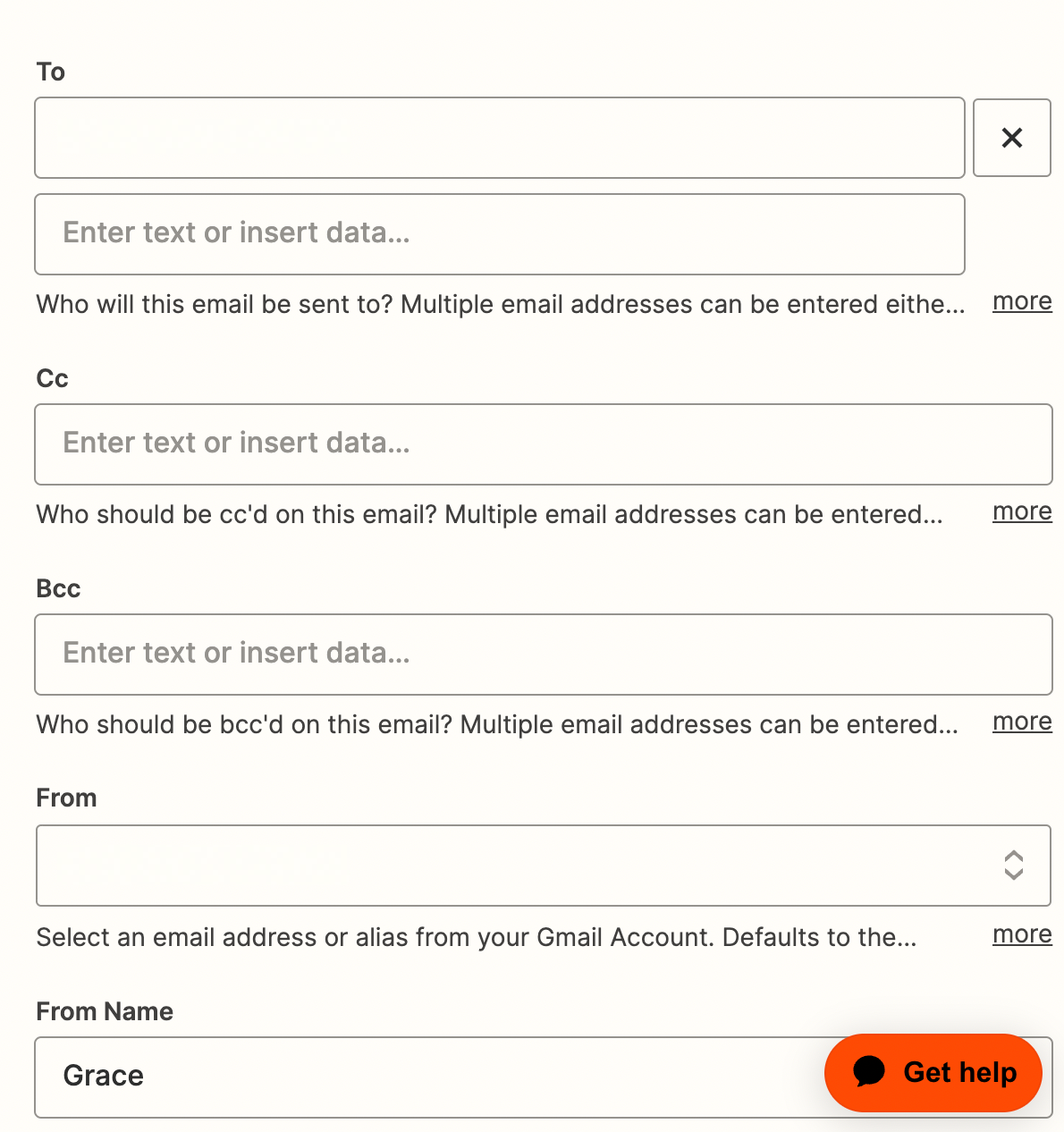
All I’m doing is inserting my email in the To line. Do I need to use a different value there?


Thanks in advance for your help! :)
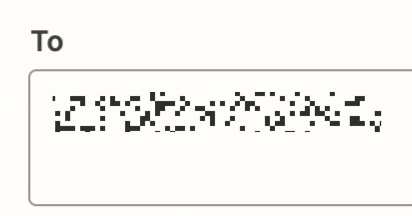
 

Best answer by Troy Tessalone

This post has been edited by a moderator to remove personal information. Please remember that this is a public forum and to remove any sensitive information prior to posting.

Hi @speekie 

Good question.

Remove the line break after the email address.


This post has been closed for comments. Please create a new post if you need help or have a question about this topic.

5 replies

Troy Tessalone
Zapier Orchestrator & Solution Partner
Forum|alt.badge.img+14
  • Zapier Orchestrator & Solution Partner
  • Answer
  • August 23, 2023

This post has been edited by a moderator to remove personal information. Please remember that this is a public forum and to remove any sensitive information prior to posting.

Hi @speekie 

Good question.

Remove the line break after the email address.


speekie
  • Author
  • New
  • August 23, 2023

This post has been edited by a moderator to remove personal information. Please remember that this is a public forum and to remove any sensitive information prior to posting.

Thanks for getting back to me Troy!

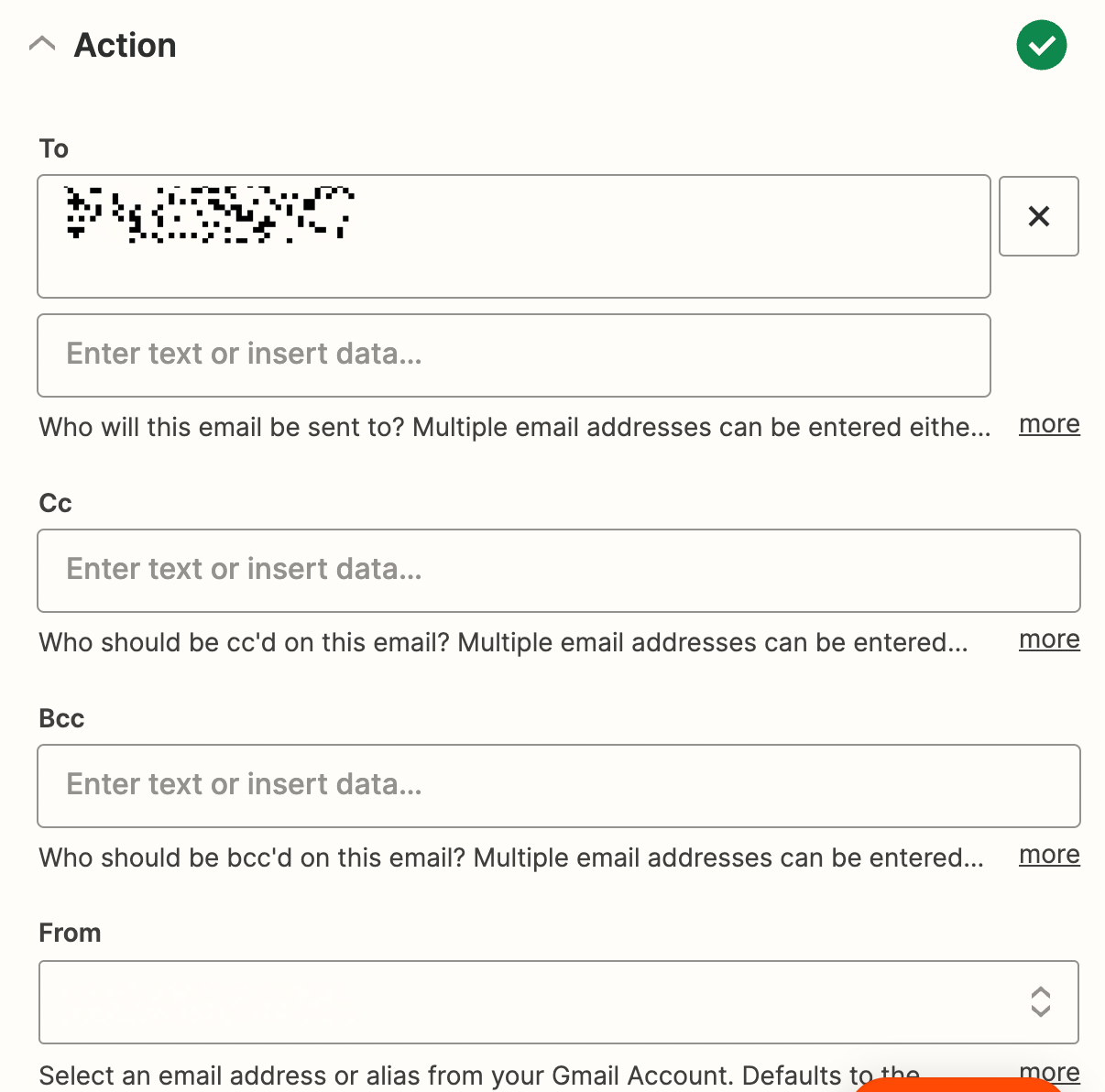
I tried doing that (see attached) and still get the same error :( 

Am I doing this correctly?


Troy Tessalone
Zapier Orchestrator & Solution Partner
Forum|alt.badge.img+14
  • Zapier Orchestrator & Solution Partner
  • August 23, 2023

@speekie 

Try testing again.

If the error persists, please post updated screenshots with how your Zap steps are configured along with the encountered error.


speekie
  • Author
  • New
  • August 23, 2023

I think it works now, thank you very much for your help!


SamB
Community Manager
Forum|alt.badge.img+11
  • Community Manager
  • September 8, 2023

That’s brilliant news @speekie! Thanks so much for taking the time to come back here to confirm it’s working, it’s much appreciated! 

Seems like you’re all set for now but please do hop back in the Community if you need help with your Zaps again - we’re always here and happy to assist! 🤗