Question

GHL opportunity value not appearing in Jobber-Zapier-LeadConnector configuration

  • December 17, 2025
  • 14 replies
  • 51 views

Forum|alt.badge.img

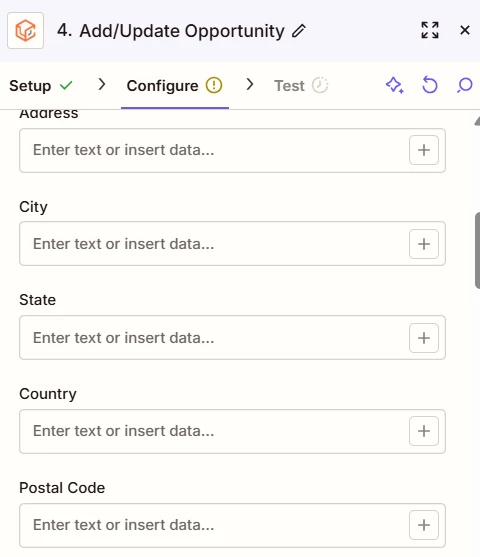
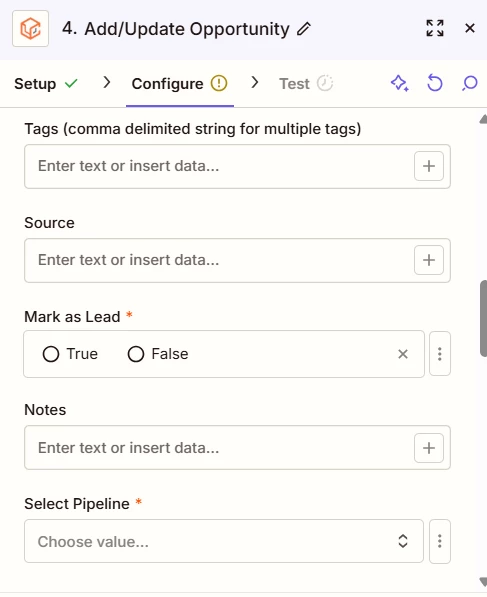
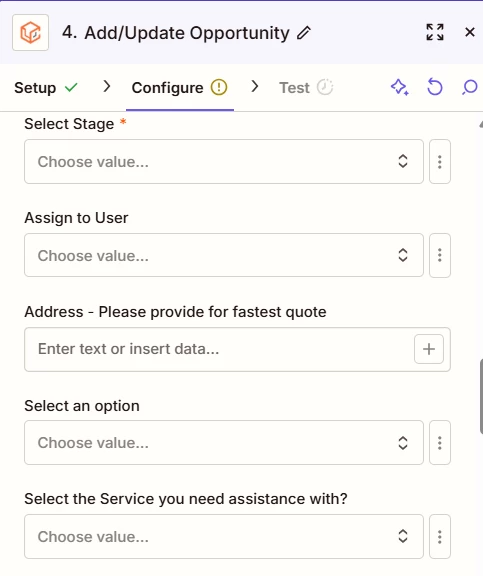
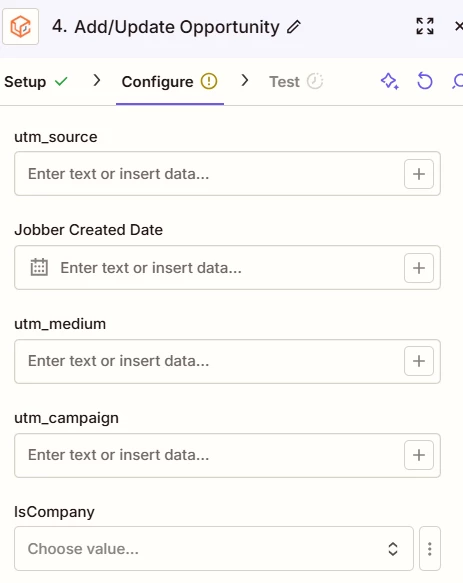
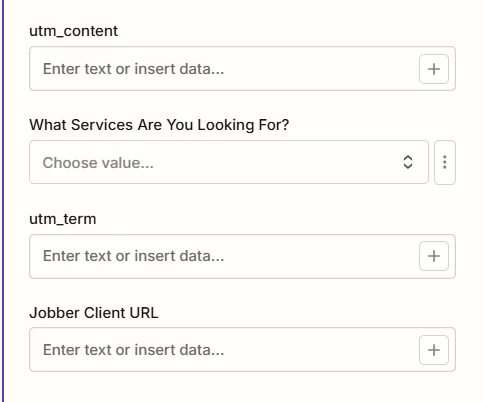
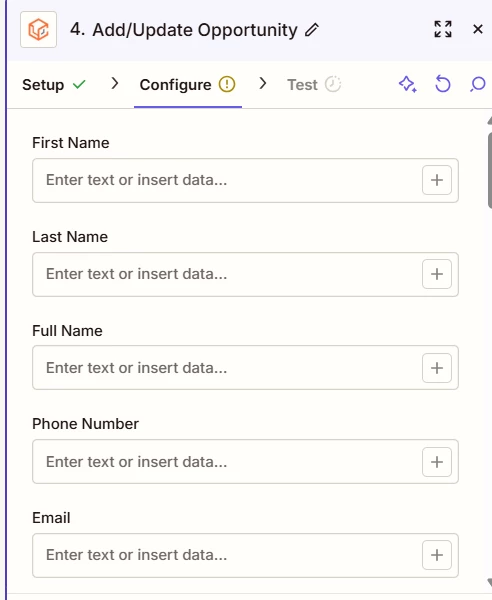
We are trying to integrate Jobber sent quotes $ amount to update the lead opportunity value in GHL. However, the opportunity value is not appearing in Zapier configuration setup menu. Need help in configuring this.

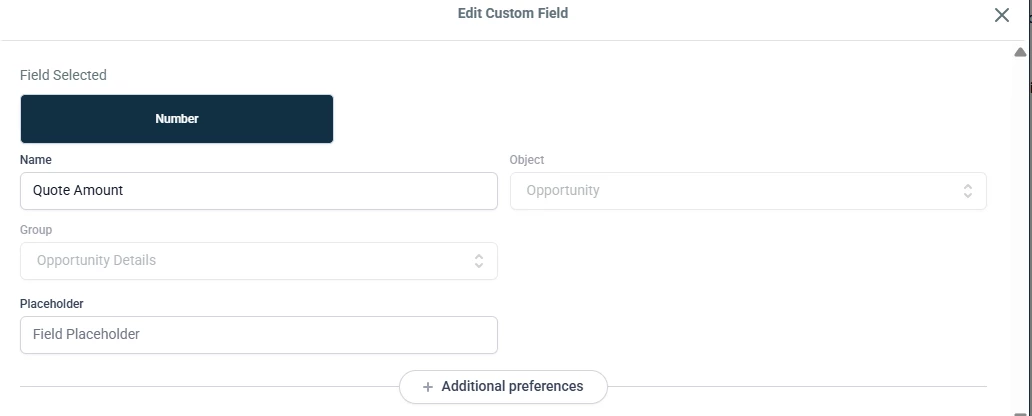
We even created a custom value in GHL as suggested earlier but this is not appearing in Zapier config as well.



14 replies

Troy Tessalone
Zapier Orchestrator & Solution Partner
Forum|alt.badge.img+14
  • Zapier Orchestrator & Solution Partner
  • December 17, 2025

Hi ​@Shine 

Help links for using GHL custom fields: https://help.gohighlevel.com/support/solutions/articles/48001161579-how-to-use-custom-fields

Make sure the custom field is assigned to the Opportunity vs the Contact.


You can try refreshing the Zap Editor in the browser.

You can try refreshing the Zap step. (see screenshot below)


Forum|alt.badge.img
  • Author
  • Beginner
  • December 17, 2025

The custom field is already assigned as an Opportunity


I have done the refresh multiple times, logged out and back in to and from Zapier. I even tried creating a completely new Zap to make sure that it’s loading the most recent data from all software.


Troy Tessalone
Zapier Orchestrator & Solution Partner
Forum|alt.badge.img+14
  • Zapier Orchestrator & Solution Partner
  • December 17, 2025

@Shine 

Try populating the required Zap step fields first…


Forum|alt.badge.img
  • Author
  • Beginner
  • December 17, 2025

@Troy Tessalone 

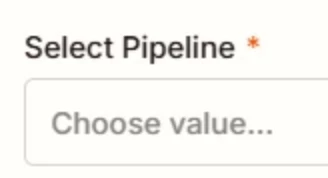
already did that. Created a new action to update opportunity, updated both the pipeline and the stage, hit refresh. Neither the “opportunity value” or the custom field “quote amount” is appearing.


Forum|alt.badge.img
  • Author
  • Beginner
  • December 17, 2025

@Troy Tessalone 

If this option still doesn’t work, do you have any suggestion for a workaround how we can achieve the goal of automatically updating the lead’s opportunity value in GHL once a quote has been sent in Jobber? Thanks!


Troy Tessalone
Zapier Orchestrator & Solution Partner
Forum|alt.badge.img+14
  • Zapier Orchestrator & Solution Partner
  • December 17, 2025

@Shine 

You can try reconnecting the LeadConnector Zap App connection here: https://zapier.com/apps


Troy Tessalone
Zapier Orchestrator & Solution Partner
Forum|alt.badge.img+14
  • Zapier Orchestrator & Solution Partner
  • December 17, 2025

@Shine 

Workaround is to use the GHL API in Zaps: https://marketplace.gohighlevel.com/docs/oauth/GettingStarted

Resources for using app APIs in Zaps: 


Forum|alt.badge.img
  • Author
  • Beginner
  • December 17, 2025

@Shine 

You can try reconnecting the LeadConnector Zap App connection here: https://zapier.com/apps

If we do this step, will we need to edit all the Zaps we currently have with leadconnector after we reconnect?


Troy Tessalone
Zapier Orchestrator & Solution Partner
Forum|alt.badge.img+14
  • Zapier Orchestrator & Solution Partner
  • December 17, 2025

@Shine 

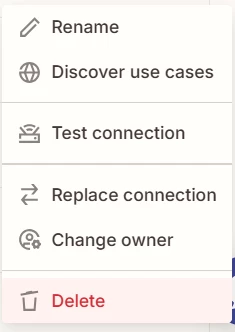
Use the Replace Connection option.


Forum|alt.badge.img
  • Author
  • Beginner
  • December 17, 2025

@Shine 

Use the Replace Connection option.


This will automatically update for all the connected Zaps with leadconnector, right? We have quite a few Zaps connected to it and it will definitely be a pain to fix them manually 1 by 1 😁


Sparsh from Automation Jinn
Forum|alt.badge.img+6

Hey ​@Shine,

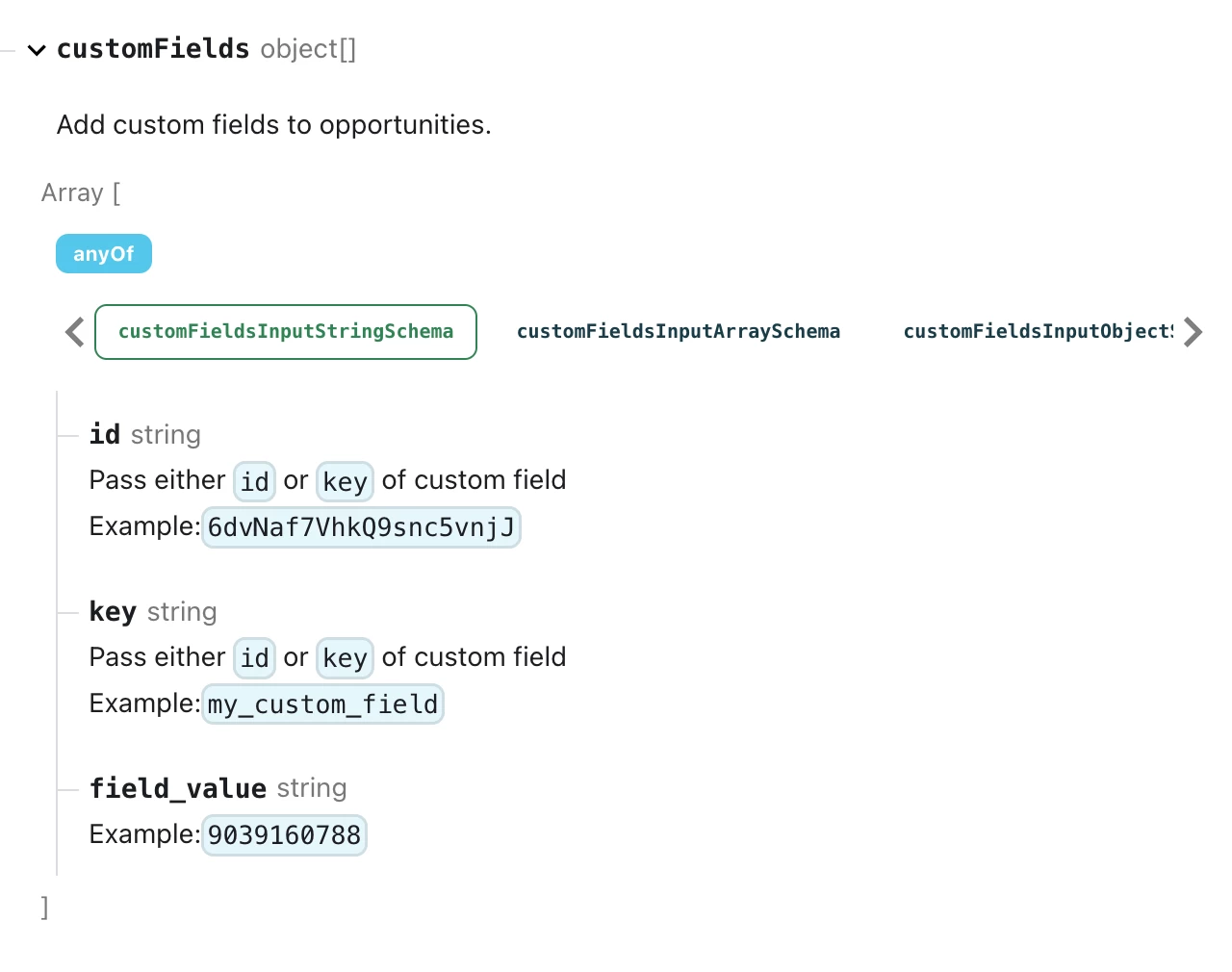
It’s a limitation on the Zapier integration. Custom fields are right now only supported for contact rather than opportunity.

But there is a workaround by directly querying the GHL API directly using Webhooks in Zapier. Here is a helpful article about it here- https://help.zapier.com/hc/en-us/articles/8496326446989-Send-webhooks-in-Zaps. You will need to make use of the Create opportunity endpoint(https://marketplace.gohighlevel.com/docs/ghl/opportunities/create-opportunity)


I know it can get a bit more technical and complex but if it’s important for you, you can give this approach a try. Hope it helps!

PS: If you need more active help, I’m happy to connect through my Zapier Solution Partner page if you’d like to reach out here- https://zapier.com/partnerdirectory/automation-jinn


Troy Tessalone
Zapier Orchestrator & Solution Partner
Forum|alt.badge.img+14
  • Zapier Orchestrator & Solution Partner
  • December 17, 2025

Forum|alt.badge.img
  • Author
  • Beginner
  • December 17, 2025

@Shine 

Use the Replace Connection option.


@Sparsh from Automation Jinn 


This will automatically update for all the connected Zaps with leadconnector, right? We have quite a few Zaps connected to it and it will definitely be a pain to fix them manually 1 by 1 😁


Sparsh from Automation Jinn
Forum|alt.badge.img+6

Hey ​@Shine,

Yes would work for every Zap connected to that app connection. It would not solve your initial problem though and for custom fields in opportunity, you will have to query the GHL API directly as I mentioned earlier. Hope it helps!