Answer

Formatter is only sending one selected option from Gravity Forms to Fibery.

  • March 20, 2024
  • 7 replies
  • 48 views

I am trying to connect Gravity forms to Fibery

The gravity forms has a multi select field with options: display1, display2, display3

The fibery input only accepts the ids for each input: number1, number2, number3

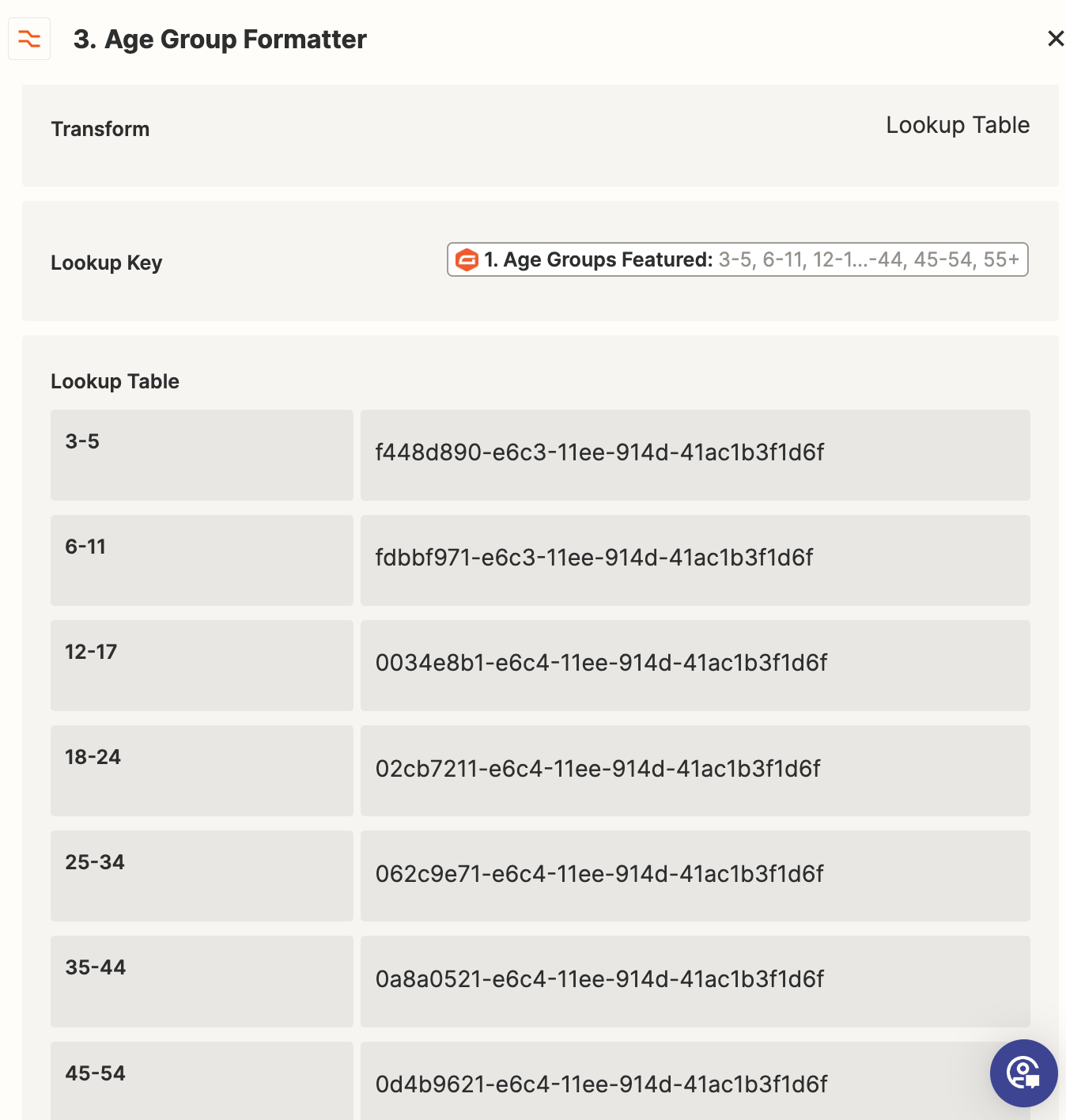
I have created a formatter lookup table to change display1->number1, display2->number2, display3->number3

However it only seems to be sending out one option into fibery not all of the ones selected!

Best answer by Troy Tessalone

@leedenny 

You may need to account for the space after the comma.

You may need to add another step Formatter > Text > Replace to replace spaces [:space:] with nothing.


This post has been closed for comments. Please create a new post if you need help or have a question about this topic.

7 replies

Troy Tessalone
Zapier Orchestrator & Solution Partner
Forum|alt.badge.img+14
  • Zapier Orchestrator & Solution Partner
  • March 20, 2024

Hi @leedenny 

Give us more context by posting screenshots with how your steps are outlined and configured, thanks.


  • Author
  • Beginner
  • March 20, 2024

Hi Troy,


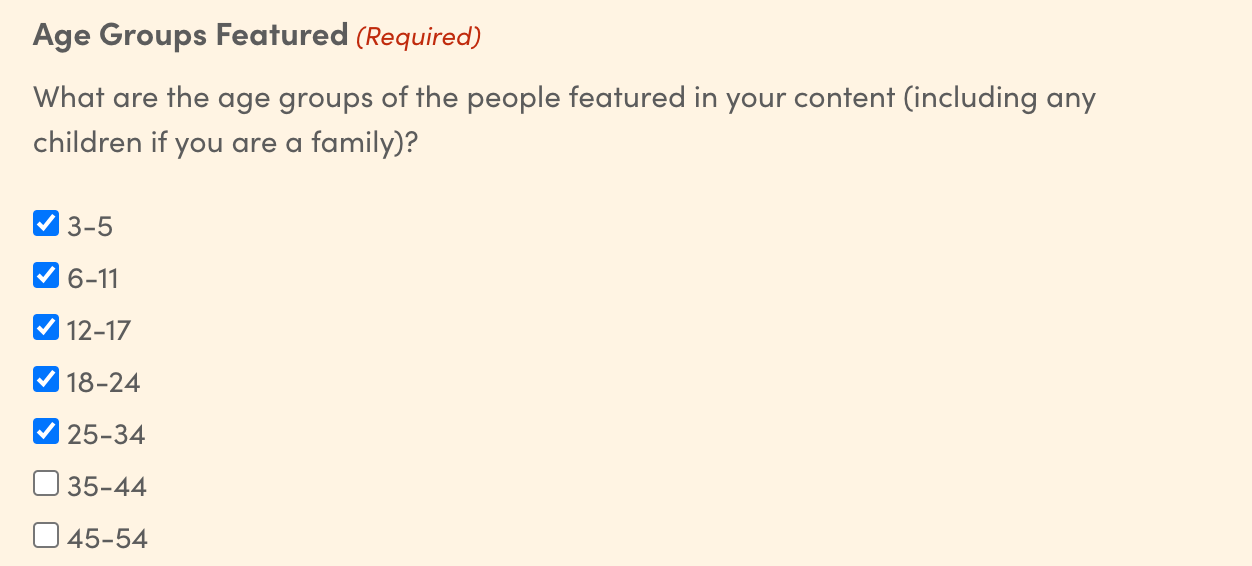
This is the input on Gravity forms:

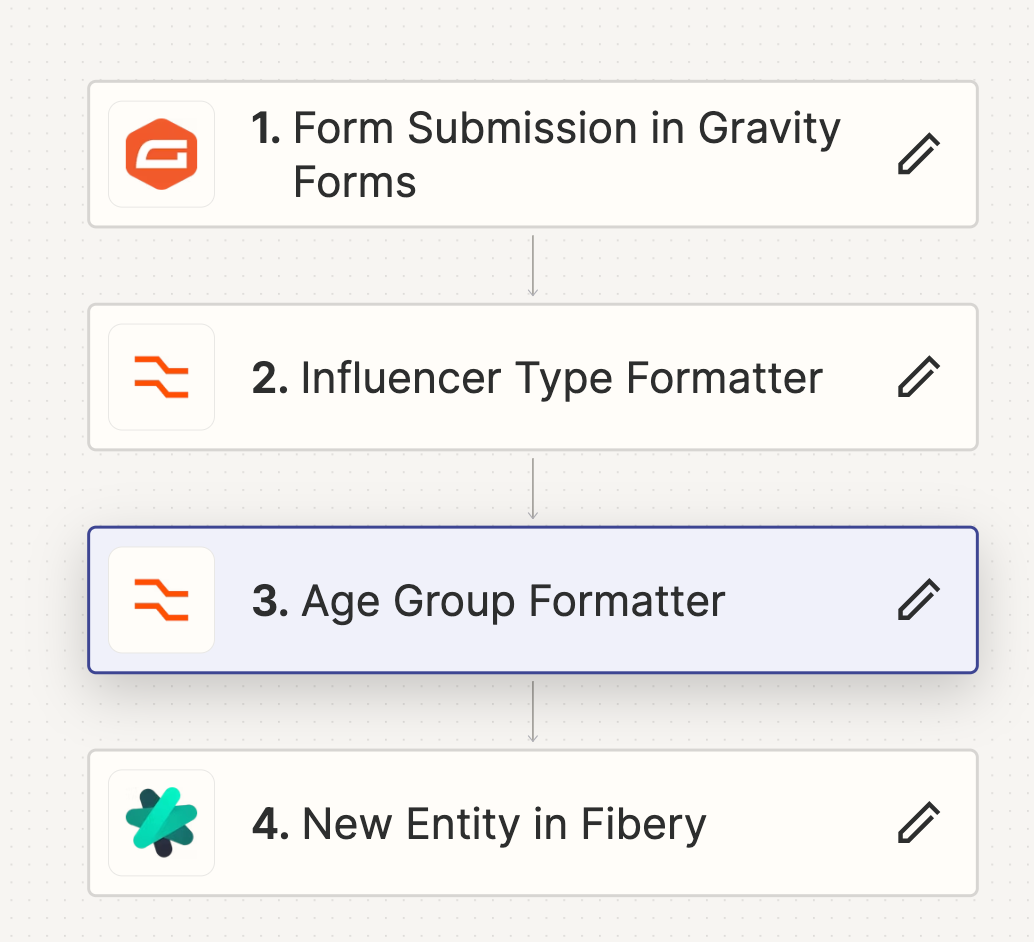
This is the zap steps:

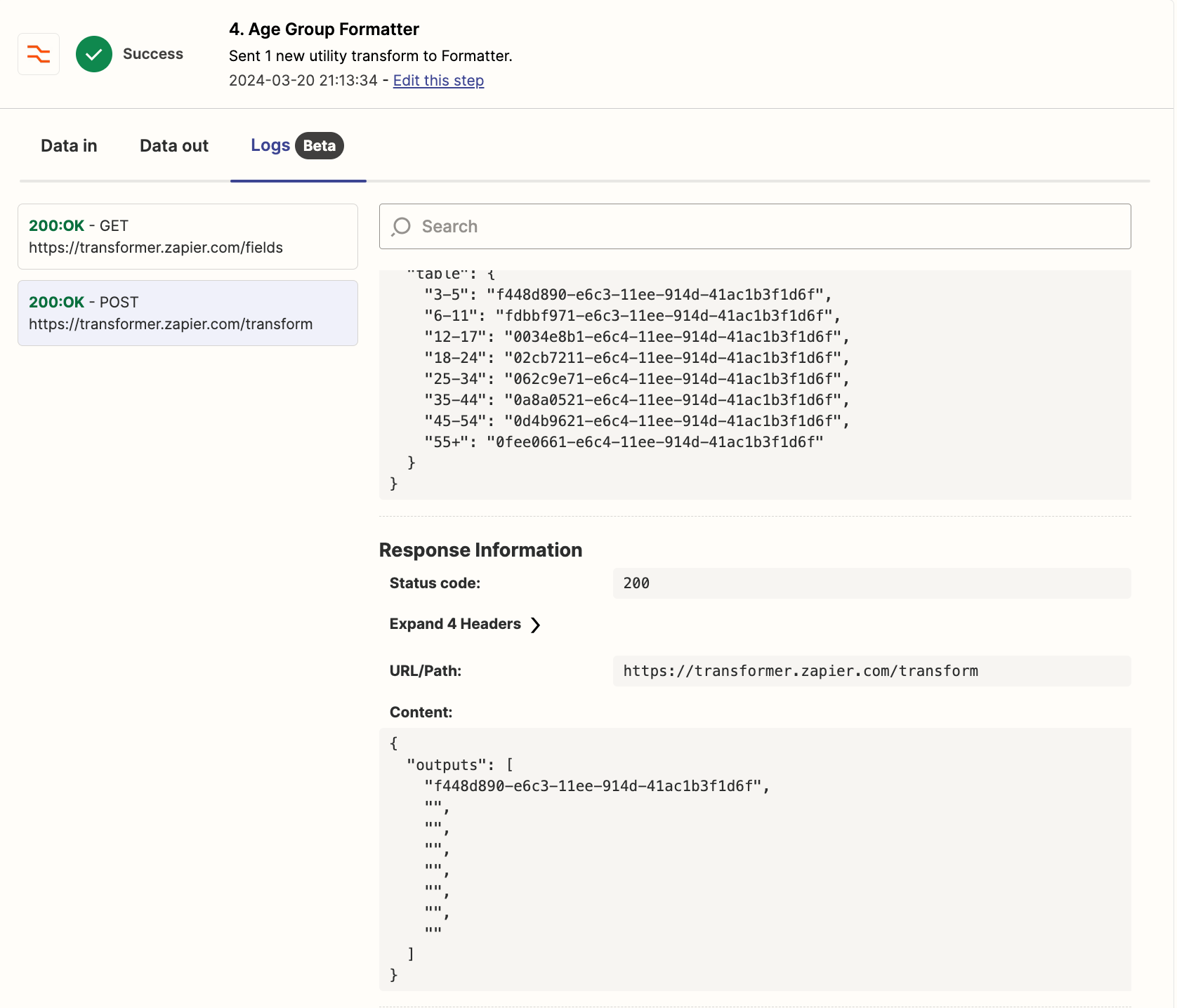
This is the Age Group formatter settings:

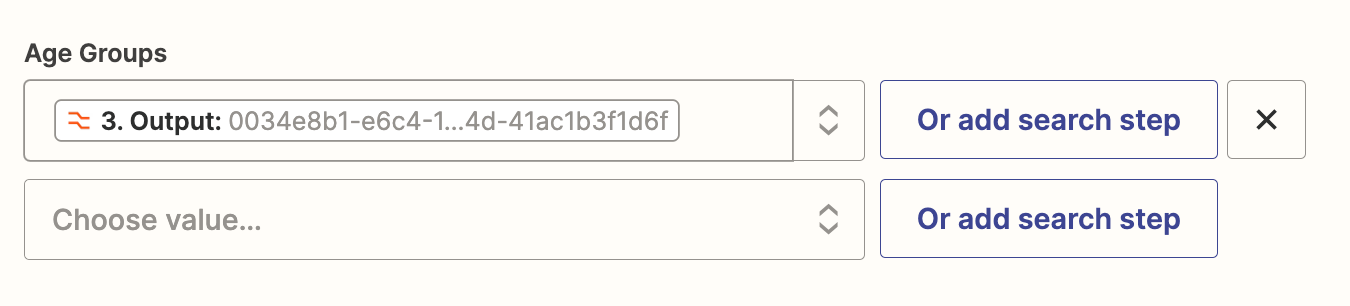
This is the Fibery action settings:

This is the output i get in fibery:

Thanks

Lee


Troy Tessalone
Zapier Orchestrator & Solution Partner
Forum|alt.badge.img+14
  • Zapier Orchestrator & Solution Partner
  • March 20, 2024

@leedenny 

Can you post screenshots with how the DATA OUT from Gravity Forms is structured in the Zap trigger step for that field.


If it’s a string, then you would need to convert it to an array of items before using it in the Formatter step.


Try this action: Formatter > Utilities > Text to Line Items


  • Author
  • Beginner
  • March 20, 2024

Thanks for your help. It was a string so i added your suggestion but still no joy. 


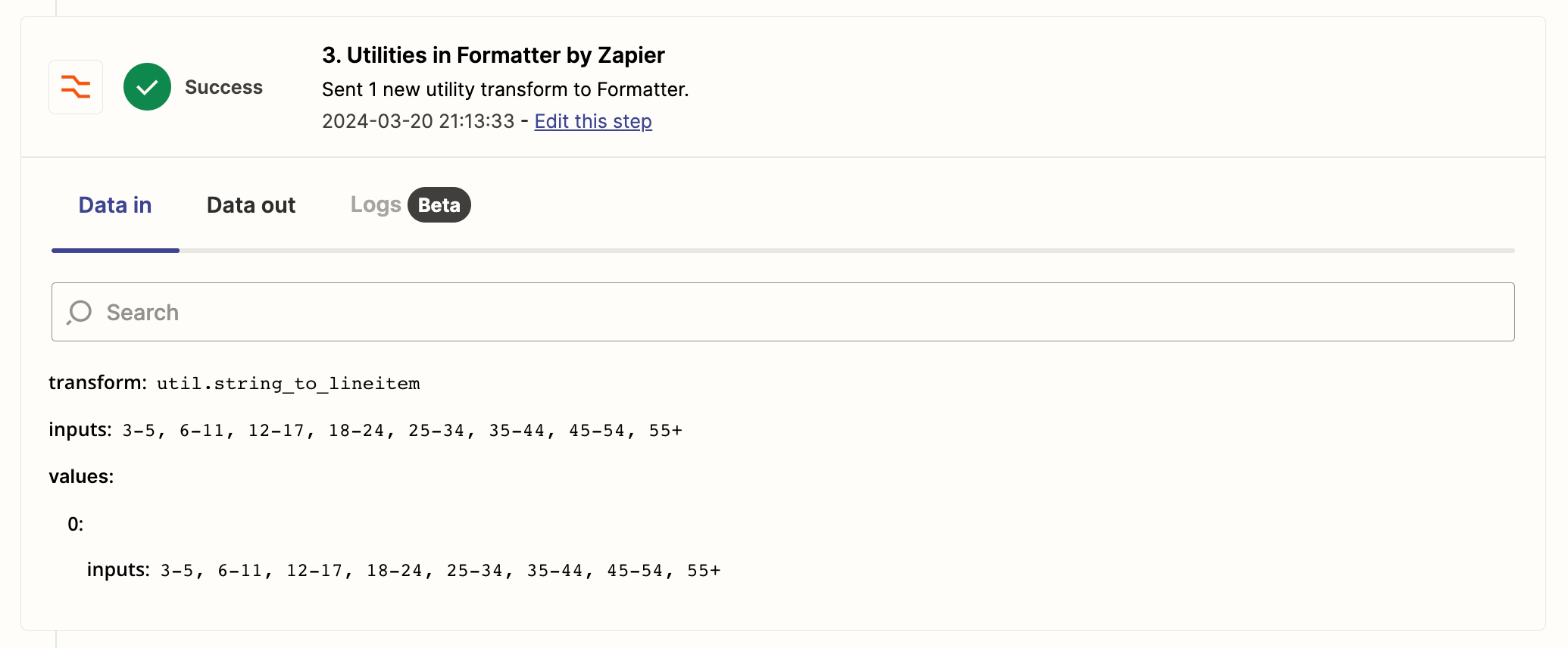
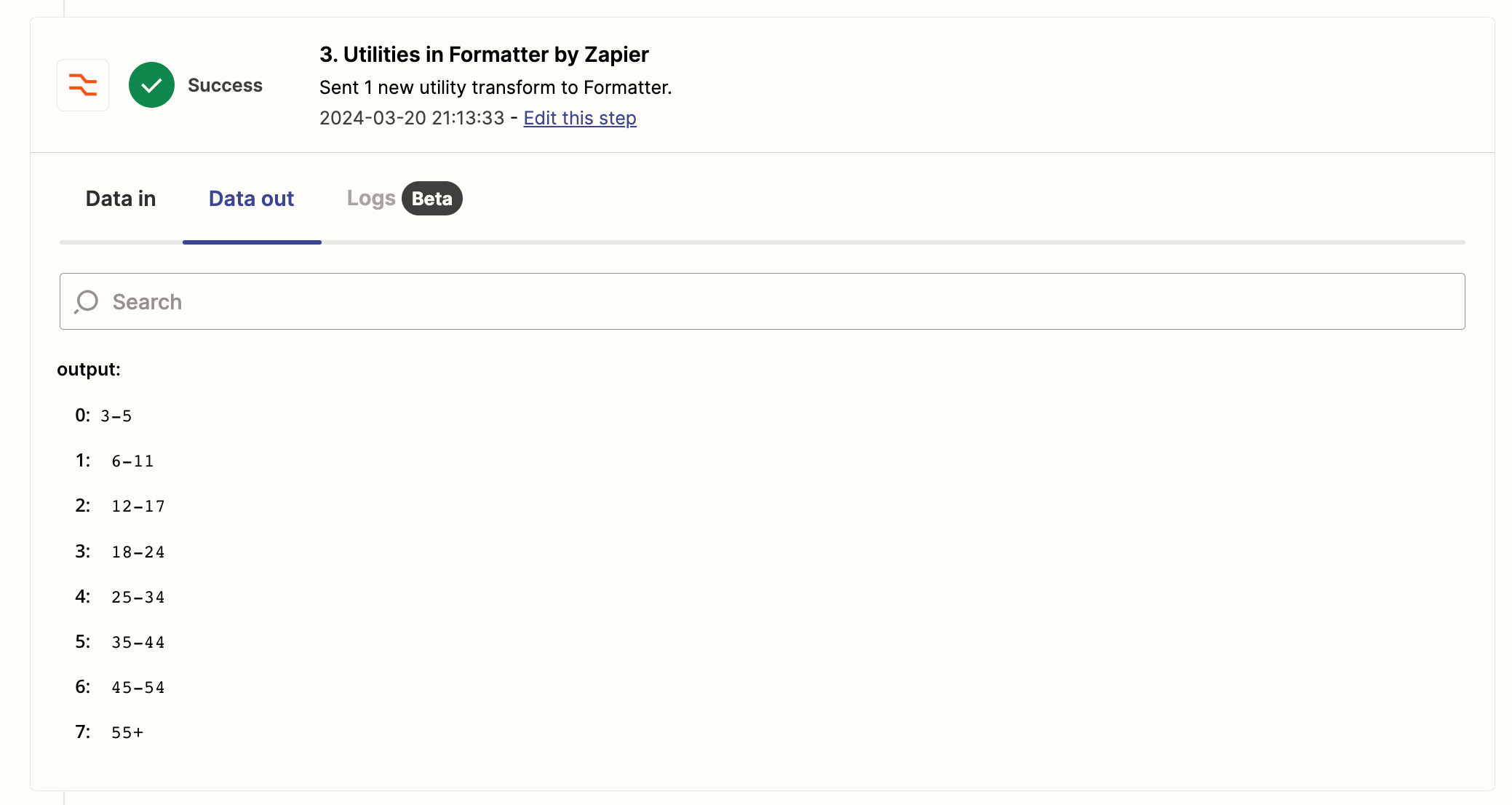
Format string as line items:

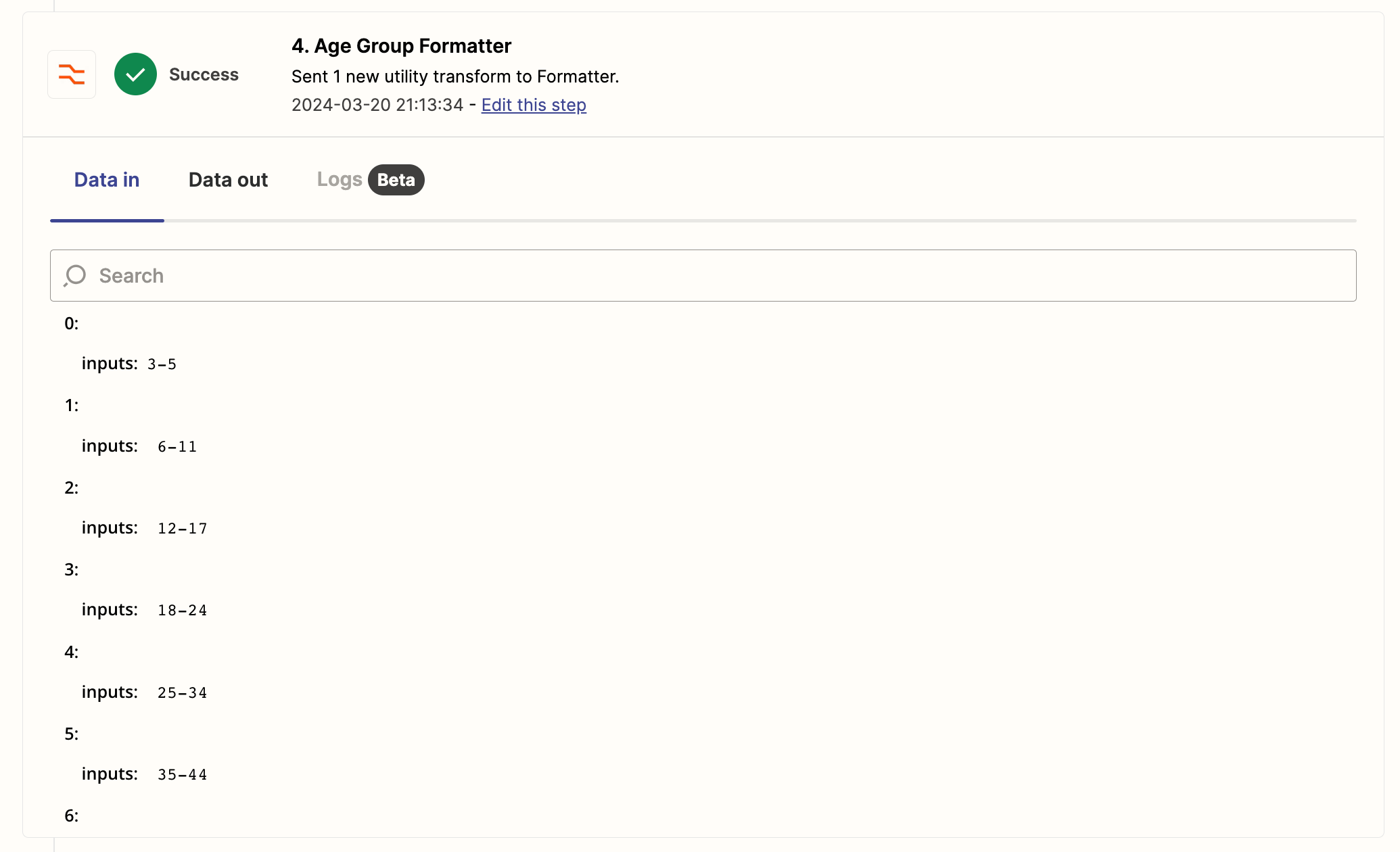
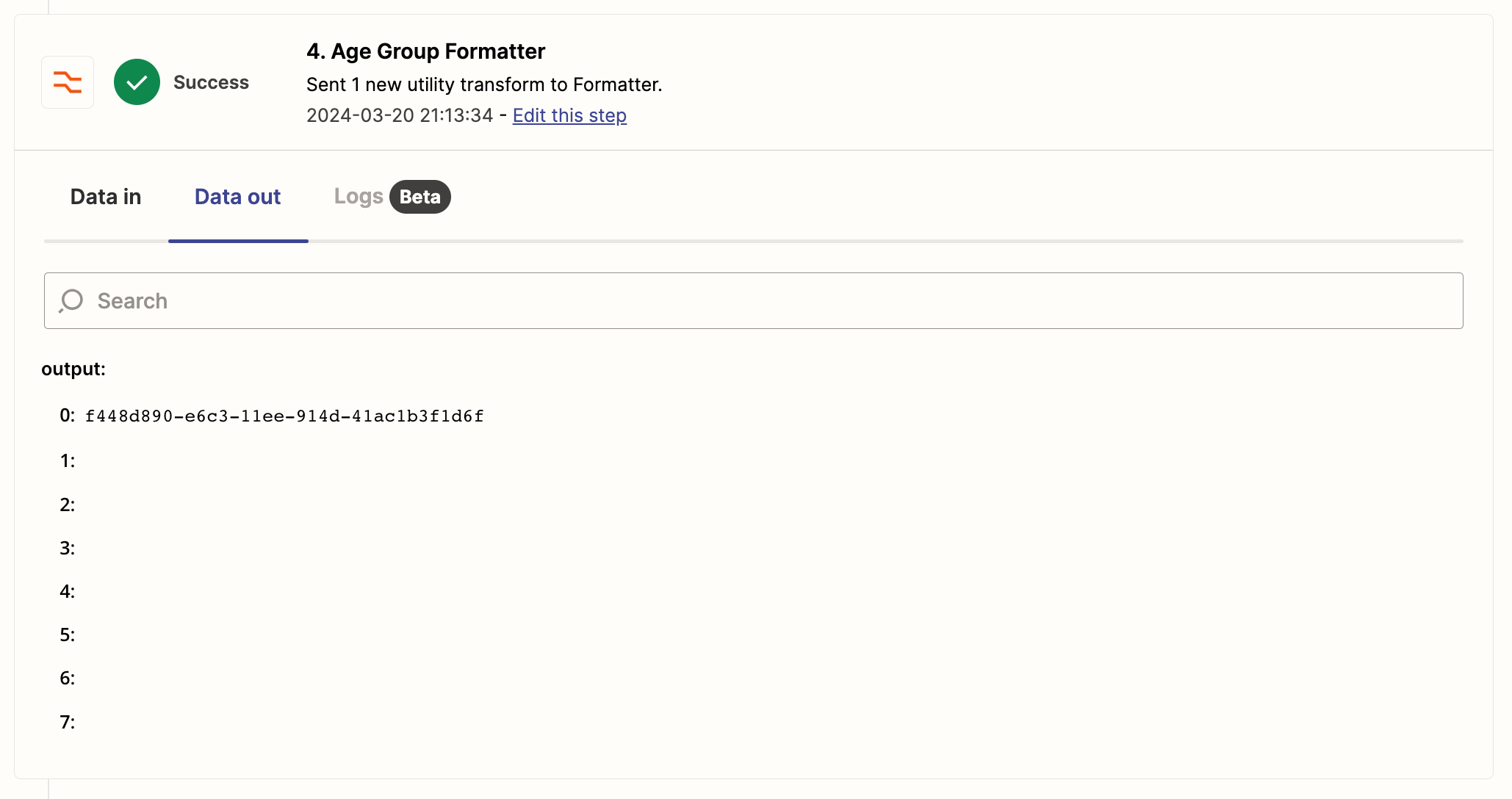
Format line items using lookup table:


Troy Tessalone
Zapier Orchestrator & Solution Partner
Forum|alt.badge.img+14
  • Zapier Orchestrator & Solution Partner
  • Answer
  • March 20, 2024

@leedenny 

You may need to account for the space after the comma.

You may need to add another step Formatter > Text > Replace to replace spaces [:space:] with nothing.


  • Author
  • Beginner
  • March 21, 2024

This worked - thank you for your help!


ken.a
Forum|alt.badge.img+6
  • Zapier Staff
  • March 22, 2024

That’s awesome @leedenny! A huge thanks to Troy for pointing you in the right direction!

If you have any other questions, please don’t hesitate to reach out to the Community. We’re always happy to help! 🤗