Question

Find User by Email error - nothing was found in Slack

  • September 5, 2024
  • 9 replies
  • 63 views

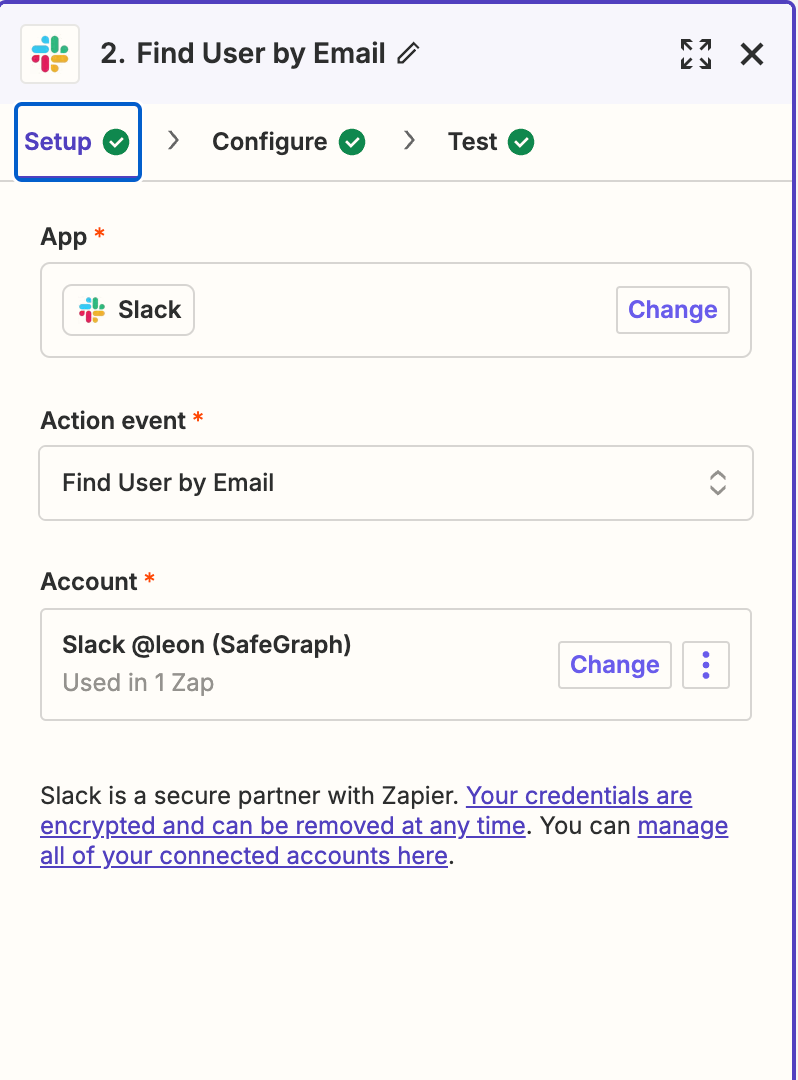
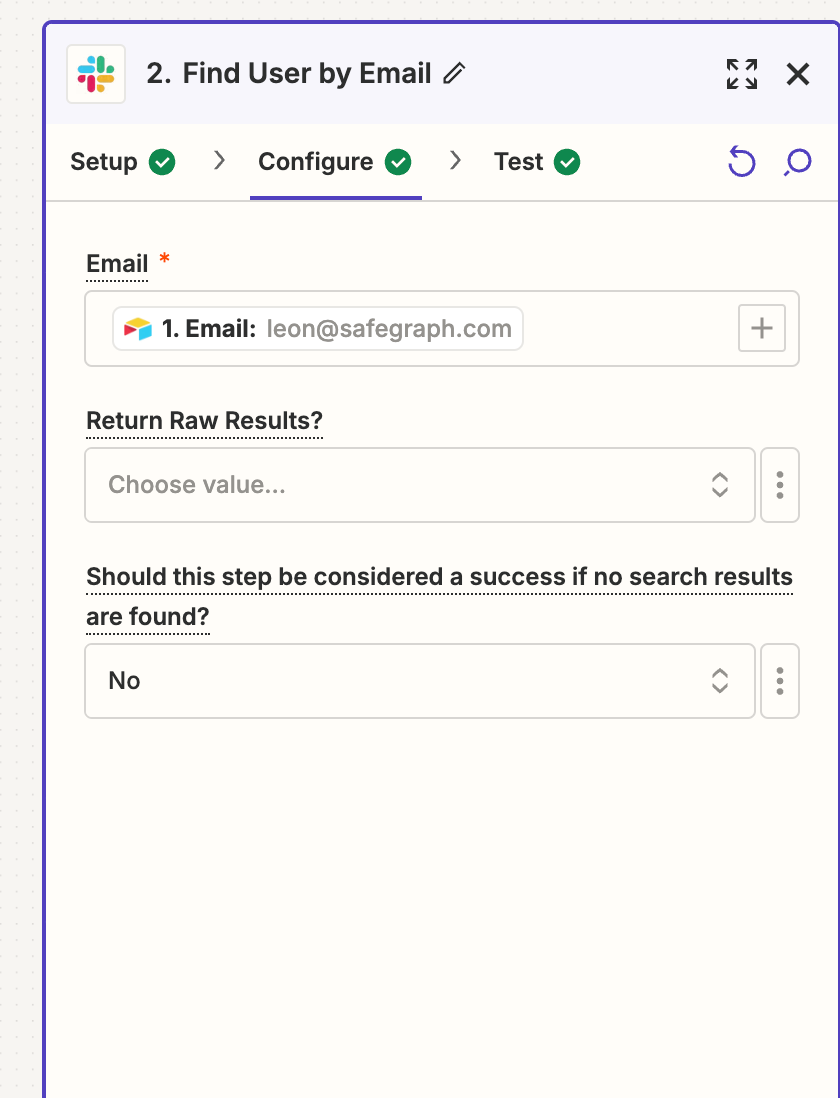
I have a Zap that takes a member email from an airtable and finds the corresponding Slack userID and slacks the member (who is a guest and not part of the organization)


When I test with my own email, the userID is found on the email match - however when I try to do this with members who are not part of my organization (guests) I get:

“This Slack step hit an error

Error message: Halted Exception: Nothing could be found for the search.”


The user email is exactly the same as what I am trying to match. Thoughts? 

This post has been closed for comments. Please create a new post if you need help or have a question about this topic.

9 replies

Troy Tessalone
Zapier Orchestrator & Solution Partner
Forum|alt.badge.img+14
  • Zapier Orchestrator & Solution Partner
  • September 5, 2024

Hi @lflek 

It may be that you can only search for Slack Users in your Organization and not Guests.

I was able to replicate the Slack Zap search step error when trying to search for an External Connection.

For us to have more info, post screenshots with how your Zap steps are outlined and configured in EDIT mode.


  • Author
  • Beginner
  • September 5, 2024


  • Author
  • Beginner
  • September 5, 2024


Troy Tessalone
Zapier Orchestrator & Solution Partner
Forum|alt.badge.img+14
  • Zapier Orchestrator & Solution Partner
  • September 5, 2024

@lflek

I was able to replicate the Slack Zap search step error when trying to search for an External Connection.

It may be that you can only search for Slack Users in your Organization and not Guests.


  • Author
  • Beginner
  • September 5, 2024

Hi - please see above - the zap looks at updated airtable records and then uses that email to find a user - when it’s within my org it works, when it’s guests it does not. 


Troy Tessalone
Zapier Orchestrator & Solution Partner
Forum|alt.badge.img+14
  • Zapier Orchestrator & Solution Partner
  • September 5, 2024

@lflek 

I was able to replicate the Slack Zap search step error when trying to search for an External Connection.

It may be that you can only search for Slack Users in your Organization and not Guests.


  • Author
  • Beginner
  • September 5, 2024

Any workarounds? 


Troy Tessalone
Zapier Orchestrator & Solution Partner
Forum|alt.badge.img+14
  • Zapier Orchestrator & Solution Partner
  • September 5, 2024

@lflek 

Explore asking ChatGPT for guidance.

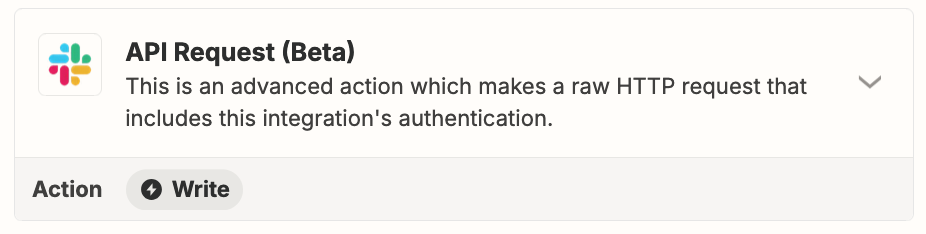
Explore using the Slack Connect API which is different from the Slack API.

https://api.slack.com/apis/connect


SamB
Community Manager
Forum|alt.badge.img+11
  • Community Manager
  • September 6, 2024

Hey @lflek 👋

I did some testing just now and was able to get the Find User by Email action to find a multi-channel guest. But when searching for a guest that had been invited to a Slack workspace but not added to any channels I got that same “Nothing could be found for the search” error. I tested this with their API directly as well and this appears to be a limitation on the type of guest that can be found - presumably only those who have been added to a Slack channel.

Can you confirm whether the guests have been added to any channels?

If they haven’t, can you try creating a channel for one of them as a test and adding them to it to see if that then allows the action to find them? That said, might be best to create a test guest account using a different email address that you own to test this out with! That should help to confirm whether they’re not being found due to them not being added to a channel. In which case you might need to manually lookup their ID from they Slack profiles and add this information into the Airtable and select the ID directly from there rather than using a search action. 

Looking forward to hearing from you on this!