Question

Find CRM Contacts is returning Inactive Contacts

  • February 7, 2024
  • 3 replies
  • 64 views

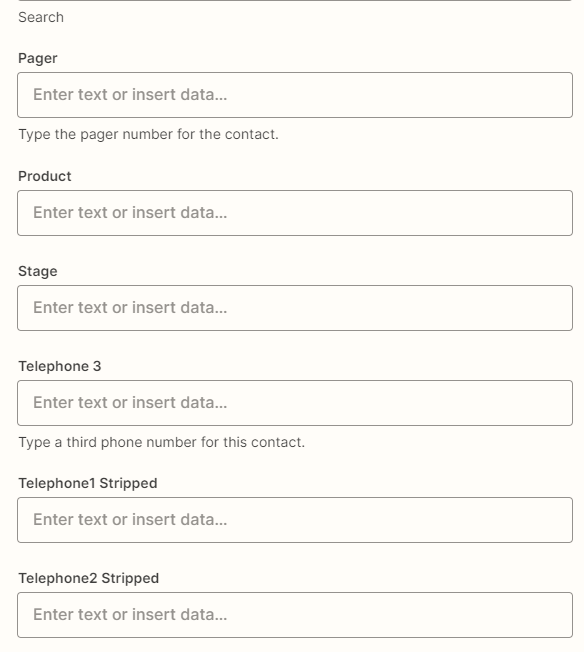
Is there a way to filter out Inactive contacts when using “Find Contact in Microsoft Dynamics 365”? I’m find that this is identifying Inactive contacts and then a separate piece of automation is creating an Opportunity on these Inactive Contacts. There is no statecode in the Find step.


Thanks!

Andrew

This post has been closed for comments. Please create a new post if you need help or have a question about this topic.

3 replies

Troy Tessalone
Zapier Orchestrator & Solution Partner
Forum|alt.badge.img+14
  • Zapier Orchestrator & Solution Partner
  • February 7, 2024

Hi @Ajconnor 

For us to have full context, post screenshots with how your Zap step is configured.


You may have to try using the Dynamics API via one of these advanced actions:


  • Author
  • Beginner
  • February 7, 2024

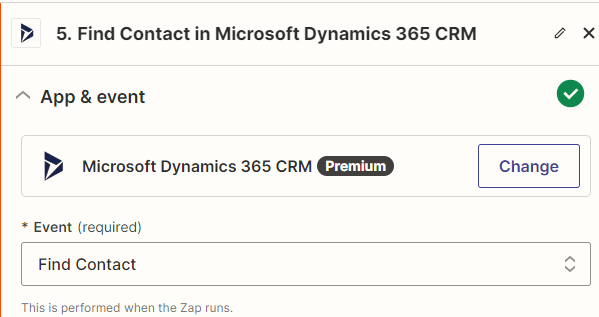
Here are the current settings, fairly standard. I will look into using a custom action.


Thanks,

Andrew


ken.a
Forum|alt.badge.img+6
  • Zapier Staff
  • February 8, 2024

Hi there @Ajconnor,

I’m jumping in to see if I can help!

Does the “Find Contact” action indicate the status of the contact if it’s inactive or active? If so, I’d recommend adding a Filter by Zapier or Paths step to complete your desired workflow.

Hopefully, this helps!